Screen Mirroring - 1001 TVs PC
Nero AG
Download Screen Mirroring - 1001 TVs on PC With GameLoop Emulator
Screen Mirroring - 1001 TVs sa PC
Ang Screen Mirroring - 1001 TVs, na nagmumula sa developer na Nero AG, ay tumatakbo sa Android systerm sa nakaraan.
Ngayon, maaari mong laruin ang Screen Mirroring - 1001 TVs sa PC gamit ang GameLoop nang maayos.
I-download ito sa GameLoop library o mga resulta ng paghahanap. Hindi na tumitingin sa baterya o nakakadismaya na mga tawag sa maling oras.
I-enjoy lang ang Screen Mirroring - 1001 TVs PC sa malaking screen nang libre!
Screen Mirroring - 1001 TVs Panimula
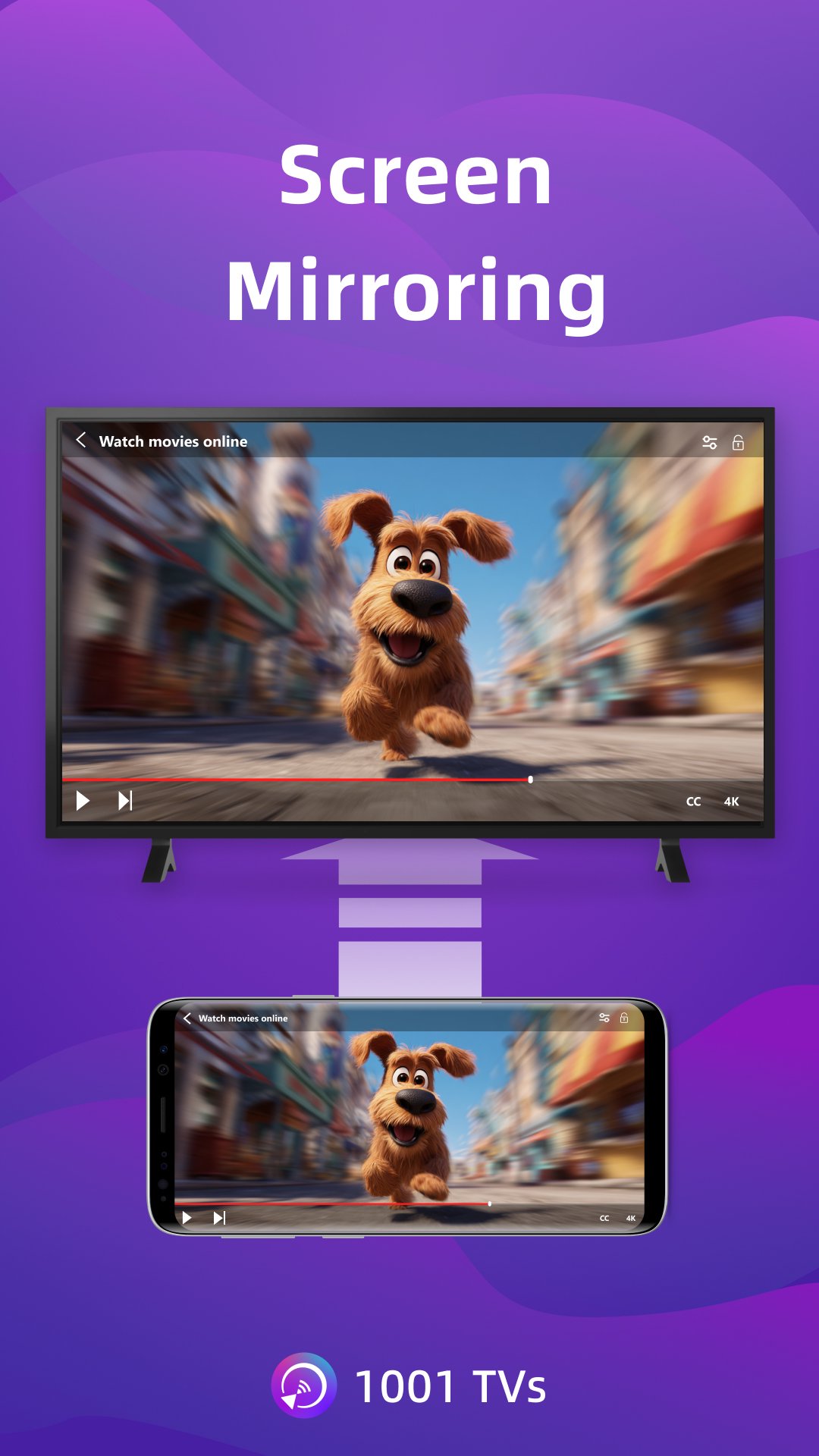
1001 TVs is a screen mirroring app that mirrors to Windows PC, Mac, Android TV and Apple TV. You can also receive screen mirroring from other phones, tablets, Windows PCs and Macs.
* Why You'll Love It?
1. Smooth & Clear Display – Original Image Quality
High frame rate, high definition, flicker-free, and easy on the eyes. Subtitles stay crystal clear with flexible configuration options. Perfect for watching videos with captions and comments.
2. Perfect for TikTok, YouTube and Vertical Videos
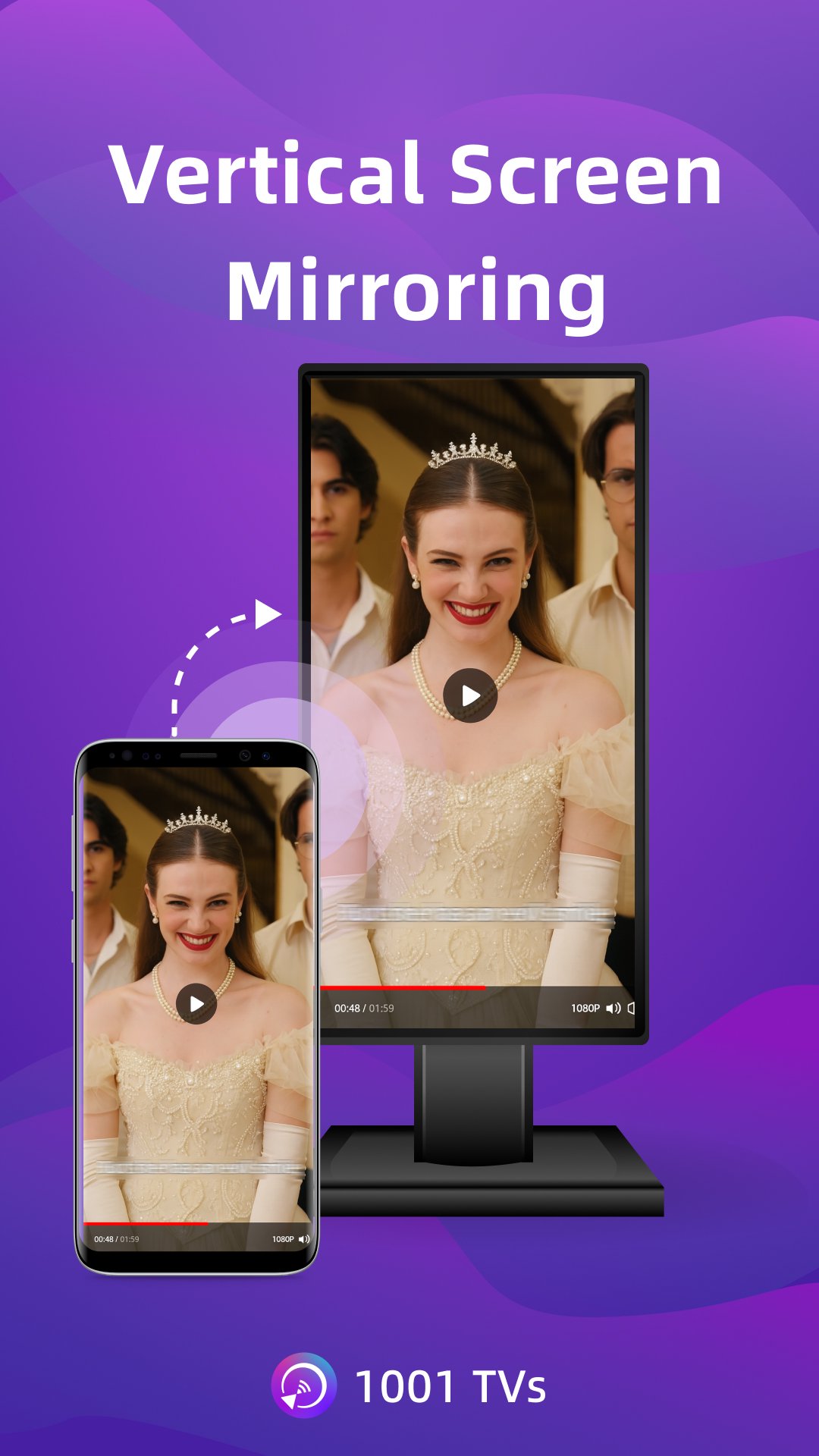
Auto rotation automatically follows your phone's rotation, perfectly maintaining the original aspect ratio. Enjoy TikTok on a big screen, just like using a large smartphone. Vertical screen mode lets you manually set any angle on your PC, Mac or TV.
3. Ultra-Low Latency Performance
Real-time low-latency mirroring with optimal balance between image quality and smoothness. Synchronized audio and video—no lag. Perfect for gaming and streaming.
4. Multi-phone Mirroring
Mirror multiple iPhones, Android phones, or tablets to one PC or Mac at the same time. Ideal for presentations and team meetings.
5. Single App Screen Mirroring
For Android 15 and above. Mirror only one app while keeping the rest of your phone private, or mirror the whole screen for full display.
6. Smart Display Modes
Three modes (Fit/Fill/Scale) smartly adapt to your screen, eliminating black bars when you cast to TV.
7. 100% Private & Secure
All screen mirroring data stays within your local network, never uploaded to the internet, ensuring 100% privacy protection.
8. Easy to Use
No complicated setup — just one tap to connect. Press OK to pause or resume anytime with your TV remote.
* Additional Features
1. File Transfer & Management – Quickly and safely send files between your phone, tablet, PC, and Mac — plus from phone to TV. No cables needed for wireless file transfer.
2. Web Streaming — Stream videos, music, and images to Smart TVs.
3. TV Remote Controller – Use your phone to auto-detect smart TVs on the same Wi-Fi. Control volume, home, direction pad, and select/confirm and so on.
4. TV Albums – Upload photos, videos, and music to your TV for anytime viewing.
* How to Use?
1. Install 1001 TVs screen mirroring app on this phone and the device you want to mirror to (PC, Mac, TV, phone or tablet).
2. Ensure both devices are connected to the same Wi-Fi network for wireless display.
3. Open the app, select the device or scan the QR code to start.
* The following features are available for free trial, paid membership required on sender side after trial.
1. Screen mirroring between Phone, PC, Mac and TV
2. File Transferring between Phone, PC, Mac and TV
Email: 1001tvs@nero.com
Website: https://www.1001tvs.com
Terms: https://www.1001tvs.com/license/en/terms.html
Privacy: https://www.1001tvs.com/license/en/privacy.html
[Subscription Plan]
- Service Title: Auto-renew Weekly, Auto-renew Monthly, Auto-renew Yearly and Lifetime;
- Your payment will be charged to your store account once you confirm the purchase;
- Your subscription will automatically renew unless canceled at least 24 hours before the end of the current period;
- You can always cancel the subscription through your store account;
Preview
Tags
ToolsInformation
Developer
Nero AG
Latest Version
6.2.11.16
Last Updated
2026-09-09
Category
Tools
Available on
Google Play
Show More
How to play Screen Mirroring - 1001 TVs with GameLoop on PC
1. Download GameLoop from the official website, then run the exe file to install GameLoop
2. Open GameLoop and search for “Screen Mirroring - 1001 TVs” , find Screen Mirroring - 1001 TVs in the search results and click “Install”
3. Enjoy playing Screen Mirroring - 1001 TVs on GameLoop
Minimum requirements
OS
Windows 8.1 64-bit or Windows 10 64-bit
GPU
GTX 1050
CPU
i3-8300
Memory
8GB RAM
Storage
1GB available space
Recommended requirements
OS
Windows 8.1 64-bit or Windows 10 64-bit
GPU
GTX 1050
CPU
i3-9320
Memory
16GB RAM
Storage
1GB available space