
開票易 - 支票助手 PC
Seohea Production
Download 開票易 - 支票助手 on PC With GameLoop Emulator
開票易 - 支票助手 sa PC
Ang 開票易 - 支票助手, na nagmumula sa developer na Seohea Production, ay tumatakbo sa Android systerm sa nakaraan.
Ngayon, maaari mong laruin ang 開票易 - 支票助手 sa PC gamit ang GameLoop nang maayos.
I-download ito sa GameLoop library o mga resulta ng paghahanap. Hindi na tumitingin sa baterya o nakakadismaya na mga tawag sa maling oras.
I-enjoy lang ang 開票易 - 支票助手 PC sa malaking screen nang libre!
開票易 - 支票助手 Panimula
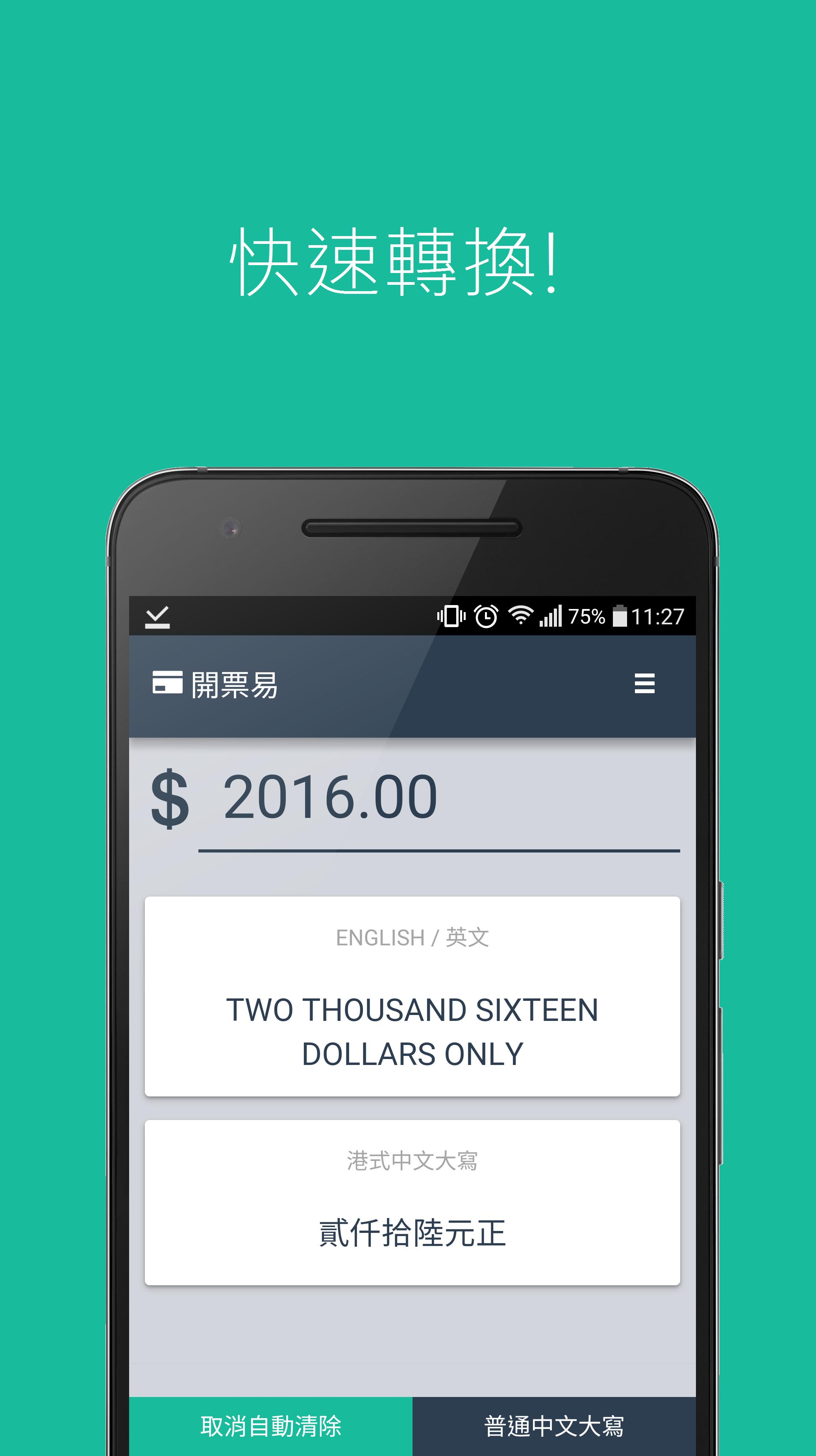
當開支票的時候忘記如何填寫銀碼?想確認自己填寫正確?請立即使用「開cheque易/開票易」!
「開cheque易/開票易」完全免費!並有以下特點:
- 快速轉換,毋須按轉換按鈕
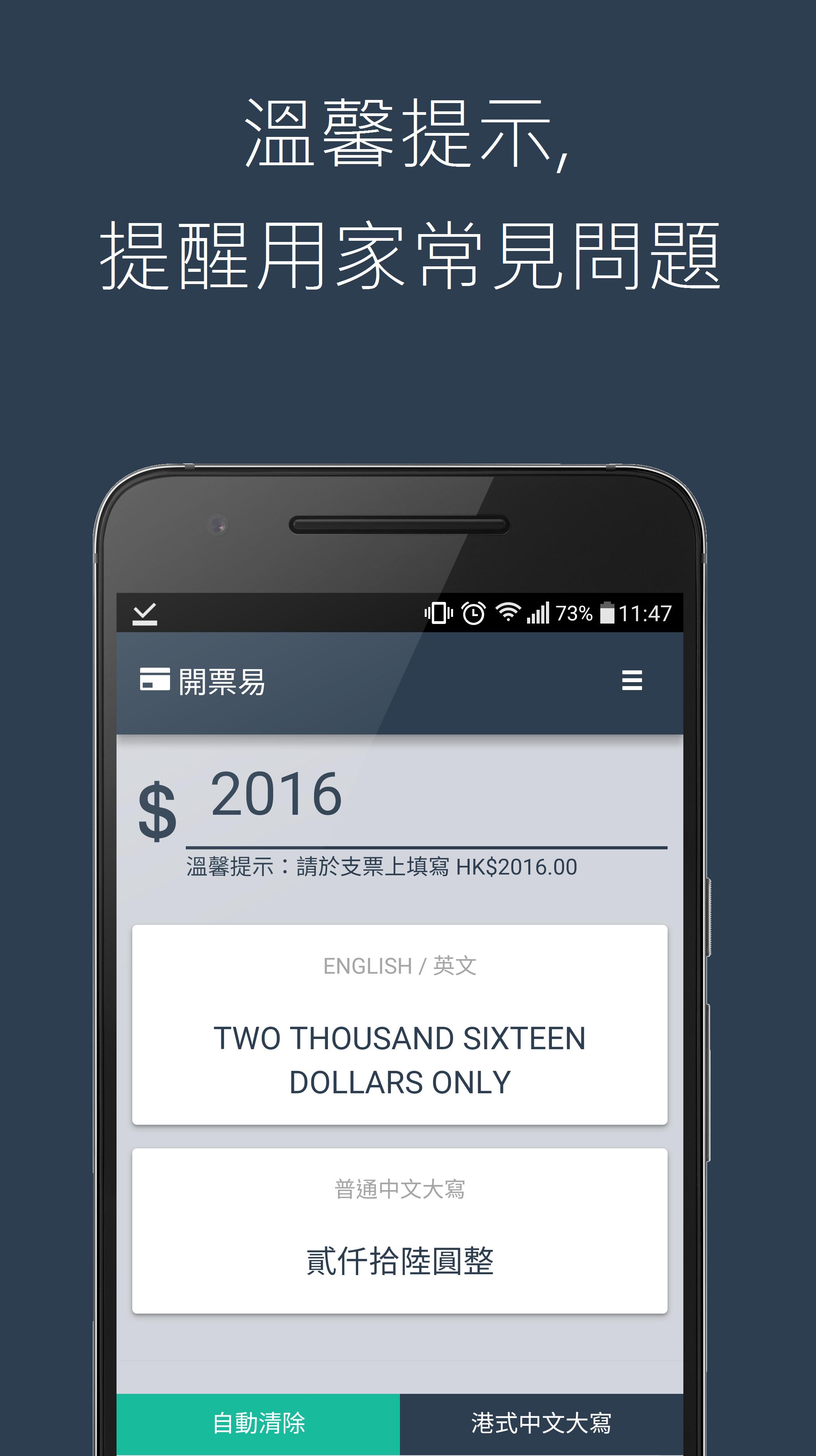
- 溫馨提示,提醒用家常見錯誤
- 港式/傳統 中字大寫互換
- 簡單, 美觀, 清晰
×× 目前只提供繁體中文版本,不便之處,敬請見諒。
如有問題反映,歡迎電郵至 seohea.production@gmail.com
Preview
Tags
ToolsInformation
Developer
Seohea Production
Latest Version
1.1
Last Updated
2016-02-11
Category
Tools
Available on
Google Play
Show More
How to play 開票易 - 支票助手 with GameLoop on PC
1. Download GameLoop from the official website, then run the exe file to install GameLoop
2. Open GameLoop and search for “開票易 - 支票助手” , find 開票易 - 支票助手 in the search results and click “Install”
3. Enjoy playing 開票易 - 支票助手 on GameLoop
Minimum requirements
OS
Windows 8.1 64-bit or Windows 10 64-bit
GPU
GTX 1050
CPU
i3-8300
Memory
8GB RAM
Storage
1GB available space
Recommended requirements
OS
Windows 8.1 64-bit or Windows 10 64-bit
GPU
GTX 1050
CPU
i3-9320
Memory
16GB RAM
Storage
1GB available space