Clip Cloud - Clipboard Sync PC
Ruoxin He
Download Clip Cloud - Clipboard Sync on PC With GameLoop Emulator
Clip Cloud - Clipboard Sync sa PC
Ang Clip Cloud - Clipboard Sync, na nagmumula sa developer na Ruoxin He, ay tumatakbo sa Android systerm sa nakaraan.
Ngayon, maaari mong laruin ang Clip Cloud - Clipboard Sync sa PC gamit ang GameLoop nang maayos.
I-download ito sa GameLoop library o mga resulta ng paghahanap. Hindi na tumitingin sa baterya o nakakadismaya na mga tawag sa maling oras.
I-enjoy lang ang Clip Cloud - Clipboard Sync PC sa malaking screen nang libre!
Clip Cloud - Clipboard Sync Panimula
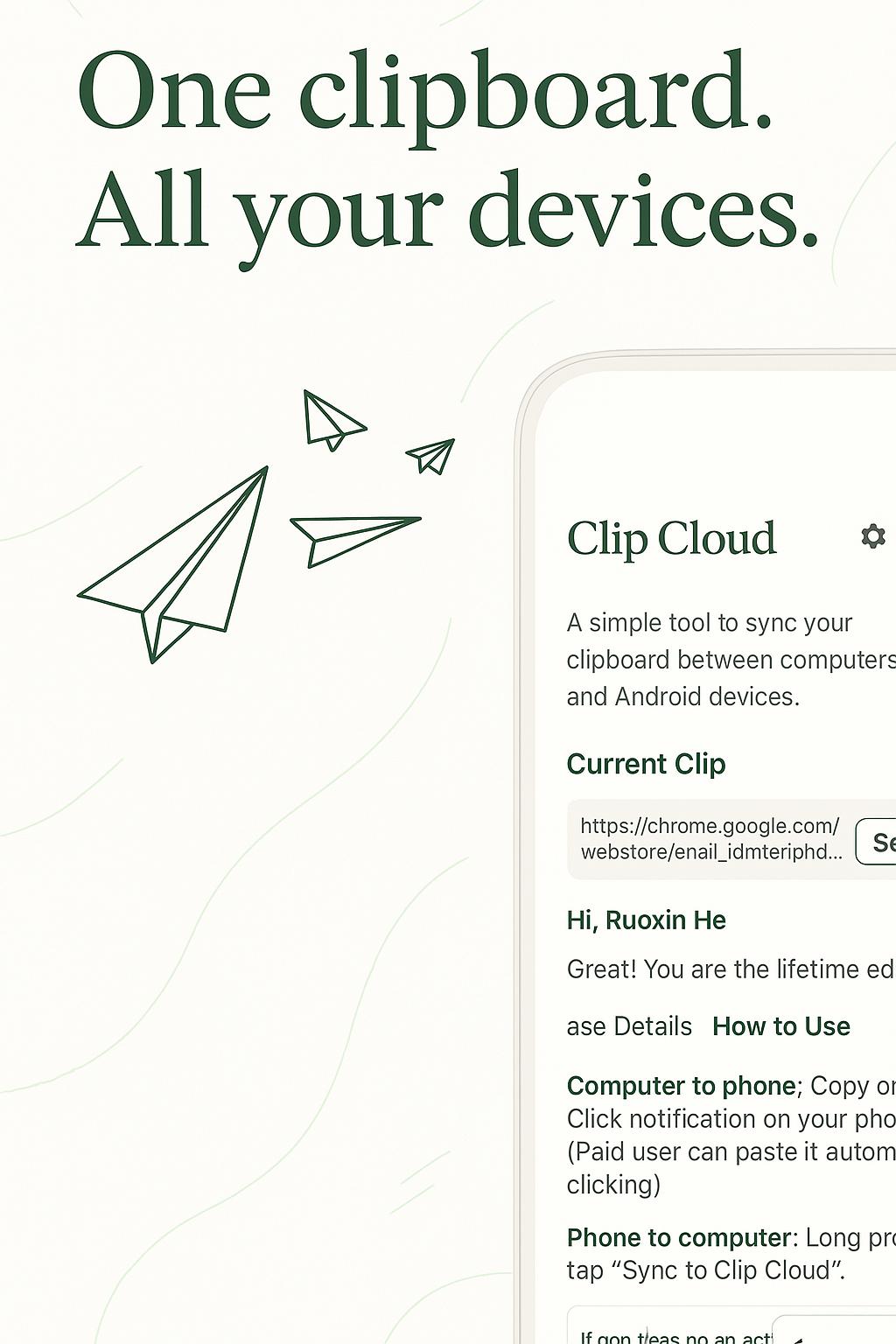
Clip Cloud - A simple tool to sync your clipboard between computers and Android devices.
Chrome Plugin: https://chrome.google.com/webstore/detail/njdmefplhdgmeenojkdagebgapfbabid
- How does it work?
Clip Cloud can help you to copy some text on a device and paste on the others. It works on Android, PC, Mac, and Linux. The clipboard will be encrypted and transmitted over the Google Cloud Message.
- Which platforms are supported?
It supports Android and any desktop environments(PC, Mac, and Linux) with Chrome extension.
- Is it encrypted?
Yes. All transmissions are encrypted by the AES algorithm.
- Will it store my clipboard?
No. All of the clipboards will be just send to Google Cloud Message immediately and no copy will be stored.
- What is the maximum length of the clipboard?
2000 characters.
- Why does it need me to pay?
A web server is required to implement this functionality, while the server is leased.
Preview
Tags
ToolsInformation
Developer
Ruoxin He
Latest Version
0.5.6
Last Updated
2025-07-21
Category
Tools
Available on
Google Play
Show More
How to play Clip Cloud - Clipboard Sync with GameLoop on PC
1. Download GameLoop from the official website, then run the exe file to install GameLoop
2. Open GameLoop and search for “Clip Cloud - Clipboard Sync” , find Clip Cloud - Clipboard Sync in the search results and click “Install”
3. Enjoy playing Clip Cloud - Clipboard Sync on GameLoop
Minimum requirements
OS
Windows 8.1 64-bit or Windows 10 64-bit
GPU
GTX 1050
CPU
i3-8300
Memory
8GB RAM
Storage
1GB available space
Recommended requirements
OS
Windows 8.1 64-bit or Windows 10 64-bit
GPU
GTX 1050
CPU
i3-9320
Memory
16GB RAM
Storage
1GB available space