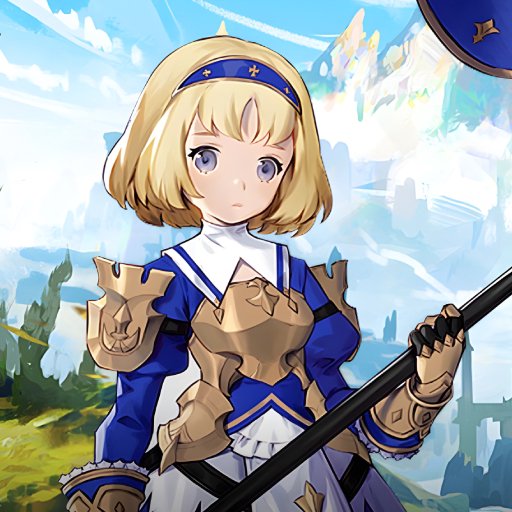
Dragon Sword PC
Hound 13
Download Dragon Sword on PC With GameLoop Emulator
Dragon Sword sa PC
Ang Dragon Sword, na nagmumula sa developer na Hound 13, ay tumatakbo sa Android systerm sa nakaraan.
Ngayon, maaari mong laruin ang Dragon Sword sa PC gamit ang GameLoop nang maayos.
I-download ito sa GameLoop library o mga resulta ng paghahanap. Hindi na tumitingin sa baterya o nakakadismaya na mga tawag sa maling oras.
I-enjoy lang ang Dragon Sword PC sa malaking screen nang libre!
Dragon Sword Panimula
Dragon Sword suits players who prefer hands on fighting with clear goals and a readable story. It aims for a bright tone with cute character visuals while keeping the action responsive and easy to pick up. The structure is planned so short sessions still feel rewarding, and longer runs allow steady progression. To follow development and receive future updates, you can download Dragon Sword and check details as new builds are released.
Dragon Sword Features
Manual Action Combat
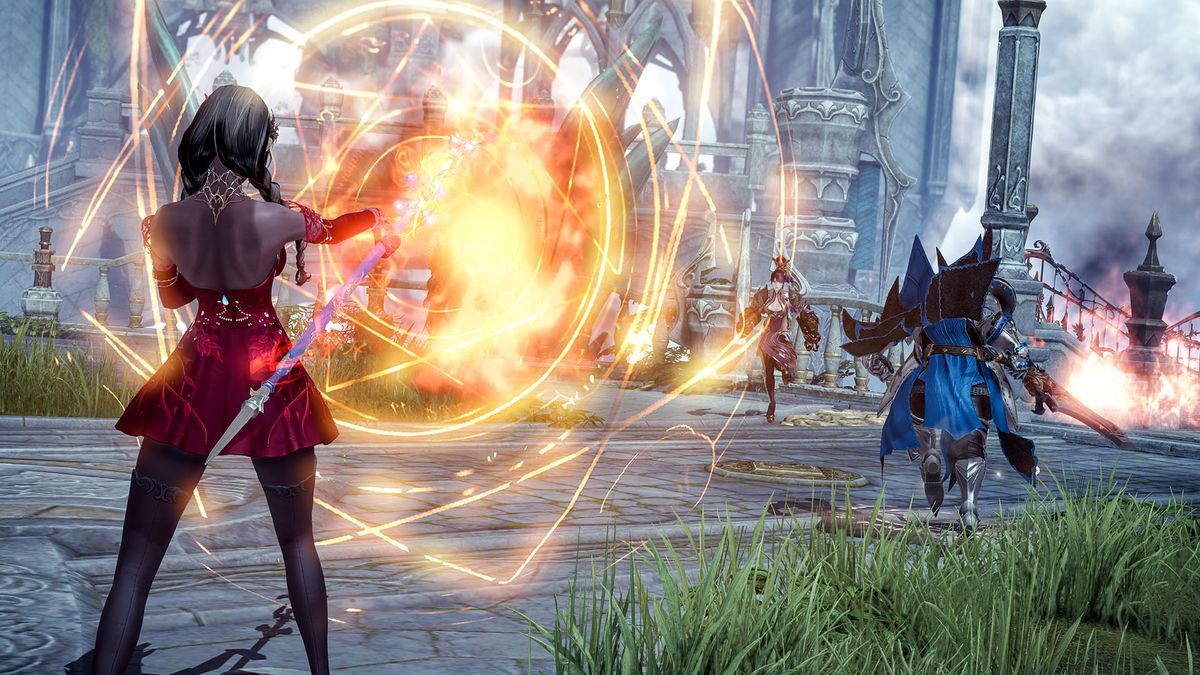
First, Dragon Sword centers on manual controls that reward timing and positioning. Attacks and skills are built to convey a clear hit feel, so every strike registers. You can move, dodge, and choose abilities directly rather than rely on automation.
Scenario Driven Progression
Next, you advance through in depth scenarios that connect encounters with context. Dialog and events organize tasks, making objectives and outcomes easy to understand. This structure keeps battles linked to the story without breaking pace.
Field Based Exploration
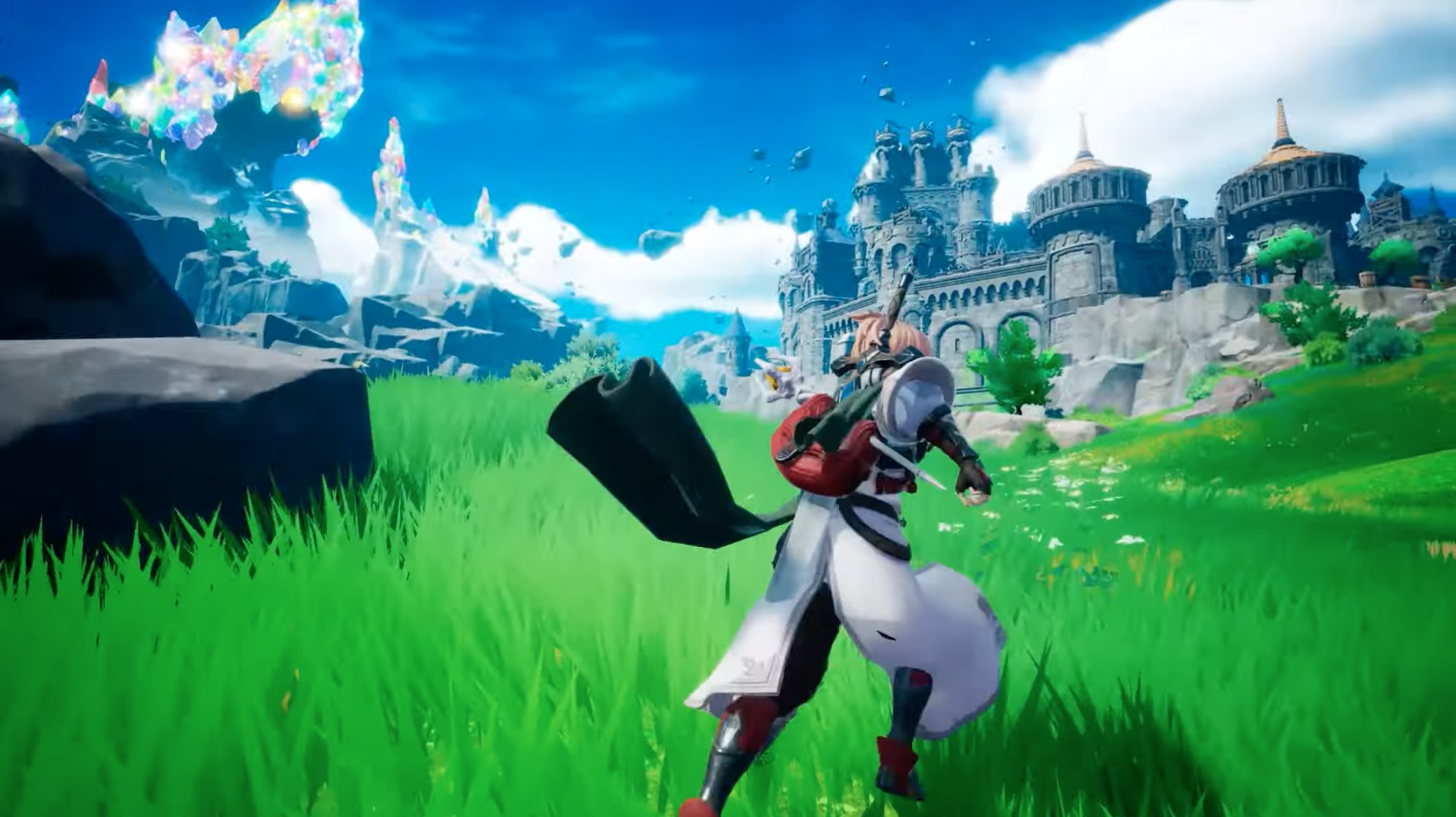
Then, exploration uses field areas that open in a semi open world format. You travel between zones, interact with objects and characters, and discover routes as you play. These interactions add variety around combat and give reasons to revisit locations.
Visual Style and Cross Platform Goal
Finally, the game adopts a cute character visual concept aimed at broad communication. Action is intended to stay bright and light while still feeling engaging. Development uses Unreal Engine with a goal of supporting PC and mobile platforms together.
Get started with Dragon Sword
Review the details above and decide if the gameplay suits your needs. When you are ready, install the Dragon Sword APK and keep an eye on updates for new content.
Preview
Information
Developer
Hound 13
Category
Strategy
Show More
How to play Dragon Sword with GameLoop on PC
1. Download GameLoop from the official website, then run the exe file to install GameLoop
2. Open GameLoop and search for “Dragon Sword” , find Dragon Sword in the search results and click “Install”
3. Enjoy playing Dragon Sword on GameLoop
Minimum requirements
OS
Windows 8.1 64-bit or Windows 10 64-bit
GPU
GTX 1050
CPU
i3-8300
Memory
8GB RAM
Storage
1GB available space
Recommended requirements
OS
Windows 8.1 64-bit or Windows 10 64-bit
GPU
GTX 1050
CPU
i3-9320
Memory
16GB RAM
Storage
1GB available space