
Virtual Scoreboard - Sports PC
Leonardo Bortolotti
Download Virtual Scoreboard - Sports on PC With GameLoop Emulator
Virtual Scoreboard - Sports sa PC
Ang Virtual Scoreboard - Sports, na nagmumula sa developer na Leonardo Bortolotti, ay tumatakbo sa Android systerm sa nakaraan.
Ngayon, maaari mong laruin ang Virtual Scoreboard - Sports sa PC gamit ang GameLoop nang maayos.
I-download ito sa GameLoop library o mga resulta ng paghahanap. Hindi na tumitingin sa baterya o nakakadismaya na mga tawag sa maling oras.
I-enjoy lang ang Virtual Scoreboard - Sports PC sa malaking screen nang libre!
Virtual Scoreboard - Sports Panimula
🏆 Keep score like a pro!
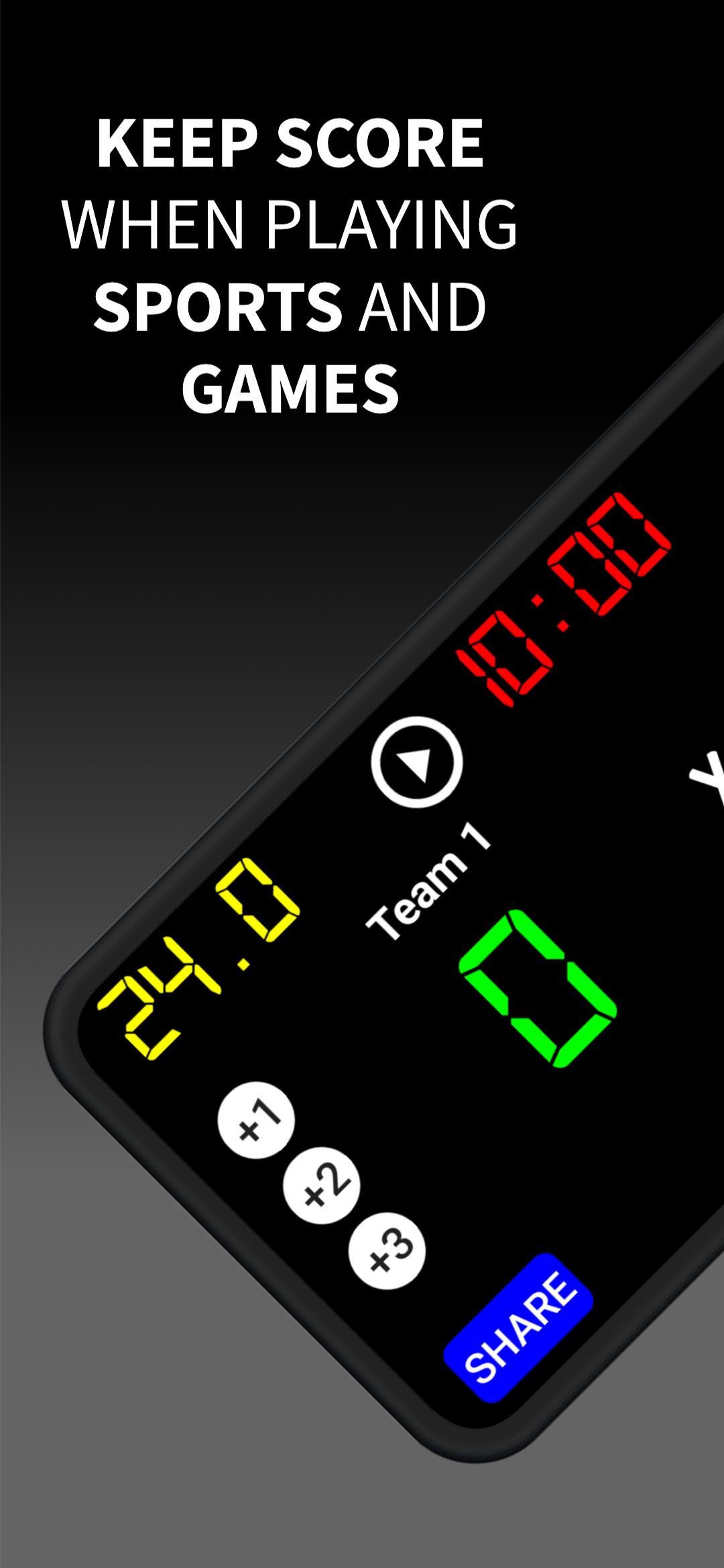
Virtual Scoreboard Sports turns your phone or tablet into a powerful digital scoreboard for more than 35 different sports. Whether you’re playing with friends, coaching a team, or organizing a tournament, you can control every score and timer in one place — no paper or confusion ever again.
⚙️ Simple and intuitive controls
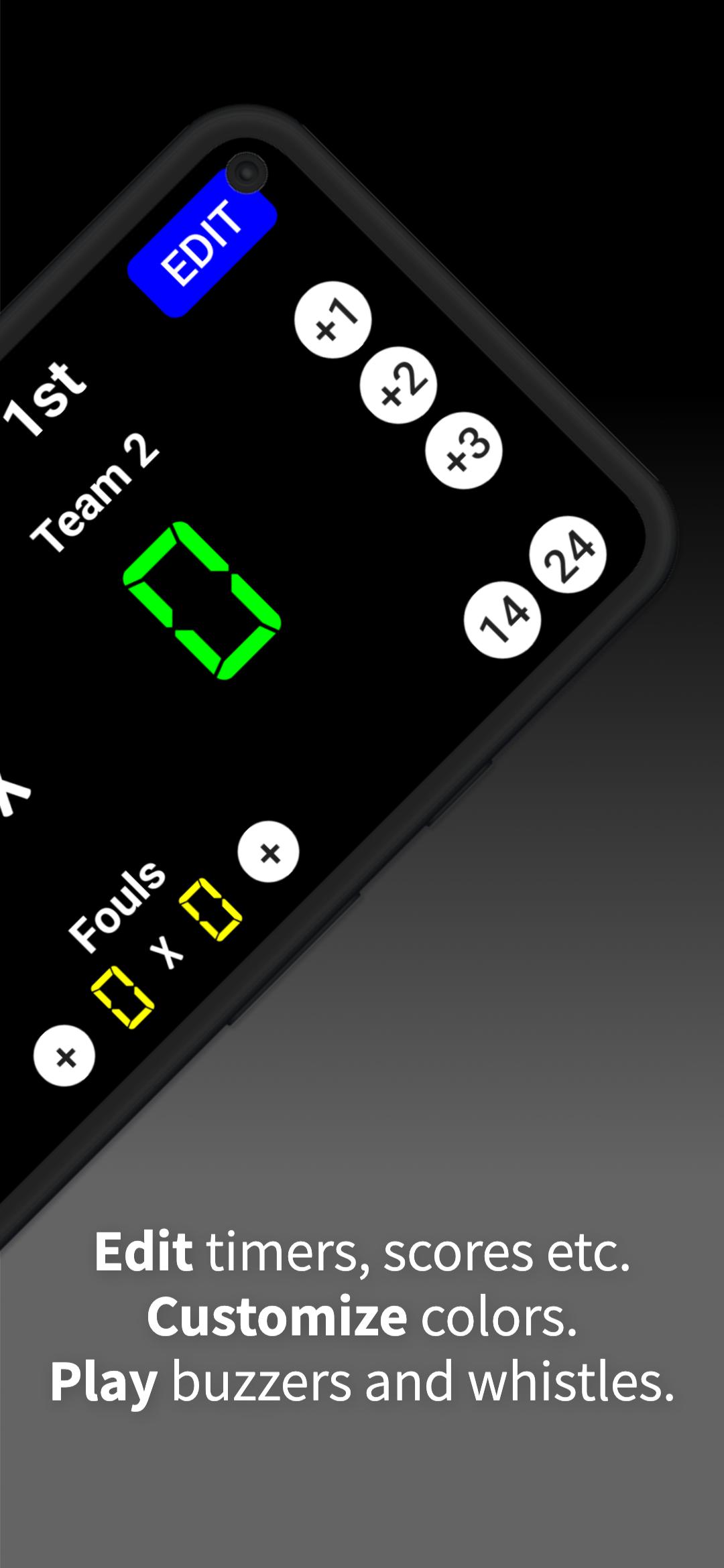
Update scores with a single tap, start or stop the timer, and manage results instantly.
🎨 Customize team names, colors, and sounds to match your game’s style.
🕒 Keep accurate time for every match — basketball, soccer, volleyball, tennis, handball, baseball, and more!
🏅 All sports in one app
Supports basketball, soccer, volleyball, tennis, handball, hockey, baseball, table tennis, badminton, rugby, and many others.
Perfect for schools, gyms, community tournaments, coaches, and friendly matches.
📊 Features you’ll love:
✔️ Track scores and time in real time
✔️ Fully customizable layout
✔️ Works offline — no internet required
✔️ Optimized for phones and tablets
✔️ Perfect for quick games and competitions
🎯 Made for players, coaches, and fans
Virtual Scoreboard Sports helps you manage the game while staying focused on the fun. Whether on the court, in the field, or at home — it brings the excitement of sports right to your hands.
📲 Download now and make every match unforgettable!
Virtual Scoreboard Sports — the all-in-one sports timer and score tracker loved by players worldwide.
Preview
Tags
SportsInformation
Developer
Leonardo Bortolotti
Latest Version
2.5
Last Updated
2025-10-15
Category
Sports
Available on
Google Play
Show More
How to play Virtual Scoreboard - Sports with GameLoop on PC
1. Download GameLoop from the official website, then run the exe file to install GameLoop
2. Open GameLoop and search for “Virtual Scoreboard - Sports” , find Virtual Scoreboard - Sports in the search results and click “Install”
3. Enjoy playing Virtual Scoreboard - Sports on GameLoop
Minimum requirements
OS
Windows 8.1 64-bit or Windows 10 64-bit
GPU
GTX 1050
CPU
i3-8300
Memory
8GB RAM
Storage
1GB available space
Recommended requirements
OS
Windows 8.1 64-bit or Windows 10 64-bit
GPU
GTX 1050
CPU
i3-9320
Memory
16GB RAM
Storage
1GB available space