
Scary five nights: Chapter 3 PC
HubGame
Download Scary five nights: Chapter 3 on PC With GameLoop Emulator
Scary five nights: Chapter 3 sa PC
Ang Scary five nights: Chapter 3, na nagmumula sa developer na HubGame, ay tumatakbo sa Android systerm sa nakaraan.
Ngayon, maaari mong laruin ang Scary five nights: Chapter 3 sa PC gamit ang GameLoop nang maayos.
I-download ito sa GameLoop library o mga resulta ng paghahanap. Hindi na tumitingin sa baterya o nakakadismaya na mga tawag sa maling oras.
I-enjoy lang ang Scary five nights: Chapter 3 PC sa malaking screen nang libre!
Scary five nights: Chapter 3 Panimula
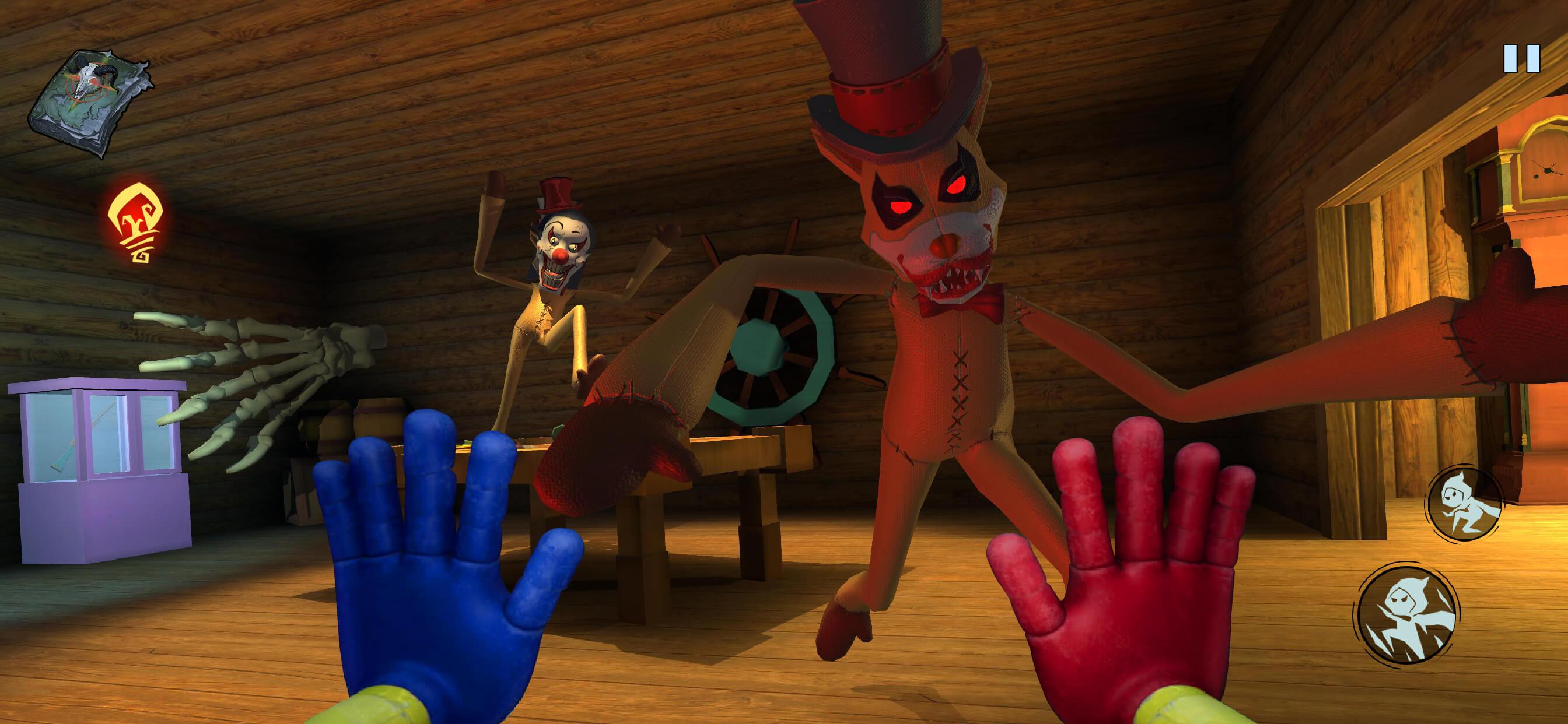
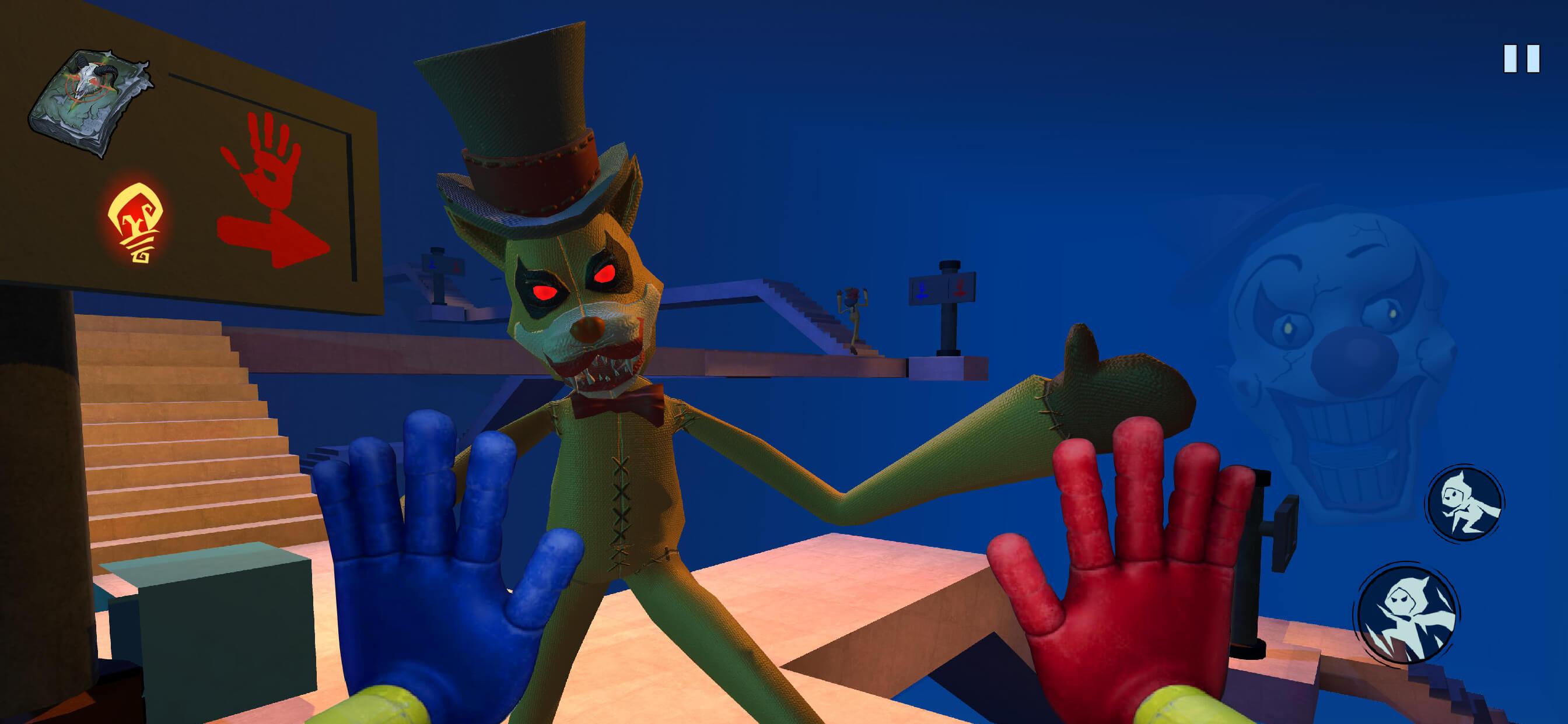
Scary five nights: Chapter 3 is coming! The new monster has joined the game!
Throughout the game, you need to roam around every room and complete all the fascinating quests to reach the final destination. Don't let the spooky atmosphere scare you away. Try to survive the frightening fluffy somewhere in the factory!
The new big monster is waiting for you inside this maze. Use your powerful Blue Hand and Red Hand to hack electrical circuits or grab anything from afar. Explore the mysterious facility... and don't get caught!
Join the unique game right now and experience full package of fun!
DOWNLOAD FOR FREE! The Big Bear is coming for you.
GAME FEATURES:
- Discover the truth of the Amusement park!
- Challenging and addictive escape adventure!
- Awe-inspiring survival terror lurks everywhere!
- Mind-bending and twisted puzzles
- Suspenseful gameplay and thrilling quests
- Chapter 3 will be coming soon!
- Amazing graphics and sound effects
Preview
Tags
SportsInformation
Developer
HubGame
Latest Version
1.0.5
Last Updated
2024-02-18
Category
Sports
Available on
Google Play
Show More
How to play Scary five nights: Chapter 3 with GameLoop on PC
1. Download GameLoop from the official website, then run the exe file to install GameLoop
2. Open GameLoop and search for “Scary five nights: Chapter 3” , find Scary five nights: Chapter 3 in the search results and click “Install”
3. Enjoy playing Scary five nights: Chapter 3 on GameLoop
Minimum requirements
OS
Windows 8.1 64-bit or Windows 10 64-bit
GPU
GTX 1050
CPU
i3-8300
Memory
8GB RAM
Storage
1GB available space
Recommended requirements
OS
Windows 8.1 64-bit or Windows 10 64-bit
GPU
GTX 1050
CPU
i3-9320
Memory
16GB RAM
Storage
1GB available space