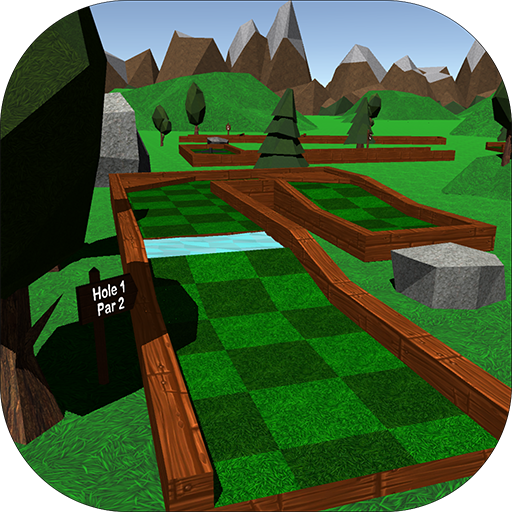
Mini Golf 3D Classic PC
5amStudios
Download Mini Golf 3D Classic on PC With GameLoop Emulator
Mini Golf 3D Classic sa PC
Ang Mini Golf 3D Classic, na nagmumula sa developer na 5amStudios, ay tumatakbo sa Android systerm sa nakaraan.
Ngayon, maaari mong laruin ang Mini Golf 3D Classic sa PC gamit ang GameLoop nang maayos.
I-download ito sa GameLoop library o mga resulta ng paghahanap. Hindi na tumitingin sa baterya o nakakadismaya na mga tawag sa maling oras.
I-enjoy lang ang Mini Golf 3D Classic PC sa malaking screen nang libre!
Mini Golf 3D Classic Panimula
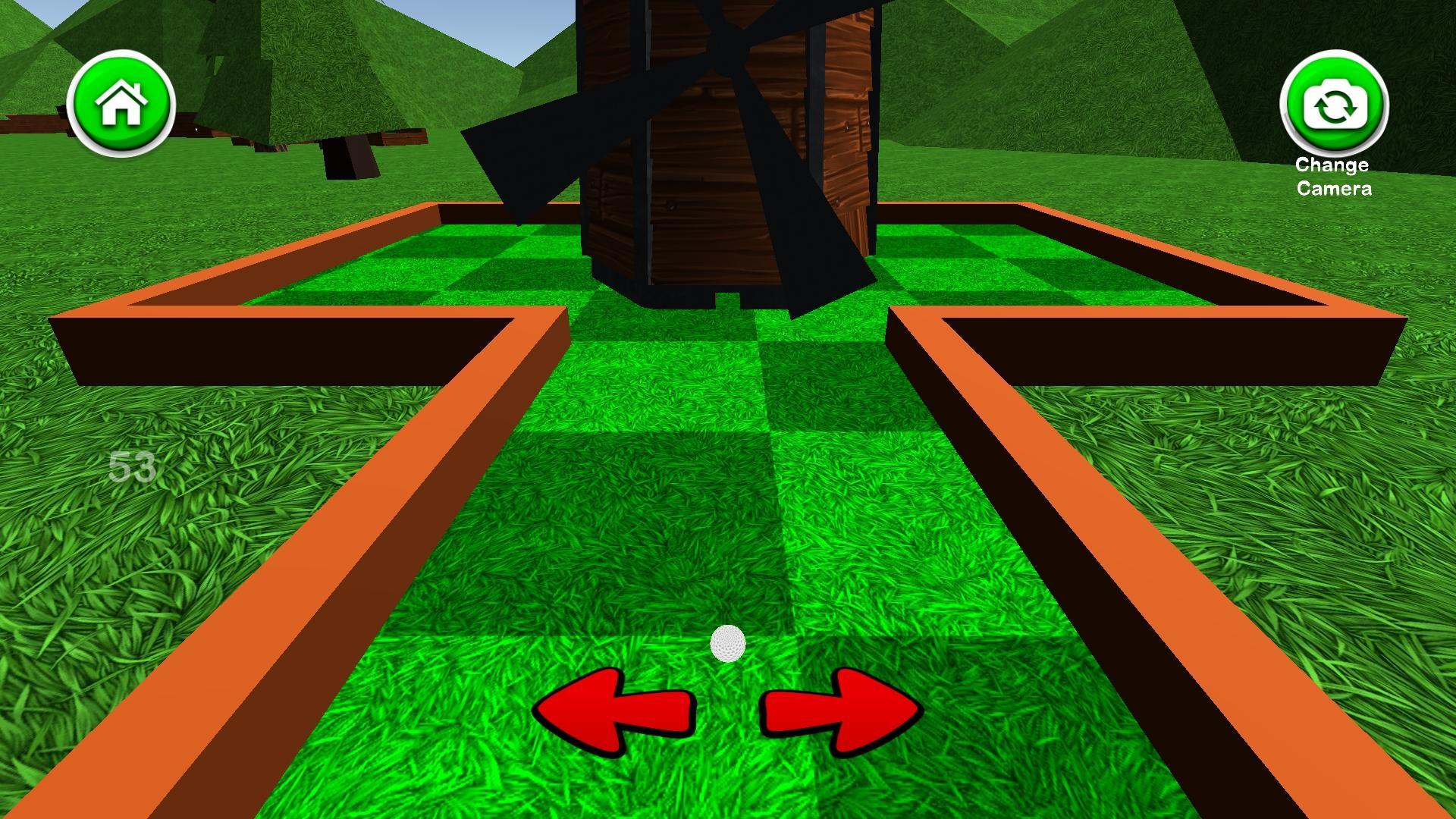
Mini Golf 3D Classic is a free mini golf game that includes six 18 hole courses with a simple to use interface and appealing graphics. Mini Golf 3D Classic features normal mode, where you can compare your high scores with people around the world and unlock achievements, and a practice mode where you can skip around the course and play any hole you like. You can earn coins by getting hole-in-ones and completing rounds, which can be spent on unlocking new ball colors, removing advertisements, and purchasing mulligans. There are also 3 different camera modes to cycle through including a behind-the-ball view, aerial view, and another view that gives you a preview of the hole. You can sign in to the Google Play Games Service to compete against friends on the global leader boards and earn achievements as well. The leader boards rank the best scores for the current day, week, and all time, as well as the total number of holes-in-one and rounds completed. If you enjoy mini golf, you'll love this relaxing, yet challenging mini golf game. See if you can set the high score and become the mini golf champion!
Interface Tutorial:
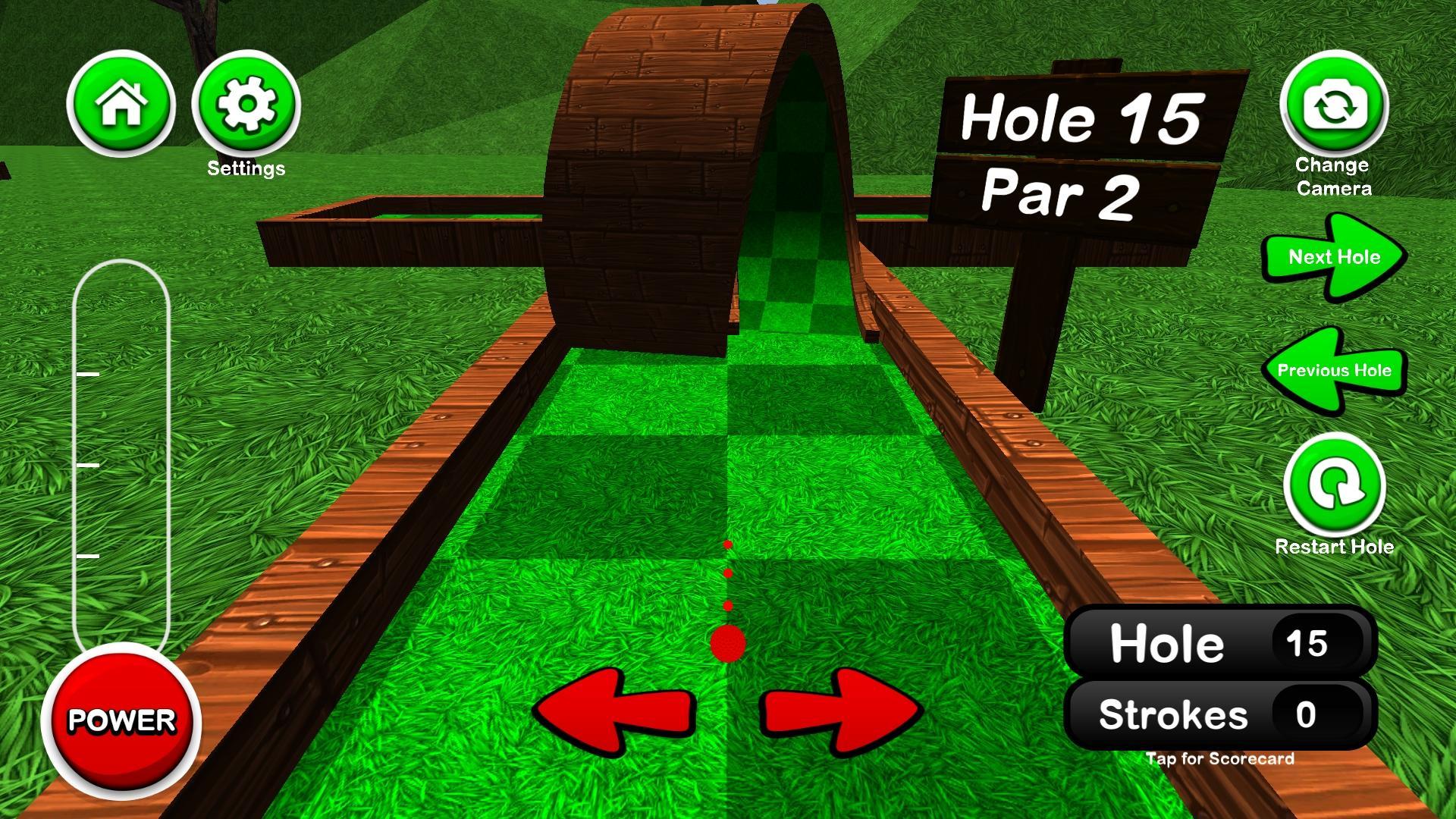
Tap or hold the left and right arrows to adjust your aim
Tap the power button once to start the power meter, then again to stop it at the desired power
Pressing the camera button in the top right cycles through the different camera views
Pressing the score in the bottom right opens/closes the scorecard
Preview
Tags
GolfCasualSingle playerStylizedOfflineInformation
Developer
5amStudios
Latest Version
5.5
Last Updated
2024-01-01
Category
Sports
Available on
Google Play
Show More
How to play Mini Golf 3D Classic with GameLoop on PC
1. Download GameLoop from the official website, then run the exe file to install GameLoop
2. Open GameLoop and search for “Mini Golf 3D Classic” , find Mini Golf 3D Classic in the search results and click “Install”
3. Enjoy playing Mini Golf 3D Classic on GameLoop
Minimum requirements
OS
Windows 8.1 64-bit or Windows 10 64-bit
GPU
GTX 1050
CPU
i3-8300
Memory
8GB RAM
Storage
1GB available space
Recommended requirements
OS
Windows 8.1 64-bit or Windows 10 64-bit
GPU
GTX 1050
CPU
i3-9320
Memory
16GB RAM
Storage
1GB available space