
Football Soccer Pro 19 PC
Mentor Game Studio
Download Football Soccer Pro 19 on PC With GameLoop Emulator
Football Soccer Pro 19 sa PC
Ang Football Soccer Pro 19, na nagmumula sa developer na Mentor Game Studio, ay tumatakbo sa Android systerm sa nakaraan.
Ngayon, maaari mong laruin ang Football Soccer Pro 19 sa PC gamit ang GameLoop nang maayos.
I-download ito sa GameLoop library o mga resulta ng paghahanap. Hindi na tumitingin sa baterya o nakakadismaya na mga tawag sa maling oras.
I-enjoy lang ang Football Soccer Pro 19 PC sa malaking screen nang libre!
Football Soccer Pro 19 Panimula
Football Soccer Pro 19
Lets start in android.Football Sccore Pro 2019
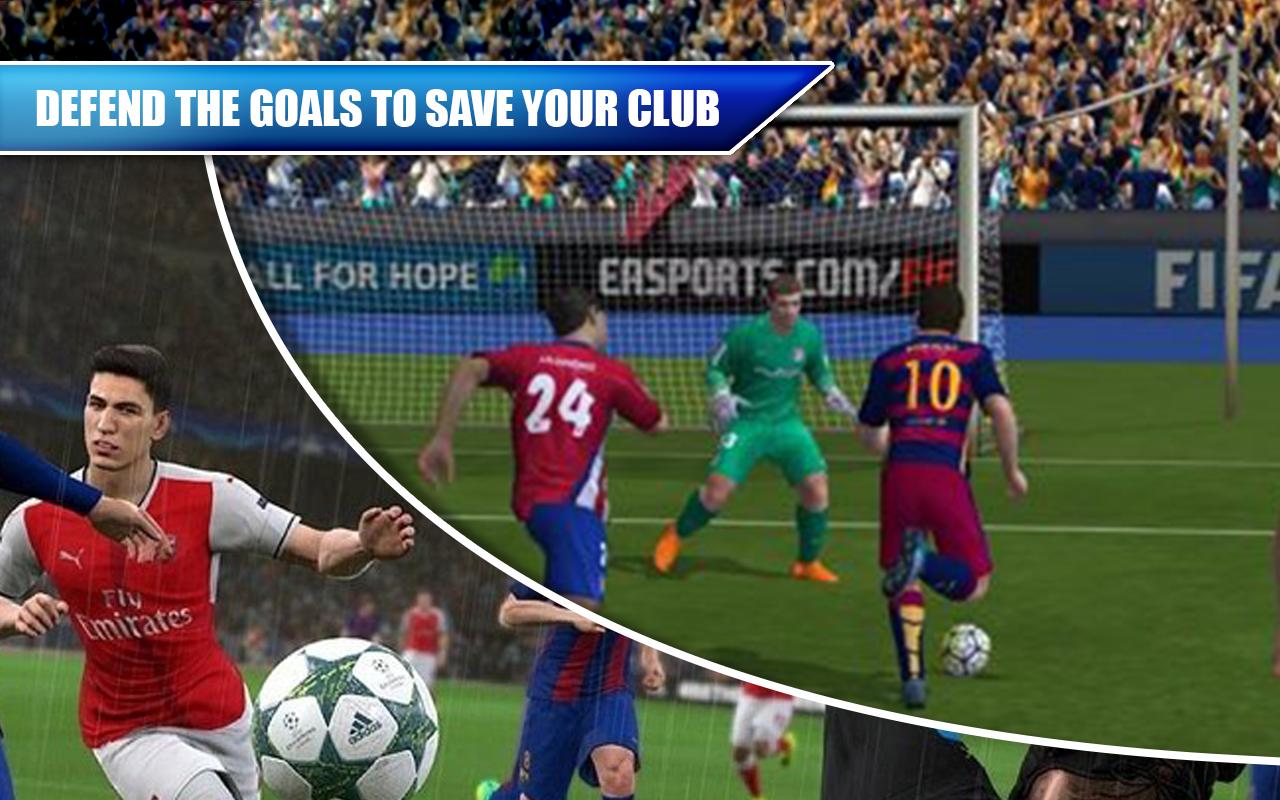
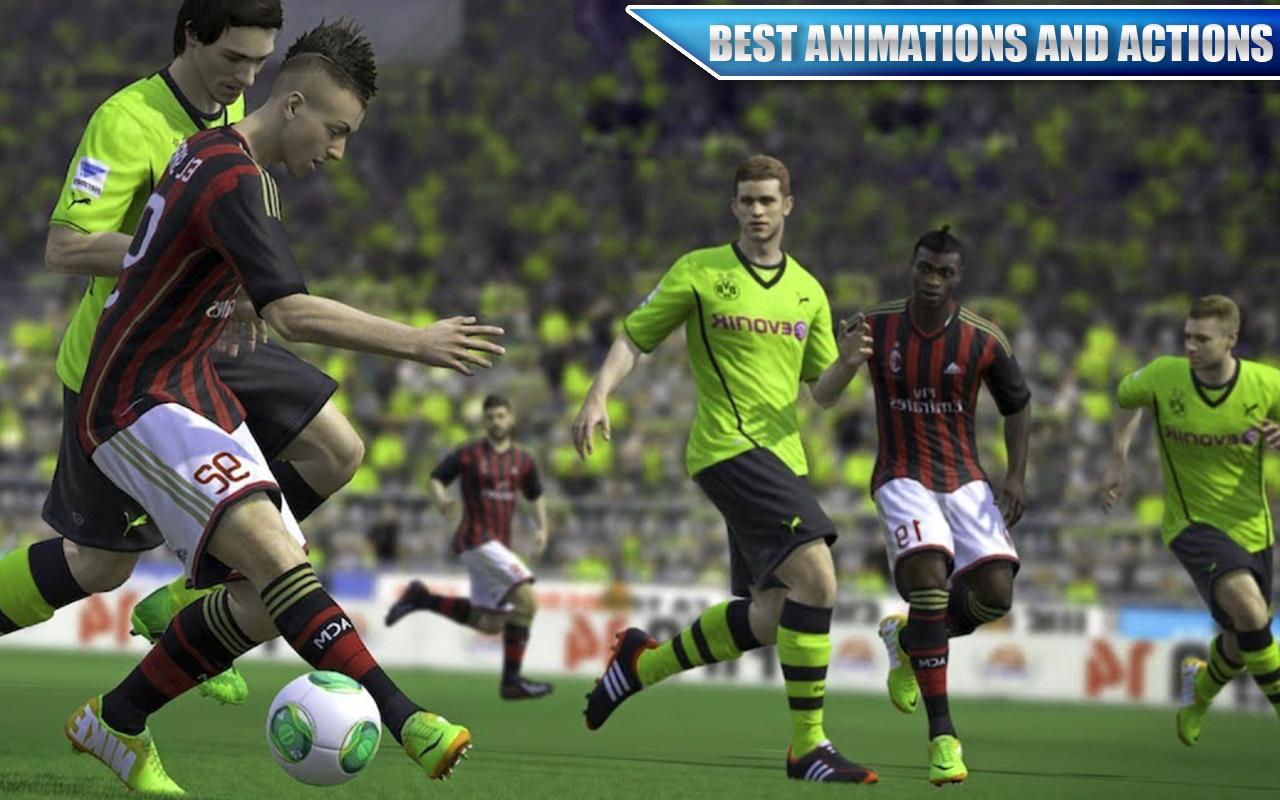
Football Score Pro 2019 is new addition of football games on playstore. Best timing and best angle and accurate force will creat perfect shoot. For Soccer lovers it is a great time pass. You can play with your favourite country teams. Utilize your best passing and kicking skills to win football game and score as much as you can. soccer pro
Advance artificial intelligence is used to control opponent score team to make game play realistic. Various camera angles are used to give best football soccer pro game play angles to users and football players. Graphics are very realistic and well managed to give beautiful and smooth game play.
There is no age barriers football game lover of any age can enjoy this realistic game and get feelings of a soccer player. Attractive user interference and smoot control will made game addictive and force you to play again and again.
Football Soccer Pro game Features:
Simple to play tough to master.
Realistic 3D graphics.
Different angles of camera.
Different countries teams select your favourite one.
Best scenes audio to made realistic.
Easy controls to play.
Modes & Time soccer pro:
There modes are used to made different difficulty levels of soccer.
If you are beginner then use easy mode.
If you are professional football game player then use medium mode.
If you are master then use hard mode to challenge best artificial intelligence.
3 Different time options for game time.
60 for short game play.
90 for medium game play.
120 for long game play.
Preview
Information
Developer
Mentor Game Studio
Latest Version
1.0
Last Updated
2019-08-30
Category
Sports
Available on
Google Play
Show More
How to play Football Soccer Pro 19 with GameLoop on PC
1. Download GameLoop from the official website, then run the exe file to install GameLoop
2. Open GameLoop and search for “Football Soccer Pro 19” , find Football Soccer Pro 19 in the search results and click “Install”
3. Enjoy playing Football Soccer Pro 19 on GameLoop
Minimum requirements
OS
Windows 8.1 64-bit or Windows 10 64-bit
GPU
GTX 1050
CPU
i3-8300
Memory
8GB RAM
Storage
1GB available space
Recommended requirements
OS
Windows 8.1 64-bit or Windows 10 64-bit
GPU
GTX 1050
CPU
i3-9320
Memory
16GB RAM
Storage
1GB available space