
FlashS: Football Livescore PC
WD Soft
Download FlashS: Football Livescore on PC With GameLoop Emulator
FlashS: Football Livescore sa PC
Ang FlashS: Football Livescore, na nagmumula sa developer na WD Soft, ay tumatakbo sa Android systerm sa nakaraan.
Ngayon, maaari mong laruin ang FlashS: Football Livescore sa PC gamit ang GameLoop nang maayos.
I-download ito sa GameLoop library o mga resulta ng paghahanap. Hindi na tumitingin sa baterya o nakakadismaya na mga tawag sa maling oras.
I-enjoy lang ang FlashS: Football Livescore PC sa malaking screen nang libre!
FlashS: Football Livescore Panimula
Most popular football live score app.
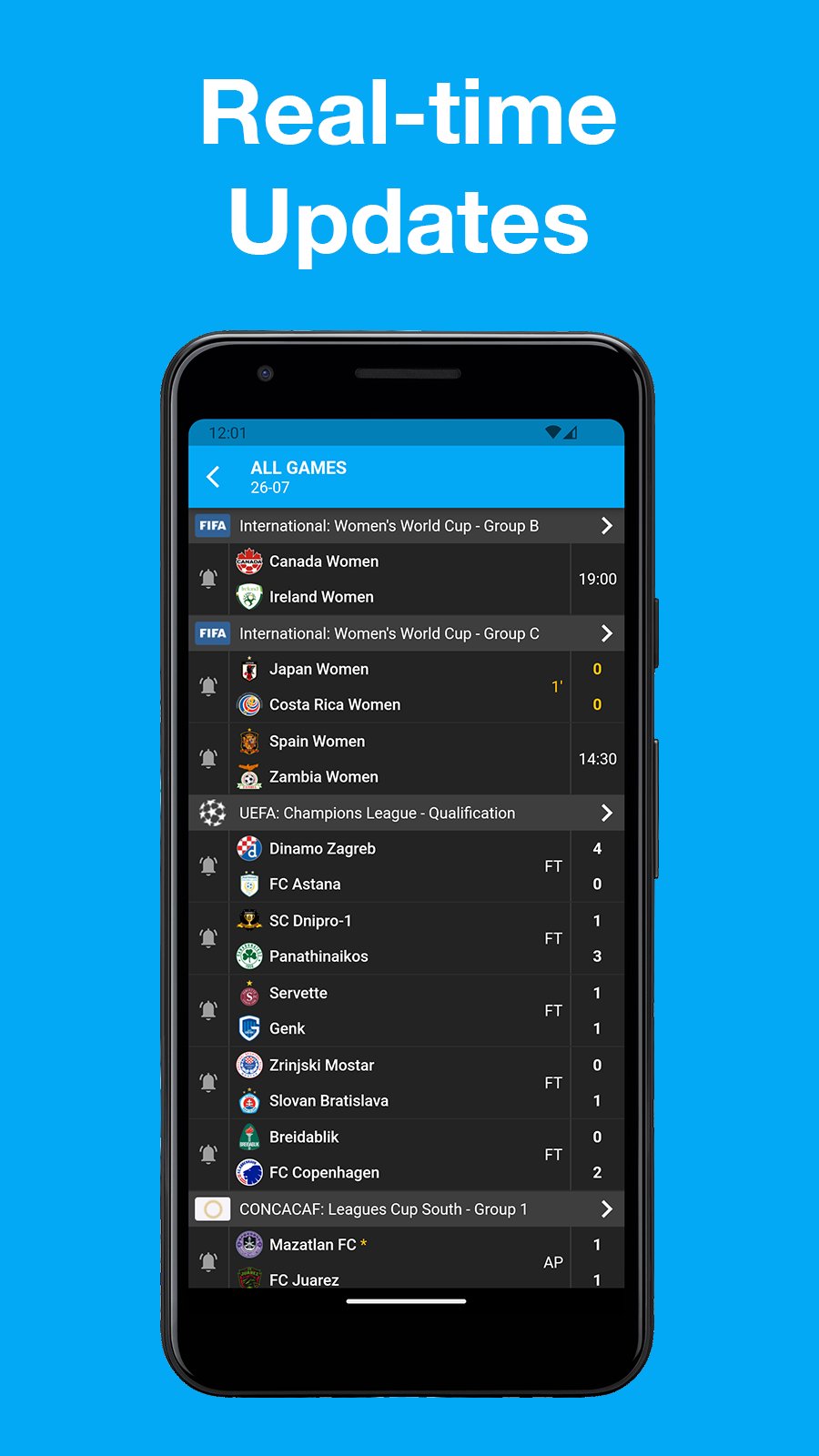
TheFlash have data of 1000+ leagues in the world with 1400000+ matches.
Subscribe on matches, teams or entire leagues to receive fast push notifications and you will never miss a match event.
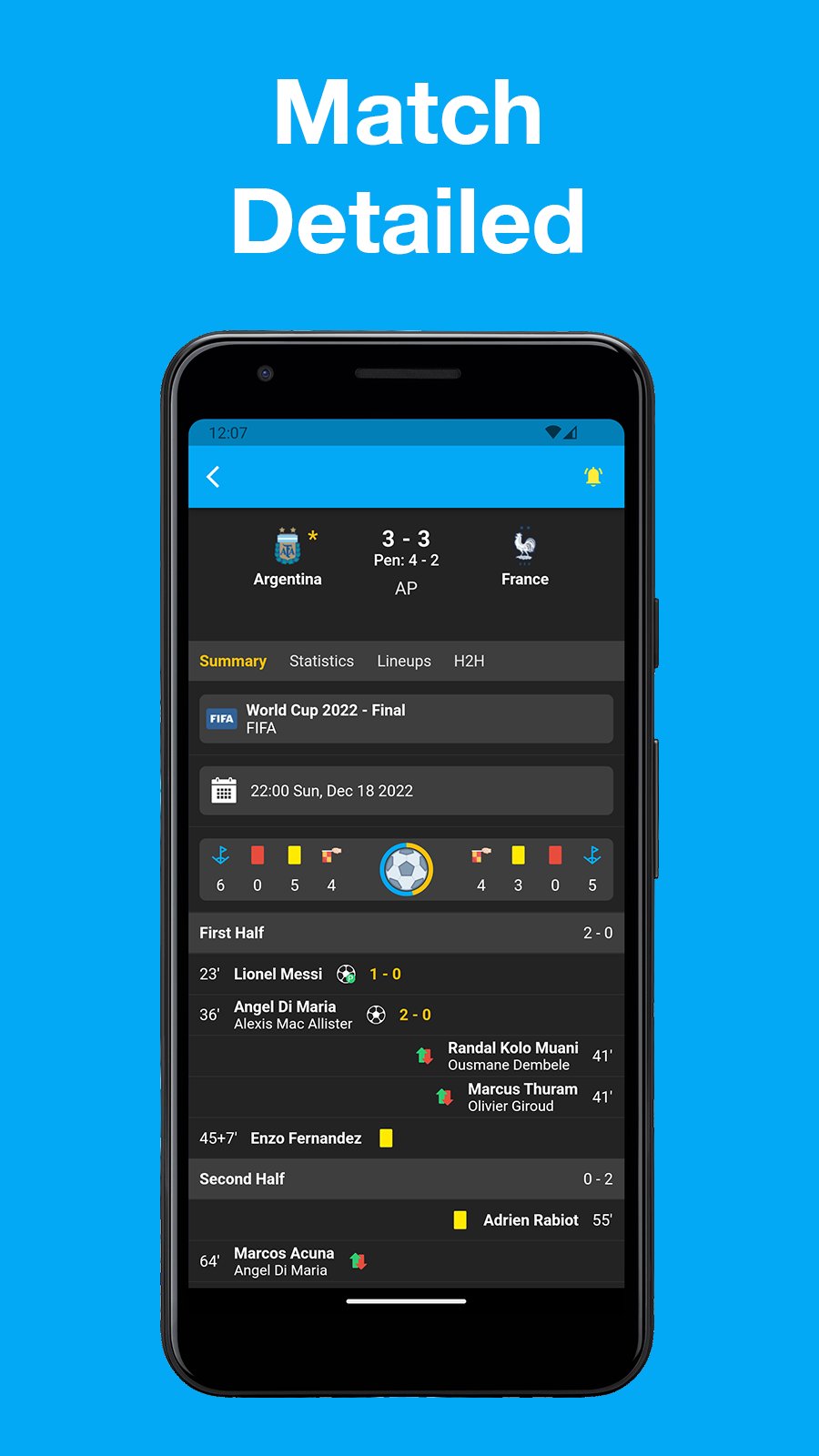
Interested in more info? Tons of statistics. line up info, etc.
All completely free now and forever.
Feature:
- Schedules/fixtures overviews per country/league.
- Live tables during soccer matches.
- Live football statistics (ball possession, shots on goal, etc)
- Player information.
- Team information.
- Substitutions.
- Dark mode.
Preview
Tags
SportsInformation
Developer
WD Soft
Latest Version
1.7.2
Last Updated
2025-12-12
Category
Sports
Available on
Google Play
Show More
How to play FlashS: Football Livescore with GameLoop on PC
1. Download GameLoop from the official website, then run the exe file to install GameLoop
2. Open GameLoop and search for “FlashS: Football Livescore” , find FlashS: Football Livescore in the search results and click “Install”
3. Enjoy playing FlashS: Football Livescore on GameLoop
Minimum requirements
OS
Windows 8.1 64-bit or Windows 10 64-bit
GPU
GTX 1050
CPU
i3-8300
Memory
8GB RAM
Storage
1GB available space
Recommended requirements
OS
Windows 8.1 64-bit or Windows 10 64-bit
GPU
GTX 1050
CPU
i3-9320
Memory
16GB RAM
Storage
1GB available space