Ducati Connect PC
Ducati Motor Holding S.p.A.
Download Ducati Connect on PC With GameLoop Emulator
Ducati Connect sa PC
Ang Ducati Connect, na nagmumula sa developer na Ducati Motor Holding S.p.A., ay tumatakbo sa Android systerm sa nakaraan.
Ngayon, maaari mong laruin ang Ducati Connect sa PC gamit ang GameLoop nang maayos.
I-download ito sa GameLoop library o mga resulta ng paghahanap. Hindi na tumitingin sa baterya o nakakadismaya na mga tawag sa maling oras.
I-enjoy lang ang Ducati Connect PC sa malaking screen nang libre!
Ducati Connect Panimula
Ducati Connect is the perfect companion for the Multistrada V4 S, Multistrada V4 S Sport, Multistrada V4 Grand Tour, Multistrada V4 Rally, Multistrada V4 Pikes Peak and Multistrada V4 RS.
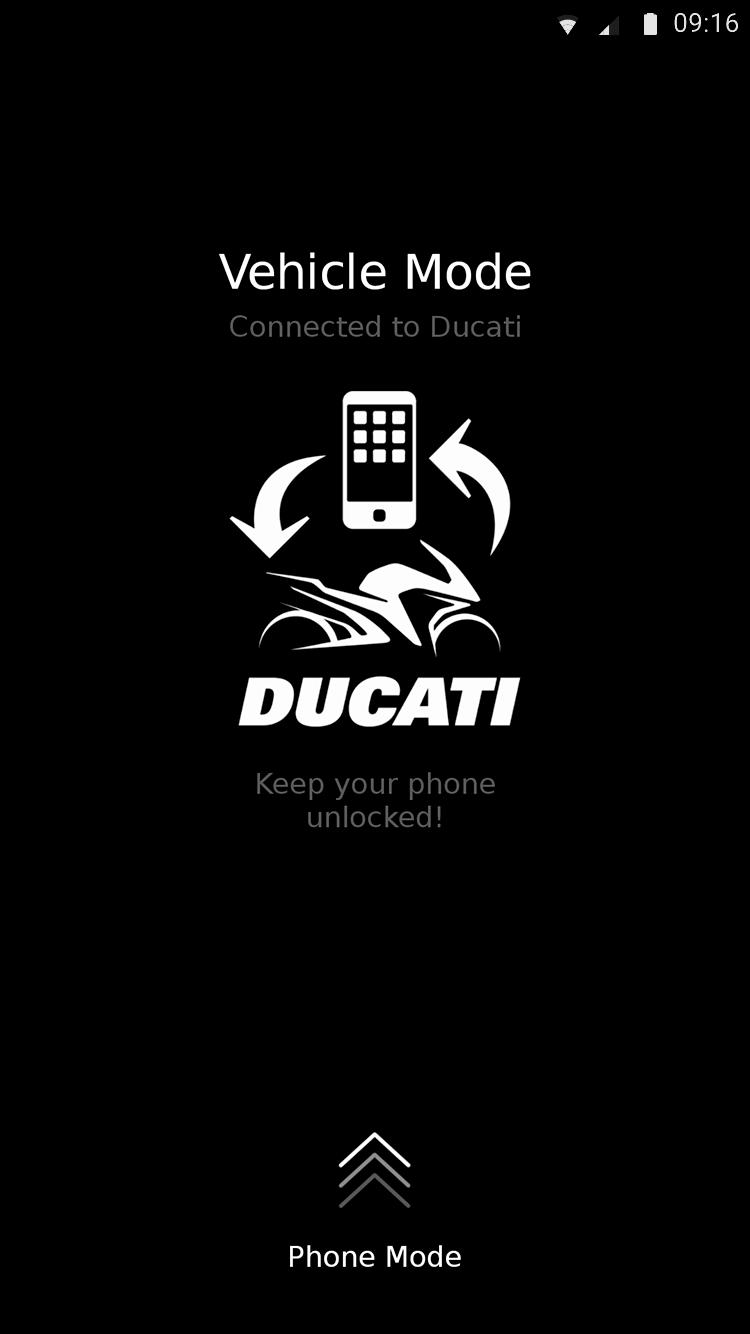
After pairing, Ducati Connect will wirelessly establish a connection with your bike and enable smartphone mirroring.
With Ducati Connect you may:
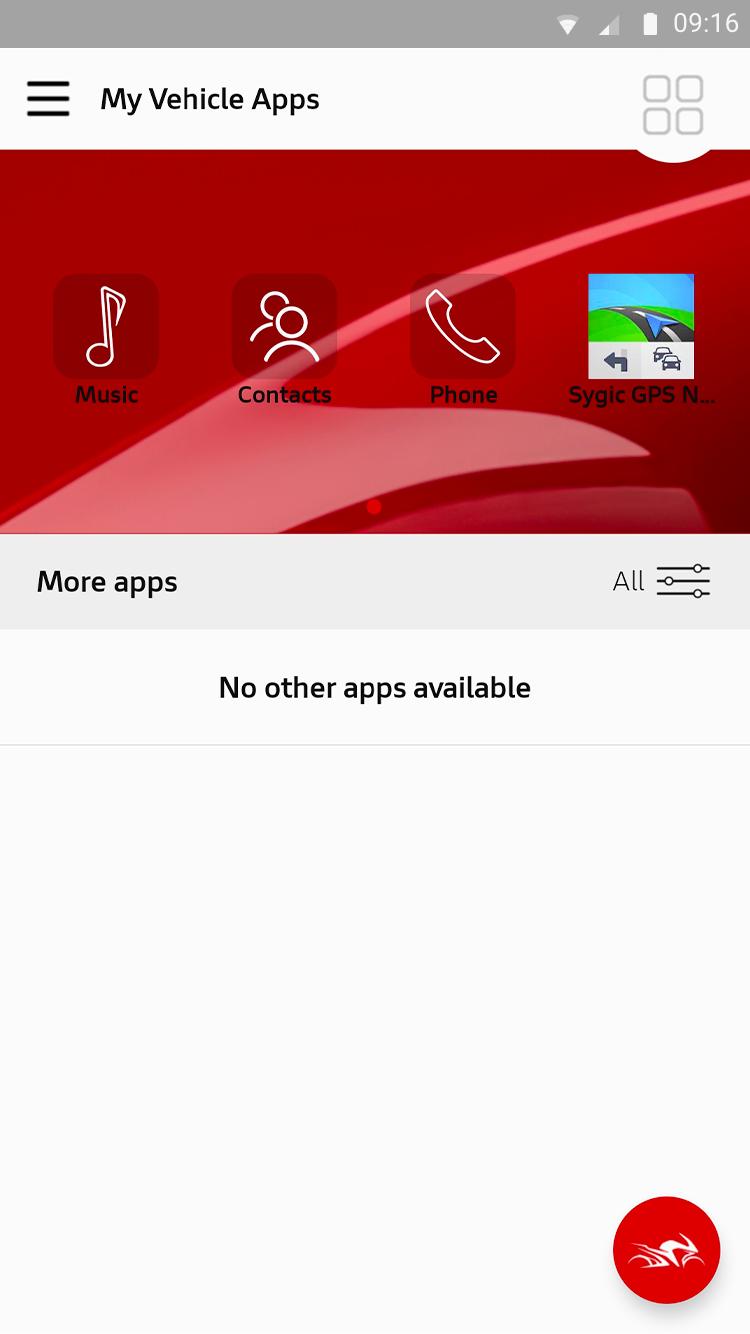
• Search your contacts or type a phone number using the keypad;
• Play your favourite music by scrolling through folders, artists, albums and playlists;
• Get directions with the Sygic GPS Navigation & Maps app installed on your smartphone.
All easily accessed from the Multistrada dashboard without ever taking your hands off the handlebars!
Notes:
• Ducati Connect is compatible only with the Multistrada V4 S, Multistrada V4 S Sport, Multistrada V4 Grand Tour, Multistrada V4 Rally, Multistrada V4 Pikes Peak and Multistrada V4 RS.
• The "Sygic GPS Navigation & Maps" has to be separately installed on your smartphone to enable the navigation functions on your Multistrada dashboard. The Premium navigation license will be activated free of charge following the first connection.
• Continued use of GPS tracking, Bluetooth communication and Wi-Fi mirroring may reduce the battery life of your smartphone.
Preview
Tags
SportsInformation
Developer
Ducati Motor Holding S.p.A.
Latest Version
2.24.0
Last Updated
2025-06-03
Category
Sports
Available on
Google Play
Show More
How to play Ducati Connect with GameLoop on PC
1. Download GameLoop from the official website, then run the exe file to install GameLoop
2. Open GameLoop and search for “Ducati Connect” , find Ducati Connect in the search results and click “Install”
3. Enjoy playing Ducati Connect on GameLoop
Minimum requirements
OS
Windows 8.1 64-bit or Windows 10 64-bit
GPU
GTX 1050
CPU
i3-8300
Memory
8GB RAM
Storage
1GB available space
Recommended requirements
OS
Windows 8.1 64-bit or Windows 10 64-bit
GPU
GTX 1050
CPU
i3-9320
Memory
16GB RAM
Storage
1GB available space