
DAG BETTING – Pre-Game & Live PC
ntagks
Download DAG BETTING – Pre-Game & Live on PC With GameLoop Emulator
DAG BETTING – Pre-Game & Live sa PC
Ang DAG BETTING – Pre-Game & Live, na nagmumula sa developer na ntagks, ay tumatakbo sa Android systerm sa nakaraan.
Ngayon, maaari mong laruin ang DAG BETTING – Pre-Game & Live sa PC gamit ang GameLoop nang maayos.
I-download ito sa GameLoop library o mga resulta ng paghahanap. Hindi na tumitingin sa baterya o nakakadismaya na mga tawag sa maling oras.
I-enjoy lang ang DAG BETTING – Pre-Game & Live PC sa malaking screen nang libre!
DAG BETTING – Pre-Game & Live Panimula
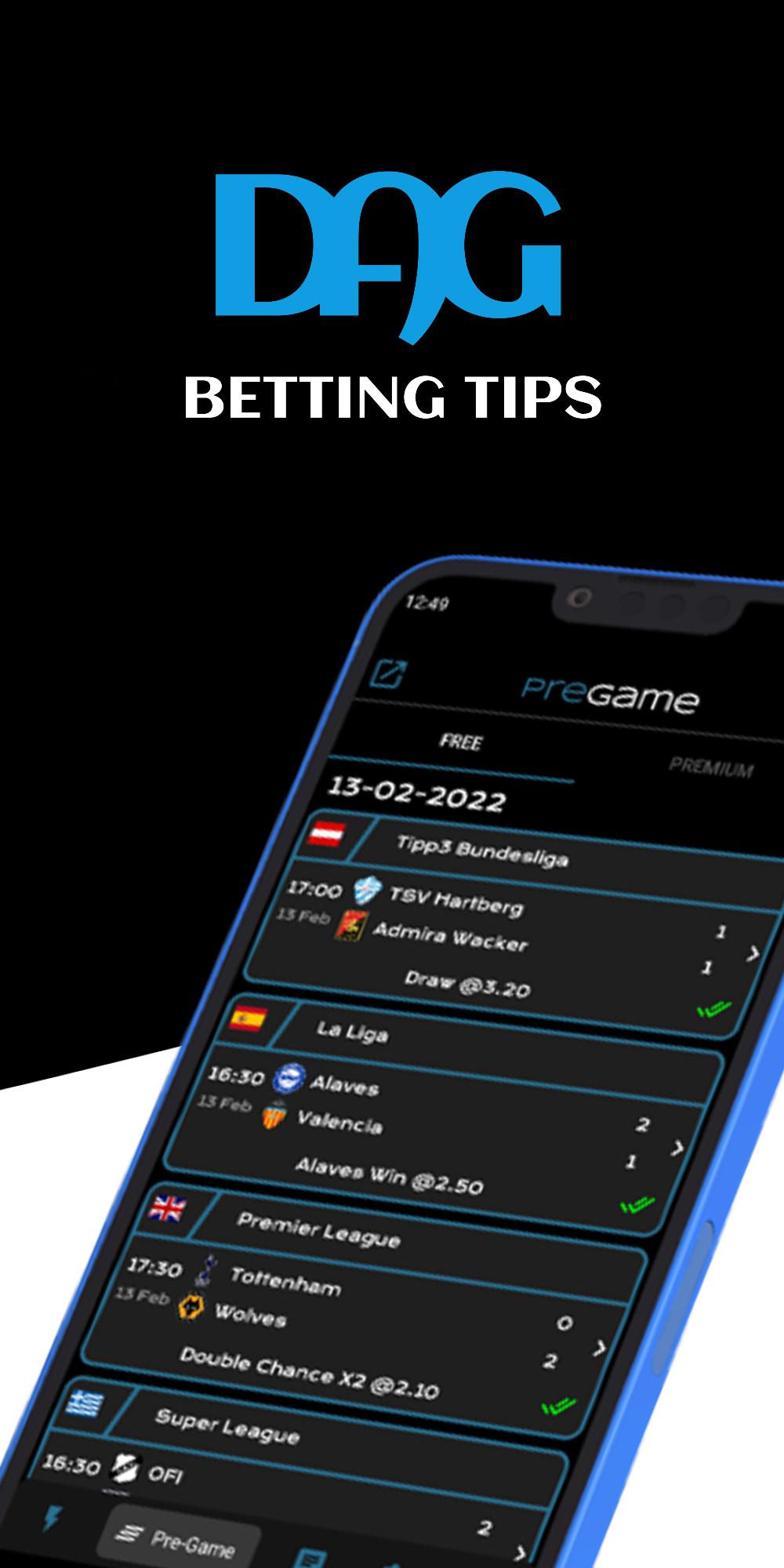
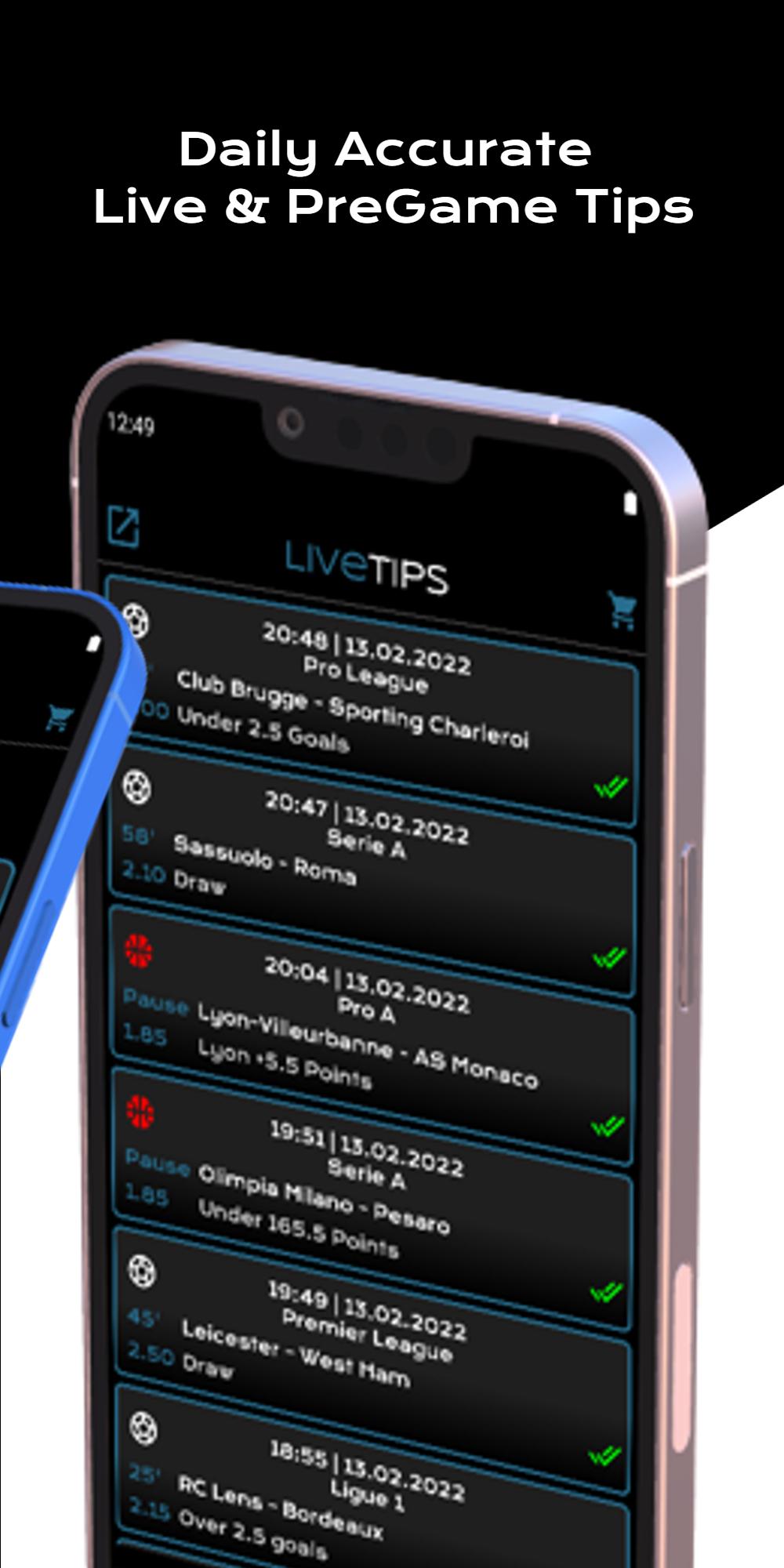
DAG BETTING – Pre-Game & Live is an application which offers daily betting suggestions.
The app is composed of three sections, free pre-game section, live section & premium section.
Live & premium sections are available via subscriptions. We offer 2-10 live tips per day & 4-5 pre-game tips. The number of tips depends on the number of games taking place the specific day.
Free section offers two games per day without subscription.
• Few words about the app:
✓ Notifications when new tips are posted
✓ Immediacy
✓ Easy to use
✓ Friendly and simple user interface
✓ Automatically updates
✓ High experience
✓ Specialization on football, basketball & tennis games
✓ Forum
✓ Time zone adjustment
✓ Odds exchanger
✓ Arbitrage calculator
✓ Odds display
For any problem or comment, do not hesitate to contact us by mailing ntagkcontact@gmail.com
Preview
Tags
SportsInformation
Developer
ntagks
Latest Version
6.6
Last Updated
2022-11-24
Category
Sports
Available on
Google Play
Show More
How to play DAG BETTING – Pre-Game & Live with GameLoop on PC
1. Download GameLoop from the official website, then run the exe file to install GameLoop
2. Open GameLoop and search for “DAG BETTING – Pre-Game & Live” , find DAG BETTING – Pre-Game & Live in the search results and click “Install”
3. Enjoy playing DAG BETTING – Pre-Game & Live on GameLoop
Minimum requirements
OS
Windows 8.1 64-bit or Windows 10 64-bit
GPU
GTX 1050
CPU
i3-8300
Memory
8GB RAM
Storage
1GB available space
Recommended requirements
OS
Windows 8.1 64-bit or Windows 10 64-bit
GPU
GTX 1050
CPU
i3-9320
Memory
16GB RAM
Storage
1GB available space