
Whap! - Video Contest App PC
Firebit, Inc.
Download Whap! - Video Contest App on PC With GameLoop Emulator
Whap! - Video Contest App sa PC
Ang Whap! - Video Contest App, na nagmumula sa developer na Firebit, Inc., ay tumatakbo sa Android systerm sa nakaraan.
Ngayon, maaari mong laruin ang Whap! - Video Contest App sa PC gamit ang GameLoop nang maayos.
I-download ito sa GameLoop library o mga resulta ng paghahanap. Hindi na tumitingin sa baterya o nakakadismaya na mga tawag sa maling oras.
I-enjoy lang ang Whap! - Video Contest App PC sa malaking screen nang libre!
Whap! - Video Contest App Panimula
Winning’s a snap with Whap!
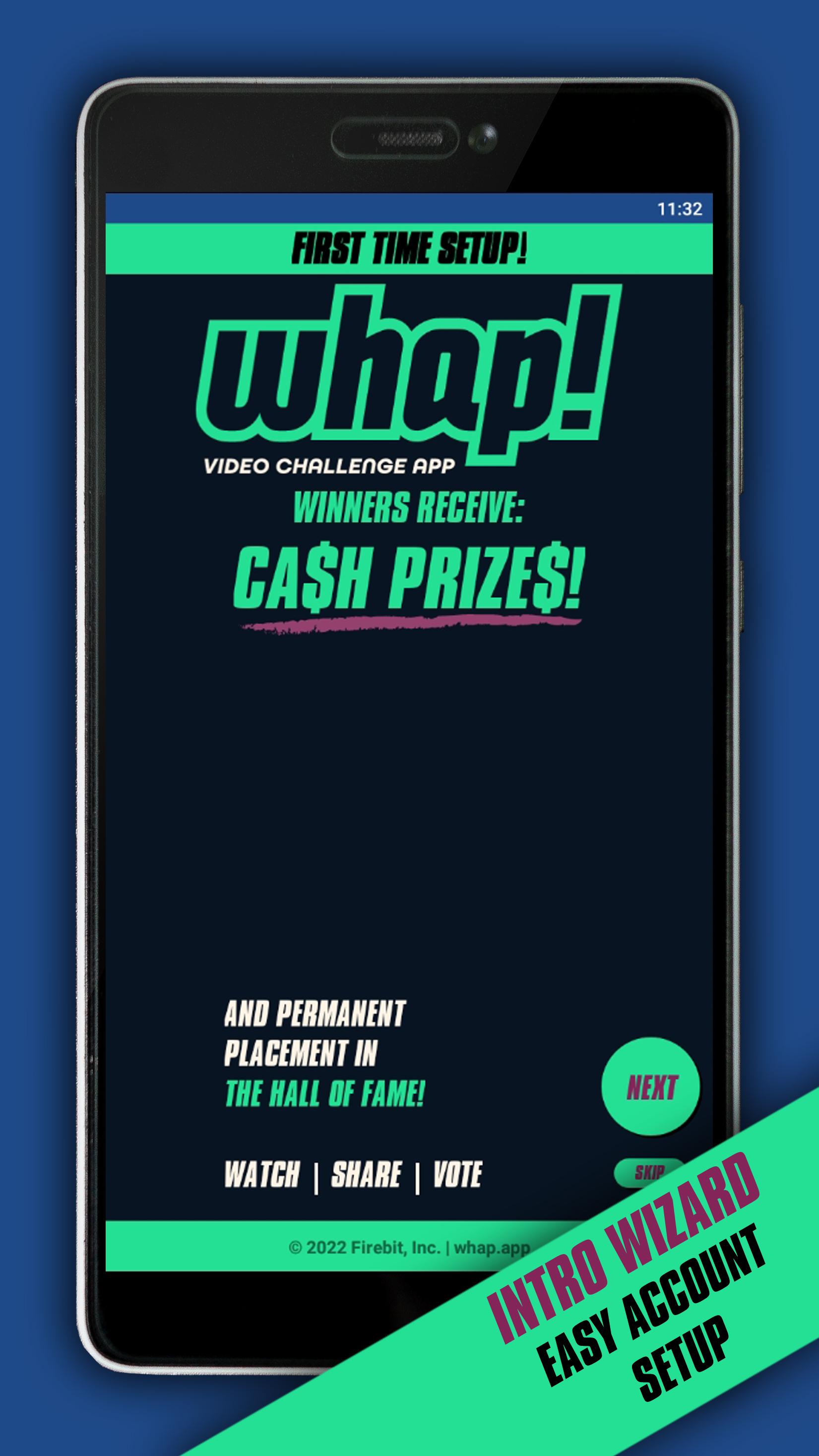
Whap! is THE destination to make you a Hall of Fame hero! Whap! allows you to take short 1-minute or less videos and submit them to the public Arena. Make your video creative, fun, silly or just plain awesome and watch the votes tally up! Each month, there are two Arena contests with multiple winners in six different categories, as voted by the community. At the end of the Arena contests, when all votes are totaled, if you win, your video will be kept in the Hall of Fame permanently while all other videos are removed from the Whap! public Arena and the contest begins again. Submit as many or few videos as you like then, vote, win, and get prizes.
Businesses can create Contests to offer products, services and discounts! Submit your videos to win exciting prizes from brands you love!
Whap! is your new arena!
Preview

Tags
SocialInformation
Developer
Firebit, Inc.
Latest Version
1.5.6
Last Updated
2023-06-16
Category
Social
Available on
Google Play
Show More
How to play Whap! - Video Contest App with GameLoop on PC
1. Download GameLoop from the official website, then run the exe file to install GameLoop
2. Open GameLoop and search for “Whap! - Video Contest App” , find Whap! - Video Contest App in the search results and click “Install”
3. Enjoy playing Whap! - Video Contest App on GameLoop
Minimum requirements
OS
Windows 8.1 64-bit or Windows 10 64-bit
GPU
GTX 1050
CPU
i3-8300
Memory
8GB RAM
Storage
1GB available space
Recommended requirements
OS
Windows 8.1 64-bit or Windows 10 64-bit
GPU
GTX 1050
CPU
i3-9320
Memory
16GB RAM
Storage
1GB available space