
No Last Seen No Blue Tick PC
Taha App Studio
Download No Last Seen No Blue Tick on PC With GameLoop Emulator
No Last Seen No Blue Tick sa PC
Ang No Last Seen No Blue Tick, na nagmumula sa developer na Taha App Studio, ay tumatakbo sa Android systerm sa nakaraan.
Ngayon, maaari mong laruin ang No Last Seen No Blue Tick sa PC gamit ang GameLoop nang maayos.
I-download ito sa GameLoop library o mga resulta ng paghahanap. Hindi na tumitingin sa baterya o nakakadismaya na mga tawag sa maling oras.
I-enjoy lang ang No Last Seen No Blue Tick PC sa malaking screen nang libre!
No Last Seen No Blue Tick Panimula
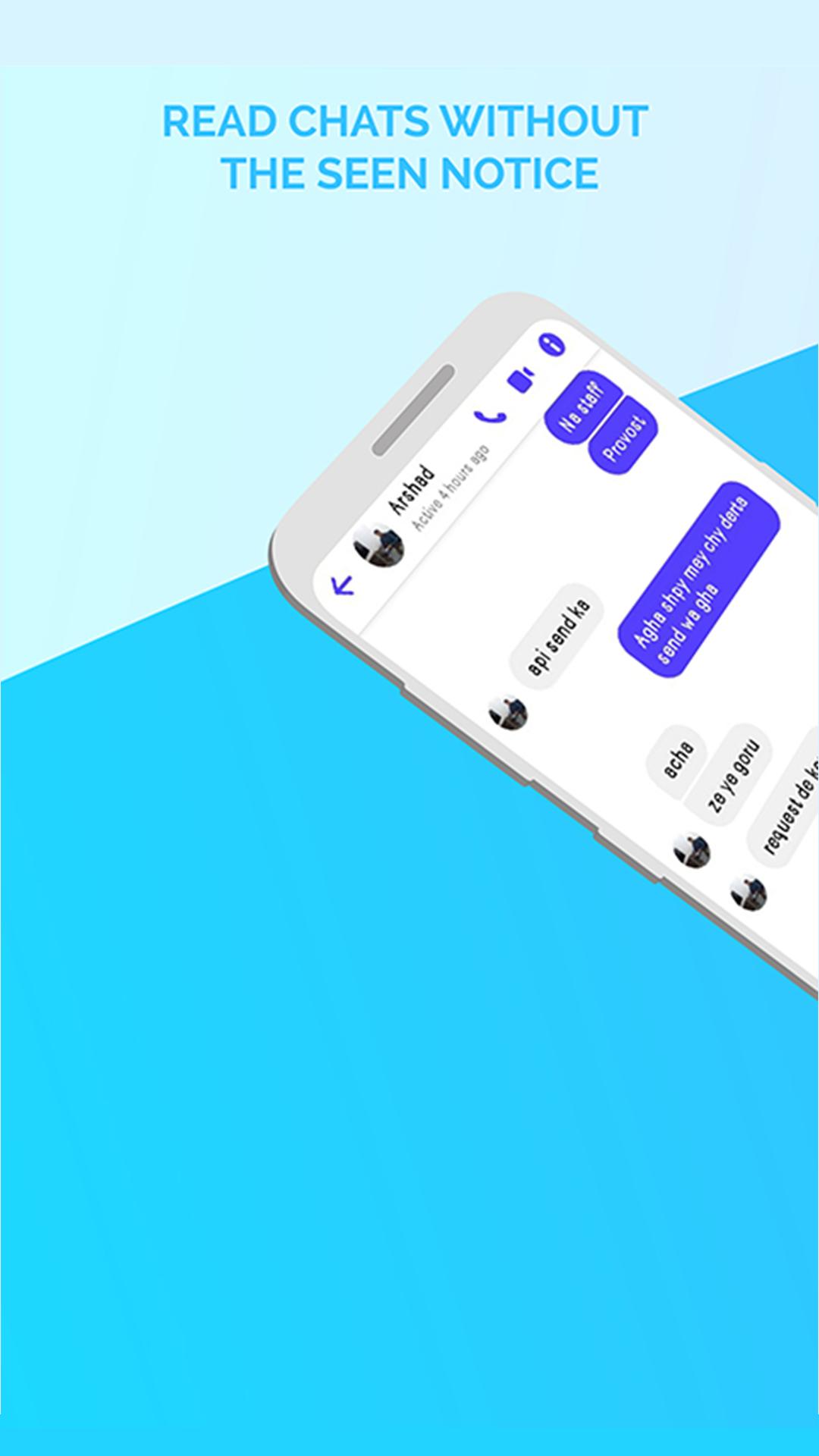
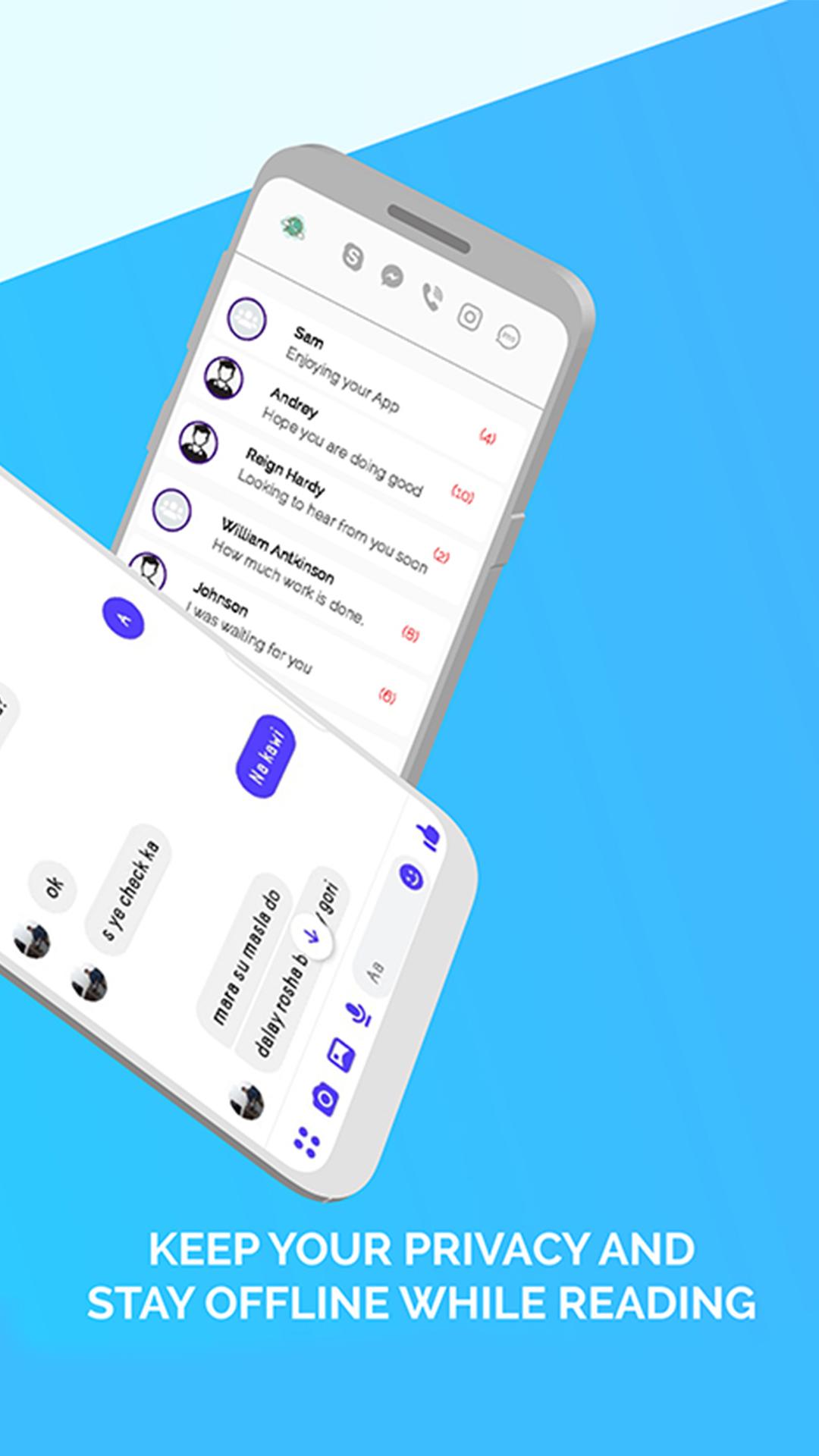
Unseen No Last Seen No Blue Tick & no seen messenger to read incoming text SMS without reading the blue tick sign. Invisible online status and messenger unseen app hide your last seen on Chatting Apps. With No last read you can access all the messages without no blue ticks and read receipt. Unseen messenger & no last seen or read app is very helpful, that no worry about check out or blue check marks. It will recover back your privacy like incognito and the sender will just see the previous read messages and he will not know that you actually read the entire message.
It’s time to recover back your privacy on social chat apps. Unseen No Last Seen No Blue Tick will read all messages in a secret way. When you receive a message from social Chat Apps, it will also be displayed in Unseen app download 2021.
Unseen & Hide blue ticks are the best app to read hidden chat without read sign. Unseen No Last Seen No Blue Tickused for all social apps chat. Now you can easily read messages without making double blue tick marks, no last seen or appearing online.
Unseen chat hide blue ticks App will help you to hide your last seen mode and no one will know that you have read all the receiving text messages. The sender will be unaware that you have read the messages because the text message will be shown unread to the sender. There will be no last read and blue check mark sign. Be like an incognito chat app messenger, there will be no blue ticks and no last seen with unseen messenger.
Unseen no last seen for support:
* Text messages.
* Photo messages.
* Video messages.
* Audio messages.
* Document messages.
* Voice recorded messages.
* Sticker messages.
Key Features of unseen hidden chat & unread messages app:
● Read messages invisibly and incognito, without your friends knowing
● Easy to use Messages with No last seen, Unseen, No read tick Mark.
● unseen no last seen messenger
● No blue tick with reading online status.
● Hide last seen and blue tick
● Read incoming text messages with invisible chat status.
● Enable or disable Unseen for different chat apps.
● Hide blue double tick
● Easily show message notification
****************************************
DISCLAIMER:
This app (Unseen Messenger - No Last Seen) is not affiliated or officially attached or connected to an organization, sponsored or endorsed by Brand listed above. We are not responsible for any kind of re-usage, related to copyrights with regard to unauthorized downloads or for any matters related to intellectual property rights, is sole responsibility of the users. For more detail read our Privacy Policy.
****************************************
Preview
Tags
SocialInformation
Developer
Taha App Studio
Latest Version
1.15
Last Updated
2023-10-29
Category
Social
Available on
Google Play
Show More
How to play No Last Seen No Blue Tick with GameLoop on PC
1. Download GameLoop from the official website, then run the exe file to install GameLoop
2. Open GameLoop and search for “No Last Seen No Blue Tick” , find No Last Seen No Blue Tick in the search results and click “Install”
3. Enjoy playing No Last Seen No Blue Tick on GameLoop
Minimum requirements
OS
Windows 8.1 64-bit or Windows 10 64-bit
GPU
GTX 1050
CPU
i3-8300
Memory
8GB RAM
Storage
1GB available space
Recommended requirements
OS
Windows 8.1 64-bit or Windows 10 64-bit
GPU
GTX 1050
CPU
i3-9320
Memory
16GB RAM
Storage
1GB available space