
The Family Tree of Family PC
Dmitriy Konyuhov
Download The Family Tree of Family on PC With GameLoop Emulator
The Family Tree of Family sa PC
Ang The Family Tree of Family, na nagmumula sa developer na Dmitriy Konyuhov, ay tumatakbo sa Android systerm sa nakaraan.
Ngayon, maaari mong laruin ang The Family Tree of Family sa PC gamit ang GameLoop nang maayos.
I-download ito sa GameLoop library o mga resulta ng paghahanap. Hindi na tumitingin sa baterya o nakakadismaya na mga tawag sa maling oras.
I-enjoy lang ang The Family Tree of Family PC sa malaking screen nang libre!
The Family Tree of Family Panimula
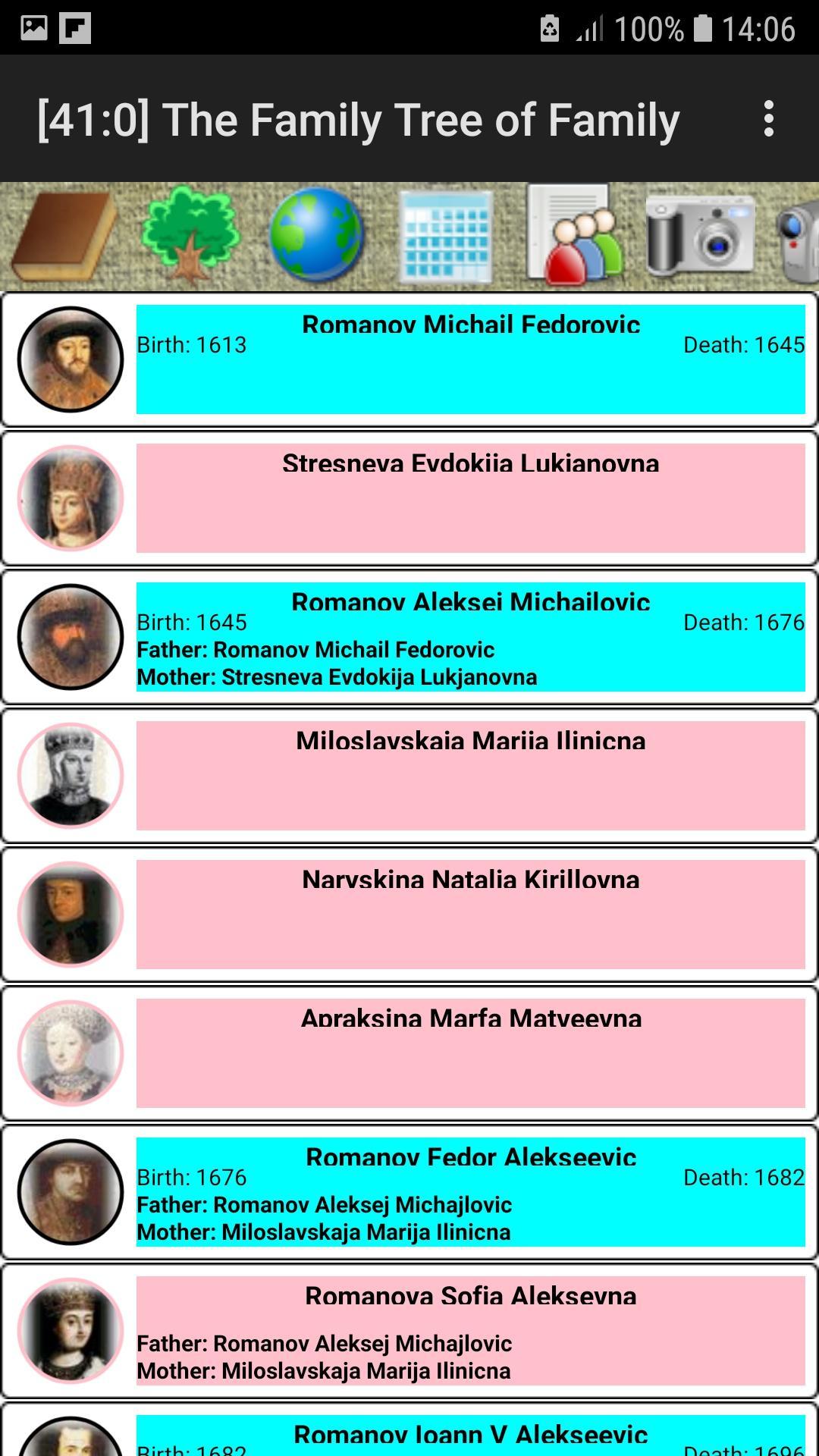
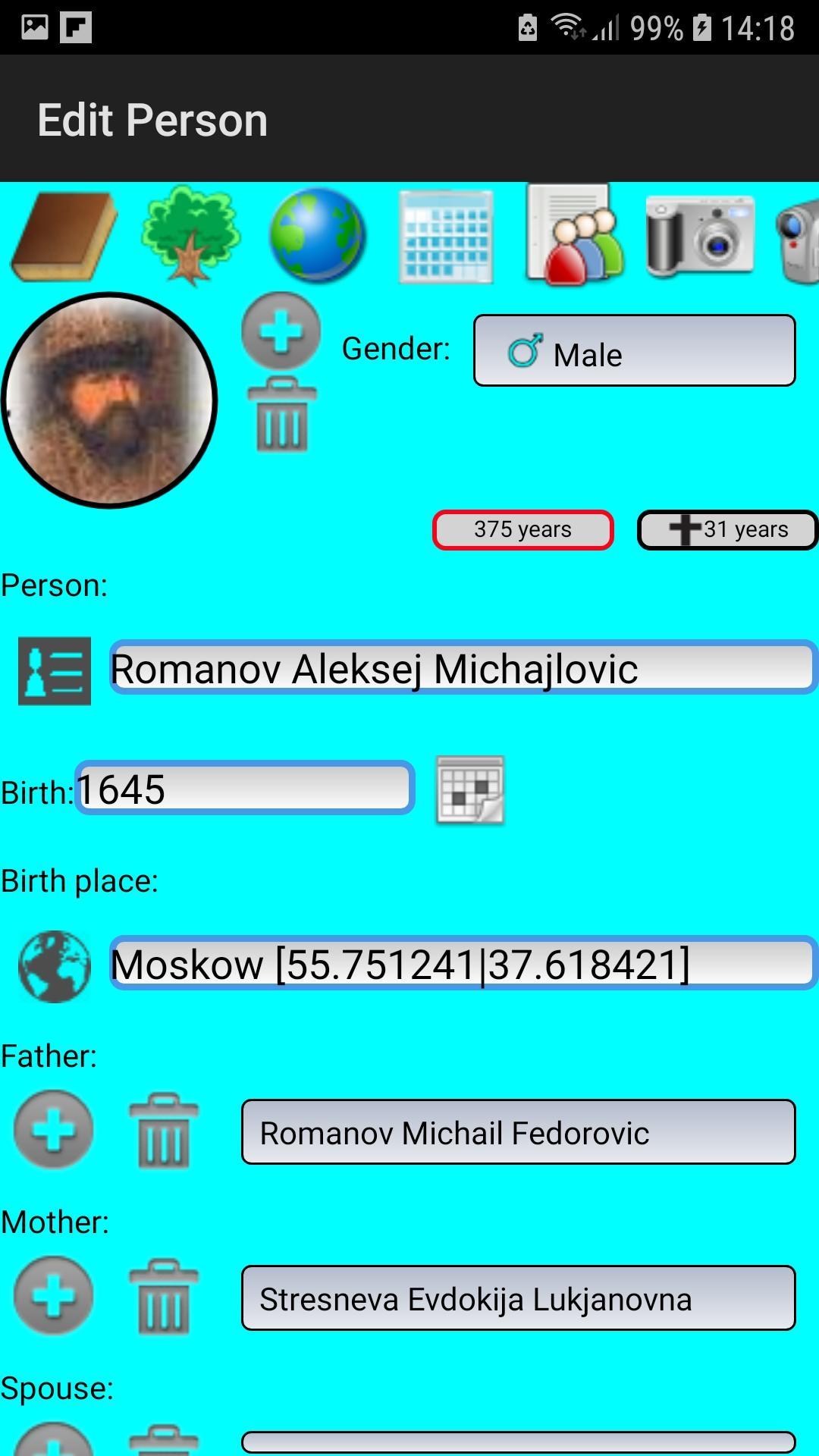
The program is intended for preservation of history and construction of a family tree of a family. With its help you will establish the detailed list of members of a family, will add their biographies, a photo and video materials. The tree is built on graphic and hypertext canvas. The program is simple and easy in development.
Guardian angels are the ancestors that we know about. Therefore, the more we know our ancestors, the more guardian angels we have.
The application was created to store the historical heritage of the family. Keeps a list of people and their family ties, photographs, copies of documents and videos. Draws trees on a graphics and hypertext canvas. Saves photos and videos. Shows a calendar of family events, which makes it possible to visually see the days of important family events.
Program functions:
- Drawing up of the biography of each member of a family;
- Preservation of history of a family and person;
- Construction of a general family tree (2D, 3D);
- Construction of a personal genealogical branch (2D, 3D);
- Drawing up lists of generations;
- Drawing up of the picture album of a family;
- Drawing up of the video album of a family;
- Storage of copies of documents;
- Birthday Reminder;
- Archiving and decompressing a ZIP;
- Import/Export GEDCOM.
In the application, you can create general and personal, photo and video albums. To do this, the application requests permission to take photos and record videos for galleries of photos and video files. If you are going to take photos and record videos using the application, you must give the appropriate permissions permission.
Additional in Android versions:
Android 10 and below.
The information entered by the user is stored in the FamilyTree directory in the device's internal memory (in Settings, you can specify a different folder, for example, on an SD card).
To create copies or to transfer information to another device, just copy the FamilyTree folder. On the new device, specify the path to it in the Settings.
Android 11 and up.
The information entered by the user is stored in the internal directory of the application in the FamilyTree directory in the internal memory of the device, in accordance with the new requirements and Google security policy.
It must be remembered that when you uninstall the application, all information entered by the user is also deleted.
Therefore, it is very important to make copies of your information in a timely manner.
The application uses the GEDCOM file to exchange information. The GEDCOM file allows you to transfer text information about persons and their icons.
It is better to use ZIP archiving to copy all information. The FamilyTree folder with photos, copies of documents and video materials is archived.
The public folder for file sharing is the Download folder.
Data export.
In the settings, you must select the data type GEDCOM or ZIP. The application will create a data archive file respectively familytree.ged or familytree.zip in the Download directory.
To download information from the Download catalog, you can use the PC connection via USB or the cloud services of the application.
Data import.
In the Download directory, you need to download the GEDCOM or ZIP files via the Google Drive and Dropbox cloud services using the application or via USB from a PC.
In the settings, you must select the data type "Export GEDCOM" or "Unzip ZIP". The application is importing the data.
Preview
Tags
SocialInformation
Developer
Dmitriy Konyuhov
Latest Version
2.9.6
Last Updated
2023-12-12
Category
Social
Available on
Google Play
Show More
How to play The Family Tree of Family with GameLoop on PC
1. Download GameLoop from the official website, then run the exe file to install GameLoop
2. Open GameLoop and search for “The Family Tree of Family” , find The Family Tree of Family in the search results and click “Install”
3. Enjoy playing The Family Tree of Family on GameLoop
Minimum requirements
OS
Windows 8.1 64-bit or Windows 10 64-bit
GPU
GTX 1050
CPU
i3-8300
Memory
8GB RAM
Storage
1GB available space
Recommended requirements
OS
Windows 8.1 64-bit or Windows 10 64-bit
GPU
GTX 1050
CPU
i3-9320
Memory
16GB RAM
Storage
1GB available space