
Talk With Stranger Chat - TWS PC
Talk With Stranger
Download Talk With Stranger Chat - TWS on PC With GameLoop Emulator
Talk With Stranger Chat - TWS sa PC
Ang Talk With Stranger Chat - TWS , na nagmumula sa developer na Talk With Stranger, ay tumatakbo sa Android systerm sa nakaraan.
Ngayon, maaari mong laruin ang Talk With Stranger Chat - TWS sa PC gamit ang GameLoop nang maayos.
I-download ito sa GameLoop library o mga resulta ng paghahanap. Hindi na tumitingin sa baterya o nakakadismaya na mga tawag sa maling oras.
I-enjoy lang ang Talk With Stranger Chat - TWS PC sa malaking screen nang libre!
Talk With Stranger Chat - TWS Panimula
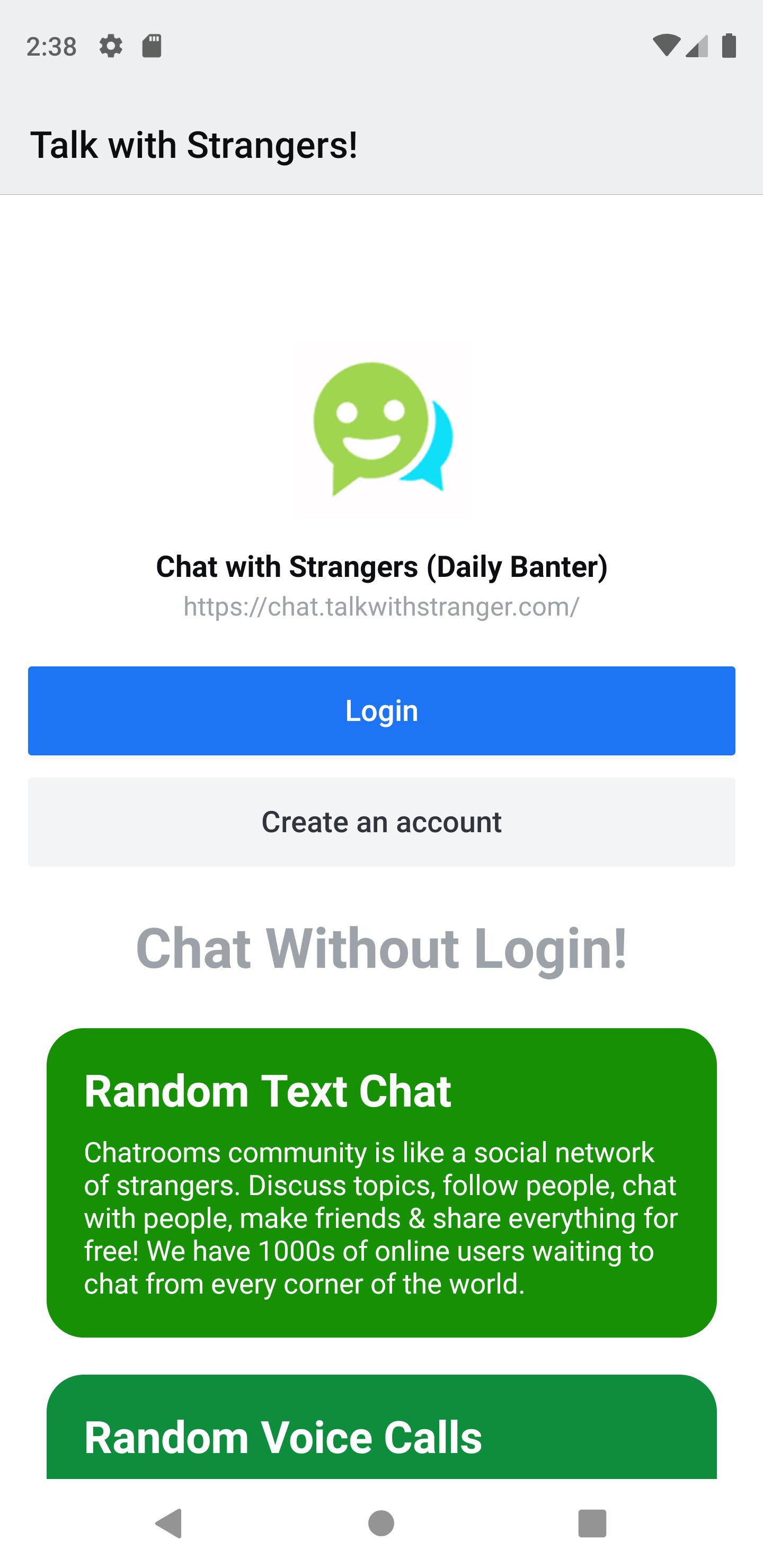
TWS Chat - Chat is a Talk With Stranger product for Global Chat with random strangers in public channels all across the world.
TWS Chat app is the latest addition for Android users so they can take full benefit of the Global Chat offered on the Talk With Stranger website. All the best features of chat websites and chat apps integrated into one app for improved user experience.
Start making new friends for free!
Meet people from USA, UK, Canada & Many Other Countries. Chat with strangers in a safe environment from the ease of your mobile devices.
We have the best random chat rooms for users who like to randomly chat with strangers and find new people. You can also join any chat room that you like and start chatting instantly.
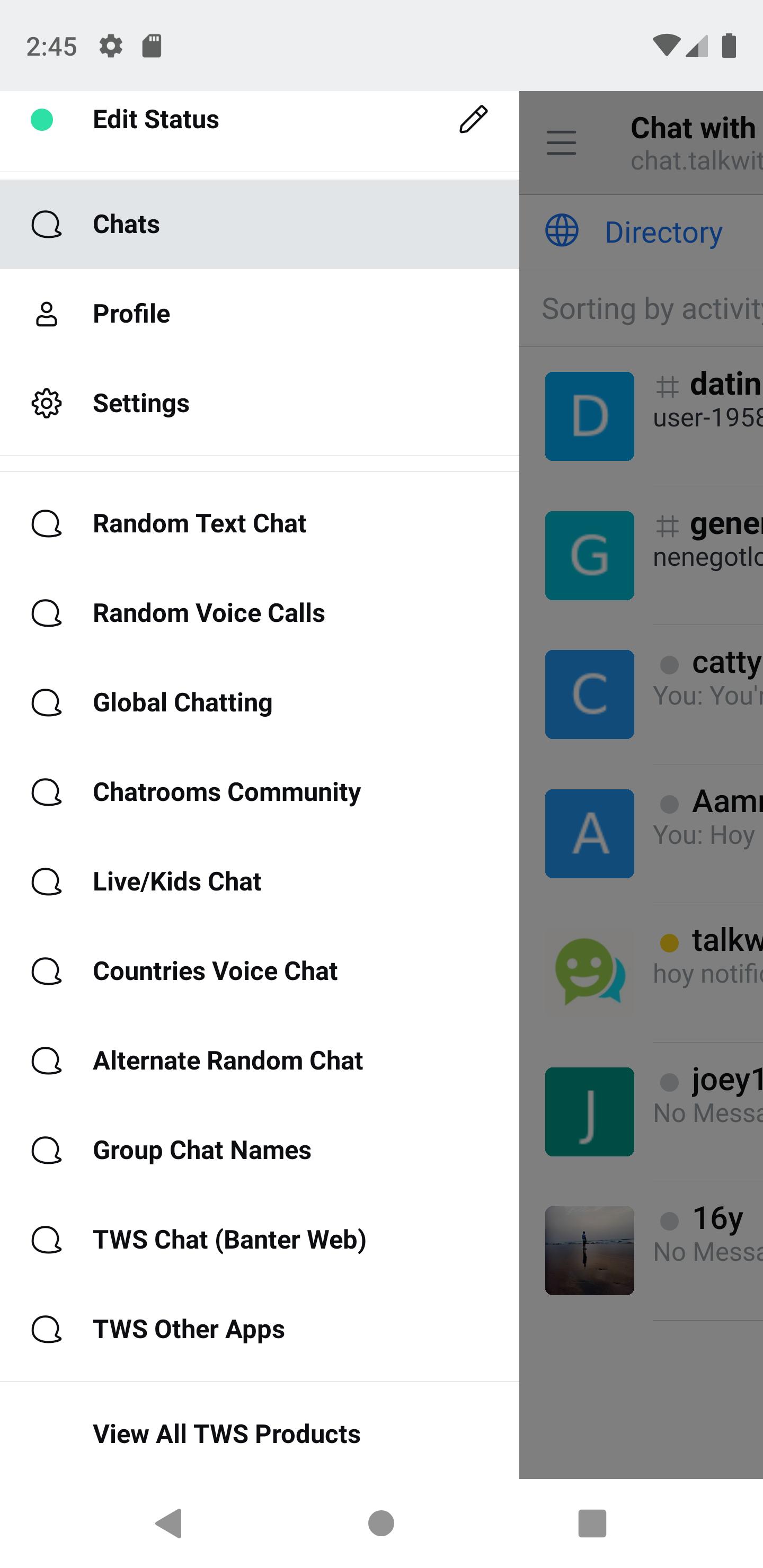
Cool features of Chat:
- Clean and easy to use interface.
- Instant connectivity with all users worldwide.
- Create your own public channels, (Contact the Moderators if you want to create your own channel)
- Enjoy the benefits of a group chat and receive multiple responses to your queries.
- Share pictures, links, videos and much more with everyone!
- Mention users by appending an @ sign and then type username.
- Global search which searches through all users and channels.
- Invite other users to other channels which they are not a part of.
- If you are a very active user of chat, you will be given a chance to be a moderator of Chat and hence access to hidden features and superpowers!
- View list of all attachments in each chat room.
- Have 1-1 private conversations with Strangers.
- Use Google, Facebook or Email to Login, You can use one login for the community and global chat.
- A data friendly app which is ultra light on data.
- Frequent app updates with latest features.
- Efficient services.
Chat Box options allow users the freedom to do a lot more than just chat.
- Message info
- Reply
- Copy permalink
- Quote
- Copy
- Add reaction
- Star message
- Pin message
- Edit
- Delete
TWS Random Chat => https://talkwithstranger.com
TWS Global Chatting => https://chatting.talkwithstranger.com
TWS Banter => https://chat.talkwithstranger.com
TWS Community Chatrooms & Social Forum => https://chatrooms.talkwithstranger.com/
TWS Confessions => https://talkwithstranger.com/fun/confessions
TWS Random Voice Calls => https://talkwithstranger.com/free-call
Preview
Tags
SocialInformation
Developer
Talk With Stranger
Latest Version
0.3.2
Last Updated
2020-11-28
Category
Social
Available on
Google Play
Show More
How to play Talk With Stranger Chat - TWS with GameLoop on PC
1. Download GameLoop from the official website, then run the exe file to install GameLoop
2. Open GameLoop and search for “Talk With Stranger Chat - TWS ” , find Talk With Stranger Chat - TWS in the search results and click “Install”
3. Enjoy playing Talk With Stranger Chat - TWS on GameLoop
Minimum requirements
OS
Windows 8.1 64-bit or Windows 10 64-bit
GPU
GTX 1050
CPU
i3-8300
Memory
8GB RAM
Storage
1GB available space
Recommended requirements
OS
Windows 8.1 64-bit or Windows 10 64-bit
GPU
GTX 1050
CPU
i3-9320
Memory
16GB RAM
Storage
1GB available space