
Kachi - Chat, Call & Party PC
kachi
Download Kachi - Chat, Call & Party on PC With GameLoop Emulator
Kachi - Chat, Call & Party sa PC
Ang Kachi - Chat, Call & Party, na nagmumula sa developer na kachi, ay tumatakbo sa Android systerm sa nakaraan.
Ngayon, maaari mong laruin ang Kachi - Chat, Call & Party sa PC gamit ang GameLoop nang maayos.
I-download ito sa GameLoop library o mga resulta ng paghahanap. Hindi na tumitingin sa baterya o nakakadismaya na mga tawag sa maling oras.
I-enjoy lang ang Kachi - Chat, Call & Party PC sa malaking screen nang libre!
Kachi - Chat, Call & Party Panimula
Tired of swiping with no real connection? 😩
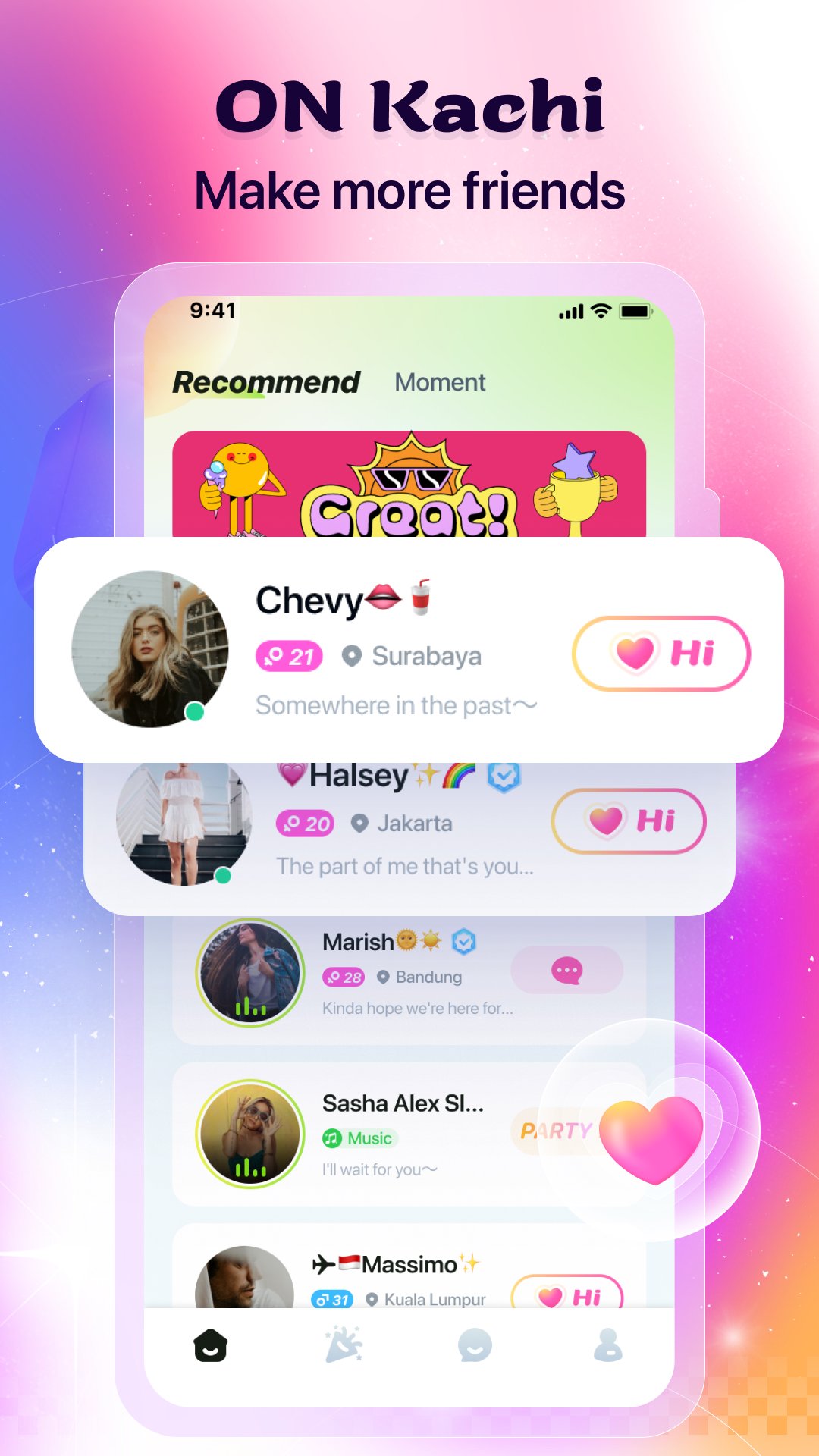
Kachi is where real conversations happen. Whether you're looking for new friends, deep chats, or just someone to laugh with — you're in the right place.
✅ 100% Real People – All users verified. No bots. No fakes.
🎉 What Makes Kachi Different?
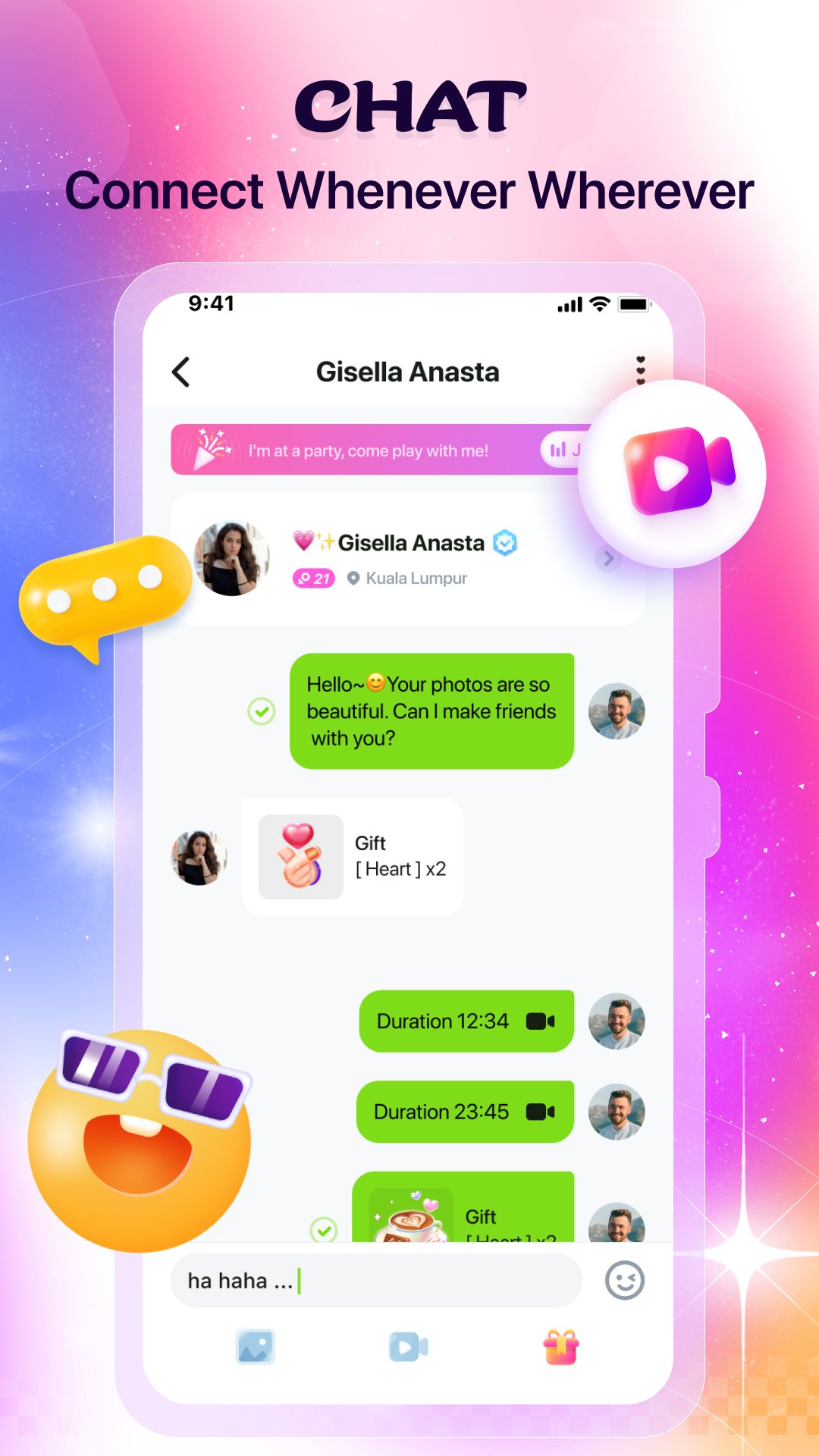
💬 Text Chat
Match with local people who share your vibe. Start chatting in seconds.
📞 Video Chat
See who you're talking to. Real faces, real smiles, real connections.
🎙 Voice Rooms
Sing, play games, or just listen. Join live parties and meet people who love having fun as much as you do.
🎁 Gifts & Interaction
Send a gift. Start a conversation. Break the ice your way.
🛡 Privacy First
Your safety is our priority. All calls are private. All users are respectful. Always.
✨ Beauty Effects
Look your best on every video call — with real-time beauty filters.
🚀 Why You'll Love Kachi:
- Real people, verified profiles
- Fun voice rooms & live parties
- Video chat with beauty effects
- Safe, private, and respectful
- Login with Facebook or Google — 1 tap, you're in
📲 Join the Fun.
Millions of real people are already here. What are you waiting for?
Download Kachi now and start your story. 💫
📧 Contact Us: support@kachi.com
🔗 Privacy Policy: [https://h5.kachi.chat/agreement/index.html#/android/privacy]
🔗 Terms of Service: [https://h5.kachi.chat/agreement/index.html#/android/service]
Preview
Tags
SocialInformation
Developer
kachi
Latest Version
4.5.0.0000
Last Updated
2026-04-28
Category
Social
Available on
Google Play
Show More
How to play Kachi - Chat, Call & Party with GameLoop on PC
1. Download GameLoop from the official website, then run the exe file to install GameLoop
2. Open GameLoop and search for “Kachi - Chat, Call & Party” , find Kachi - Chat, Call & Party in the search results and click “Install”
3. Enjoy playing Kachi - Chat, Call & Party on GameLoop
Minimum requirements
OS
Windows 8.1 64-bit or Windows 10 64-bit
GPU
GTX 1050
CPU
i3-8300
Memory
8GB RAM
Storage
1GB available space
Recommended requirements
OS
Windows 8.1 64-bit or Windows 10 64-bit
GPU
GTX 1050
CPU
i3-9320
Memory
16GB RAM
Storage
1GB available space