
Status Saver: Video Saver PC
The Mobigniter
Download Status Saver: Video Saver on PC With GameLoop Emulator
Status Saver: Video Saver sa PC
Ang Status Saver: Video Saver, na nagmumula sa developer na The Mobigniter, ay tumatakbo sa Android systerm sa nakaraan.
Ngayon, maaari mong laruin ang Status Saver: Video Saver sa PC gamit ang GameLoop nang maayos.
I-download ito sa GameLoop library o mga resulta ng paghahanap. Hindi na tumitingin sa baterya o nakakadismaya na mga tawag sa maling oras.
I-enjoy lang ang Status Saver: Video Saver PC sa malaking screen nang libre!
Status Saver: Video Saver Panimula
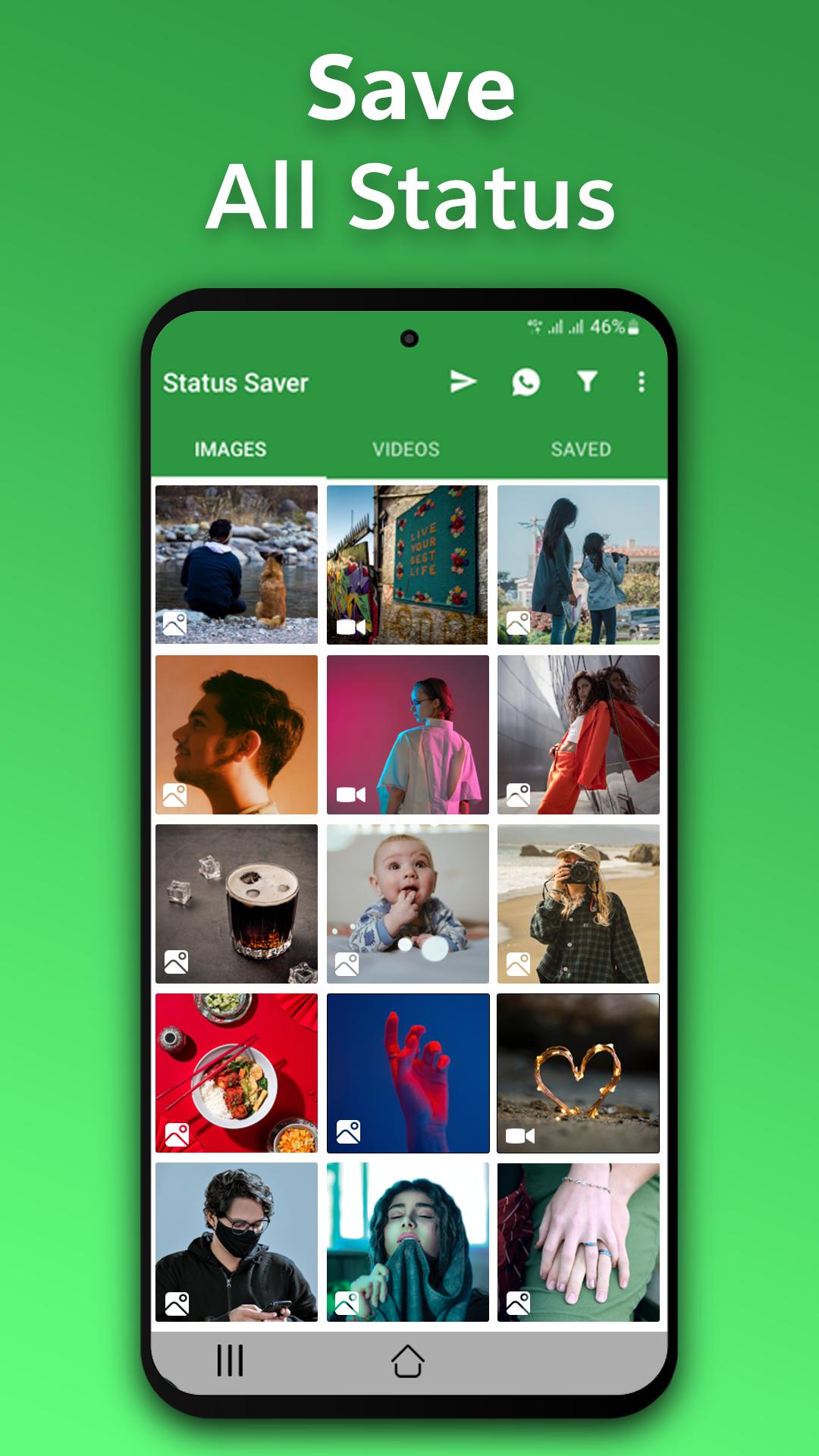
We have Wahtsapp status saver, Status recovery, and direct chat options. With this free story saver and status download app, you can download all status, restore deleted messages and statuses, recover deleted images, photos and videos on the go, or just take a break.
Have you seen the status and Story of your friends on WhatsApp? but can not find a new way to download that video and image status? Then download this Whatsapp status saver app. You van easily save every image and video status for WhatsApp.
This Whatsapp status saver app can help you download images, Photos, and videos in simple and easy steps. It is too fast, simple and totally free app. With WA status saver, you can download video status and status images anywhere, anytime, share with your friends, or repost status on other social media platforms.
The simple and easiest way to download the status.
- Open your WhatsApp app and see the status.
- Open this app (Status Saver - Download Status).
- Save photos, images and videos in your phone gallery.
- its Done!
Highlights and culmination of Save Status App
• No need to log in in the app.
• Save the unseen WA status.
• No private problems.
• Simple, Fast, and secure application.
• Multiple download (save in one-touch) support .
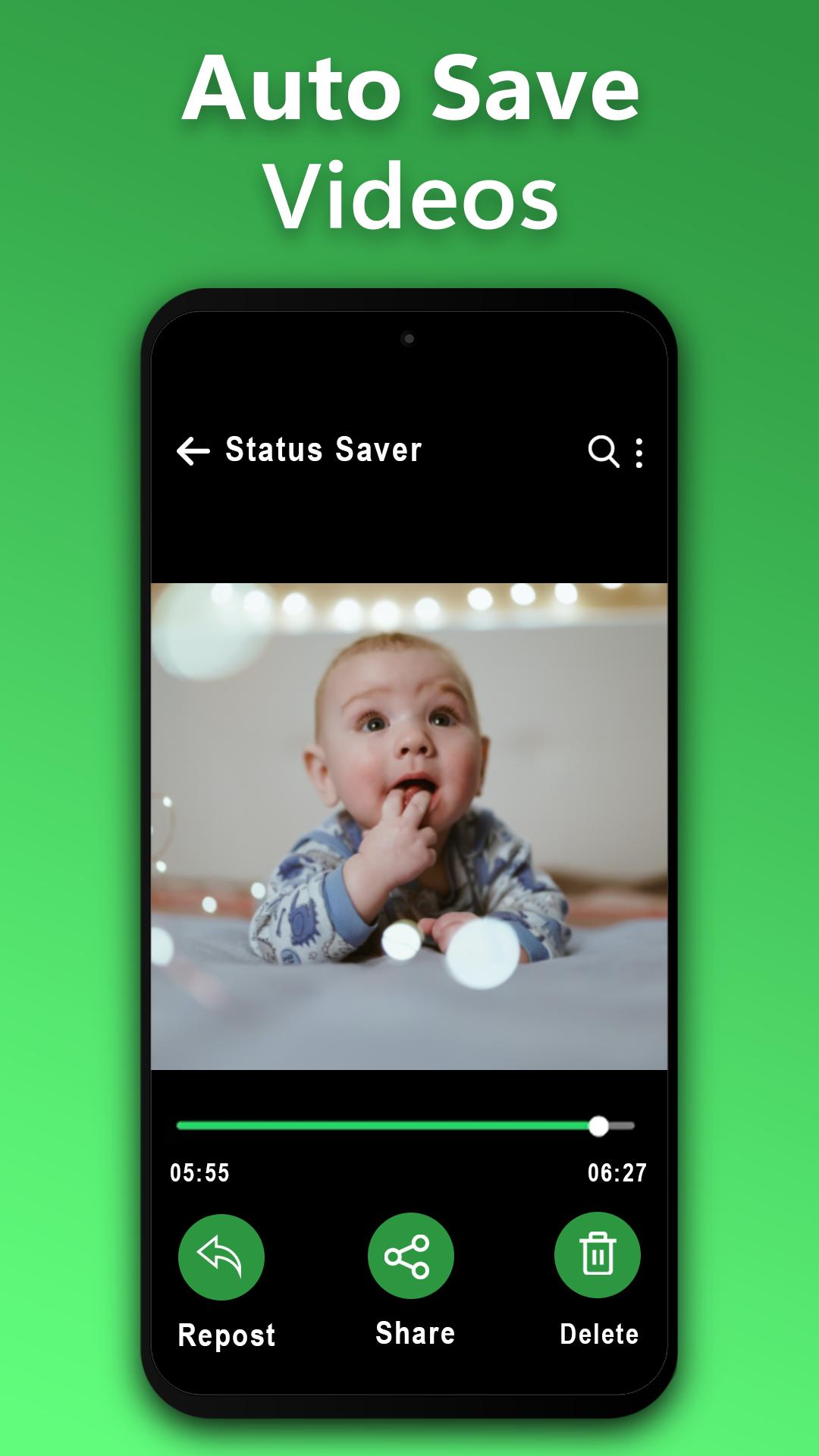
• Delete, Share and repost easily.
• Play videos offline with the built-in video player.
• Supports recovery of images, and videos.
• Direct chat support to send a message without saving the number.
• Lightweight, easy, fast downloading app.
Important:
The WA Status Saver app is not associated with WhatsApp. It is a tool to download Images and Videos from WhatsApp. We consider the copyright of the owners. We are not responsible for any type of reuse of any WhatsApp status downloaded by the user. Therefore, DO NOT download or republish the Photos, videos, and media without the permission of the owner.
Preview
Tags
SocialToolsInformation
Developer
The Mobigniter
Latest Version
1.9.39
Last Updated
2024-11-18
Category
Social
Available on
Google Play
Show More
How to play Status Saver: Video Saver with GameLoop on PC
1. Download GameLoop from the official website, then run the exe file to install GameLoop
2. Open GameLoop and search for “Status Saver: Video Saver” , find Status Saver: Video Saver in the search results and click “Install”
3. Enjoy playing Status Saver: Video Saver on GameLoop
Minimum requirements
OS
Windows 8.1 64-bit or Windows 10 64-bit
GPU
GTX 1050
CPU
i3-8300
Memory
8GB RAM
Storage
1GB available space
Recommended requirements
OS
Windows 8.1 64-bit or Windows 10 64-bit
GPU
GTX 1050
CPU
i3-9320
Memory
16GB RAM
Storage
1GB available space