
Digital Launchpad PC
Mighty Networks
Download Digital Launchpad on PC With GameLoop Emulator
Digital Launchpad sa PC
Ang Digital Launchpad, na nagmumula sa developer na Mighty Networks, ay tumatakbo sa Android systerm sa nakaraan.
Ngayon, maaari mong laruin ang Digital Launchpad sa PC gamit ang GameLoop nang maayos.
I-download ito sa GameLoop library o mga resulta ng paghahanap. Hindi na tumitingin sa baterya o nakakadismaya na mga tawag sa maling oras.
I-enjoy lang ang Digital Launchpad PC sa malaking screen nang libre!
Digital Launchpad Panimula
Kickstart your career the right way.
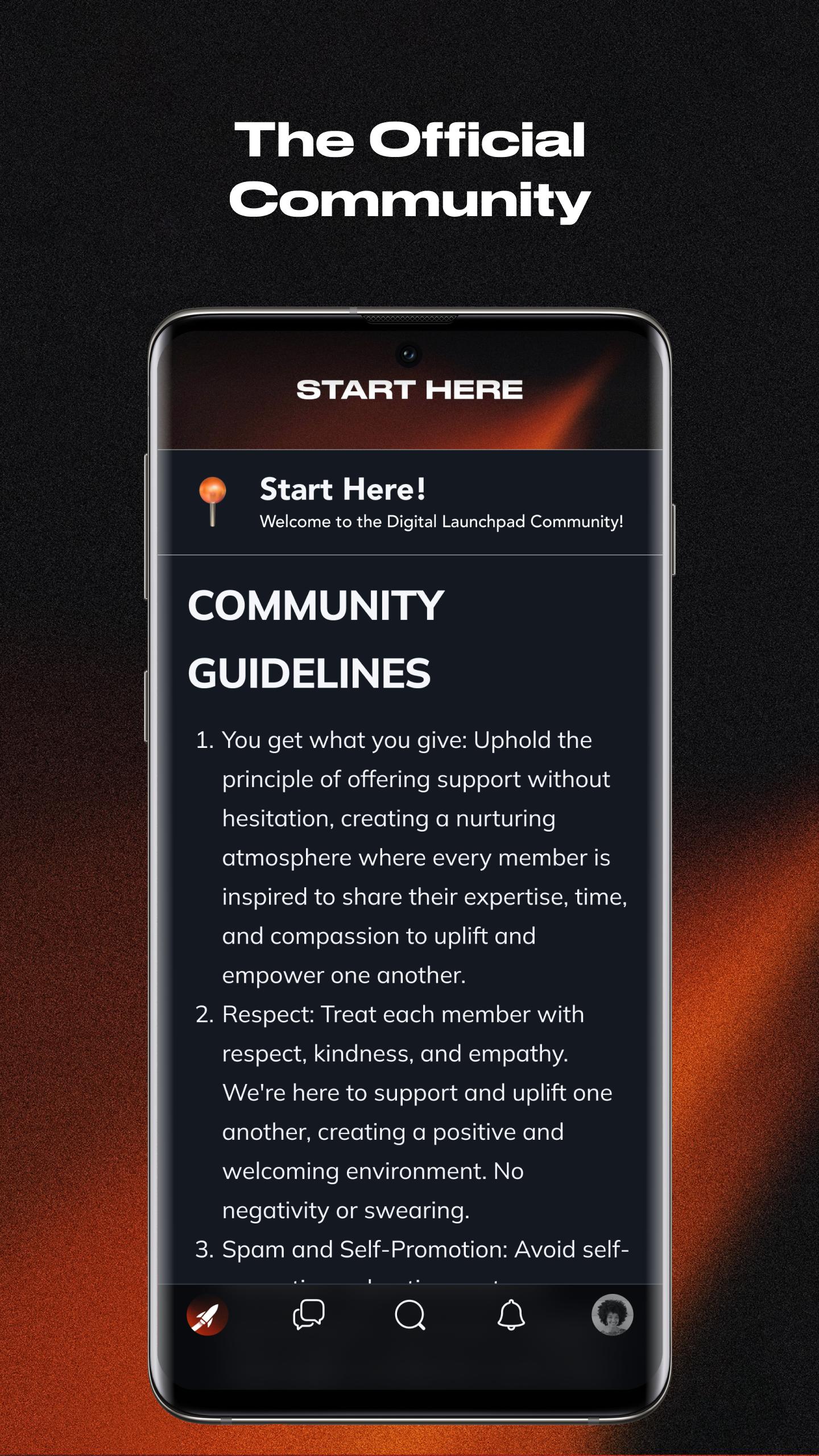
The official community app for the Digital Launchpad program.
Network alongside ambitious individuals in a private closed community only available to Digital Launchpad students.
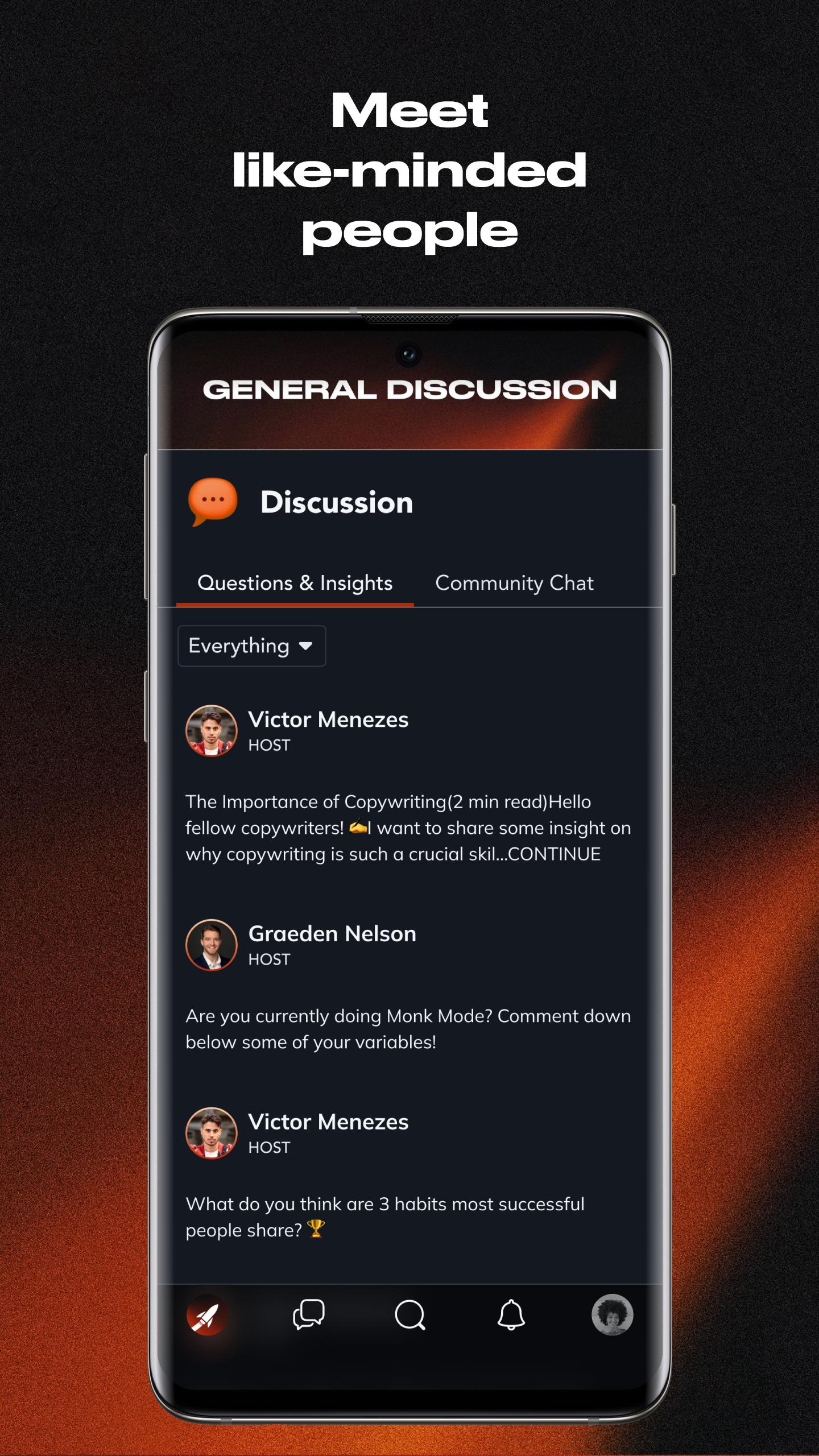
Get Access to a Community of Like-Minded Individuals
Within the Digital Launchpad community, you’ll have the opportunity to interact and talk to other students on a daily basis, building lasting relationships.
Become Better Everyday
Our culture hinges on getting better every day. Our community has a dedicated channel for you to hold yourself accountable. Every day our community posts their progress, pushing everyone to show up and get better.
Accountability Partners
Discover the value of having a reliable accountability partner in your journey to success. In our community, you'll find like-minded individuals ready to support you and achieve your goals.
Membership Terms
Signing up, you agree to the Terms of Service, Privacy Policy, and applicable notices below.
Preview
Tags
SocialInformation
Developer
Mighty Networks
Latest Version
8.147.2
Last Updated
2023-12-13
Category
Social
Available on
Google Play
Show More
How to play Digital Launchpad with GameLoop on PC
1. Download GameLoop from the official website, then run the exe file to install GameLoop
2. Open GameLoop and search for “Digital Launchpad” , find Digital Launchpad in the search results and click “Install”
3. Enjoy playing Digital Launchpad on GameLoop
Minimum requirements
OS
Windows 8.1 64-bit or Windows 10 64-bit
GPU
GTX 1050
CPU
i3-8300
Memory
8GB RAM
Storage
1GB available space
Recommended requirements
OS
Windows 8.1 64-bit or Windows 10 64-bit
GPU
GTX 1050
CPU
i3-9320
Memory
16GB RAM
Storage
1GB available space