
Aero Browser ~Feel The Privacy PC
Aero Me.
Download Aero Browser ~Feel The Privacy on PC With GameLoop Emulator
Aero Browser ~Feel The Privacy sa PC
Ang Aero Browser ~Feel The Privacy, na nagmumula sa developer na Aero Me., ay tumatakbo sa Android systerm sa nakaraan.
Ngayon, maaari mong laruin ang Aero Browser ~Feel The Privacy sa PC gamit ang GameLoop nang maayos.
I-download ito sa GameLoop library o mga resulta ng paghahanap. Hindi na tumitingin sa baterya o nakakadismaya na mga tawag sa maling oras.
I-enjoy lang ang Aero Browser ~Feel The Privacy PC sa malaking screen nang libre!
Aero Browser ~Feel The Privacy Panimula
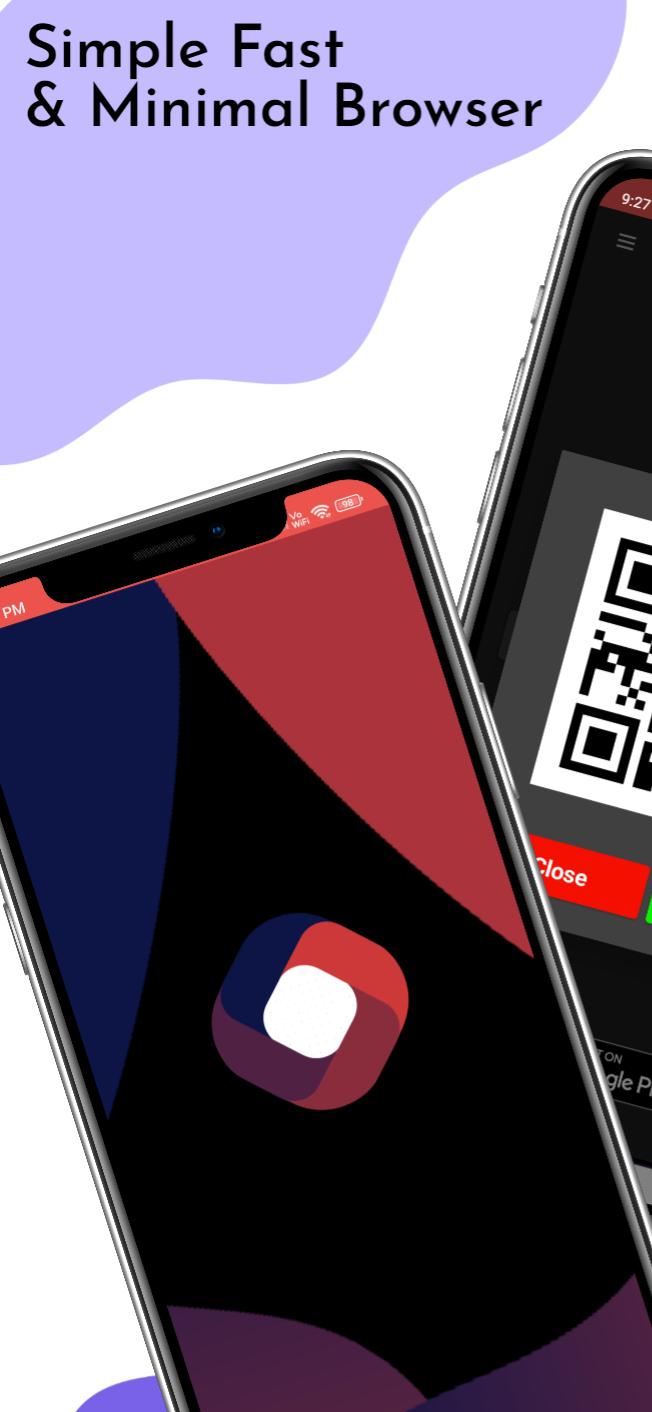
Aero Browser is a simple, fast, and minimal web browser that offers a unique browsing experience to its users. With its impressive features and functionality, Aero Browser is quickly becoming a popular choice for users who are looking for a lightweight and secure browser. Here's a rundown of Aero Browser's features:
4K Media Playing: With Aero Browser, you can enjoy your favorite videos in stunning 4K resolution. The browser is optimized to support high-quality media playing without any buffering or lagging.
Unique QR-Website Sharing: Aero Browser offers a unique QR-Website sharing feature, allowing you to share web pages with others by simply scanning a QR code. This feature makes sharing web content quick and easy.
Extra Lightweight: Aero Browser is designed to be extra lightweight, making it a perfect choice for users with older phones or slow internet connections. The browser's minimalist design ensures that it runs smoothly and efficiently, even on low-end devices.
DuckDuckGo API: Aero Browser uses the DuckDuckGo search engine, which is known for its privacy-focused approach. This means that the browser does not collect any personal data, ensuring that your online activities remain private and secure.
Privacy Protection: Aero Browser takes your privacy seriously. The browser automatically clears your browsing history and cookies after every session, ensuring that your online activities remain confidential.
Browsing Frame: Aero Browser operates under a browsing frame, which means that it does not disclose your device details. This makes it more difficult for third-party websites to track your online activities.
Automatic Trackers Blocking: The browser automatically blocks all trackers, ensuring that your online activities remain private and secure.
VPN Detection: Aero Browser has a built-in VPN detection service that alerts you if your VPN connection is not secure. This helps you to stay safe while browsing the internet.
Voice Assistance: With Aero Browser, you can use voice commands to navigate the web. This feature makes browsing the internet hands-free and convenient.
Overall, Aero Browser is a feature-rich and user-friendly browser that offers a secure and private browsing experience. Try it out today and enjoy fast and seamless web browsing!
Preview

Tags
SocialInformation
Developer
Aero Me.
Latest Version
51
Last Updated
2023-04-14
Category
Social
Available on
Google Play
Show More
How to play Aero Browser ~Feel The Privacy with GameLoop on PC
1. Download GameLoop from the official website, then run the exe file to install GameLoop
2. Open GameLoop and search for “Aero Browser ~Feel The Privacy” , find Aero Browser ~Feel The Privacy in the search results and click “Install”
3. Enjoy playing Aero Browser ~Feel The Privacy on GameLoop
Minimum requirements
OS
Windows 8.1 64-bit or Windows 10 64-bit
GPU
GTX 1050
CPU
i3-8300
Memory
8GB RAM
Storage
1GB available space
Recommended requirements
OS
Windows 8.1 64-bit or Windows 10 64-bit
GPU
GTX 1050
CPU
i3-9320
Memory
16GB RAM
Storage
1GB available space