Siege Physics PC
The Potato Games
Download Siege Physics on PC With GameLoop Emulator
Siege Physics sa PC
Ang Siege Physics, na nagmumula sa developer na The Potato Games, ay tumatakbo sa Android systerm sa nakaraan.
Ngayon, maaari mong laruin ang Siege Physics sa PC gamit ang GameLoop nang maayos.
I-download ito sa GameLoop library o mga resulta ng paghahanap. Hindi na tumitingin sa baterya o nakakadismaya na mga tawag sa maling oras.
I-enjoy lang ang Siege Physics PC sa malaking screen nang libre!
Siege Physics Panimula
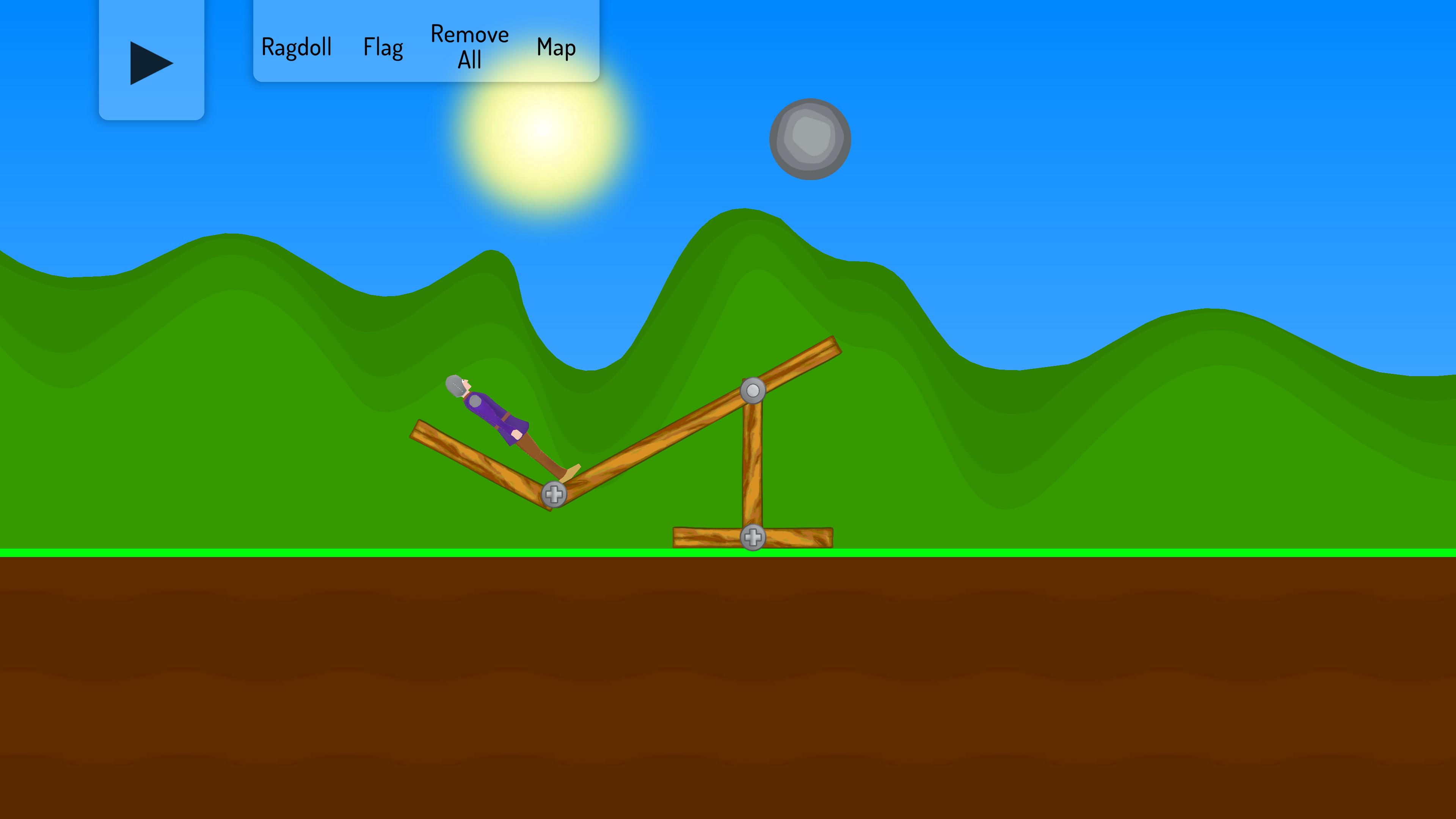
This game is for all ragdoll fans across the world, you will learn a variety of strategies and options that will allow you to quickly integrate with the insane game, and you will not find it difficult to play and enjoy with this physic ragdoll.
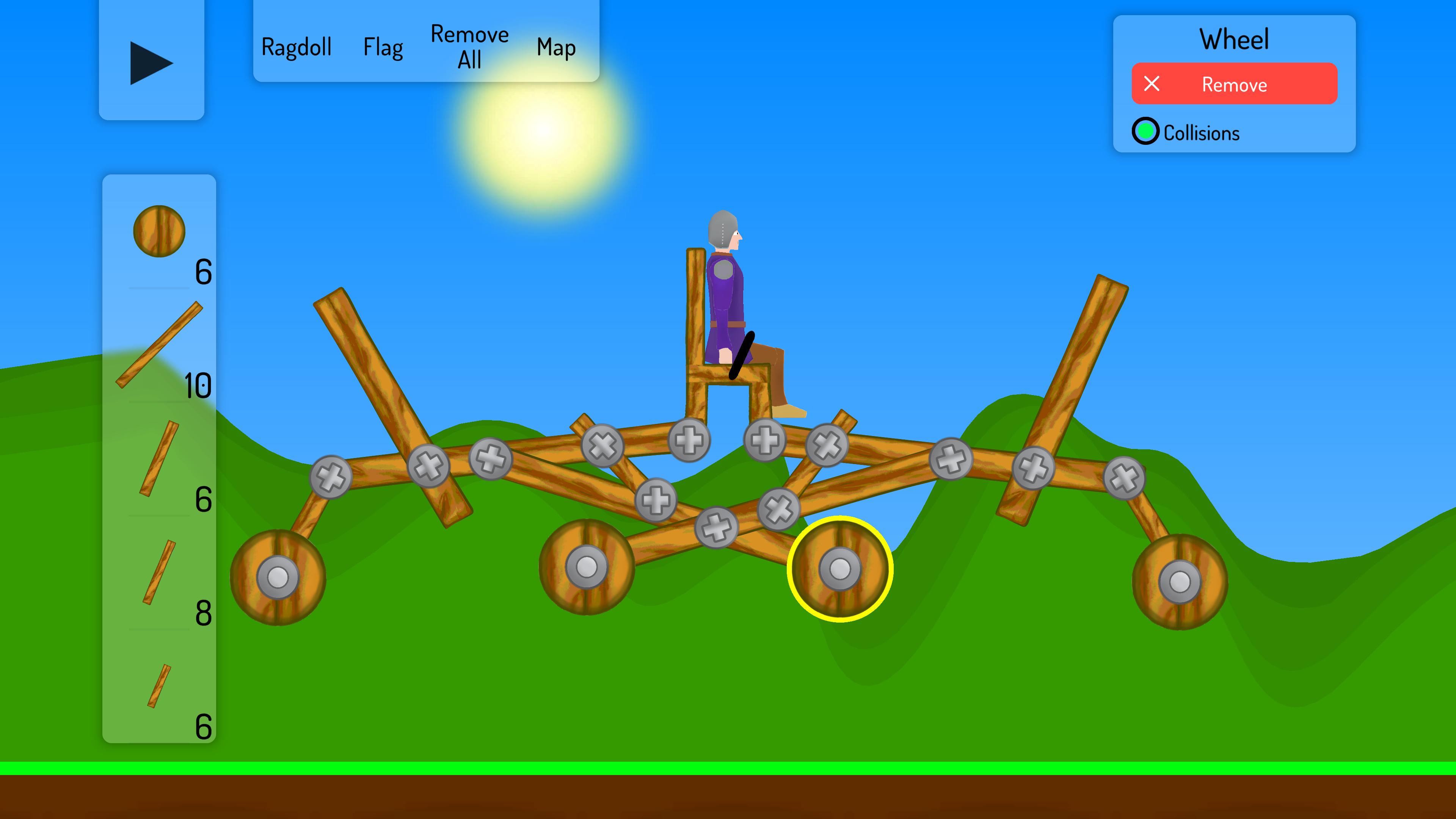
Build siege engines out of available resources to move the ragdoll foot soldier to his destination.
Siege Physics has the following features:
- A game with vibrant colors and realistic Ragdoll mechanics.
- It's simple and entertaining to control the physics of the insane Ragdolls character.
- A virtual stressball and physics sandbox that may be completely customized.
- Awe-inspiring Ragdoll sandbox visuals and animations
- There are a plethora of amusing items that you may use.
Ragdoll games teach us to put our understanding of movement and muscles to the test, as well as providing a significant challenge; you may think it is simple to get someone to move, for example, but it may be rather difficult.
Preview
Tags
SimulationInformation
Developer
The Potato Games
Latest Version
1.0
Last Updated
2021-08-10
Category
Simulation
Available on
Google Play
Show More
How to play Siege Physics with GameLoop on PC
1. Download GameLoop from the official website, then run the exe file to install GameLoop
2. Open GameLoop and search for “Siege Physics” , find Siege Physics in the search results and click “Install”
3. Enjoy playing Siege Physics on GameLoop
Minimum requirements
OS
Windows 8.1 64-bit or Windows 10 64-bit
GPU
GTX 1050
CPU
i3-8300
Memory
8GB RAM
Storage
1GB available space
Recommended requirements
OS
Windows 8.1 64-bit or Windows 10 64-bit
GPU
GTX 1050
CPU
i3-9320
Memory
16GB RAM
Storage
1GB available space