Public Coach Bus Driving Game PC
GamePace
Download Public Coach Bus Driving Game on PC With GameLoop Emulator
Public Coach Bus Driving Game sa PC
Ang Public Coach Bus Driving Game, na nagmumula sa developer na GamePace, ay tumatakbo sa Android systerm sa nakaraan.
Ngayon, maaari mong laruin ang Public Coach Bus Driving Game sa PC gamit ang GameLoop nang maayos.
I-download ito sa GameLoop library o mga resulta ng paghahanap. Hindi na tumitingin sa baterya o nakakadismaya na mga tawag sa maling oras.
I-enjoy lang ang Public Coach Bus Driving Game PC sa malaking screen nang libre!
Public Coach Bus Driving Game Panimula
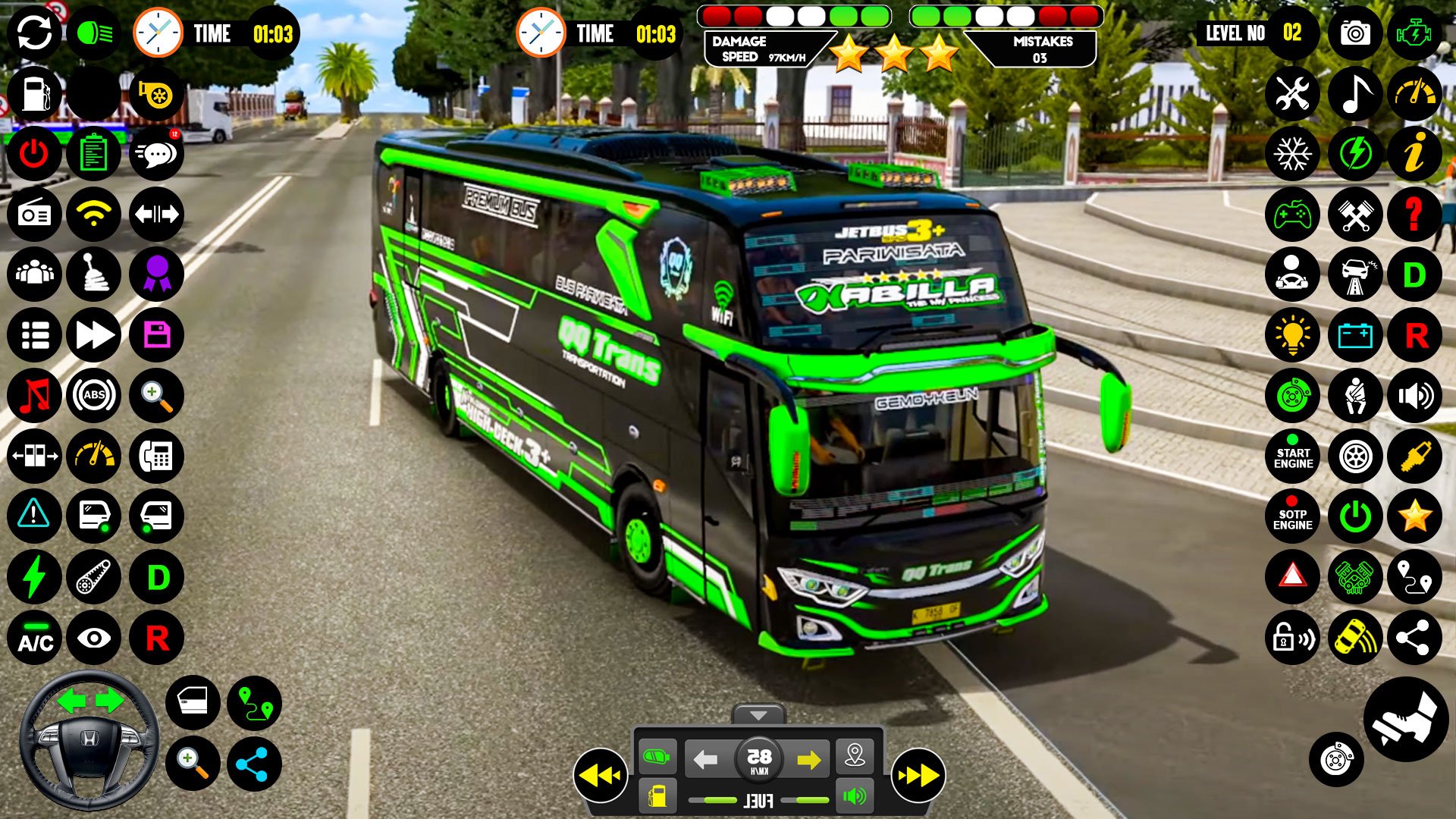
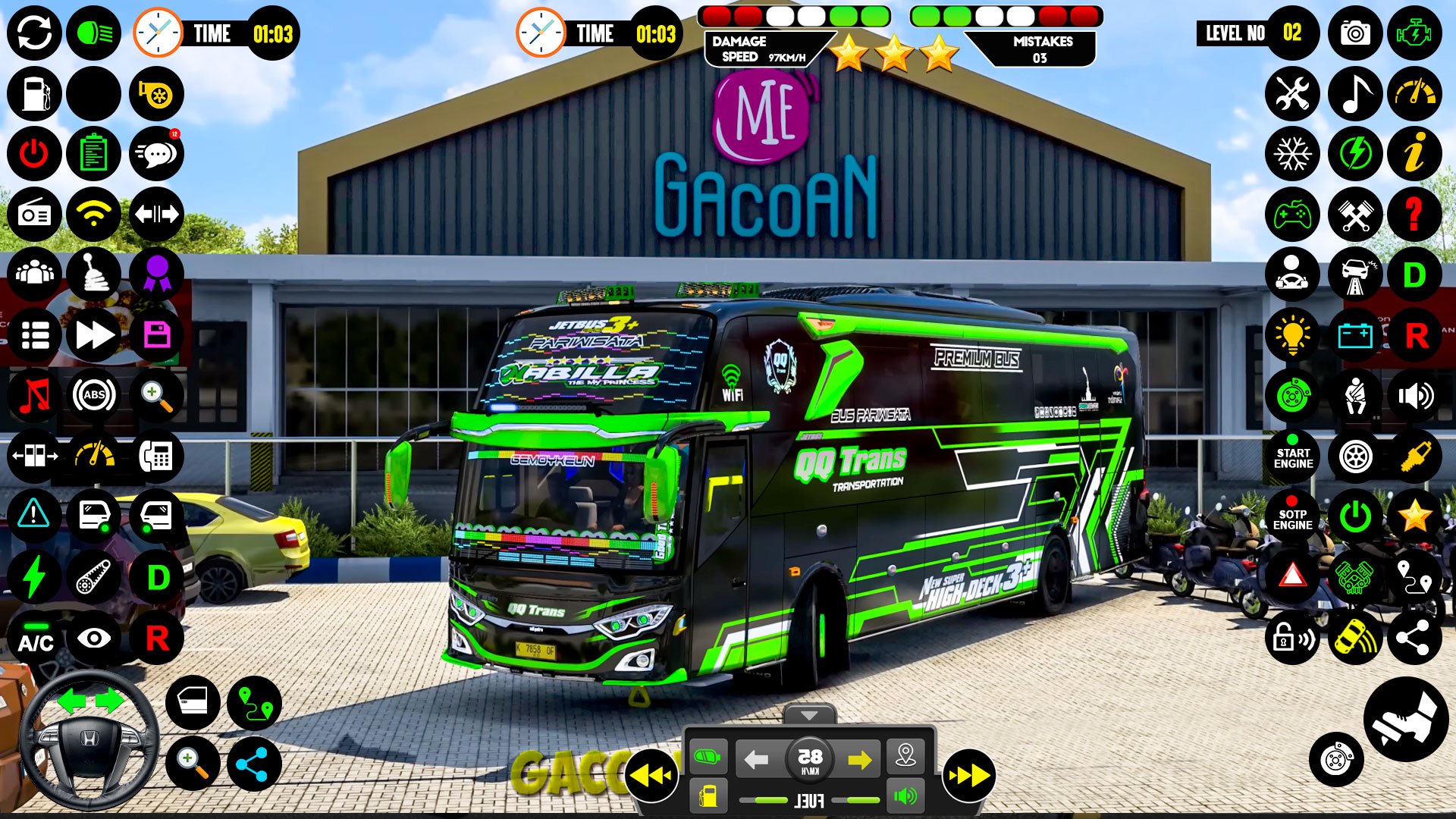
Modern Public Bus Simulator is a realistic bus driving game with four exciting modes. Drive through busy streets in city mode, test your precision in parking mode, learn the basics in driving school mode, and enjoy high-speed challenges in highway mode.
Each mode includes multiple levels designed to improve your bus driving skills. Navigate through lifelike traffic, interact with pedestrians, and adapt to changing weather conditions for a true-to-life experience.
Choose from a variety of detailed bus models and enjoy smooth controls. This bus simulator offers immersive gameplay for fans of public transport games. Whether you're into bus wali game or bus wale game, this game has something for everyone.
Experience the thrill of a bus wala game with realistic environments and challenging missions. Perfect for those who love bus games and want a fresh driving challenge.
Preview
Tags
VehicleCasualSingle playerStylizedOfflineSimulationCarCar-SimInformation
Developer
GamePace
Latest Version
3.7
Last Updated
2026-03-28
Category
Simulation
Available on
Google Play
Show More
How to play Public Coach Bus Driving Game with GameLoop on PC
1. Download GameLoop from the official website, then run the exe file to install GameLoop
2. Open GameLoop and search for “Public Coach Bus Driving Game” , find Public Coach Bus Driving Game in the search results and click “Install”
3. Enjoy playing Public Coach Bus Driving Game on GameLoop
Minimum requirements
OS
Windows 8.1 64-bit or Windows 10 64-bit
GPU
GTX 1050
CPU
i3-8300
Memory
8GB RAM
Storage
1GB available space
Recommended requirements
OS
Windows 8.1 64-bit or Windows 10 64-bit
GPU
GTX 1050
CPU
i3-9320
Memory
16GB RAM
Storage
1GB available space