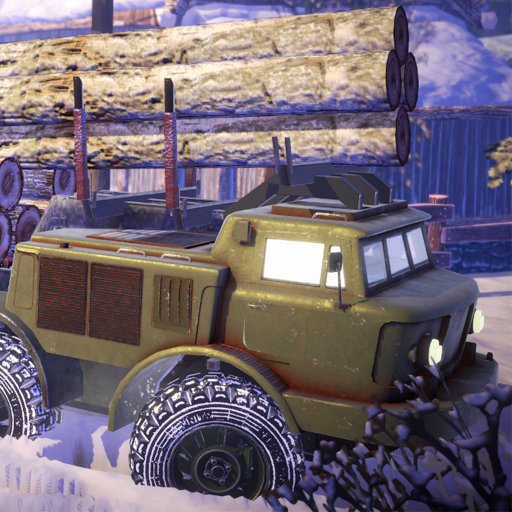
Offroad Chronicles PC
Ludos Game
Download Offroad Chronicles on PC With GameLoop Emulator
Offroad Chronicles sa PC
Ang Offroad Chronicles, na nagmumula sa developer na Ludos Game, ay tumatakbo sa Android systerm sa nakaraan.
Ngayon, maaari mong laruin ang Offroad Chronicles sa PC gamit ang GameLoop nang maayos.
I-download ito sa GameLoop library o mga resulta ng paghahanap. Hindi na tumitingin sa baterya o nakakadismaya na mga tawag sa maling oras.
I-enjoy lang ang Offroad Chronicles PC sa malaking screen nang libre!
Offroad Chronicles Panimula
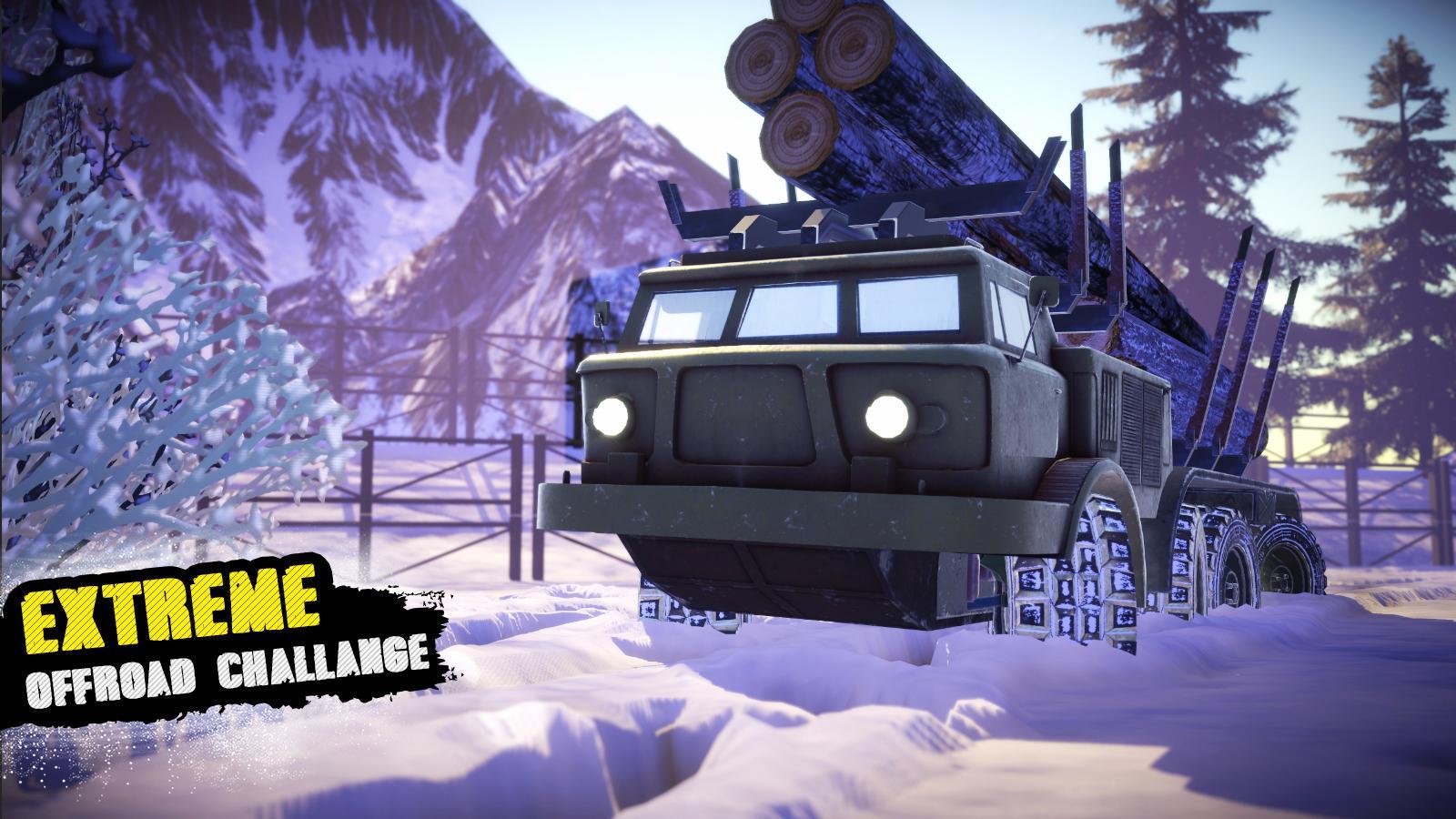
Now is your chance to drive through realistic environments, fighting mud and snow working as a runner in Off-road Chronicles! Get behind the wheel of a range of vehicles from trucks and cars to busses as you drive through extreme terrain and mountain paths, battling spinning tires and steep inclines to get to your destination! Keep your cargo as you drive over treacherous roads to deliver where no-one else can!
Offroad Chronicles features:
-Realistic driving controls (with gearbox)
-Drive all vehicles in the First-person driving mode
-Use the new Winch to pull yourself up steep hills
-Vehicle Upgrades
-Cutting edge mobile graphics
-Interactable terrain and snow deformation
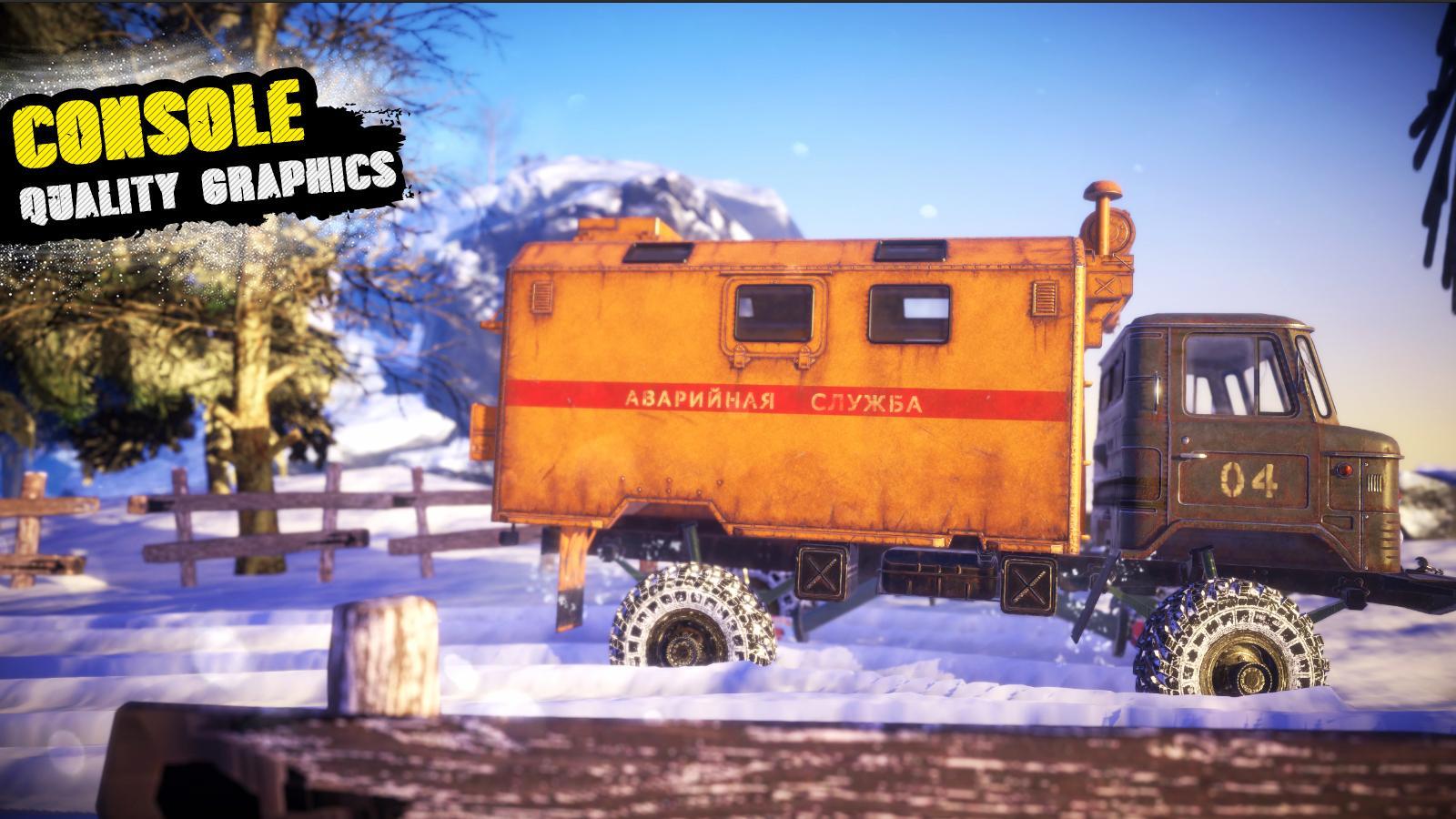
Offroad Chronicles presents you a next-gen mobile off-road game experience with unique trucks. Truck simulation level gameplay and console-level graphics are waiting for you to enjoy!
The trucks in the Offroad Chronicles are using their real-life engine sounds!
Now, moan your engine!
Preview
Tags
SimulationInformation
Developer
Ludos Game
Latest Version
0.2237
Last Updated
2020-09-12
Category
Simulation
Available on
Google Play
Show More
How to play Offroad Chronicles with GameLoop on PC
1. Download GameLoop from the official website, then run the exe file to install GameLoop
2. Open GameLoop and search for “Offroad Chronicles” , find Offroad Chronicles in the search results and click “Install”
3. Enjoy playing Offroad Chronicles on GameLoop
Minimum requirements
OS
Windows 8.1 64-bit or Windows 10 64-bit
GPU
GTX 1050
CPU
i3-8300
Memory
8GB RAM
Storage
1GB available space
Recommended requirements
OS
Windows 8.1 64-bit or Windows 10 64-bit
GPU
GTX 1050
CPU
i3-9320
Memory
16GB RAM
Storage
1GB available space