Eerskraft The Little World PC
Max Cube Loco Crafting Games
Download Eerskraft The Little World on PC With GameLoop Emulator
Eerskraft The Little World sa PC
Ang Eerskraft The Little World, na nagmumula sa developer na Max Cube Loco Crafting Games, ay tumatakbo sa Android systerm sa nakaraan.
Ngayon, maaari mong laruin ang Eerskraft The Little World sa PC gamit ang GameLoop nang maayos.
I-download ito sa GameLoop library o mga resulta ng paghahanap. Hindi na tumitingin sa baterya o nakakadismaya na mga tawag sa maling oras.
I-enjoy lang ang Eerskraft The Little World PC sa malaking screen nang libre!
Eerskraft The Little World Panimula
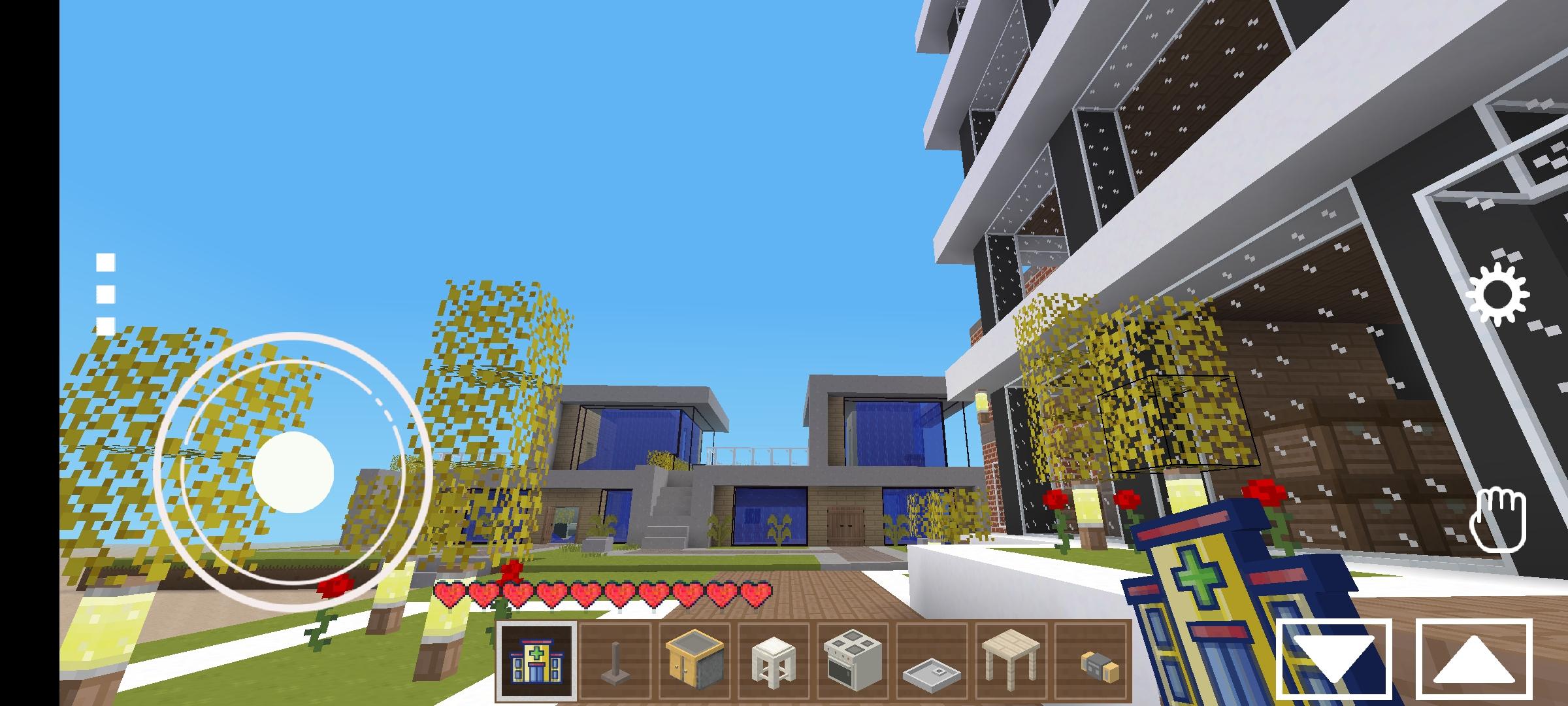
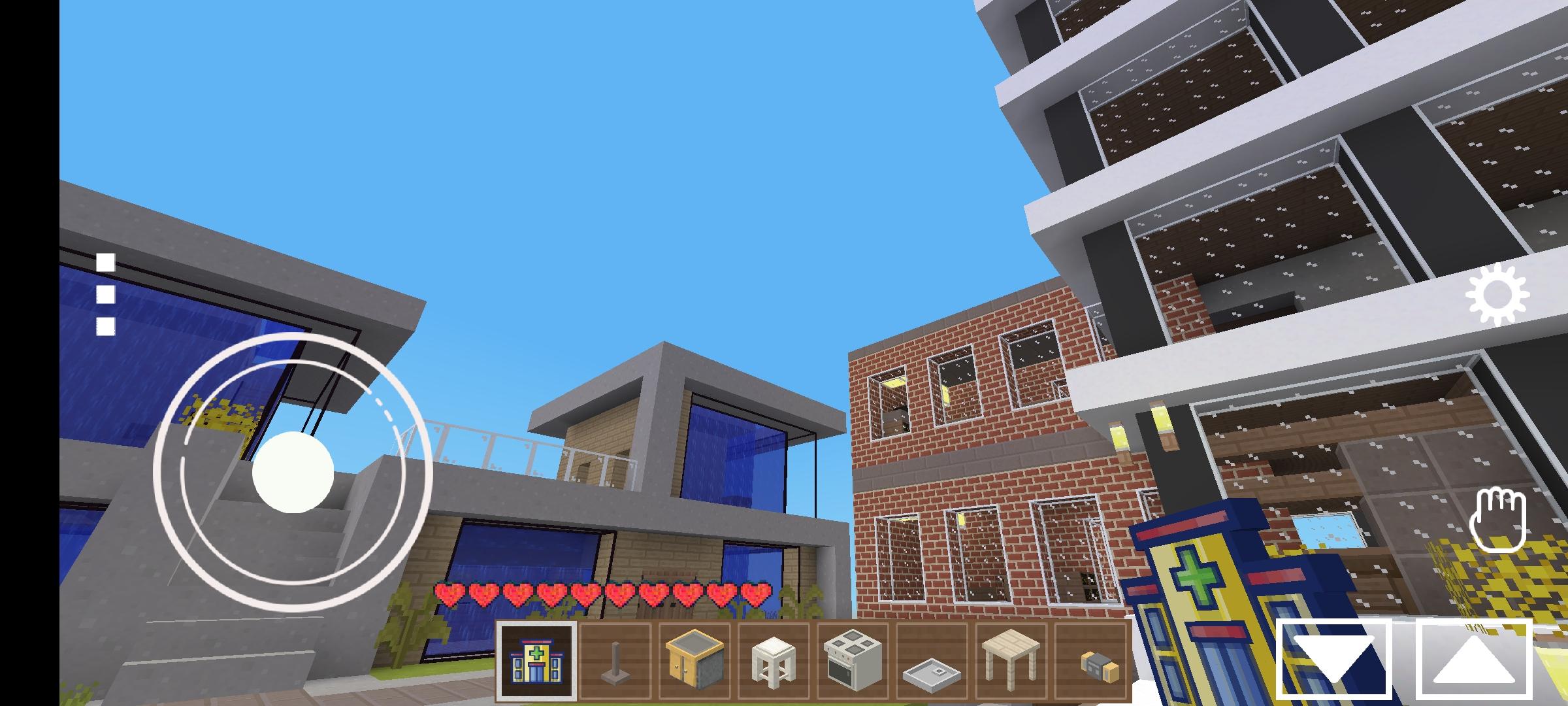
Are you looking for a new way to explore the world of voxel gaming infinite world? Look no further than Little World! This creative and fun game mode allows players to customize their own mini-worlds, complete with custom buildings, farms, and more. It's unique gameplay style and voxel visuals. Players can explore a whole new world of miniature adventures, crafting and building their own tiny version of the game. Whether you're looking for some casual fun or full-on strategy, Eerskraft The Little World Little World has something for everyone.
Eerskraft The Little World but are looking to explore something new, then Eerskraft The Little World Little World is the perfect game for you. This game offers a unique and exciting take on the classic sandbox world gameplay, allowing you to explore an entire world in miniature. With its accessible yet engaging gameplay, Eerskraft The Little World Little World is the perfect way to start your exploration of the metaverse.
We’ll be taking a closer look at what it takes to get started with Eerskraft The Little World Little World. From downloading the game to exploring the world and crafting your own creations, we’ll cover everything you need to know before you start playing. So hop aboard the mini-train and let’s take a journey through Eerskraft The Little World Little World!
Time to explore the world of Eerskraft The Little World Little World! The sandbox world in this game is huge, and you'll have no problem finding something new and exciting to explore. From mysterious ruins to hidden caves, you'll never run out of places to explore. The sheer size of the world also allows for plenty of opportunities for crafting and building for now, just take a deep breath, stretch your legs, and prepare to explore the vast world of Eerskraft The Little World Little World!
So, now that we've got the basics of Eerskraft The Little World Little World down, it's time to get creative. Building and crafting are key components of the game, and with the expansive world and range of blocks available, you can get as creative as you want. There are no limits to what you can create! Whether you want to build a castle, a village, or an entire kingdom, you can do it all in Eerskraft The Little World Little World. With so many different block types available, you can let your imagination go wild and create something truly unique. You can also craft a variety of tools and weapons to help you in your adventures. Let your creativity run wild and explore the many possibilities that Eerskraft The Little World Little World has to offer!
Challenging Survival Mode! In this mode, players must manage their resources, build shelters, and survive against monsters while exploring the world. It’s a great way to put your crafting and building skills to the test and see how long you can survive!
In Creative Mode, you can let your imagination run wild and build whatever you can think of. From castles to parks, there's no limit to what you can create. With the help of mods and other tools, you can create even more amazing structures. You can also go on a treasure hunt and explore all the nooks and crannies of Eerskraft The Little World Little World. But the best part about Creative Mode is that you don't have to worry about dying or running out of resources. You can just focus on building and exploring the world.
Eerskraft The Little World use source code from the open source project, code LGPL: https://github.com/ddgwsn/-eerskraft-just-craft.
You can get the updated code from the numbers developer at https://github.com/minetest/minetest
Preview
Tags
SimulationBusinessInformation
Developer
Max Cube Loco Crafting Games
Latest Version
24.6.9.6
Last Updated
2023-05-08
Category
Simulation
Available on
Google Play
Show More
How to play Eerskraft The Little World with GameLoop on PC
1. Download GameLoop from the official website, then run the exe file to install GameLoop
2. Open GameLoop and search for “Eerskraft The Little World” , find Eerskraft The Little World in the search results and click “Install”
3. Enjoy playing Eerskraft The Little World on GameLoop
Minimum requirements
OS
Windows 8.1 64-bit or Windows 10 64-bit
GPU
GTX 1050
CPU
i3-8300
Memory
8GB RAM
Storage
1GB available space
Recommended requirements
OS
Windows 8.1 64-bit or Windows 10 64-bit
GPU
GTX 1050
CPU
i3-9320
Memory
16GB RAM
Storage
1GB available space