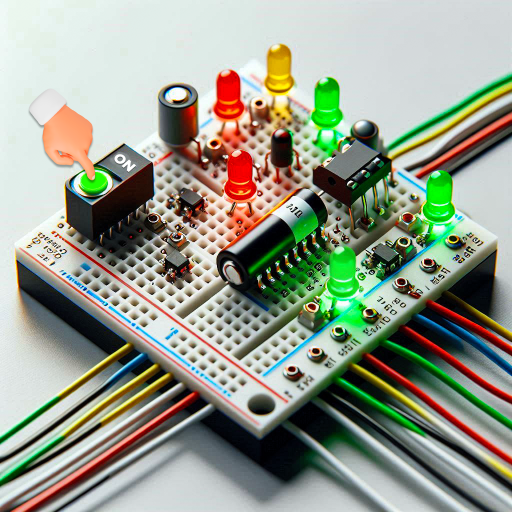
Circuit Simulator Logic Sim PC
Kunhar Games
Download Circuit Simulator Logic Sim on PC With GameLoop Emulator
Circuit Simulator Logic Sim sa PC
Ang Circuit Simulator Logic Sim, na nagmumula sa developer na Kunhar Games, ay tumatakbo sa Android systerm sa nakaraan.
Ngayon, maaari mong laruin ang Circuit Simulator Logic Sim sa PC gamit ang GameLoop nang maayos.
I-download ito sa GameLoop library o mga resulta ng paghahanap. Hindi na tumitingin sa baterya o nakakadismaya na mga tawag sa maling oras.
I-enjoy lang ang Circuit Simulator Logic Sim PC sa malaking screen nang libre!
Circuit Simulator Logic Sim Panimula
Description:
Do you want to know how electronics and electrical engineering works? You are at the right place. Be a business tycoon & set up your new business of Circuit simulator & rule over the world. Start working in your comfort zone by playing this mind relaxing game & boost your IQ level.
“Circuit Simulator Logic Sim” is an app that allows users to explore the world of electronics by creating, designing, testing, and troubleshooting electronic circuits in a fun and interactive way. The app is designed for persons of all ages and provides a wide range of features that make circuit building an engaging and exciting experience.This app offers various modes for both beginners and experts, including missions and challenges that require critical thinking and problem-solving skills.
Drawing tool to create custom components.
How to Play:
- In this game you are approached by a customer who needs a specific circuit built.
- The customer will give you a list of requirements that the circuit should fulfill, such as the desired voltage, current, and frequency.
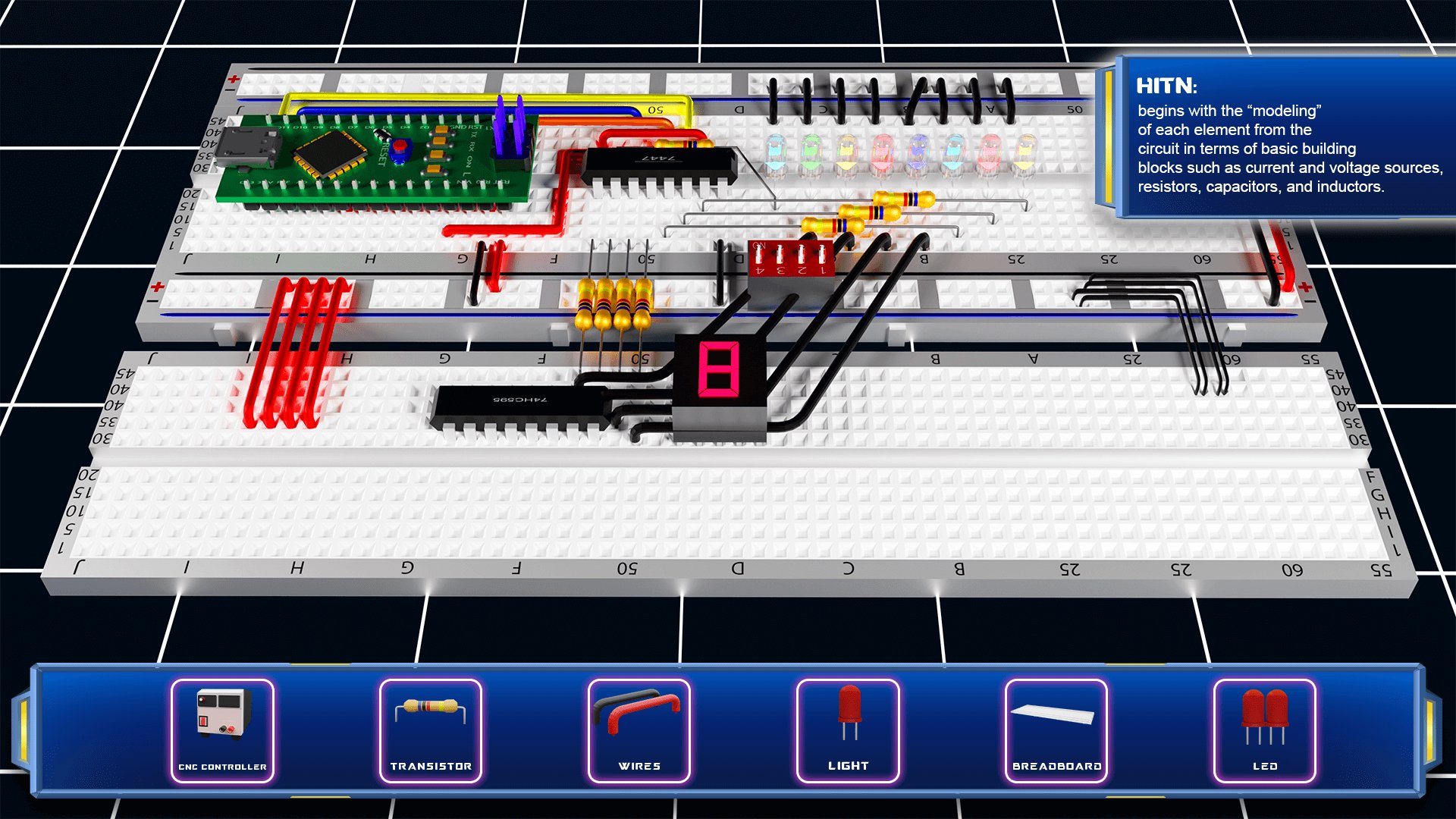
- Once you have a clear understanding of what the customer wants, you can start building the circuit by dragging and dropping various components onto the circuit board.
- You can select from a wide range of components like resistors, capacitors, inductors, transistors, and more to create the circuit that meets the customer's requirements.
- As you add components, you can use devices like an ammeter, voltmeter, or oscilloscope to measure the current, voltage, and frequency within the circuit.
- If the circuit doesn't meet the customer's requirements, you can make adjustments by replacing or modifying components until the desired specifications are met.
- Once you've built the perfect circuit that fulfills the customer's needs, you can save it for future use or share it with others.
Features:
- Vast toolbox of components
- Pre-built circuit models that users can customize
Experiments to explore different circuit configurations and components
- Intuitive user interface with a workspace to connect components using wires and adjust voltage and current parameters using digital knobs
- Power elements to control the power of circuits
- Drawing tool to create custom components.
- Amazing and captivating graphics
- Hint button to help users
Dive into the world of electronics and build complex circuits with ease using "Circuit Simulator Logic Sim"!
Preview
Tags
CasualInformation
Developer
Kunhar Games
Latest Version
3.4
Last Updated
2026-01-30
Category
Simulation
Available on
Google Play
Show More
How to play Circuit Simulator Logic Sim with GameLoop on PC
1. Download GameLoop from the official website, then run the exe file to install GameLoop
2. Open GameLoop and search for “Circuit Simulator Logic Sim” , find Circuit Simulator Logic Sim in the search results and click “Install”
3. Enjoy playing Circuit Simulator Logic Sim on GameLoop
Minimum requirements
OS
Windows 8.1 64-bit or Windows 10 64-bit
GPU
GTX 1050
CPU
i3-8300
Memory
8GB RAM
Storage
1GB available space
Recommended requirements
OS
Windows 8.1 64-bit or Windows 10 64-bit
GPU
GTX 1050
CPU
i3-9320
Memory
16GB RAM
Storage
1GB available space