![Cars in Fixa - Brazil [BETA]](https://static.gameloop.com/img/9d5fa656dbadb3eb7211594a1fd387b9.png?imageMogr2/thumbnail/172.8x172.8/format/webp)
Cars in Fixa - Brazil [BETA] PC
Milesoft™
Download Cars in Fixa - Brazil [BETA] on PC With GameLoop Emulator
Cars in Fixa - Brazil [BETA] sa PC
Ang Cars in Fixa - Brazil [BETA], na nagmumula sa developer na Milesoft™, ay tumatakbo sa Android systerm sa nakaraan.
Ngayon, maaari mong laruin ang Cars in Fixa - Brazil [BETA] sa PC gamit ang GameLoop nang maayos.
I-download ito sa GameLoop library o mga resulta ng paghahanap. Hindi na tumitingin sa baterya o nakakadismaya na mga tawag sa maling oras.
I-enjoy lang ang Cars in Fixa - Brazil [BETA] PC sa malaking screen nang libre!
Cars in Fixa - Brazil [BETA] Panimula
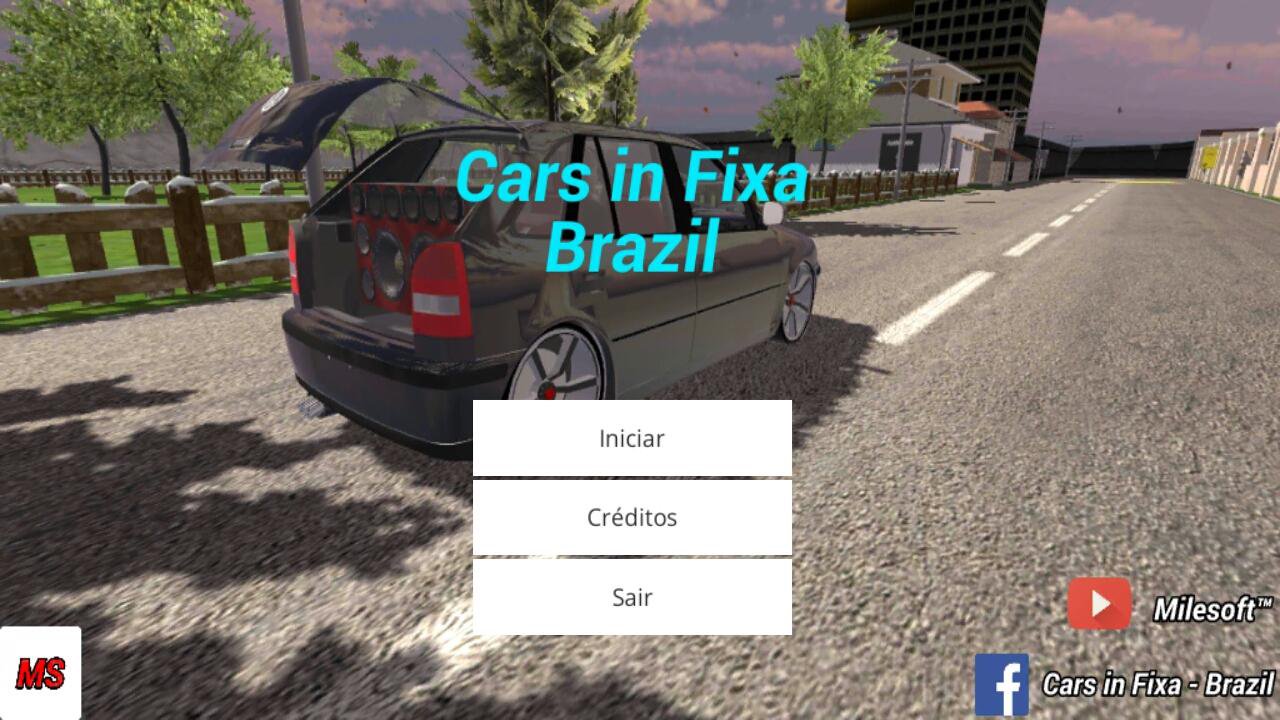
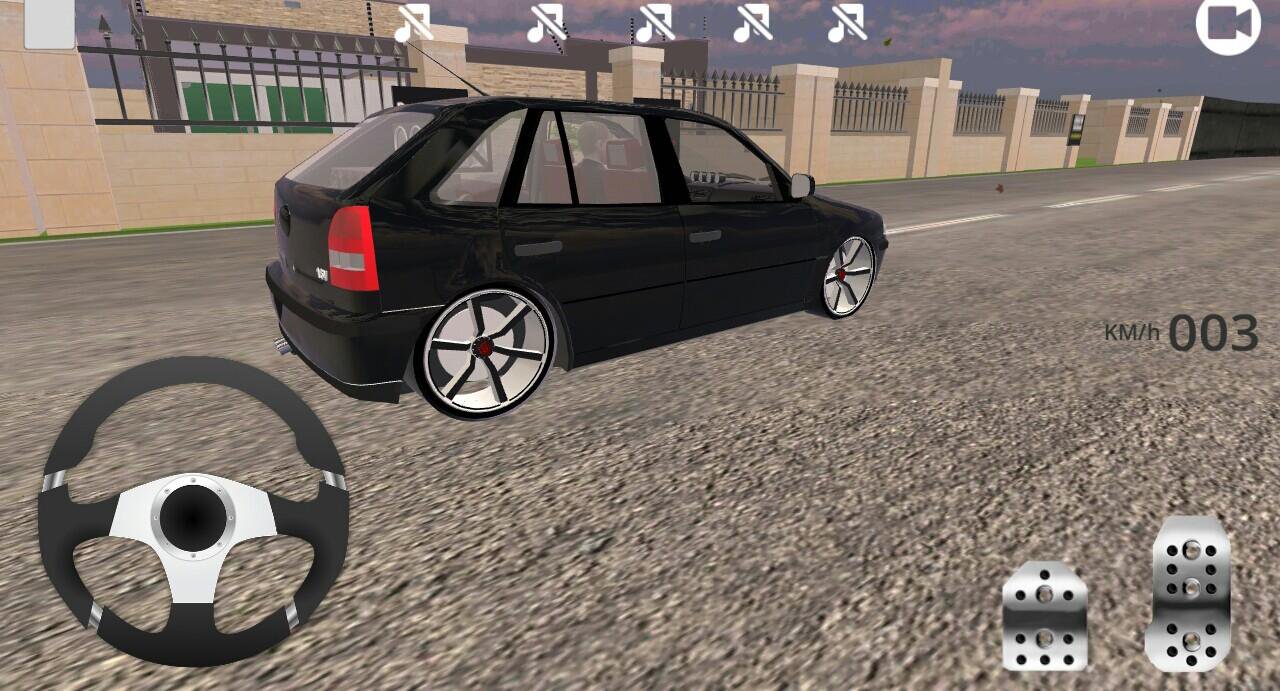
Cars in Fixa - Brazil, a BETA game, made inside a car, where you can travel through the open world of the game.
For now the Beta of the game still has a city, but soon we will have more.
Official Channel: https://www.youtube.com/channel/UCrtv4lORmaOFq99YFyxr2HQ
If your phone is below these Minimum Requirements, we are not responsible if your game is locking or closing on its own.
Minimum requirements:
Android 4.4
Processor: Quad - Core
RAM: 1.5 GB
(If your phone is within these Requirements and your game crashes or closes by itself, restart your phone, open the Pause Menu and set it to "Ultra Low" Graphic Quality.
Buy a Land or a Billboard, and have fun.
Instructions:
To open the Pause Menu, press the (Back) button on your cell phone.
To choose the Graphic Quality, open the Pause Menu and choose the options that you have.
To open the Trunk [Luggage compartment] press the (Square) button in the upper left corner of the screen.
To move the Camera, press your finger on the screen and rotate as far as you want, then stop your finger and release it.
In the Start Menu press on the screen (better in the name of the Game) and wait between 8/20 secs [Depending on your cell phone], until you open the Main Menu.
To lower your car, drag the ball on the left side of the screen down, or up.
Preview
Tags
SimulationInformation
Developer
Milesoft™
Latest Version
2.4
Last Updated
2017-06-16
Category
Simulation
Available on
Google Play
Show More
How to play Cars in Fixa - Brazil [BETA] with GameLoop on PC
1. Download GameLoop from the official website, then run the exe file to install GameLoop
2. Open GameLoop and search for “Cars in Fixa - Brazil [BETA]” , find Cars in Fixa - Brazil [BETA] in the search results and click “Install”
3. Enjoy playing Cars in Fixa - Brazil [BETA] on GameLoop
Minimum requirements
OS
Windows 8.1 64-bit or Windows 10 64-bit
GPU
GTX 1050
CPU
i3-8300
Memory
8GB RAM
Storage
1GB available space
Recommended requirements
OS
Windows 8.1 64-bit or Windows 10 64-bit
GPU
GTX 1050
CPU
i3-9320
Memory
16GB RAM
Storage
1GB available space