
One Communications Topup PC
Powered by eTopUpOnline.com
Download One Communications Topup on PC With GameLoop Emulator
One Communications Topup sa PC
Ang One Communications Topup, na nagmumula sa developer na Powered by eTopUpOnline.com, ay tumatakbo sa Android systerm sa nakaraan.
Ngayon, maaari mong laruin ang One Communications Topup sa PC gamit ang GameLoop nang maayos.
I-download ito sa GameLoop library o mga resulta ng paghahanap. Hindi na tumitingin sa baterya o nakakadismaya na mga tawag sa maling oras.
I-enjoy lang ang One Communications Topup PC sa malaking screen nang libre!
One Communications Topup Panimula
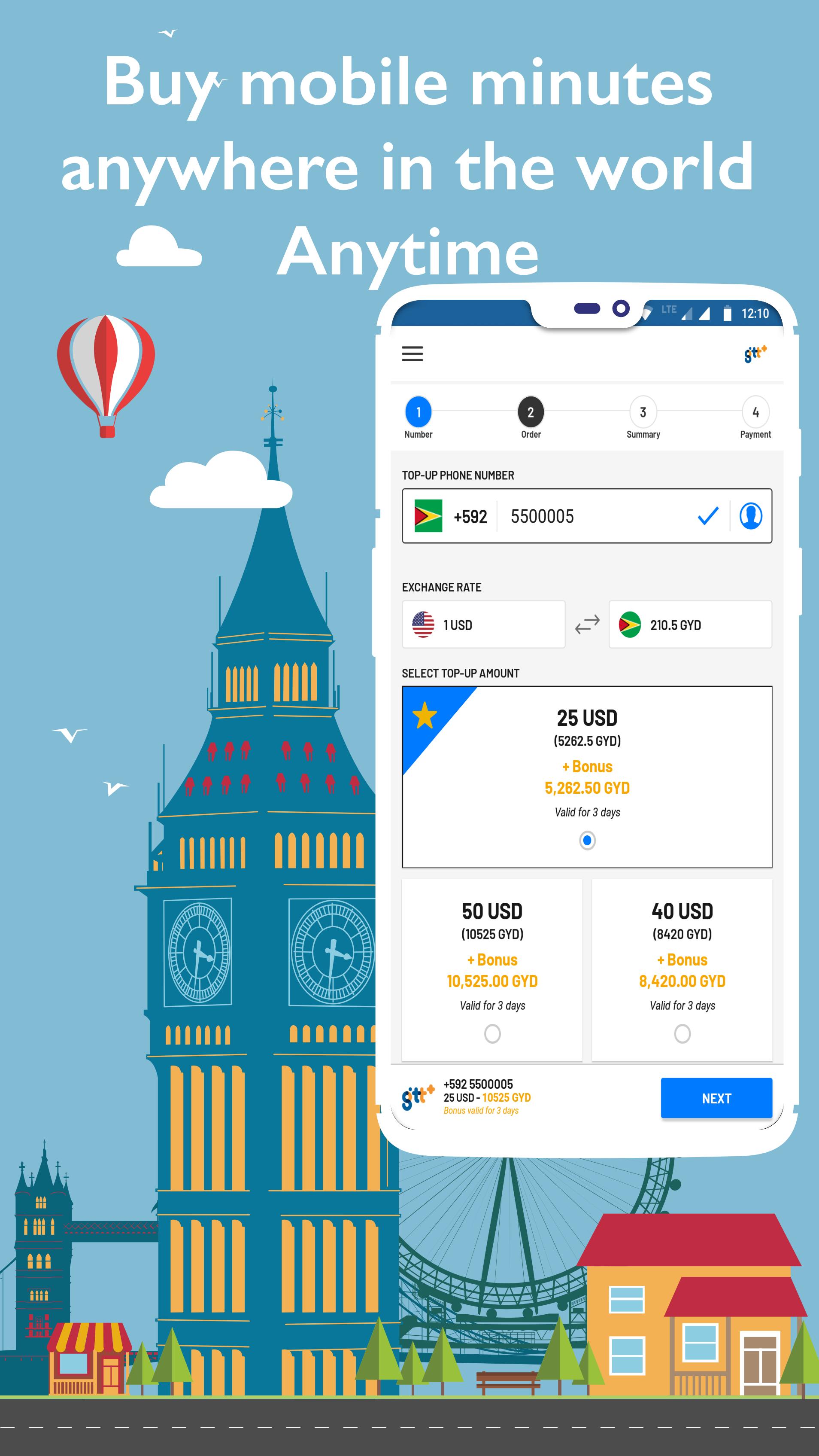
Download the Official Top Up App for One Communications prepaid mobile phones in Guyana – the fastest, easiest, and the most convenient way to recharge your phone!
Buy airtime from anywhere in the world!
One Communications Customers – Buy credit for your own phone in Guyana or while traveling overseas.
Friends or Family in the USA, Canada, UK or anywhere else in the world – Add the credit to your loved ones’ One Communications prepaid phones in Guyana without paying any foreign transaction fees.
Features:
• Send From Anywhere – Send One Communications airtime to your friends and family from anywhere in the world.
• Top Up Your One Communications Phone – Buy credit for your own One Communications prepaid phone.
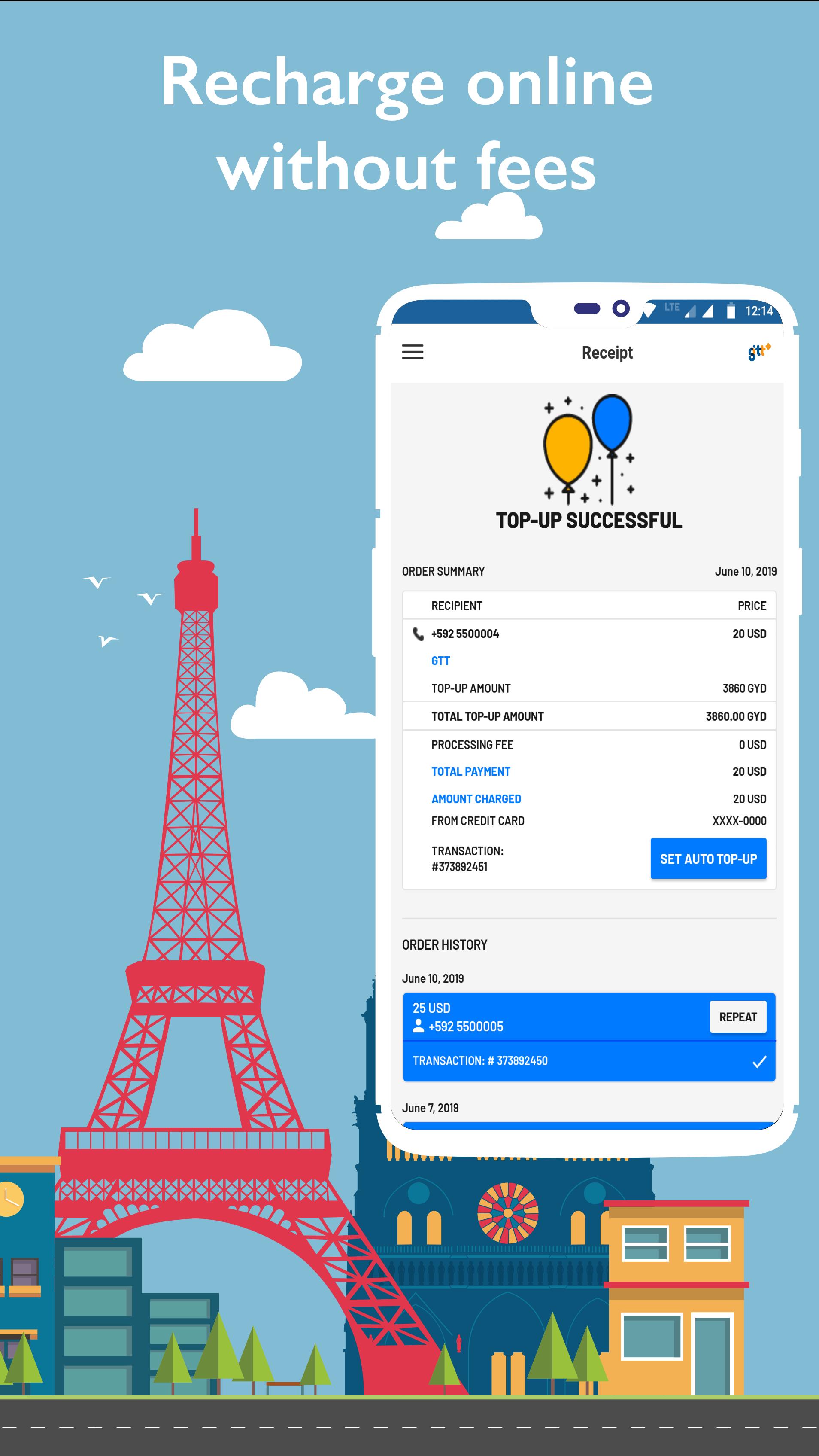
• No Fees – No processing fees or bank charges.
• Exclusive Promotions – Free bonus minutes and data (when applicable).
• Multiple Payment Options – Pay with Visa, Mastercard, Amex or PayPal.
• Easy Registration – Quickly sign up with email, Facebook, or Google logins.
• Auto-Top Up – Set up a recurring top up for hassle-free recurring transactions.
• Single Login – Use your same account on the One Communications website and the Top-Up App.
• Quickly Repeat Your Last Top Up - Single touch "Repeat Top Up" option lets you send to the same phone number with the same amount instantly.
It's as easy as 1,2,3:
1. Enter the phone number
2. Select an amount
3. Hit pay and send!
Preview
Tags
ShoppingInformation
Developer
Powered by eTopUpOnline.com
Latest Version
1.31
Last Updated
2024-10-28
Category
Shopping
Available on
Google Play
Show More
How to play One Communications Topup with GameLoop on PC
1. Download GameLoop from the official website, then run the exe file to install GameLoop
2. Open GameLoop and search for “One Communications Topup” , find One Communications Topup in the search results and click “Install”
3. Enjoy playing One Communications Topup on GameLoop
Minimum requirements
OS
Windows 8.1 64-bit or Windows 10 64-bit
GPU
GTX 1050
CPU
i3-8300
Memory
8GB RAM
Storage
1GB available space
Recommended requirements
OS
Windows 8.1 64-bit or Windows 10 64-bit
GPU
GTX 1050
CPU
i3-9320
Memory
16GB RAM
Storage
1GB available space