
The Spy Game PC
White-Dove
Download The Spy Game on PC With GameLoop Emulator
The Spy Game sa PC
Ang The Spy Game, na nagmumula sa developer na White-Dove, ay tumatakbo sa Android systerm sa nakaraan.
Ngayon, maaari mong laruin ang The Spy Game sa PC gamit ang GameLoop nang maayos.
I-download ito sa GameLoop library o mga resulta ng paghahanap. Hindi na tumitingin sa baterya o nakakadismaya na mga tawag sa maling oras.
I-enjoy lang ang The Spy Game PC sa malaking screen nang libre!
The Spy Game Panimula
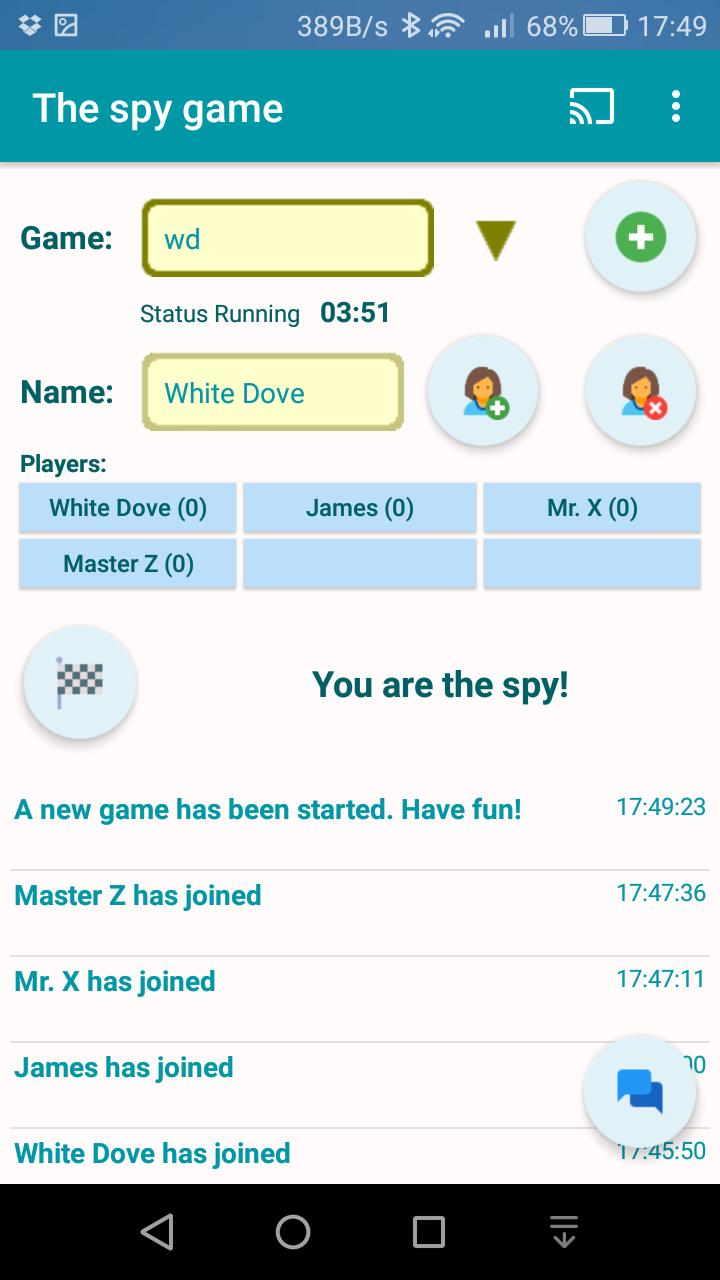
The Spy Game is a fun game for 3 up to a maximum of 9 players.
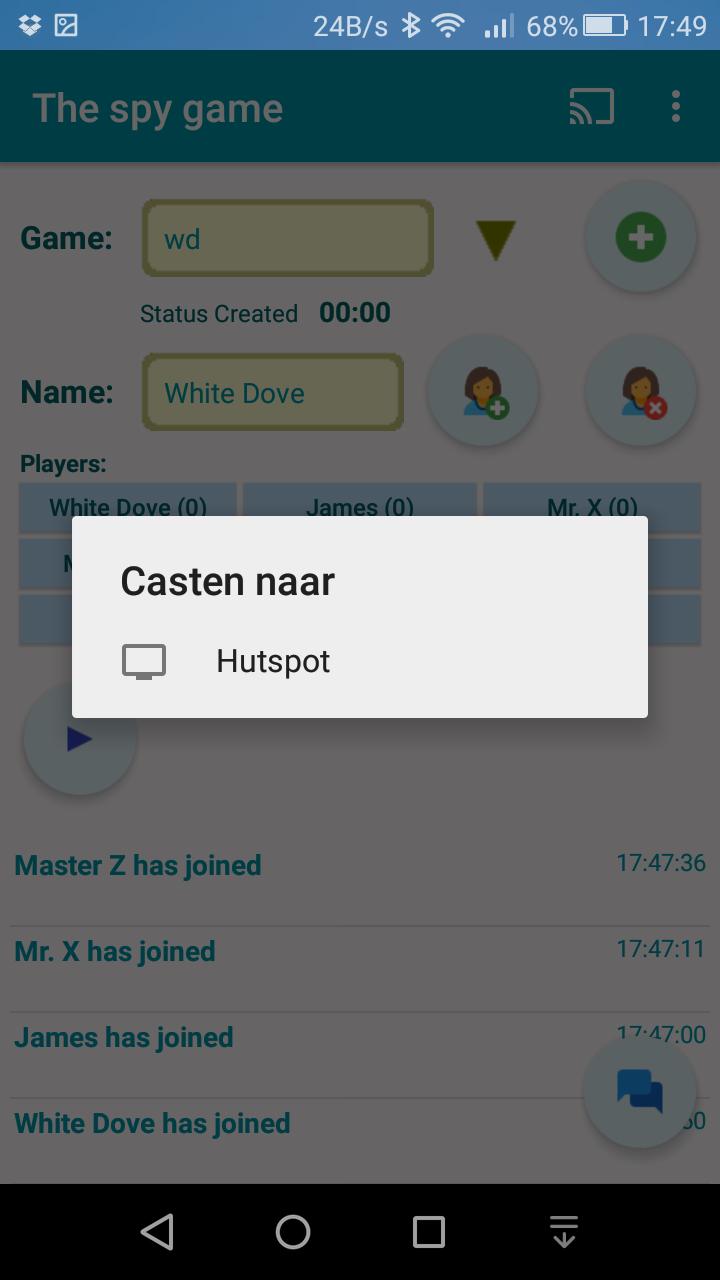
The game is best played with friends or family together in the same room, and if you have a Chromecast the first thing you should do is push the cast button. The status of the game will be displayed on your TV!
In 'The Spy Game', one of the players is the spy and the others have to guess who that is.
The spy on the other hand has to guess where the other players are situated.
This is done by asking questions to each other. Player 1 asks a question to player 2 and when player 2 has answered, it's his turn to ask a question.
A player is not allowed to ask a question to the player that asked the question in the previous turn.
To create a game, use the 'plus' button, then when all players are joined ('join' button) press the 'play' button to start.
There is a minimum of 3 players required before you can play.
Any player who thinks he knows the answer can finish the game with the 'finish' button.
To chat to another player press the button with the player name in it or use the 'chat' button.
There is a time limit for each round. After the game has been started a countdown counter shows the playing time left.
When the counter reaches 00:00 or someone has ended the game it's time to speak out.
You have 30 seconds to answer.
For each correct answer you get a point. A scoreboard keeps track of the points. You can play rounds until the first person reaches a number of points (for example first to ten points).
Preview
Information
Developer
White-Dove
Latest Version
1.3.2
Last Updated
2017-11-22
Category
Role-playing
Available on
Google Play
Show More
How to play The Spy Game with GameLoop on PC
1. Download GameLoop from the official website, then run the exe file to install GameLoop
2. Open GameLoop and search for “The Spy Game” , find The Spy Game in the search results and click “Install”
3. Enjoy playing The Spy Game on GameLoop
Minimum requirements
OS
Windows 8.1 64-bit or Windows 10 64-bit
GPU
GTX 1050
CPU
i3-8300
Memory
8GB RAM
Storage
1GB available space
Recommended requirements
OS
Windows 8.1 64-bit or Windows 10 64-bit
GPU
GTX 1050
CPU
i3-9320
Memory
16GB RAM
Storage
1GB available space