RPG Campaign Manager PC
DS Studio
Download RPG Campaign Manager on PC With GameLoop Emulator
RPG Campaign Manager sa PC
Ang RPG Campaign Manager, na nagmumula sa developer na DS Studio, ay tumatakbo sa Android systerm sa nakaraan.
Ngayon, maaari mong laruin ang RPG Campaign Manager sa PC gamit ang GameLoop nang maayos.
I-download ito sa GameLoop library o mga resulta ng paghahanap. Hindi na tumitingin sa baterya o nakakadismaya na mga tawag sa maling oras.
I-enjoy lang ang RPG Campaign Manager PC sa malaking screen nang libre!
RPG Campaign Manager Panimula
Have you ever had the feeling that you missed something?
Well from today no more!
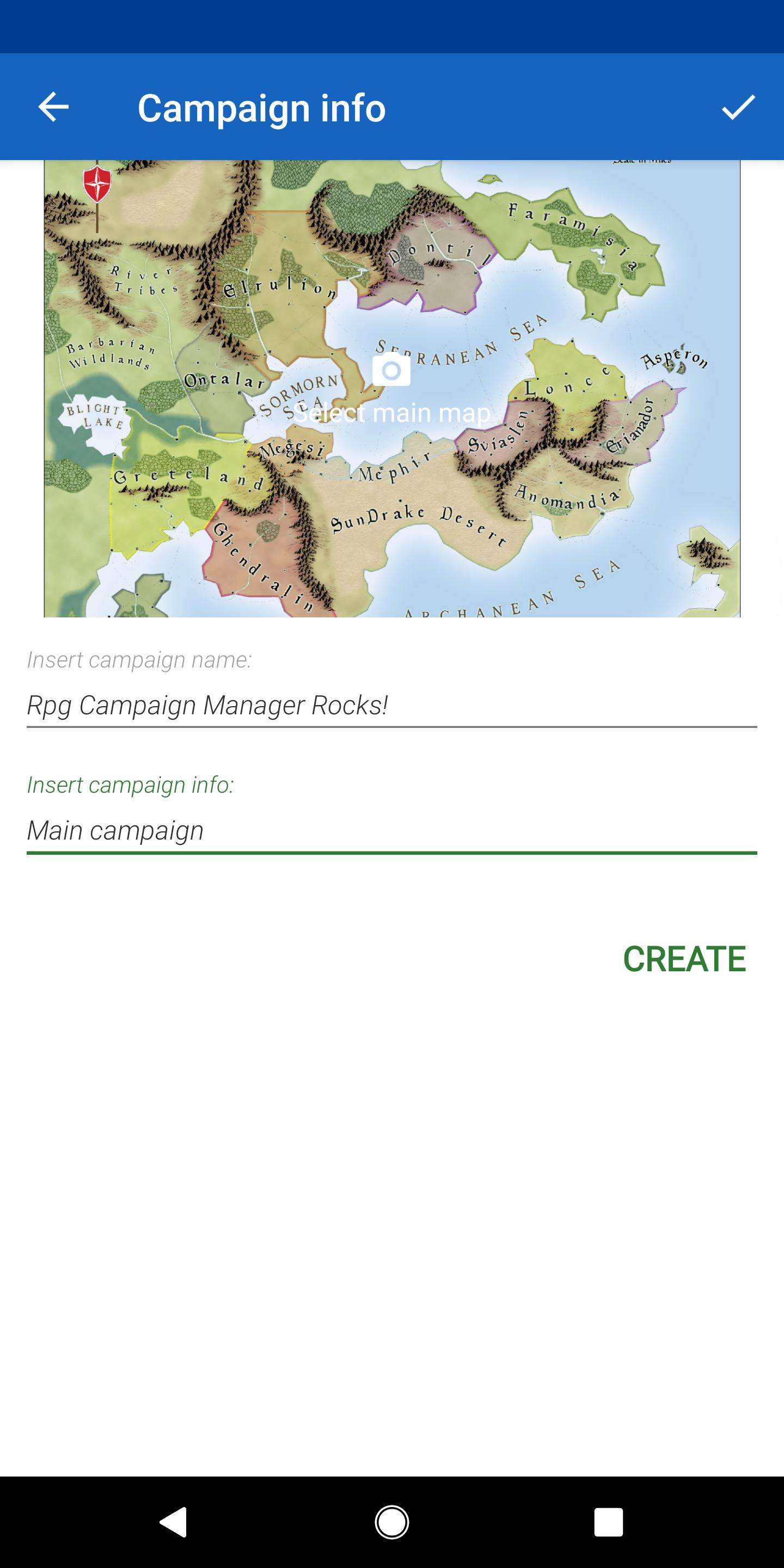
RPG Camapign Manager will help you manage your campaigns for role-playing games!
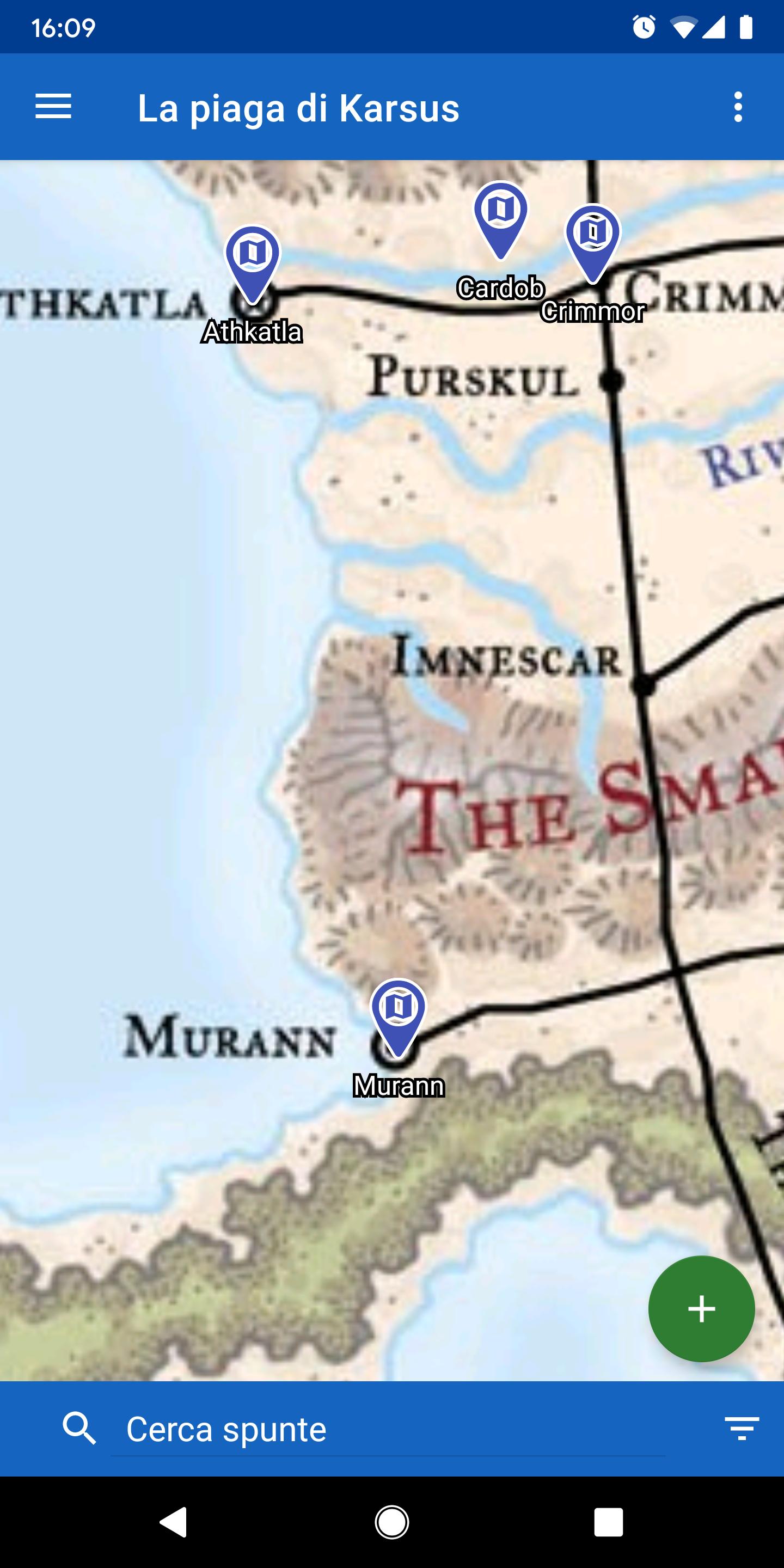
You can use an image as a map and place map marker on that can contain other sub-maps or useful information for your adventure.
Use the map editor, included in RPG Campaign Manager, to create a dungeon, a catacomb or a city.
You decide which part of the map you show at your party!
With the message boards you can describe in detail your character or non-player characters.
RPG Campaign Manager also includes a powerful editor, still in development, that will allow you to create your character sheet as you like!
You can create a campaign for free and play as many as you want!
Preview
Tags
Role PlayingInformation
Developer
DS Studio
Latest Version
1.0.8
Last Updated
2021-09-23
Category
Role-playing
Available on
Google Play
Show More
How to play RPG Campaign Manager with GameLoop on PC
1. Download GameLoop from the official website, then run the exe file to install GameLoop
2. Open GameLoop and search for “RPG Campaign Manager” , find RPG Campaign Manager in the search results and click “Install”
3. Enjoy playing RPG Campaign Manager on GameLoop
Minimum requirements
OS
Windows 8.1 64-bit or Windows 10 64-bit
GPU
GTX 1050
CPU
i3-8300
Memory
8GB RAM
Storage
1GB available space
Recommended requirements
OS
Windows 8.1 64-bit or Windows 10 64-bit
GPU
GTX 1050
CPU
i3-9320
Memory
16GB RAM
Storage
1GB available space