Idle MechaStorm: Mechanic RPG PC
Penta Game
Download Idle MechaStorm: Mechanic RPG on PC With GameLoop Emulator
Idle MechaStorm: Mechanic RPG sa PC
Ang Idle MechaStorm: Mechanic RPG, na nagmumula sa developer na Penta Game, ay tumatakbo sa Android systerm sa nakaraan.
Ngayon, maaari mong laruin ang Idle MechaStorm: Mechanic RPG sa PC gamit ang GameLoop nang maayos.
I-download ito sa GameLoop library o mga resulta ng paghahanap. Hindi na tumitingin sa baterya o nakakadismaya na mga tawag sa maling oras.
I-enjoy lang ang Idle MechaStorm: Mechanic RPG PC sa malaking screen nang libre!
Idle MechaStorm: Mechanic RPG Panimula
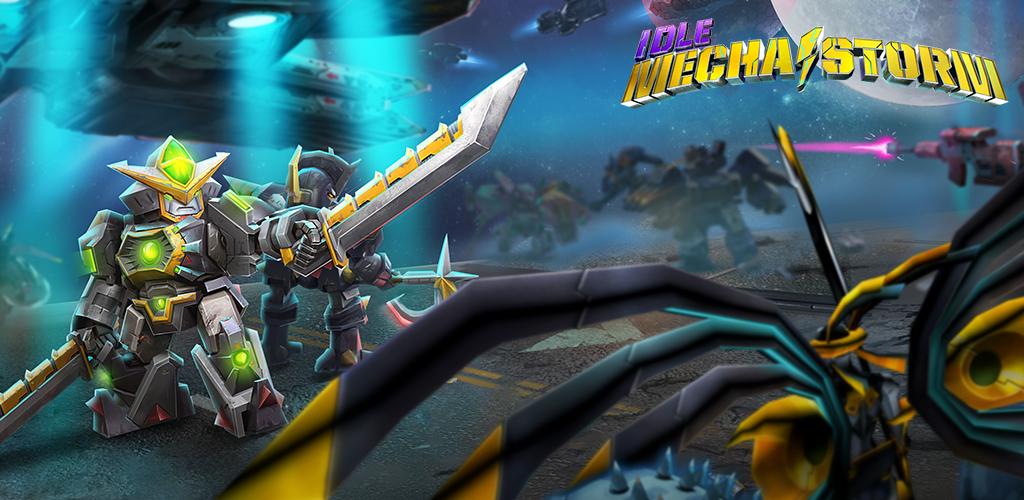
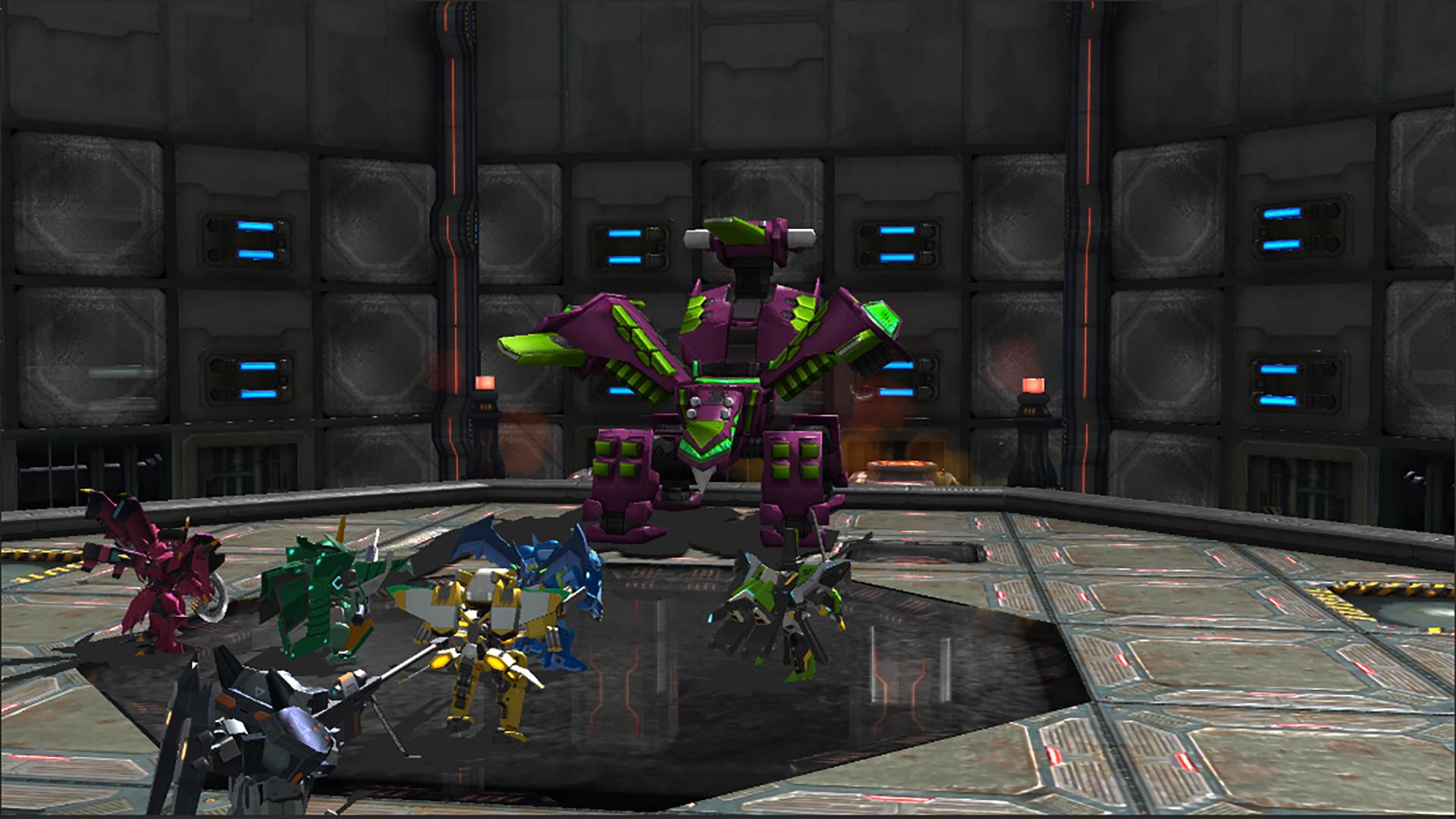
Different types of mechanical units can make your team stronger.
Mechanic units can change their appearance through skins.
Planetary warfare to conquer multiple planets
Automated ship defense
Planet boss battles to defeat powerful bosses
An infinite universe that is constantly progressing
A training center that leads to victory through team combinations
Daily planets, capture of strongholds, etc... A variety of content awaits.
==================================================== =============
* Since it is an idle game, you can grow it without running the game.
* If you link your account, you can keep your data safely. Account linkage can be done later through the game options even if it is not performed at the first launch.
* CS: help@pentagame.co.kr
Preview
Tags
TacticalCasualSingle playerStylizedInformation
Developer
Penta Game
Latest Version
1.1.3
Last Updated
2022-01-02
Category
Role-playing
Available on
Google Play
Show More
How to play Idle MechaStorm: Mechanic RPG with GameLoop on PC
1. Download GameLoop from the official website, then run the exe file to install GameLoop
2. Open GameLoop and search for “Idle MechaStorm: Mechanic RPG” , find Idle MechaStorm: Mechanic RPG in the search results and click “Install”
3. Enjoy playing Idle MechaStorm: Mechanic RPG on GameLoop
Minimum requirements
OS
Windows 8.1 64-bit or Windows 10 64-bit
GPU
GTX 1050
CPU
i3-8300
Memory
8GB RAM
Storage
1GB available space
Recommended requirements
OS
Windows 8.1 64-bit or Windows 10 64-bit
GPU
GTX 1050
CPU
i3-9320
Memory
16GB RAM
Storage
1GB available space