Gone Rogue PC
Brandon Stecklein
Download Gone Rogue on PC With GameLoop Emulator
Gone Rogue sa PC
Ang Gone Rogue, na nagmumula sa developer na Brandon Stecklein, ay tumatakbo sa Android systerm sa nakaraan.
Ngayon, maaari mong laruin ang Gone Rogue sa PC gamit ang GameLoop nang maayos.
I-download ito sa GameLoop library o mga resulta ng paghahanap. Hindi na tumitingin sa baterya o nakakadismaya na mga tawag sa maling oras.
I-enjoy lang ang Gone Rogue PC sa malaking screen nang libre!
Gone Rogue Panimula
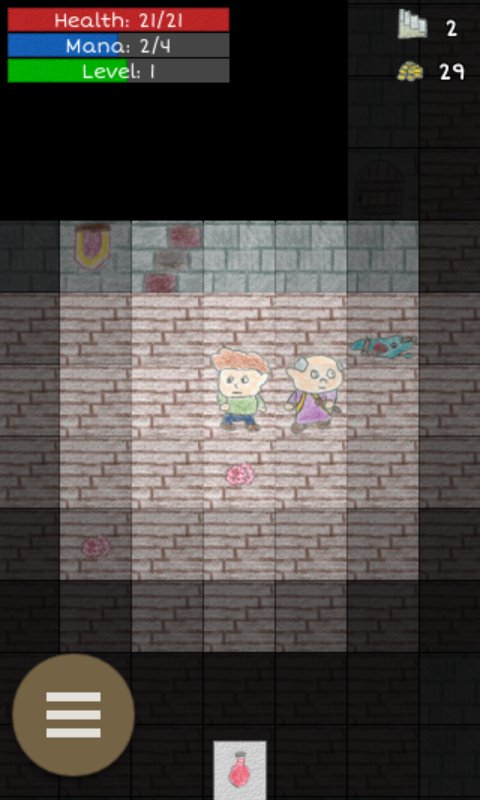
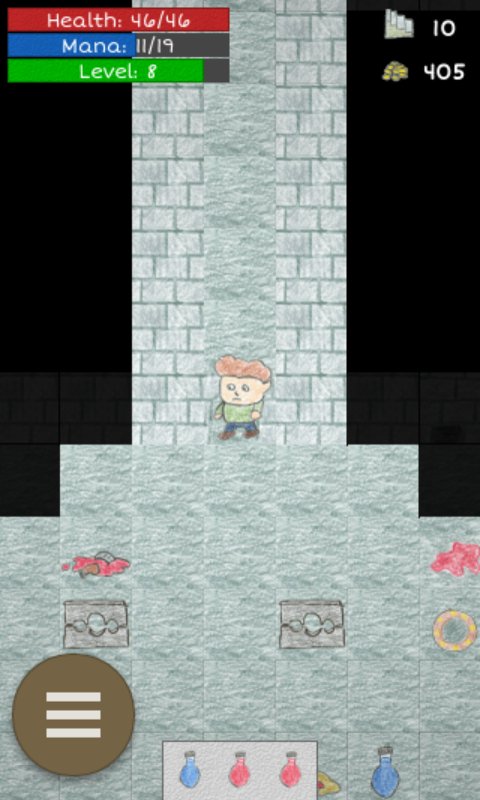
Gone Rogue is an epic roguelike roleplaying adventure game! Explore randomly generated dungeons, collect loot, defeat monsters, and level up!
Find epic items or create your own by adding upgrades to socketed items. Items are procedurally generated at run time, so no two playthroughs will have the exact same loot!
At it's core, Gone Rogue is a traditional roguelike game that features hand-drawn tile-based graphics. You can play in normal mode which lets you continue when you die, or you can play nightmare mode with permanent death for a more traditional rogue like experience. Game play is turn based, but it also includes a realtime mode if you prefer. There are tons of weapons to find, items to collect, and zones to explore. Fight enemies with cold hard steel, or destroy them with magic. Head to town when you need to rest and recover.
If you'd like to have a say in the future direction of the game, e-mail me or let me know in the app market comments!
Ambient sounds in Gone Rogue were created by klankbeeld at freesound.org
http://www.freesound.org/people/klankbeeld/
Town music track is Suonatore di Liuto by Kevin MacLeod (incompetech.com)
Licensed under Creative Commons: By Attribution 3.0 License
http://creativecommons.org/licenses/by/3.0/
Preview
Tags
Role PlayingRoguelikeInformation
Developer
Brandon Stecklein
Latest Version
3.6.0
Last Updated
2026-07-25
Category
Role-playing
Available on
Google Play
Show More
How to play Gone Rogue with GameLoop on PC
1. Download GameLoop from the official website, then run the exe file to install GameLoop
2. Open GameLoop and search for “Gone Rogue” , find Gone Rogue in the search results and click “Install”
3. Enjoy playing Gone Rogue on GameLoop
Minimum requirements
OS
Windows 8.1 64-bit or Windows 10 64-bit
GPU
GTX 1050
CPU
i3-8300
Memory
8GB RAM
Storage
1GB available space
Recommended requirements
OS
Windows 8.1 64-bit or Windows 10 64-bit
GPU
GTX 1050
CPU
i3-9320
Memory
16GB RAM
Storage
1GB available space