
RPG Everdark Tower PC
KEMCO
Download RPG Everdark Tower on PC With GameLoop Emulator
RPG Everdark Tower sa PC
Ang RPG Everdark Tower, na nagmumula sa developer na KEMCO, ay tumatakbo sa Android systerm sa nakaraan.
Ngayon, maaari mong laruin ang RPG Everdark Tower sa PC gamit ang GameLoop nang maayos.
I-download ito sa GameLoop library o mga resulta ng paghahanap. Hindi na tumitingin sa baterya o nakakadismaya na mga tawag sa maling oras.
I-enjoy lang ang RPG Everdark Tower PC sa malaking screen nang libre!
RPG Everdark Tower Panimula
*Important Notice*
Due to maintenance reasons, the app will temporarily be unavailable for 64-bit devices after July 31st, 2021. Depending on the optimization for new devices, there might be the possibility to stop the distribution later on. We appreciate your understanding.
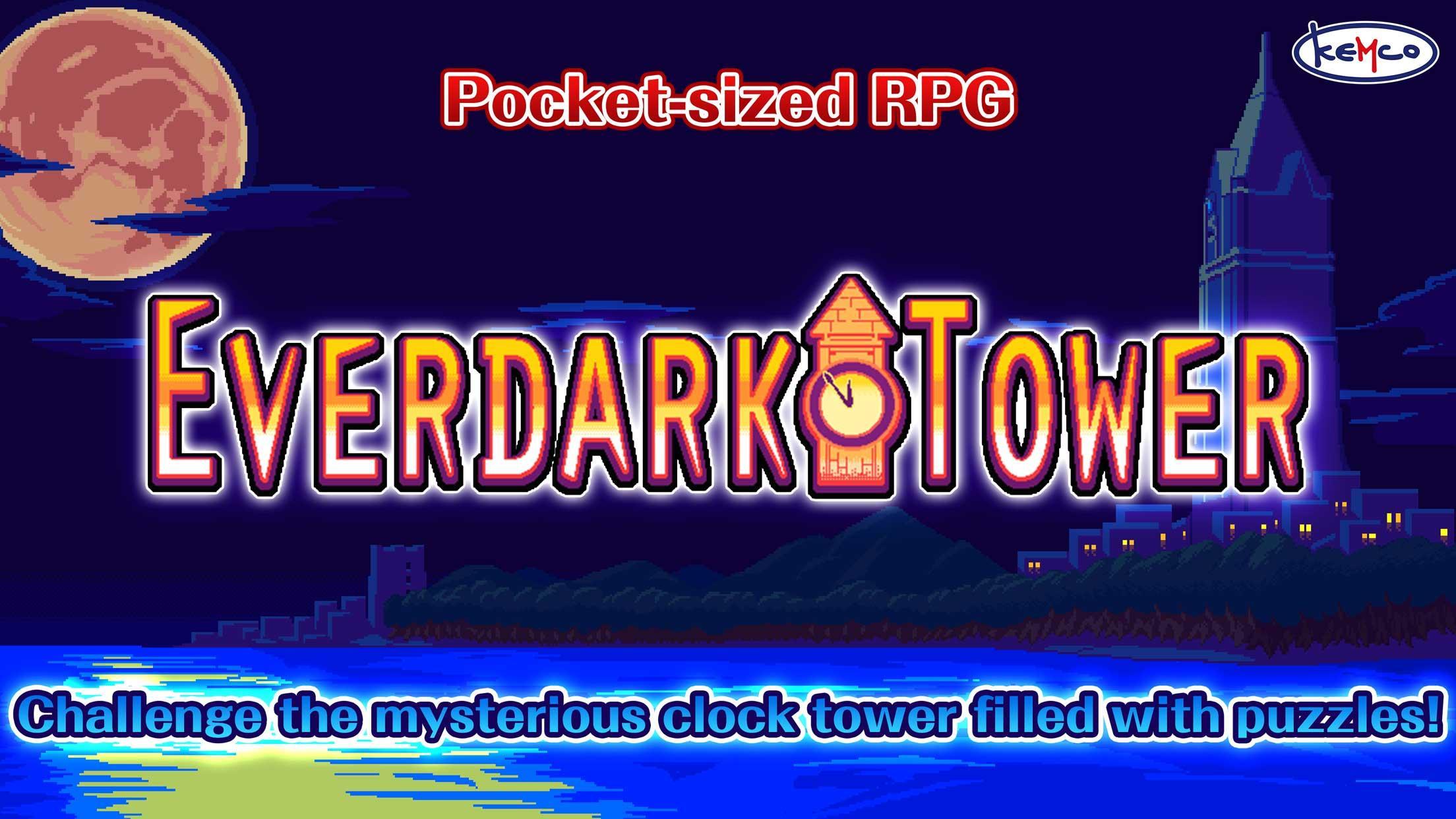
Go up the ancient clock tower to make the frozen time move!
A delight to beat the game for everyone! Next chapter in the Pocket-sized RPG series!
Challenge Mysteries and Puzzles!
Dungeons are full of puzzles and gimmicks.
Solve the puzzles, get the treasures and go deeper...
Enjoy an easy-to-follow excitement!
* Time required to complete the game: 2-4 hours
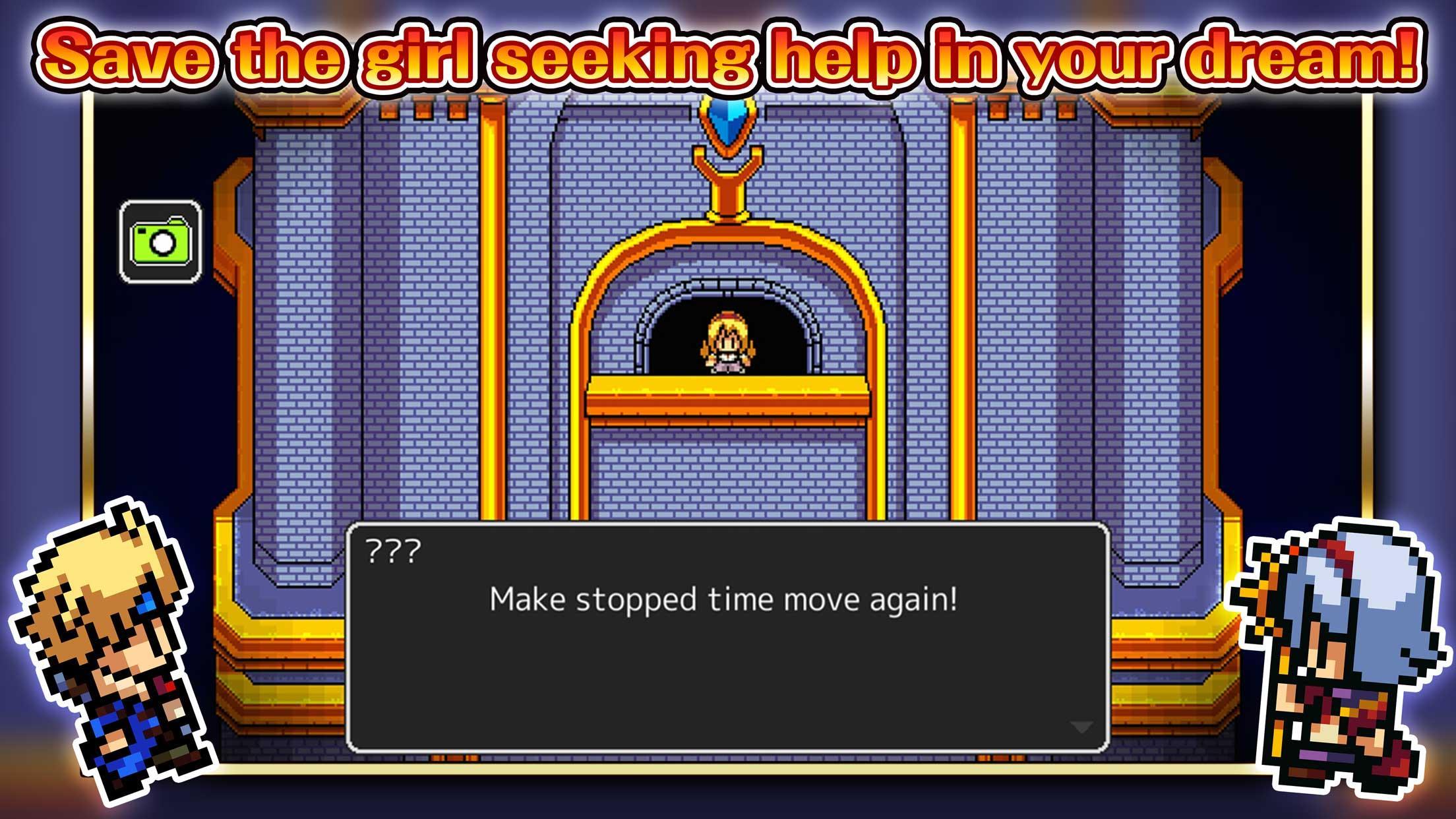
Make stopped time move again...!
One day, the time has stopped across the world.
Invited by a girl seeking help in the dream, you will be heading for the Curren Town.
Solve the mysteries of the clock tower which marked the first passage of time in history, and retrieve the time!
Wits to the adventure!
Spot the enemy's weak points and move the gimmicks. This time the game system stimulates your wits!
The easy and simple battle system is still alive, with an addition of enjoyment of getting through puzzles in dungeons!
[Supported OS]
- 4.4 and up
[Game Controller]
- Supported
[SD Card Storage]
- Enabled
[Languages]
- English, Japanese
[Non-Supported Devices]
This app has generally been tested to work on any mobile device released in Japan. We cannot guarantee full support on other devices. If you have the Developer Options enabled in your device, please turn off the "Don't keep activities" option in case of any issue.
[IMPORTANT NOTICE]
Your use of the application requires your agreement to the following EULA and 'Privacy Policy and Notice'. If you do not agree, please do not download our application.
End User License Agreement: http://kemco.jp/eula/index.html
Privacy Policy and Notice: http://www.kemco.jp/app_pp/privacy.html
Get the latest information!
[Newsletter]
http://kemcogame.com/c8QM
[Facebook page]
http://www.facebook.com/kemco.global
* Please contact us through the Contact button on the title screen if you discover any bugs or problems with the application. Note that we do not respond to bug reports left in application reviews.
©2018 KEMCO/Hit-Point
Preview
Tags
Role PlayingCasualSingle playerStylizedPixelatedOfflineInformation
Developer
KEMCO
Latest Version
1.1.3g
Last Updated
2022-11-17
Category
Role-playing
Available on
Google Play
Show More
How to play RPG Everdark Tower with GameLoop on PC
1. Download GameLoop from the official website, then run the exe file to install GameLoop
2. Open GameLoop and search for “RPG Everdark Tower” , find RPG Everdark Tower in the search results and click “Install”
3. Enjoy playing RPG Everdark Tower on GameLoop
Minimum requirements
OS
Windows 8.1 64-bit or Windows 10 64-bit
GPU
GTX 1050
CPU
i3-8300
Memory
8GB RAM
Storage
1GB available space
Recommended requirements
OS
Windows 8.1 64-bit or Windows 10 64-bit
GPU
GTX 1050
CPU
i3-9320
Memory
16GB RAM
Storage
1GB available space