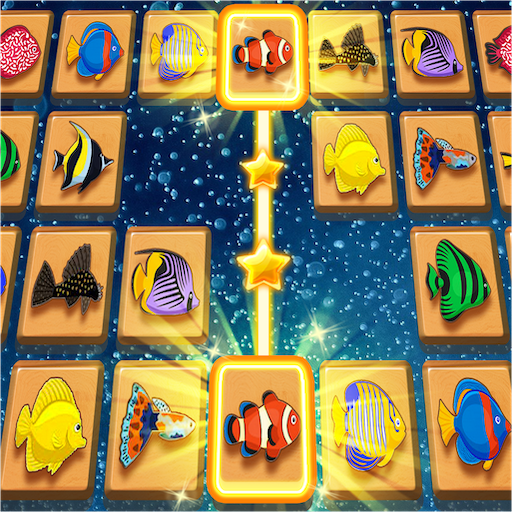
Tap Tap Onnect - Tile Connect PC
1GRAM
Download Tap Tap Onnect - Tile Connect on PC With GameLoop Emulator
Tap Tap Onnect - Tile Connect sa PC
Ang Tap Tap Onnect - Tile Connect, na nagmumula sa developer na 1GRAM, ay tumatakbo sa Android systerm sa nakaraan.
Ngayon, maaari mong laruin ang Tap Tap Onnect - Tile Connect sa PC gamit ang GameLoop nang maayos.
I-download ito sa GameLoop library o mga resulta ng paghahanap. Hindi na tumitingin sa baterya o nakakadismaya na mga tawag sa maling oras.
I-enjoy lang ang Tap Tap Onnect - Tile Connect PC sa malaking screen nang libre!
Tap Tap Onnect - Tile Connect Panimula
If you looking for a game to keep your mind engaged and traning your brain, then your will love to play Tap Tap Onnect.
[FEATURES]
★ Various Cute pictures : Pictures randomly appear level by level!
★ Brain training : Task focus and concentration enhance.
★ Beautiful graphic, relaxing and peaceful mood.
★ 3 Useful booster Items:
- Search : Help you find one pair!
- Shuffle : Change the matrix of the tiles!
- Changing pictures : Change the whole category of tiles!
★ Free daily gift!
★ 100% free to play game.
★ Play offline in anytime and anywhere.
★ Supported on both phone and tablet.
[HOW TO PLAY]
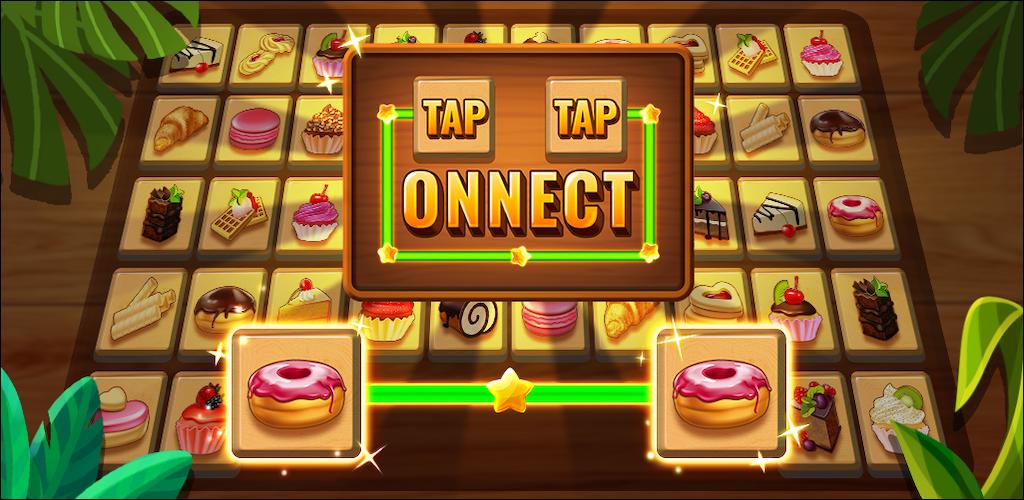
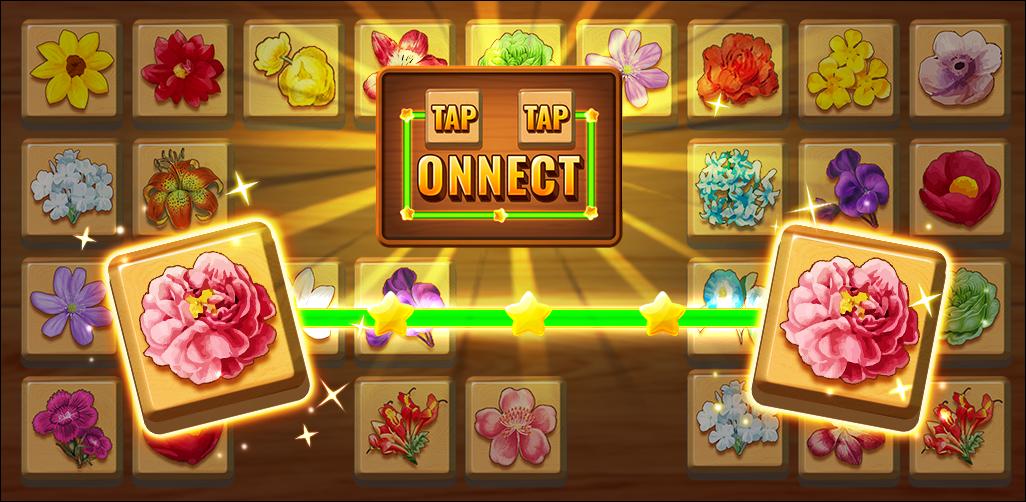
• Find 2 same pictures as fast as you can.
• Connect 2 same tiles within 3 straight lines.
• Crush all the tiles within the limited time! ⏰
• Challenge to collect three stars. ⭐⭐⭐
★ Reference : https://www.freepik.com (@macrovector, @rawpixel.com)
Preview
Tags
CasualInformation
Developer
1GRAM
Latest Version
1.1.8
Last Updated
2024-10-30
Category
Puzzle
Available on
Google Play
Show More
How to play Tap Tap Onnect - Tile Connect with GameLoop on PC
1. Download GameLoop from the official website, then run the exe file to install GameLoop
2. Open GameLoop and search for “Tap Tap Onnect - Tile Connect” , find Tap Tap Onnect - Tile Connect in the search results and click “Install”
3. Enjoy playing Tap Tap Onnect - Tile Connect on GameLoop
Minimum requirements
OS
Windows 8.1 64-bit or Windows 10 64-bit
GPU
GTX 1050
CPU
i3-8300
Memory
8GB RAM
Storage
1GB available space
Recommended requirements
OS
Windows 8.1 64-bit or Windows 10 64-bit
GPU
GTX 1050
CPU
i3-9320
Memory
16GB RAM
Storage
1GB available space