Planet Z Blast Bubble PC
FantasyPolygon
Download Planet Z Blast Bubble on PC With GameLoop Emulator
Planet Z Blast Bubble sa PC
Ang Planet Z Blast Bubble, na nagmumula sa developer na FantasyPolygon, ay tumatakbo sa Android systerm sa nakaraan.
Ngayon, maaari mong laruin ang Planet Z Blast Bubble sa PC gamit ang GameLoop nang maayos.
I-download ito sa GameLoop library o mga resulta ng paghahanap. Hindi na tumitingin sa baterya o nakakadismaya na mga tawag sa maling oras.
I-enjoy lang ang Planet Z Blast Bubble PC sa malaking screen nang libre!
Planet Z Blast Bubble Panimula
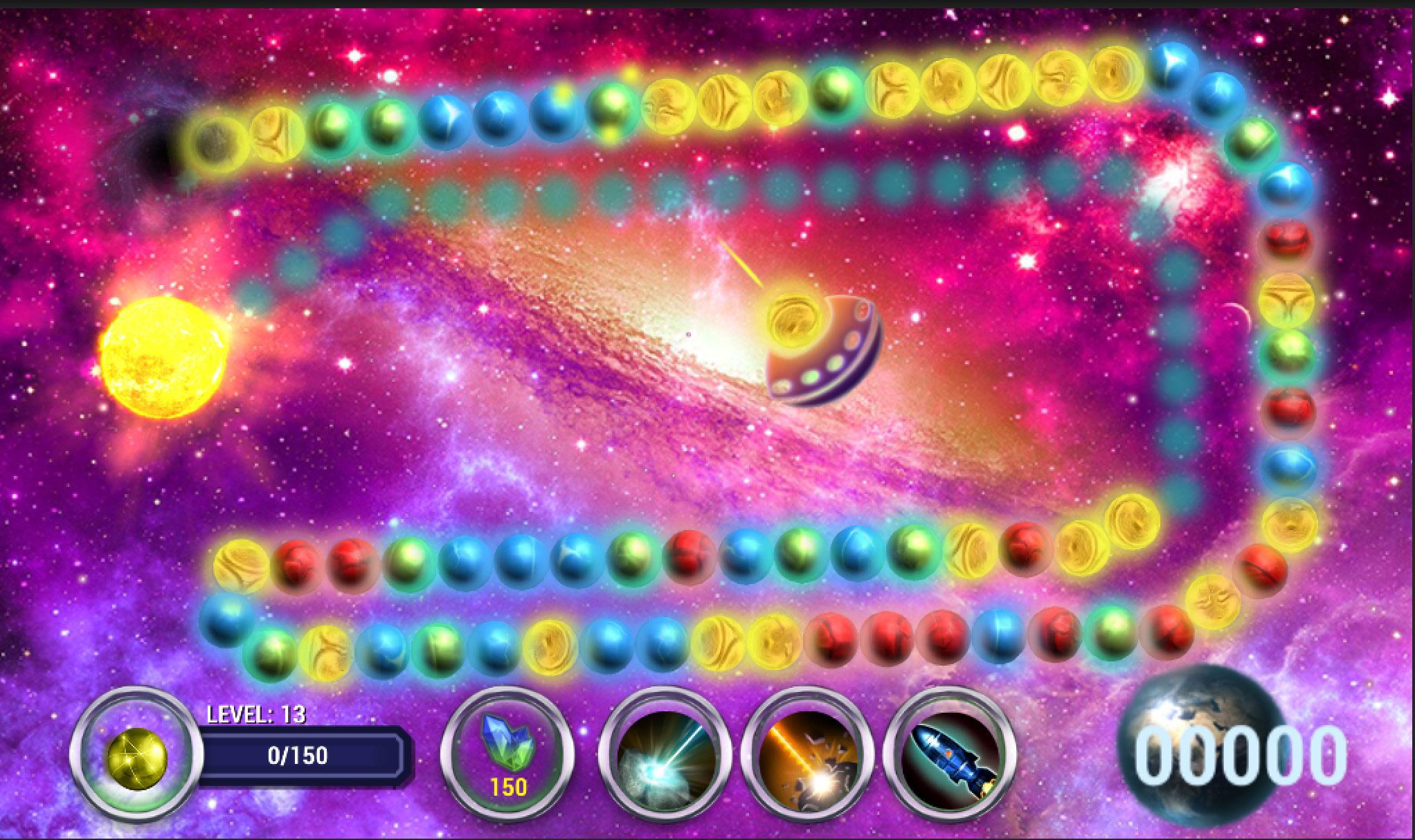
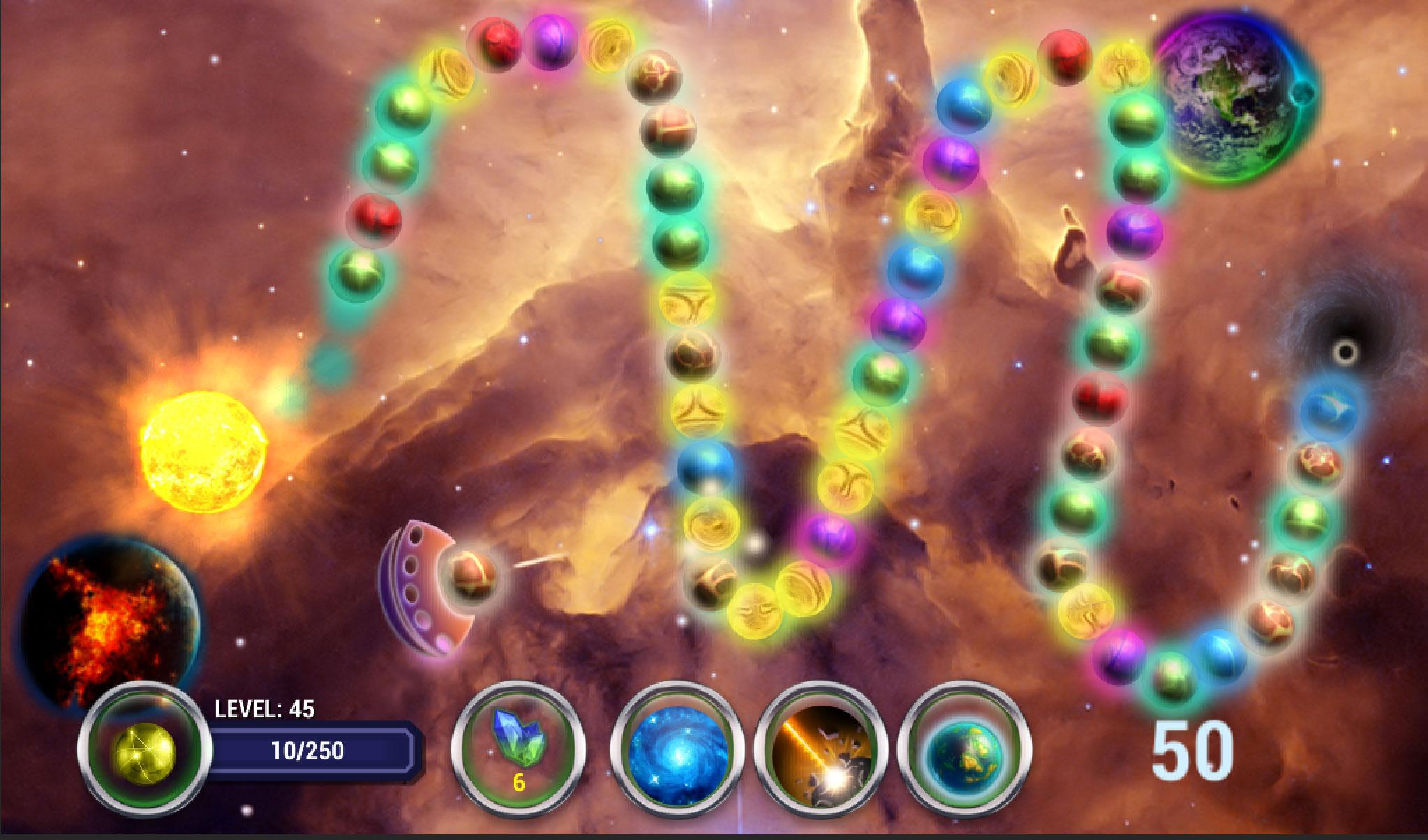
Become the captain of an intergalactic cruiser - Ark "Creator." Embark on an adventure across the expanses of the Milky Way. Shoot planets, like balls and collect them in three or more in a line. The main goal, to find a planet Z, among the infinite universe, it is not an easy task. Gain experience, improve and equip the cruiser, go through the levels and then you will be able to find the planet Z, where there is life for immigrants from Earth.
How to play:
1. Select the language that matches the country's flag.
2. Click the Start button, or Continue if you want to start from where you finished the last time of the game.
3. Select the level.
4. Shop. Upgrade for earned crystals, weapons space cruiser. At the beginning of the game is given 200 crystals.
5. Connect 3 or more Blast Bubble. Shooting the ball out of the cruiser. Target color shows what color ball, illumination color cruiser shows what color the next ball.
6. Of the affected planets can fly crystals collect them if you would like to upgrade the ship.
7. To use the weapons of the ship, press the appropriate ekonki bottom of the game screen.
8. Become the best in the ranking pilots. Rating saved and you can compare it with other players in real time.
The game is completely free.
Preview
Tags
Bubble shooterInformation
Developer
FantasyPolygon
Latest Version
3.0
Last Updated
2019-05-18
Category
Puzzle
Available on
Google Play
Show More
How to play Planet Z Blast Bubble with GameLoop on PC
1. Download GameLoop from the official website, then run the exe file to install GameLoop
2. Open GameLoop and search for “Planet Z Blast Bubble” , find Planet Z Blast Bubble in the search results and click “Install”
3. Enjoy playing Planet Z Blast Bubble on GameLoop
Minimum requirements
OS
Windows 8.1 64-bit or Windows 10 64-bit
GPU
GTX 1050
CPU
i3-8300
Memory
8GB RAM
Storage
1GB available space
Recommended requirements
OS
Windows 8.1 64-bit or Windows 10 64-bit
GPU
GTX 1050
CPU
i3-9320
Memory
16GB RAM
Storage
1GB available space