
Merge Flower: Farm Town Garden PC
GAME TVY
Download Merge Flower: Farm Town Garden on PC With GameLoop Emulator
Merge Flower: Farm Town Garden sa PC
Ang Merge Flower: Farm Town Garden, na nagmumula sa developer na GAME TVY, ay tumatakbo sa Android systerm sa nakaraan.
Ngayon, maaari mong laruin ang Merge Flower: Farm Town Garden sa PC gamit ang GameLoop nang maayos.
I-download ito sa GameLoop library o mga resulta ng paghahanap. Hindi na tumitingin sa baterya o nakakadismaya na mga tawag sa maling oras.
I-enjoy lang ang Merge Flower: Farm Town Garden PC sa malaking screen nang libre!
Merge Flower: Farm Town Garden Panimula
Are you a big fan of match 3 merge games 🎈🎉 🎊 & Do you love playing flower matching games?
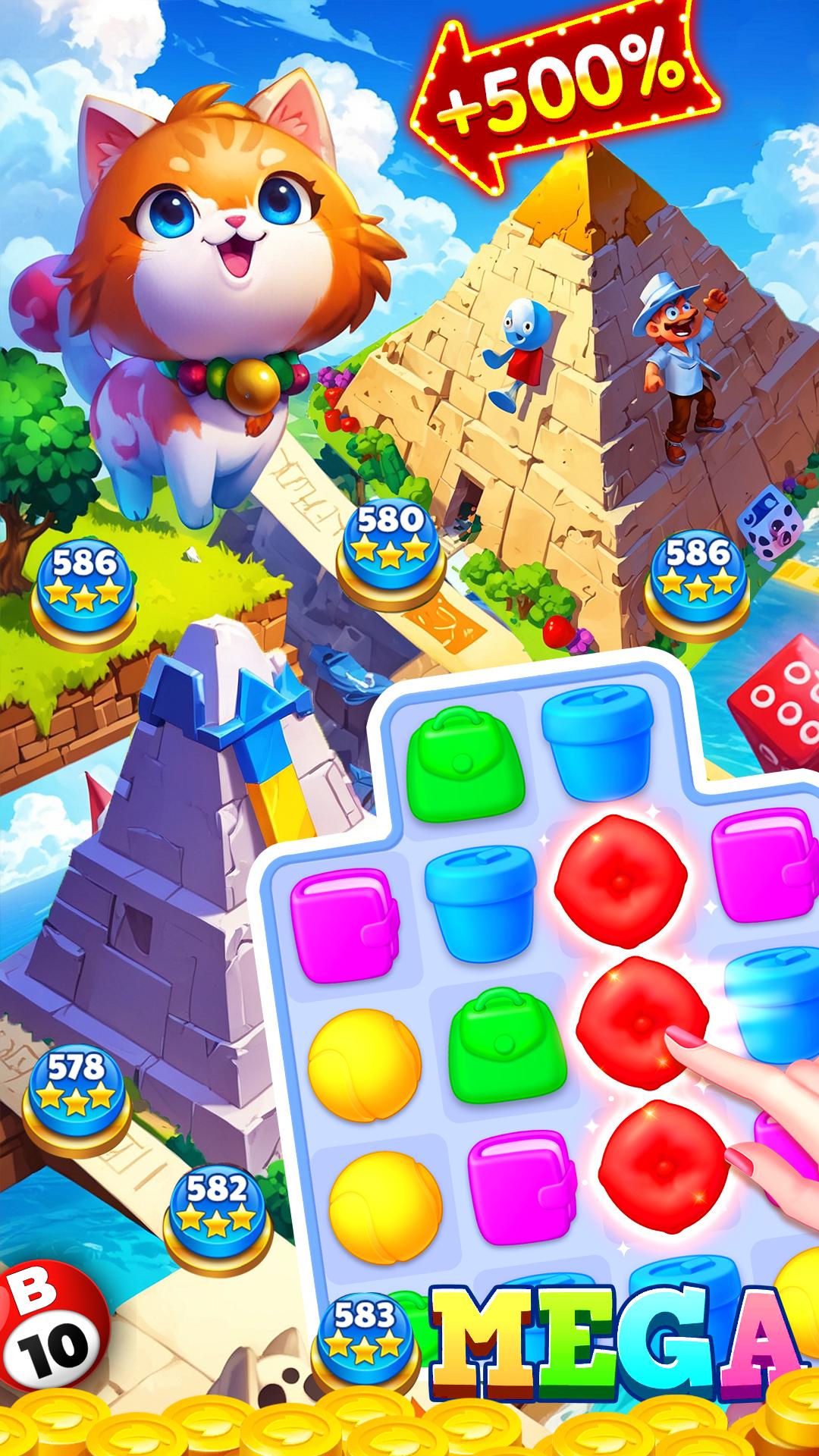
● Tap connect 2 or more block of the same color flower to create a cube blast.
● In each level you are given a target to complete in a given time. Link flowers get points & complete level.
● Plenty of fun 3000+ levels filled with cool puzzles and challenges that will train your brain.
● Amazing boosts and gifts that are pretty helpful along the way.
● Easy to learn and play. Pop cubes & win!
● Fun to play and totally addictive blast game.
● Exciting gameplay, just touch and play!
● Awesome and relaxing tap 3 game to play with family and friends
Preview
Tags
PuzzleInformation
Developer
GAME TVY
Latest Version
26
Last Updated
2024-07-11
Category
Puzzle
Available on
Google Play
Show More
How to play Merge Flower: Farm Town Garden with GameLoop on PC
1. Download GameLoop from the official website, then run the exe file to install GameLoop
2. Open GameLoop and search for “Merge Flower: Farm Town Garden” , find Merge Flower: Farm Town Garden in the search results and click “Install”
3. Enjoy playing Merge Flower: Farm Town Garden on GameLoop
Minimum requirements
OS
Windows 8.1 64-bit or Windows 10 64-bit
GPU
GTX 1050
CPU
i3-8300
Memory
8GB RAM
Storage
1GB available space
Recommended requirements
OS
Windows 8.1 64-bit or Windows 10 64-bit
GPU
GTX 1050
CPU
i3-9320
Memory
16GB RAM
Storage
1GB available space