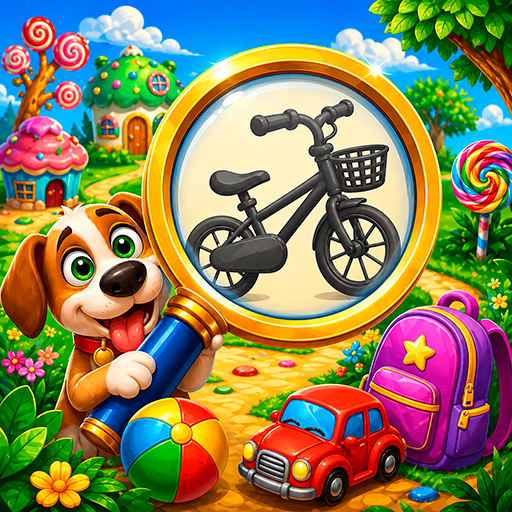
Find Objects for Kids PC
sbitsoft.com
Download Find Objects for Kids on PC With GameLoop Emulator
Find Objects for Kids sa PC
Ang Find Objects for Kids, na nagmumula sa developer na sbitsoft.com, ay tumatakbo sa Android systerm sa nakaraan.
Ngayon, maaari mong laruin ang Find Objects for Kids sa PC gamit ang GameLoop nang maayos.
I-download ito sa GameLoop library o mga resulta ng paghahanap. Hindi na tumitingin sa baterya o nakakadismaya na mga tawag sa maling oras.
I-enjoy lang ang Find Objects for Kids PC sa malaking screen nang libre!
Find Objects for Kids Panimula
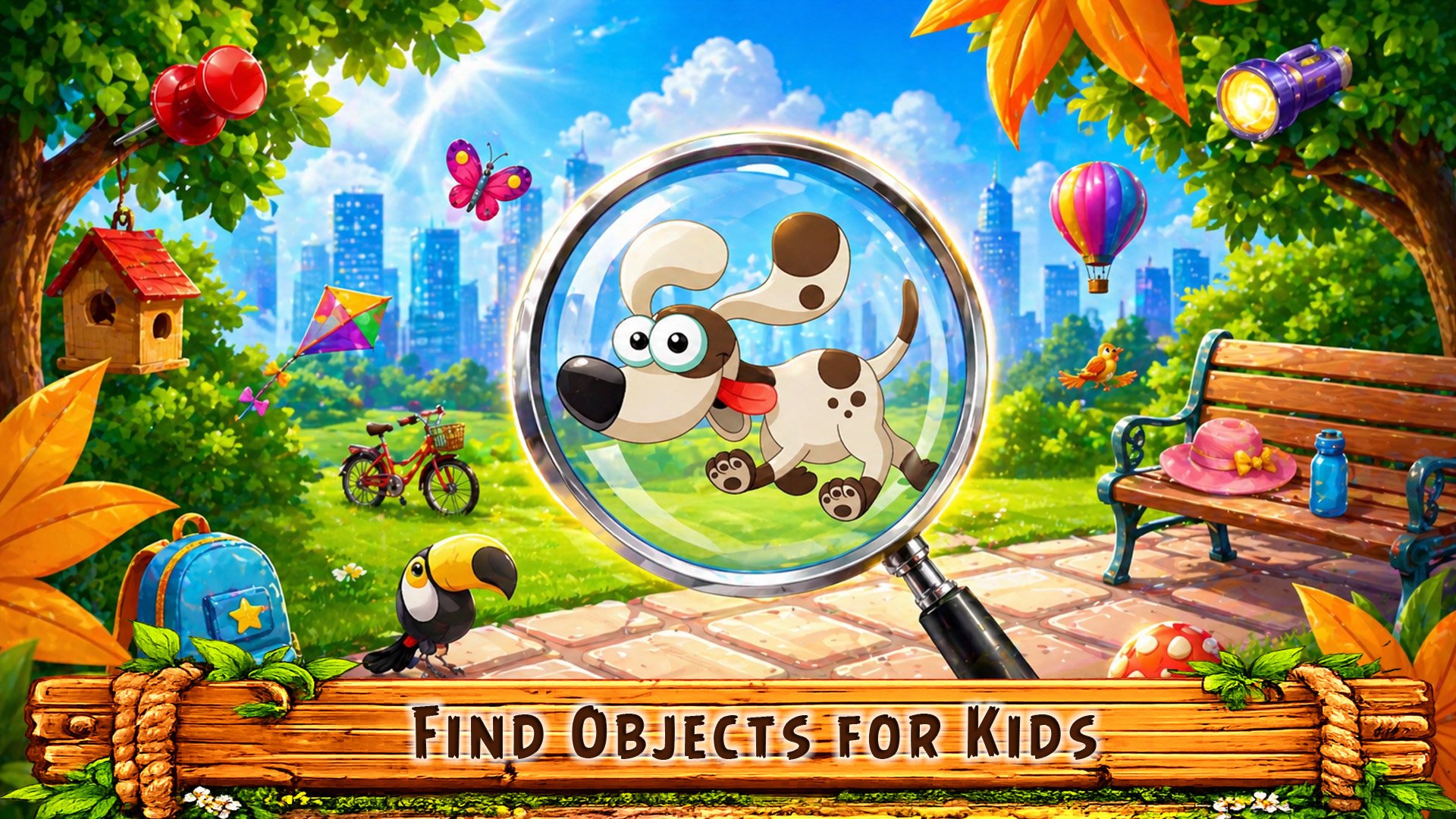
Can you find all hidden objects on the picture? 🔍
Look closely, find them and tap!
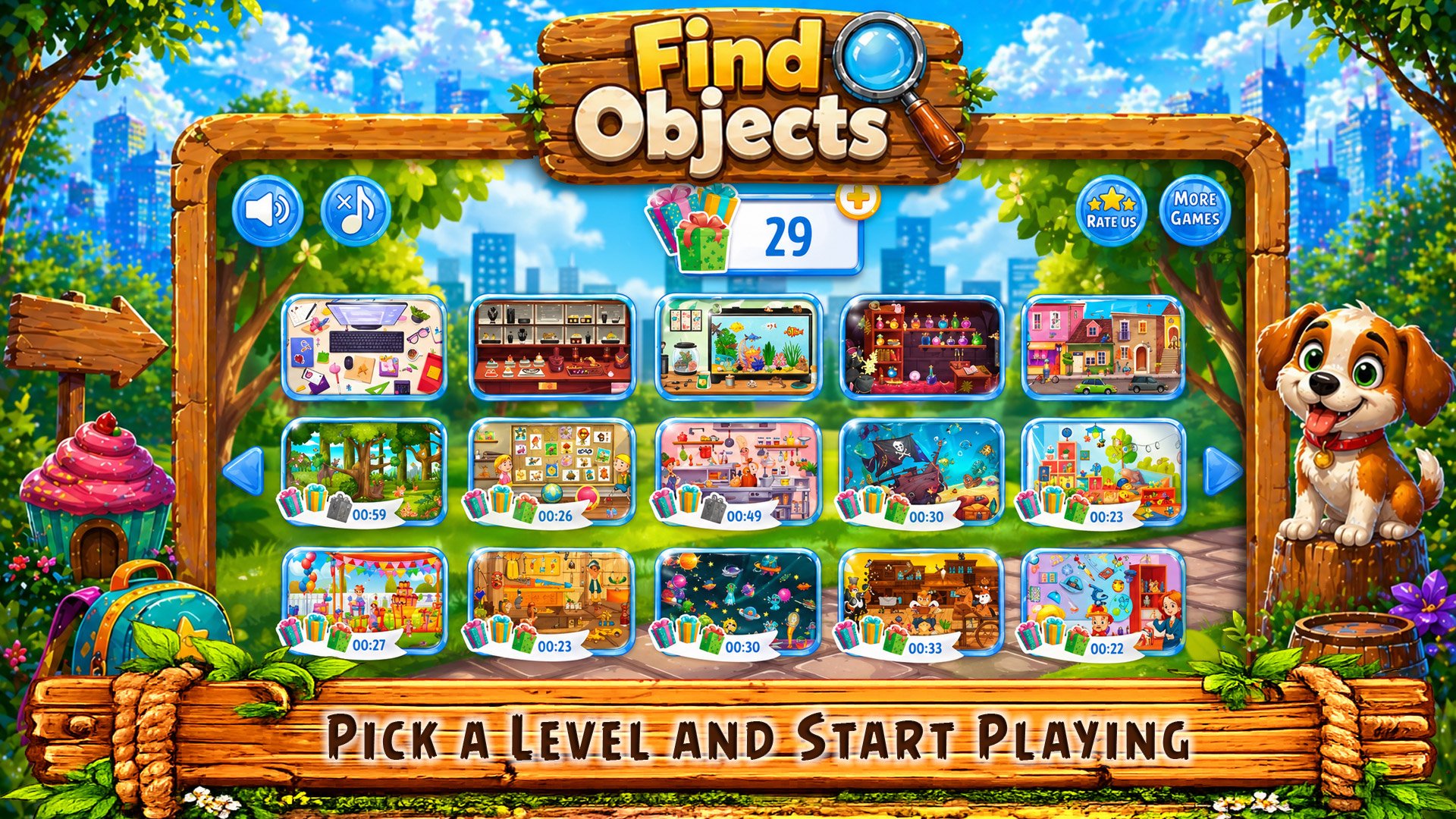
Hidden objects for kids is a simple and fun game. Kids see a picture, find objects and tap on them. Easy to understand in seconds.
Bright scenes and simple gameplay make it perfect for toddlers and young kids 😊
What to do:
• Find objects on the picture
• Look for hidden items
• Tap on the found objects
Why kids love it:
• Colorful pictures 🌈
• Easy and fun tasks
• No reading needed
• Quick start and simple play
Game features:
• Hidden objects for kids 3+
• Different difficulty levels
• Helpful hints
• Play offline anytime
• Easy controls
• Calm music 🎵
Benefits for kids:
• Improves attention
• Trains focus
• Develops visual skills
• Learning through play
For parents:
• Safe and kid-friendly
• Simple and stress-free
• Perfect for early learning
• No internet required
Find objects, complete levels and explore new pictures ⭐
Download now and start finding hidden objects today 👇
Preview
Tags
PuzzleInformation
Developer
sbitsoft.com
Latest Version
0.9.0
Last Updated
2026-08-10
Category
Puzzle
Available on
Google Play
Show More
How to play Find Objects for Kids with GameLoop on PC
1. Download GameLoop from the official website, then run the exe file to install GameLoop
2. Open GameLoop and search for “Find Objects for Kids” , find Find Objects for Kids in the search results and click “Install”
3. Enjoy playing Find Objects for Kids on GameLoop
Minimum requirements
OS
Windows 8.1 64-bit or Windows 10 64-bit
GPU
GTX 1050
CPU
i3-8300
Memory
8GB RAM
Storage
1GB available space
Recommended requirements
OS
Windows 8.1 64-bit or Windows 10 64-bit
GPU
GTX 1050
CPU
i3-9320
Memory
16GB RAM
Storage
1GB available space