Single Line - One Touch Draw PC
RomainImberti
Download Single Line - One Touch Draw on PC With GameLoop Emulator
Single Line - One Touch Draw sa PC
Ang Single Line - One Touch Draw, na nagmumula sa developer na RomainImberti, ay tumatakbo sa Android systerm sa nakaraan.
Ngayon, maaari mong laruin ang Single Line - One Touch Draw sa PC gamit ang GameLoop nang maayos.
I-download ito sa GameLoop library o mga resulta ng paghahanap. Hindi na tumitingin sa baterya o nakakadismaya na mga tawag sa maling oras.
I-enjoy lang ang Single Line - One Touch Draw PC sa malaking screen nang libre!
Single Line - One Touch Draw Panimula
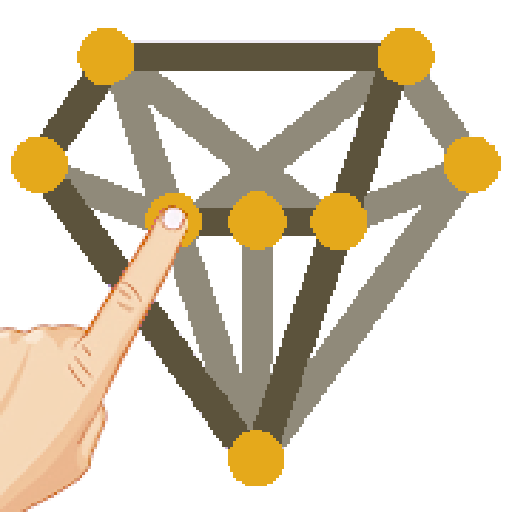
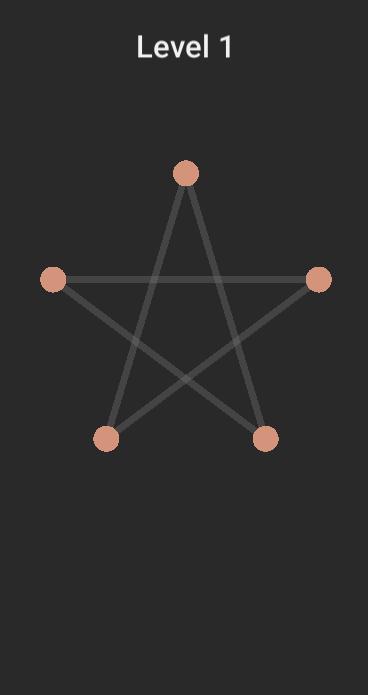
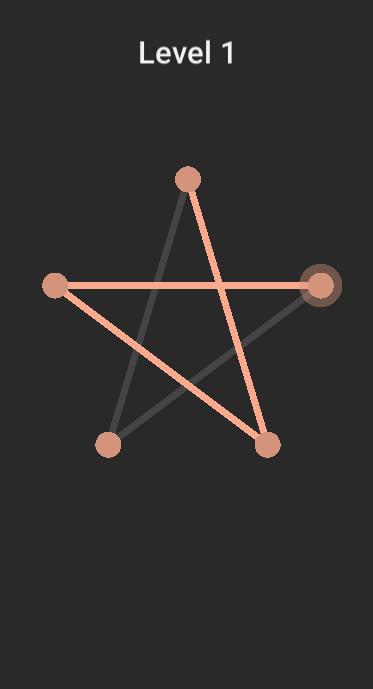
One Line - One Touch Draw is a simple way to get some brain training exercise every day. This is a great mind challenging game with simple rules. Just try to connect all the dots with only one touch.
In this tricky mind game you will find a lot of good brain puzzle packs and a daily challenge.
Just a couple of minutes a day with this mind game will help you activate your brain. Enjoy this brain training game at home or at work, at a park or in a bus, in other words everywhere!
This One Line - One Touch Draw game doesn’t occupy a lot of space on your device and it doesn’t drain your battery!
In One Line with One Touch you will find:
• Hundreds of challenging packs. All of them are free
• Daily challenges. Train your mind with smart brain puzzles everyday
• Hints. In case you find yourself stuck and without any idea how to connect the dots with one touch. You are welcome to use hints!
Only 1% of people can complete some of the puzzles in this game. Can you complete them?
Preview
Tags
PuzzleInformation
Developer
RomainImberti
Latest Version
3.2
Last Updated
2024-09-13
Category
Puzzle
Available on
Google Play
Show More
How to play Single Line - One Touch Draw with GameLoop on PC
1. Download GameLoop from the official website, then run the exe file to install GameLoop
2. Open GameLoop and search for “Single Line - One Touch Draw” , find Single Line - One Touch Draw in the search results and click “Install”
3. Enjoy playing Single Line - One Touch Draw on GameLoop
Minimum requirements
OS
Windows 8.1 64-bit or Windows 10 64-bit
GPU
GTX 1050
CPU
i3-8300
Memory
8GB RAM
Storage
1GB available space
Recommended requirements
OS
Windows 8.1 64-bit or Windows 10 64-bit
GPU
GTX 1050
CPU
i3-9320
Memory
16GB RAM
Storage
1GB available space