ZHED - Puzzle Game PC
Filipe Abrantx
Download ZHED - Puzzle Game on PC With GameLoop Emulator
ZHED - Puzzle Game sa PC
Ang ZHED - Puzzle Game, na nagmumula sa developer na Filipe Abrantx, ay tumatakbo sa Android systerm sa nakaraan.
Ngayon, maaari mong laruin ang ZHED - Puzzle Game sa PC gamit ang GameLoop nang maayos.
I-download ito sa GameLoop library o mga resulta ng paghahanap. Hindi na tumitingin sa baterya o nakakadismaya na mga tawag sa maling oras.
I-enjoy lang ang ZHED - Puzzle Game PC sa malaking screen nang libre!
ZHED - Puzzle Game Panimula
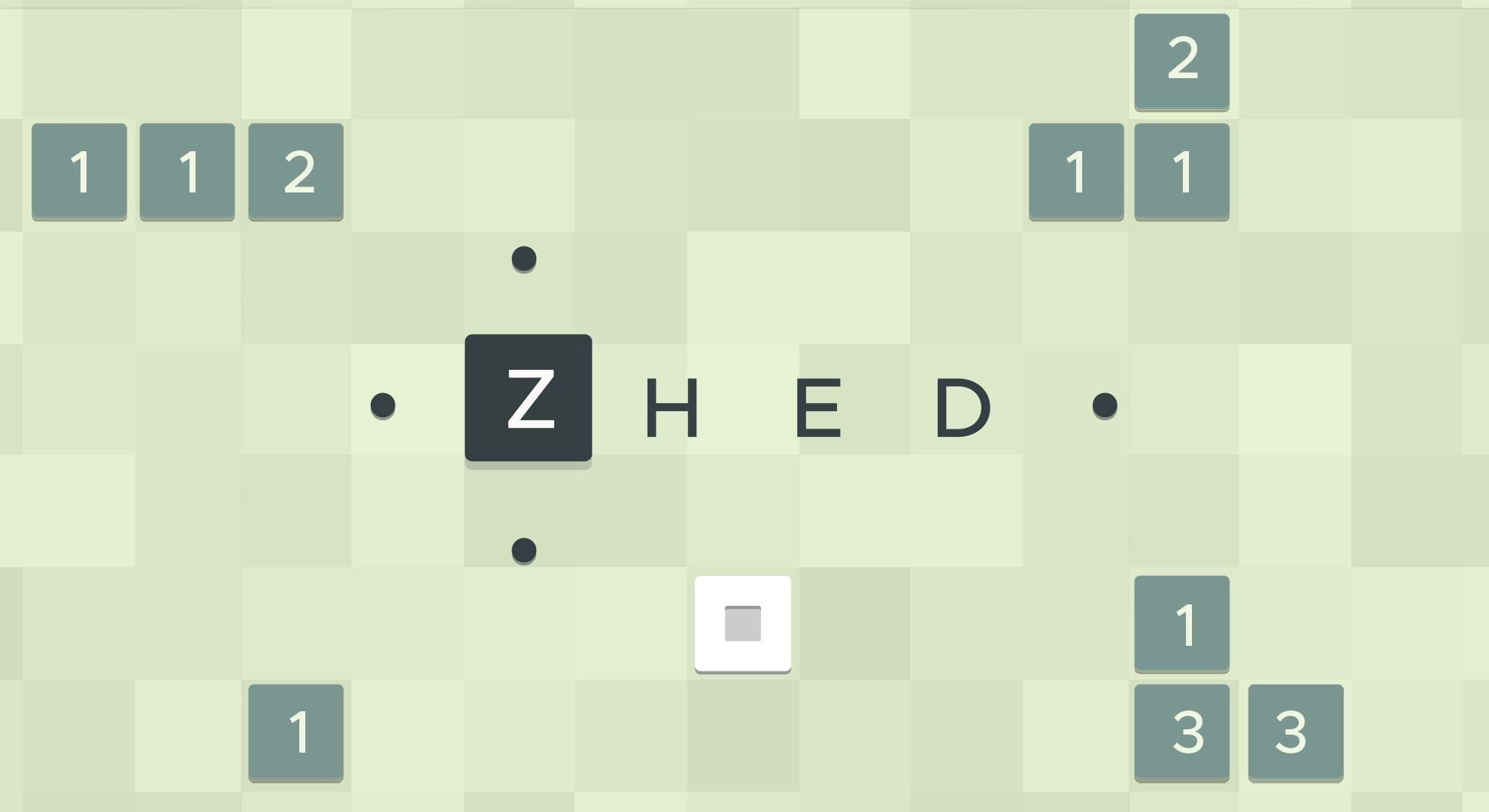
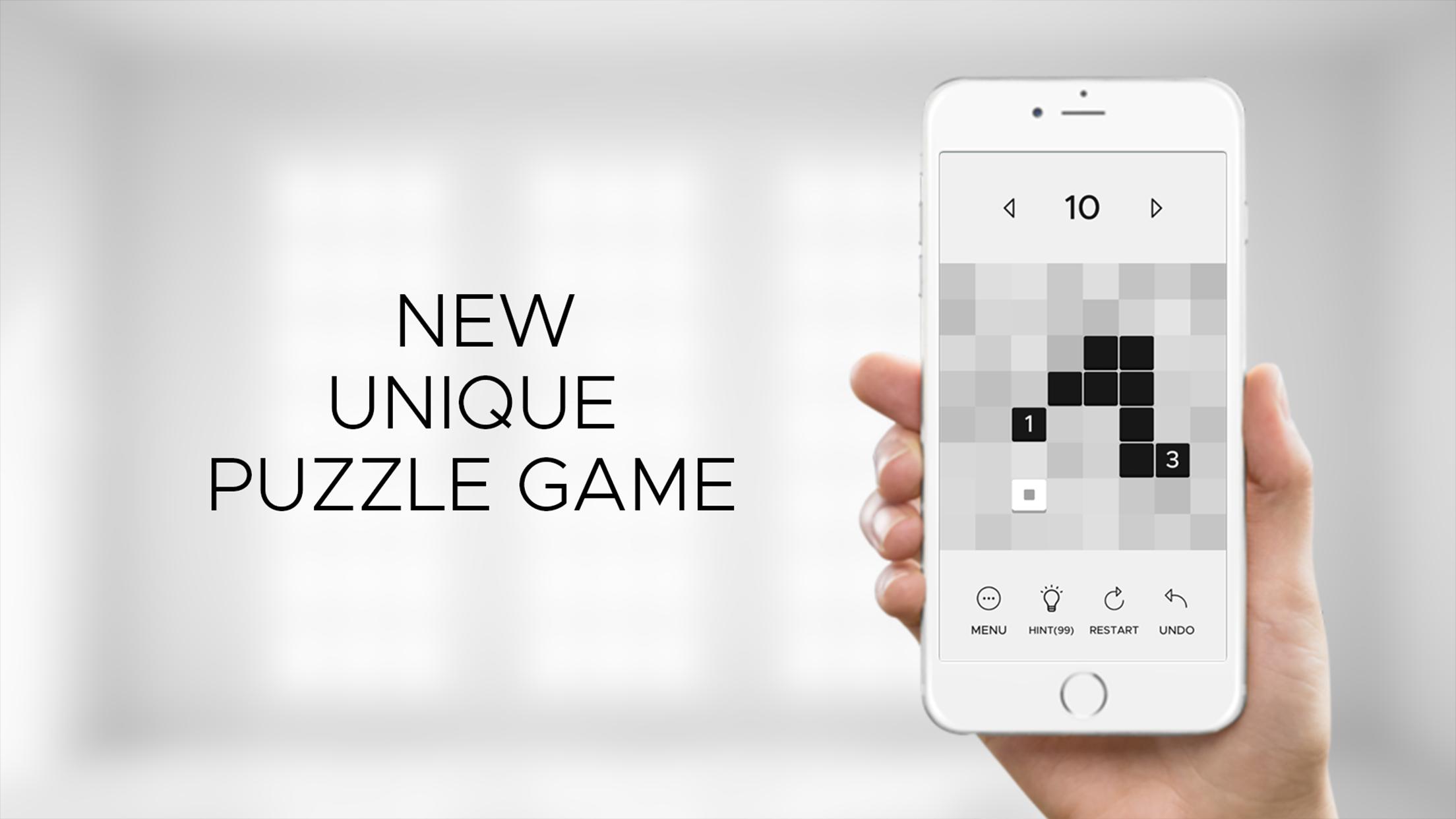
ZHED is an instant classic puzzle game. Based on a simple mechanic it builds onto increasingly complex puzzles that challenge you to a level you would not imagine. No timers, no clocks, no stars and no tricks, just pure puzzles for you to enjoy. It's the perfect brain-teaser that lets you train focus, concentration and memory.
How to Play ZHED?
Tap a square and select a direction (upwards, downwards, to the left and to the right). See how the square reacts when they intersect with each other, and build a path to fill the goal square. When you finished, the next level will show up! You can undo moves or restart levels as much as you want.
How many levels are there?
There are currently 5 free level packs with a total of 100 challenging and curated levels.
How to save my game progress?
Make sure you are connected to internet, and your progress will be saved automatically!
Do I need to pay anything to play this game?
It is 100% free, but you can buy or earn hints to help you solve harder puzzles.
NOTES
ZHED contains optional rewarded video ads.
ZHED sells hints and extra level packs as IAPs.
Please read the PRIVACY POLICY
https://raw.githubusercontent.com/fabrantes/zhed-privacy-policy/main/privacy-policy.txt
Send us your feedback, we appreciate it.
Enjoy :)
Preview
Tags
LogicCasualSingle playerAbstractOfflineInformation
Developer
Filipe Abrantx
Latest Version
20.0.5
Last Updated
2023-11-01
Category
Puzzle
Available on
Google Play
Show More
How to play ZHED - Puzzle Game with GameLoop on PC
1. Download GameLoop from the official website, then run the exe file to install GameLoop
2. Open GameLoop and search for “ZHED - Puzzle Game” , find ZHED - Puzzle Game in the search results and click “Install”
3. Enjoy playing ZHED - Puzzle Game on GameLoop
Minimum requirements
OS
Windows 8.1 64-bit or Windows 10 64-bit
GPU
GTX 1050
CPU
i3-8300
Memory
8GB RAM
Storage
1GB available space
Recommended requirements
OS
Windows 8.1 64-bit or Windows 10 64-bit
GPU
GTX 1050
CPU
i3-9320
Memory
16GB RAM
Storage
1GB available space