Find the Difference: Fun Game PC
BrainSoft Apps
Download Find the Difference: Fun Game on PC With GameLoop Emulator
Find the Difference: Fun Game sa PC
Ang Find the Difference: Fun Game, na nagmumula sa developer na BrainSoft Apps, ay tumatakbo sa Android systerm sa nakaraan.
Ngayon, maaari mong laruin ang Find the Difference: Fun Game sa PC gamit ang GameLoop nang maayos.
I-download ito sa GameLoop library o mga resulta ng paghahanap. Hindi na tumitingin sa baterya o nakakadismaya na mga tawag sa maling oras.
I-enjoy lang ang Find the Difference: Fun Game PC sa malaking screen nang libre!
Find the Difference: Fun Game Panimula
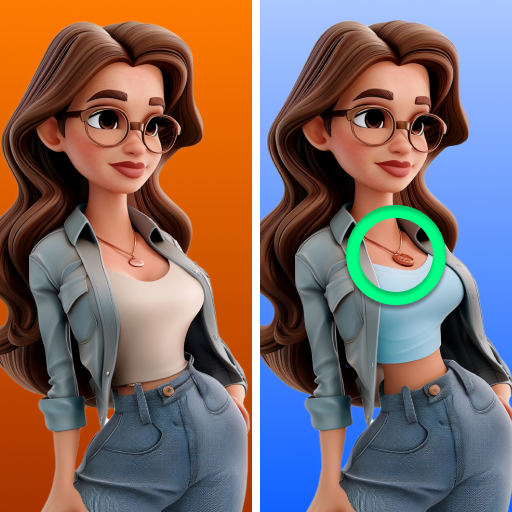
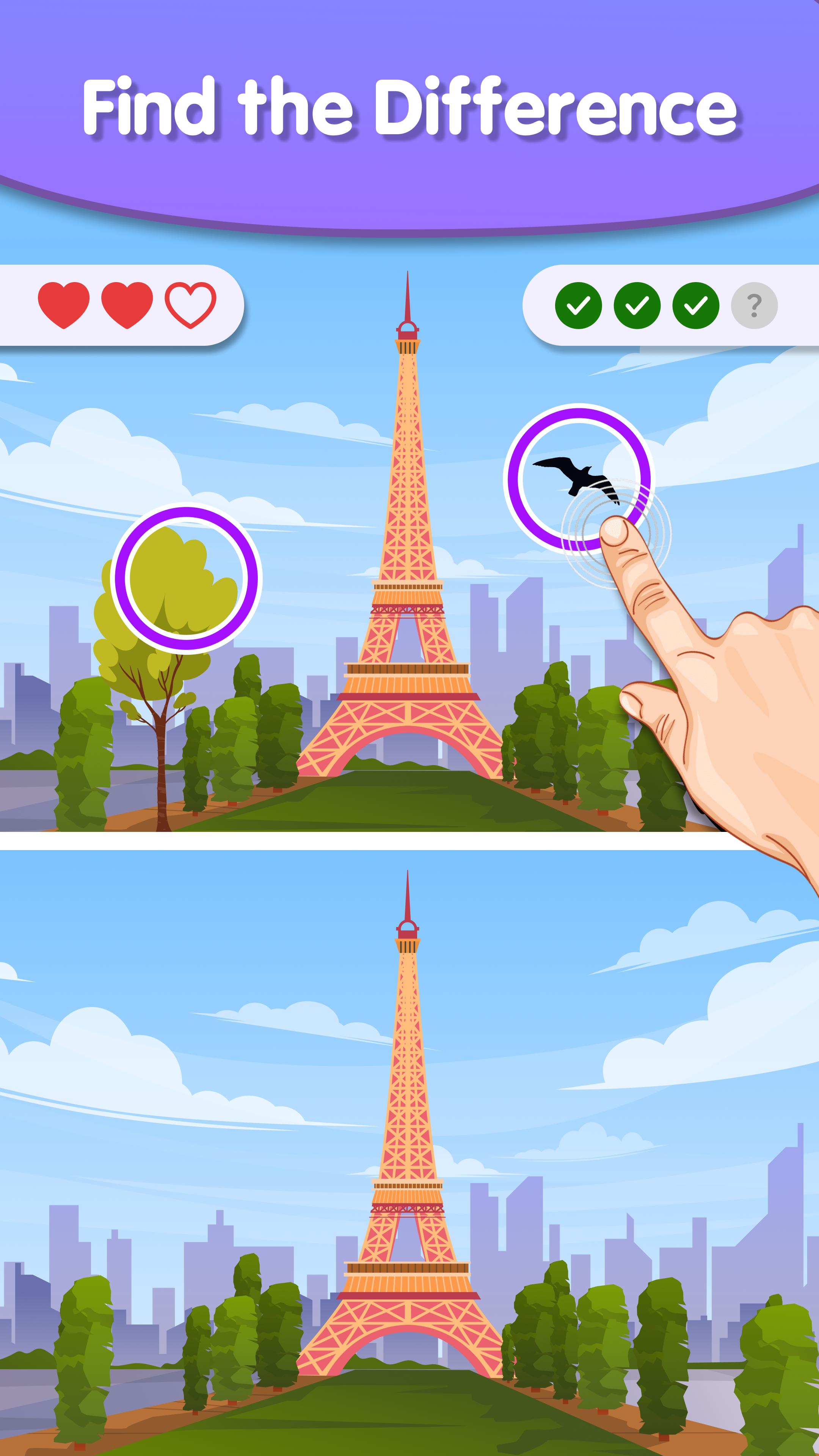
We offer you a fun and stimulating experience that tests your ability to observe details. The goal is to identify the differences between two comparable images, which may show different subjects such as animals, people, places, or objects. Although easy to understand, mastering the game is a serious challenge. To spot the discrepancies, you need to carefully examine both photos. Our find the difference game encourages the development of logic and brain! Once you find the differences, you have to click on them to highlight them. "Find 5 Differences" is a fun challenge, suitable for people of all ages and helps improve visual perception skills.🔍
Key Features:
No timer ⏰
Allows players to quietly engage in picture puzzles without time limits. This feature appeals to casual gamers and those looking for a stress-free pastime. 😌
Hints 💡
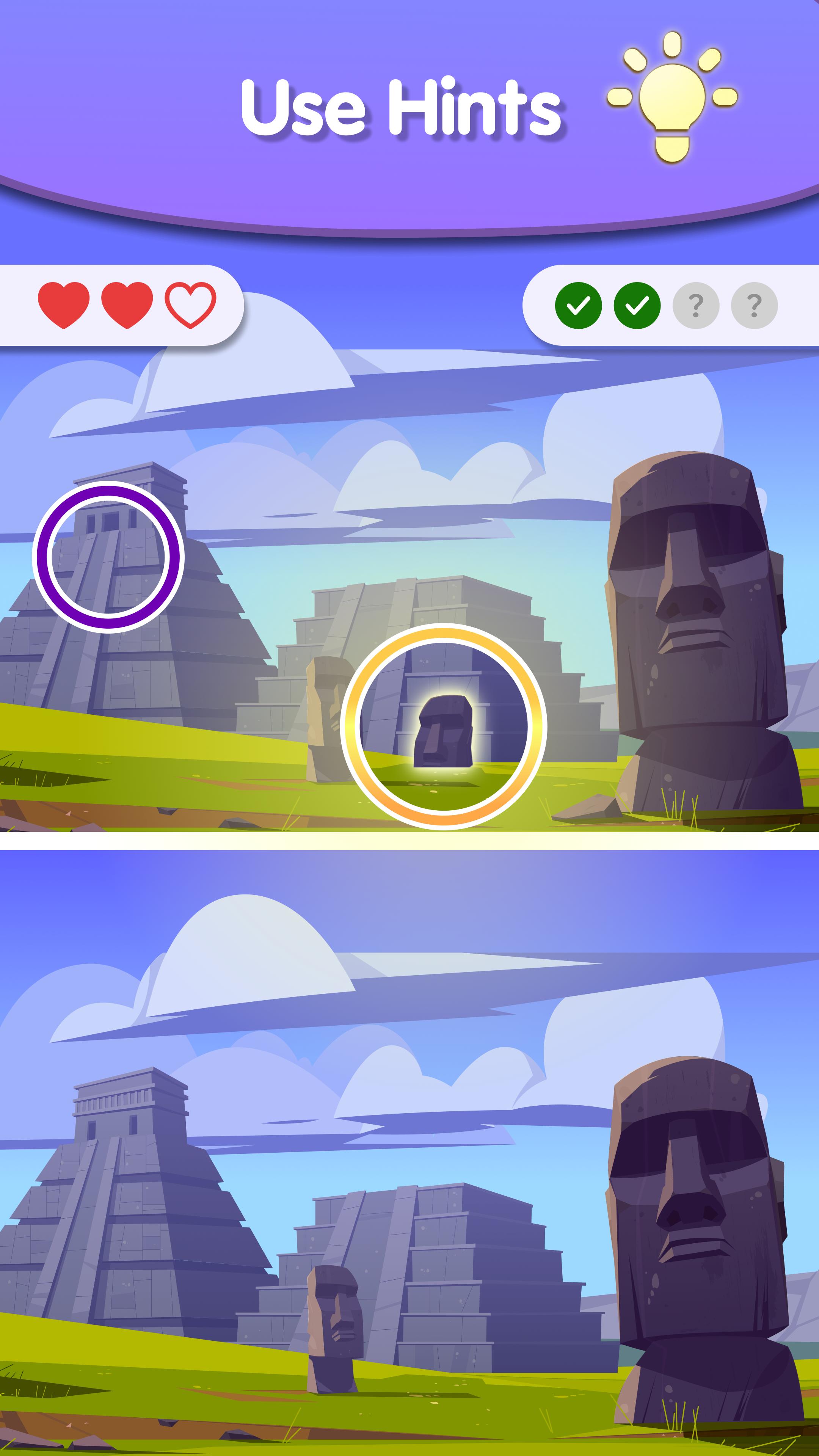
Available for players having difficulty spotting the differences, and provides hints to help with the process.
This intellectual game uses high-quality photographs 📸 and objects, making it easier to spot differences and enhancing the overall visual appeal and enjoyment. 😍
Progression occurs on both easy and hard levels, introducing different levels of difficulty to maintain the entertainment and challenge of the game. 📈
The game features cool medals 🏅 that players can unlock and collect, adding an extra layer of challenge and achievement. 💪
Designed to be compatible with both phones and tablets 📱, the game supports any screen orientation, ensuring accessibility and convenience for players. 🔄
🧠 Keep your mind occupied with spot the difference games and photo hunts! Challenge yourself by carefully comparing two pictures and identifying the differences between them. Go on a quest to find hidden objects in the images and eliminate them. Since progression is available across multiple difficulty levels, some challenges may be more challenging than expected.
Finding games like ours can also improve your memory and attention to detail, making it an excellent choice for those looking to boost their cognitive skills. Enjoy various search and find games and picture games that will keep you entertained for hours.
Also, try to achieve the maximum score in the block addition game 2024! The goal is to match and merge blocks, producing new ones with higher numbers. With each new association, new opportunities and boosters open up, making the game even more exciting. With no timer and a simple, beautiful design, you can enjoy the game as long as you want, using a variety of boosters to help you overcome challenges and achieve high scores. 🎮
😊 Can you find them all within the given time? Get ready for a thrilling experience that will keep you on the edge of your seat for hours!
Preview
Tags
PuzzleInformation
Developer
BrainSoft Apps
Latest Version
1.5.1
Last Updated
2025-08-01
Category
Puzzle
Available on
Google Play
Show More
How to play Find the Difference: Fun Game with GameLoop on PC
1. Download GameLoop from the official website, then run the exe file to install GameLoop
2. Open GameLoop and search for “Find the Difference: Fun Game” , find Find the Difference: Fun Game in the search results and click “Install”
3. Enjoy playing Find the Difference: Fun Game on GameLoop
Minimum requirements
OS
Windows 8.1 64-bit or Windows 10 64-bit
GPU
GTX 1050
CPU
i3-8300
Memory
8GB RAM
Storage
1GB available space
Recommended requirements
OS
Windows 8.1 64-bit or Windows 10 64-bit
GPU
GTX 1050
CPU
i3-9320
Memory
16GB RAM
Storage
1GB available space