
Ze-Coloc - Comptes en commun PC
Koffee
Download Ze-Coloc - Comptes en commun on PC With GameLoop Emulator
Ze-Coloc - Comptes en commun sa PC
Ang Ze-Coloc - Comptes en commun, na nagmumula sa developer na Koffee, ay tumatakbo sa Android systerm sa nakaraan.
Ngayon, maaari mong laruin ang Ze-Coloc - Comptes en commun sa PC gamit ang GameLoop nang maayos.
I-download ito sa GameLoop library o mga resulta ng paghahanap. Hindi na tumitingin sa baterya o nakakadismaya na mga tawag sa maling oras.
I-enjoy lang ang Ze-Coloc - Comptes en commun PC sa malaking screen nang libre!
Ze-Coloc - Comptes en commun Panimula
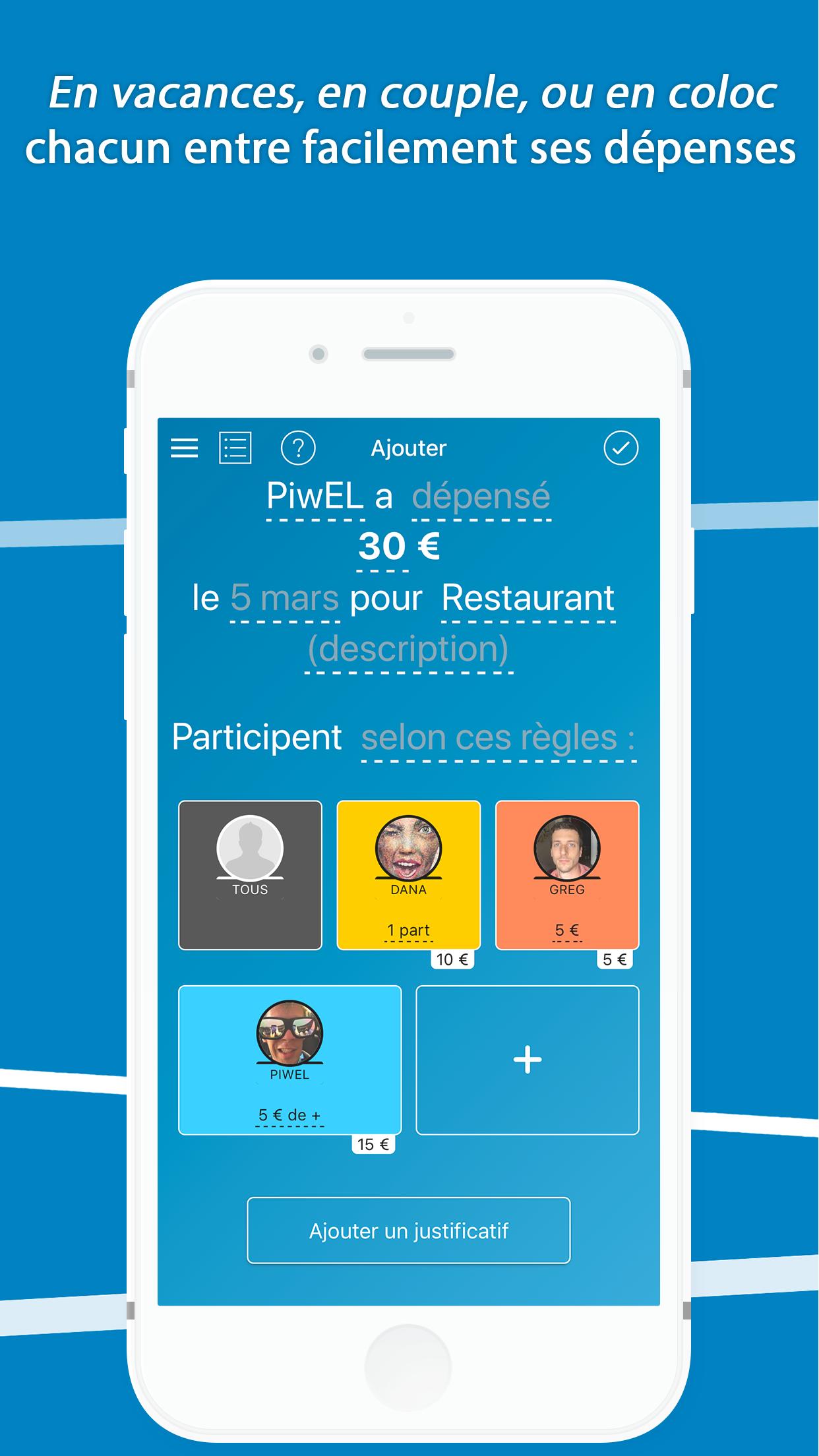
Ze-Roommate is a free online application that provides a highly simplified and efficient interface to manage accounts roommate (and more generally the public accounts such as travel between friends), organize expenses and divide the bills, you are two, four or fifty.
On one phone, on the website or on phones of all roommates, it's up to you! Everyone with an account, but it is possible to manage everything from one or more accounts.
Ze-Coloc is also useful in the office, or simply when we need to make friends accounts.
Many features are available in addition to account management: shopping lists, blog, calendar, mailing list ...
The application came in second #TesteurSosh contest in November 2014.
Features list:
- Quick add expenses, reimbursements and advances
- Possibility of a complex allocating expenses (percentage fraction ...)
- expenditure notification email to the concerned roommates
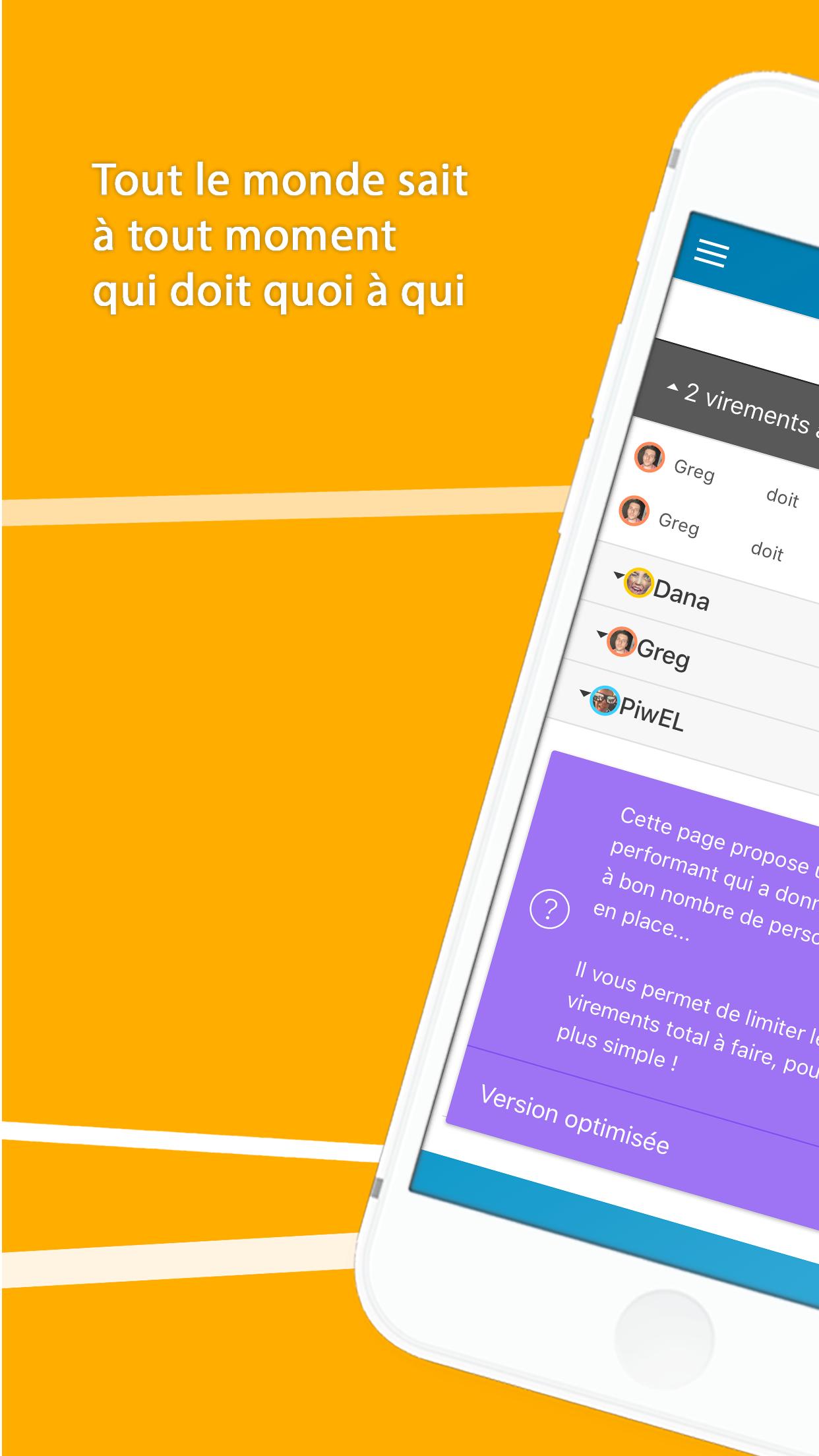
- Balance optimized to minimize the number of refunds to
- Statistics spending poles
- Management of common documents
- Advanced searches in history
- multiple shopping lists
- Connecting to the Google Calendar roommate
- Creating a mailing-list for members of colocation
- Possibility to record incoming money (for a sublease or cost sharing for example)
- Change the currency
- Everyone's account, anyone can add expenses!
Keywords: roommate, roommates, accounts, account, common, roommate, roommates, collocation, collocation, accounting, account couples, groups, holiday, copro, condo, travel accounts, sharing bills and spending more
*** CROSSWALK: message in English at launch ***
If the first launch an English message is displayed and returns you to download the application "Crosswalk" This is normal: it is a library that we use to ensure that the application works the same on all of your phones. On most platforms, it is shipped and will not ask you anything, but some devices require you to install it separately in order to serve you Ze-Coloc on first launch - our apologies for the inconvenience.
Preview
Tags
ProductivityInformation
Developer
Koffee
Latest Version
3.0.6
Last Updated
2018-03-30
Category
Productivity
Available on
Google Play
Show More
How to play Ze-Coloc - Comptes en commun with GameLoop on PC
1. Download GameLoop from the official website, then run the exe file to install GameLoop
2. Open GameLoop and search for “Ze-Coloc - Comptes en commun” , find Ze-Coloc - Comptes en commun in the search results and click “Install”
3. Enjoy playing Ze-Coloc - Comptes en commun on GameLoop
Minimum requirements
OS
Windows 8.1 64-bit or Windows 10 64-bit
GPU
GTX 1050
CPU
i3-8300
Memory
8GB RAM
Storage
1GB available space
Recommended requirements
OS
Windows 8.1 64-bit or Windows 10 64-bit
GPU
GTX 1050
CPU
i3-9320
Memory
16GB RAM
Storage
1GB available space