Write Cool Text Fonts Styles PC
Pro Data Doctor Pvt. Ltd.
Download Write Cool Text Fonts Styles on PC With GameLoop Emulator
Write Cool Text Fonts Styles sa PC
Ang Write Cool Text Fonts Styles, na nagmumula sa developer na Pro Data Doctor Pvt. Ltd., ay tumatakbo sa Android systerm sa nakaraan.
Ngayon, maaari mong laruin ang Write Cool Text Fonts Styles sa PC gamit ang GameLoop nang maayos.
I-download ito sa GameLoop library o mga resulta ng paghahanap. Hindi na tumitingin sa baterya o nakakadismaya na mga tawag sa maling oras.
I-enjoy lang ang Write Cool Text Fonts Styles PC sa malaking screen nang libre!
Write Cool Text Fonts Styles Panimula
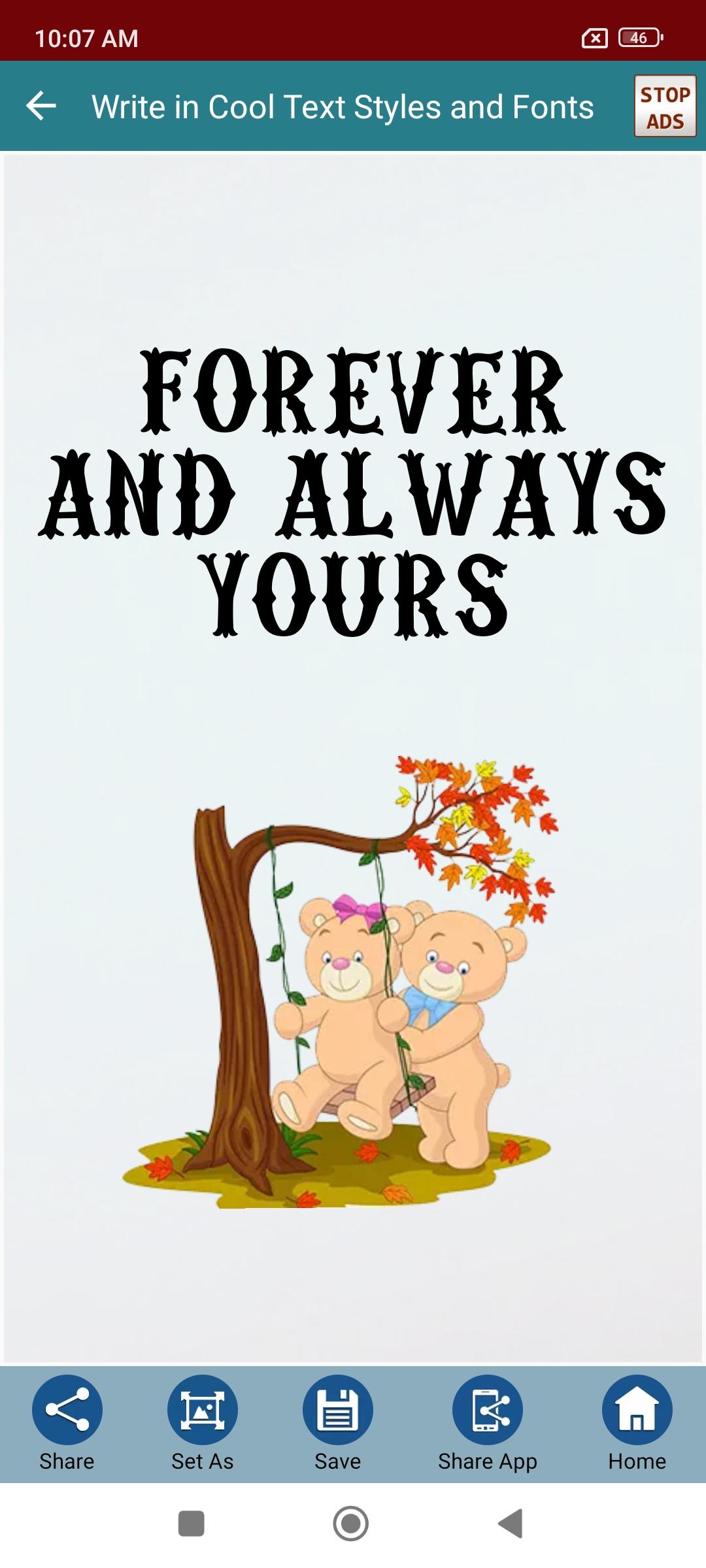
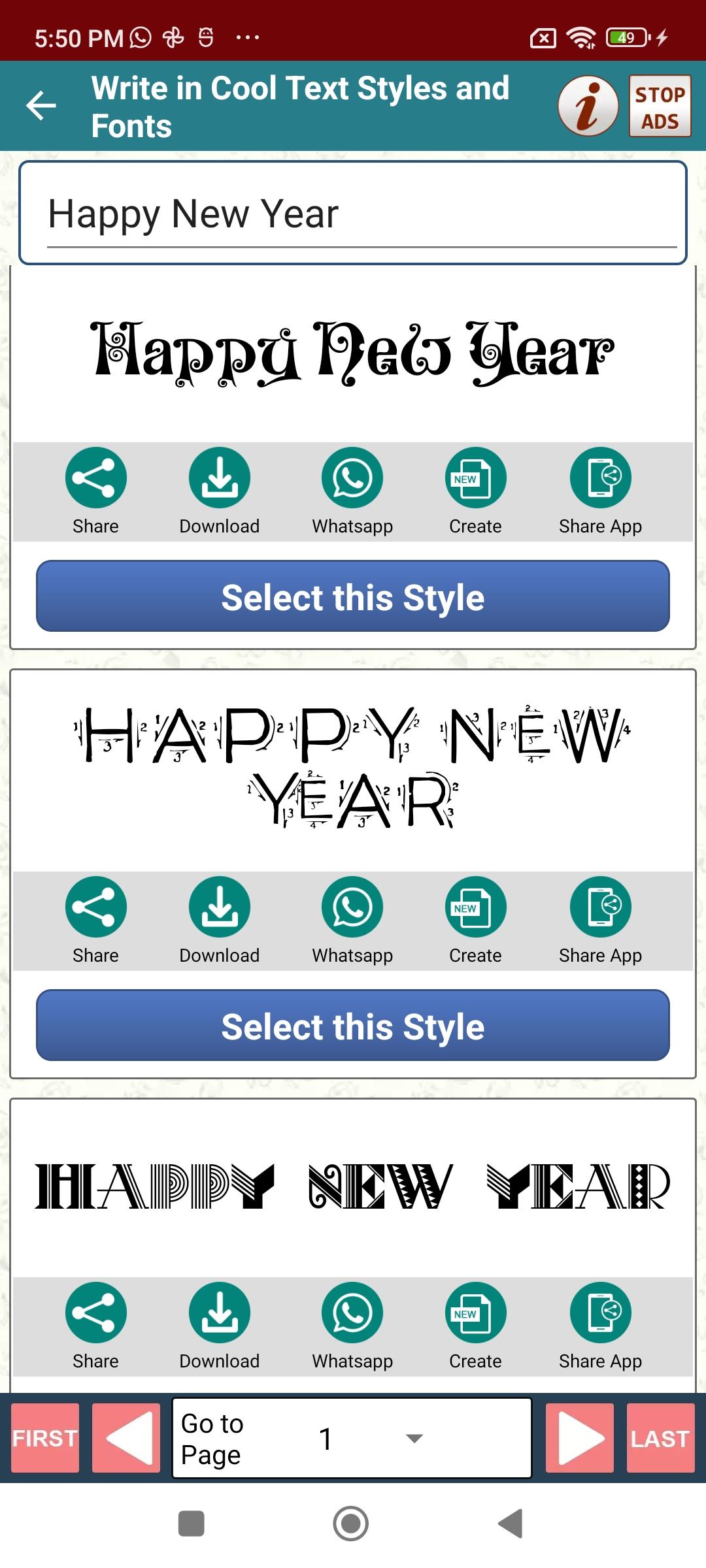
Write in Cool Text Fonts Styles with Canvas Editor is a Free Android App that allows you to convert your Simple Text into the Fancy Fonts Styles of your Choice and Decorate your Text with amazing Artistic Touch.
App Comes Preloaded with Designing Canvas Editor and a number of Designing features that give you the freedom to design the real you in a beautiful way.
There are a number of ways, you can use this app to express your creativity. You can Create Great Image Statuses for Whatsapp Facebook Twitter etc social media. You can also use this app to Share Quotes and Thoughts with an artistic Touch.
You can also give glossy look and stylish attitude to your Good night and Good morning messages or even to your personal Chat conversations. App allows you to share the Designed Picture Images to any social Media network and Chat in just a single tap.
Being Cool is Awesome. Go ahead!
Preview
Tags
ProductivityInformation
Developer
Pro Data Doctor Pvt. Ltd.
Latest Version
2.7
Last Updated
2024-11-12
Category
Productivity
Available on
Google Play
Show More
How to play Write Cool Text Fonts Styles with GameLoop on PC
1. Download GameLoop from the official website, then run the exe file to install GameLoop
2. Open GameLoop and search for “Write Cool Text Fonts Styles” , find Write Cool Text Fonts Styles in the search results and click “Install”
3. Enjoy playing Write Cool Text Fonts Styles on GameLoop
Minimum requirements
OS
Windows 8.1 64-bit or Windows 10 64-bit
GPU
GTX 1050
CPU
i3-8300
Memory
8GB RAM
Storage
1GB available space
Recommended requirements
OS
Windows 8.1 64-bit or Windows 10 64-bit
GPU
GTX 1050
CPU
i3-9320
Memory
16GB RAM
Storage
1GB available space