Word, PPT to PDF Converter PC
Techno information
Download Word, PPT to PDF Converter on PC With GameLoop Emulator
Word, PPT to PDF Converter sa PC
Ang Word, PPT to PDF Converter, na nagmumula sa developer na Techno information, ay tumatakbo sa Android systerm sa nakaraan.
Ngayon, maaari mong laruin ang Word, PPT to PDF Converter sa PC gamit ang GameLoop nang maayos.
I-download ito sa GameLoop library o mga resulta ng paghahanap. Hindi na tumitingin sa baterya o nakakadismaya na mga tawag sa maling oras.
I-enjoy lang ang Word, PPT to PDF Converter PC sa malaking screen nang libre!
Word, PPT to PDF Converter Panimula
Word, PPT to PDF Converter - Free, Fast & No Watermark
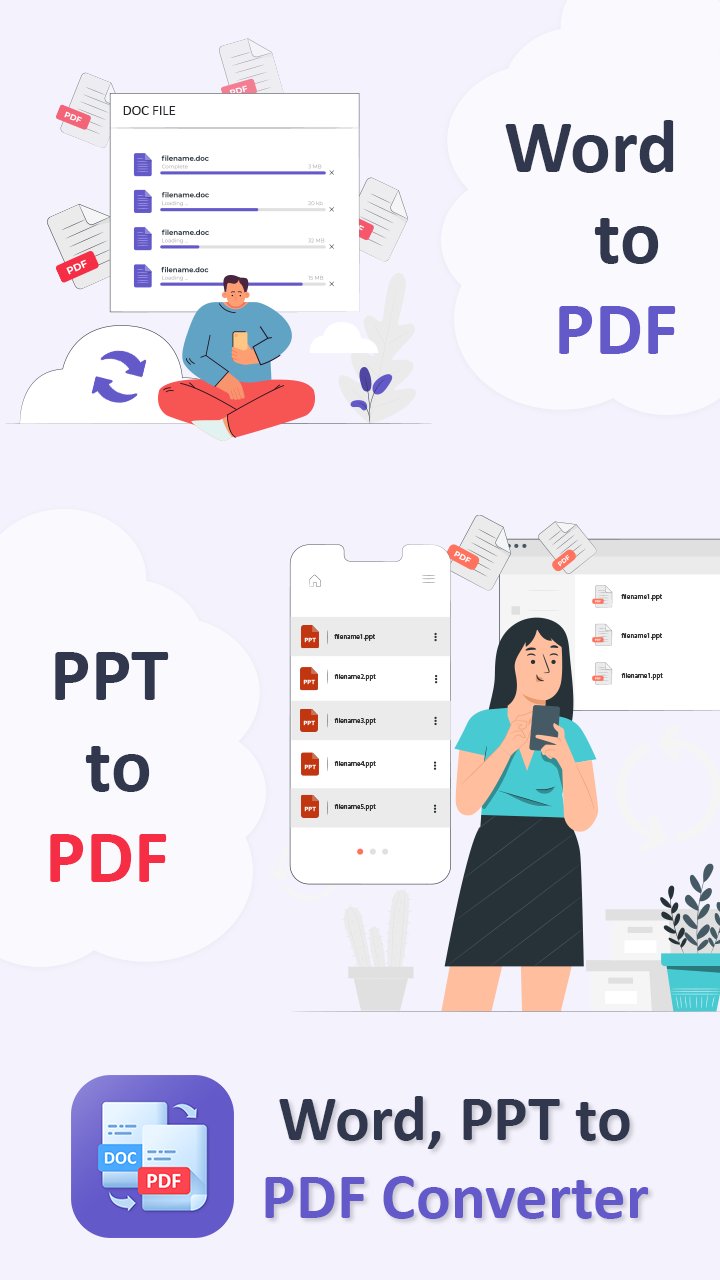
Convert Word and PowerPoint files to professional-quality PDF documents in seconds! Whether you’re working with DOC, DOCX, PPT, or PPTX formats, our PDF maker ensures high-speed, accurate conversions with no file size limits, no watermarks, and no ads.
💼 All-in-One Office Tool for PDF Creation
Easily convert:
Word to PDF (DOC, DOCX to PDF)
PowerPoint to PDF (PPT, PPTX to PDF)
Perfect for students, professionals, teachers, and anyone who works with documents and presentations.
📲 How to Use the Word, PPT to PDF Converter:
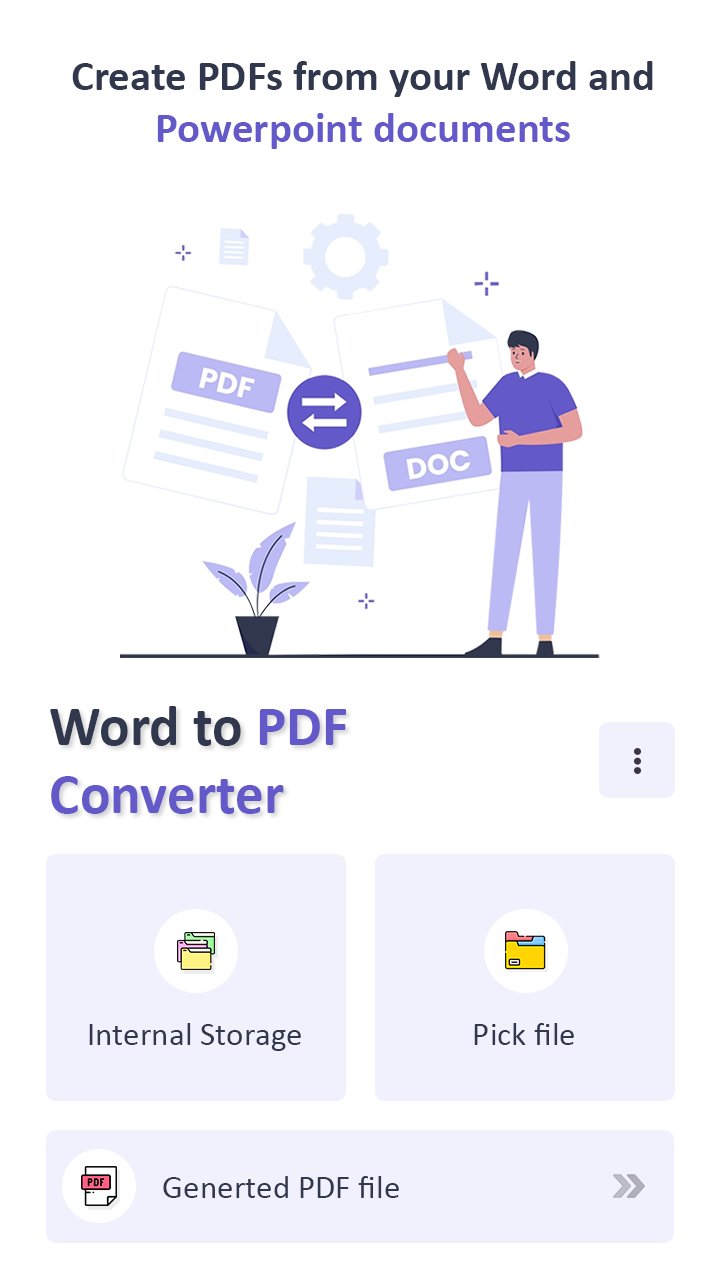
Select your Word or PowerPoint file
Tap ‘Convert’ to start the process
Save and share your new PDF file instantly
🚀 Key Features:
🔄 Fast & Secure File Conversion
💡 Supports multiple formats: DOC, DOCX, PPT, PPTX
📂 Manage files easily – Sort by name, size, or date
🔒 No watermarks or file size restrictions
📶 Works offline – Convert without internet
📤 Easy to share via email, cloud, or messaging apps
🔍 Built-in PDF viewer: Read, search, and share PDFs quickly
🛠️ Why Choose Us?
Our tool is designed to be lightweight, reliable, and perfect for on-the-go productivity. Whether you're submitting assignments, preparing presentations, or archiving office documents, this app makes file conversion quick and hassle-free.
Preview
Tags
ProductivityInformation
Developer
Techno information
Latest Version
1.9
Last Updated
2025-11-25
Category
Productivity
Available on
Google Play
Show More
How to play Word, PPT to PDF Converter with GameLoop on PC
1. Download GameLoop from the official website, then run the exe file to install GameLoop
2. Open GameLoop and search for “Word, PPT to PDF Converter” , find Word, PPT to PDF Converter in the search results and click “Install”
3. Enjoy playing Word, PPT to PDF Converter on GameLoop
Minimum requirements
OS
Windows 8.1 64-bit or Windows 10 64-bit
GPU
GTX 1050
CPU
i3-8300
Memory
8GB RAM
Storage
1GB available space
Recommended requirements
OS
Windows 8.1 64-bit or Windows 10 64-bit
GPU
GTX 1050
CPU
i3-9320
Memory
16GB RAM
Storage
1GB available space