
WhatsDeleted: Recover Messages PC
MicroApp Developers
Download WhatsDeleted: Recover Messages on PC With GameLoop Emulator
WhatsDeleted: Recover Messages sa PC
Ang WhatsDeleted: Recover Messages, na nagmumula sa developer na MicroApp Developers, ay tumatakbo sa Android systerm sa nakaraan.
Ngayon, maaari mong laruin ang WhatsDeleted: Recover Messages sa PC gamit ang GameLoop nang maayos.
I-download ito sa GameLoop library o mga resulta ng paghahanap. Hindi na tumitingin sa baterya o nakakadismaya na mga tawag sa maling oras.
I-enjoy lang ang WhatsDeleted: Recover Messages PC sa malaking screen nang libre!
WhatsDeleted: Recover Messages Panimula
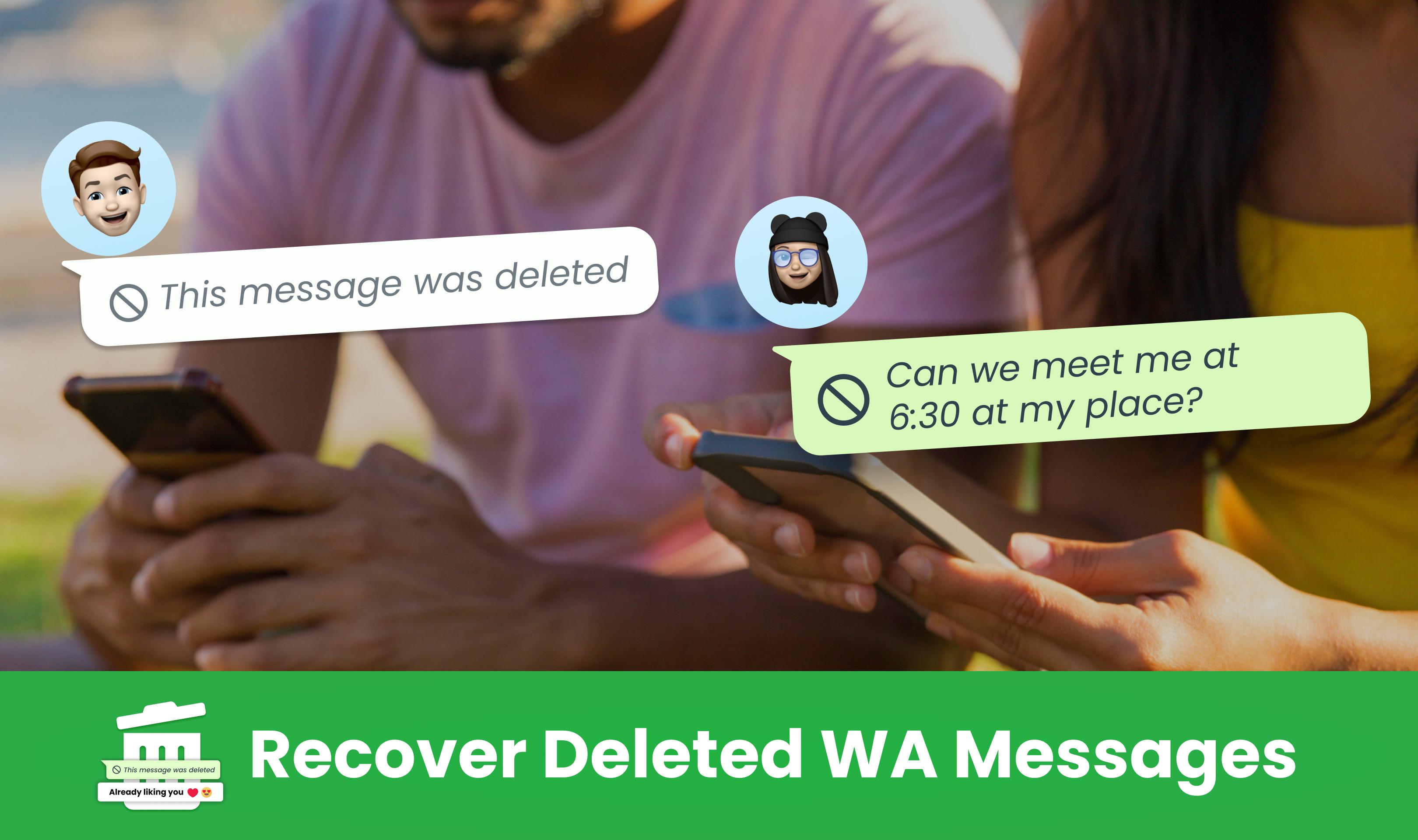
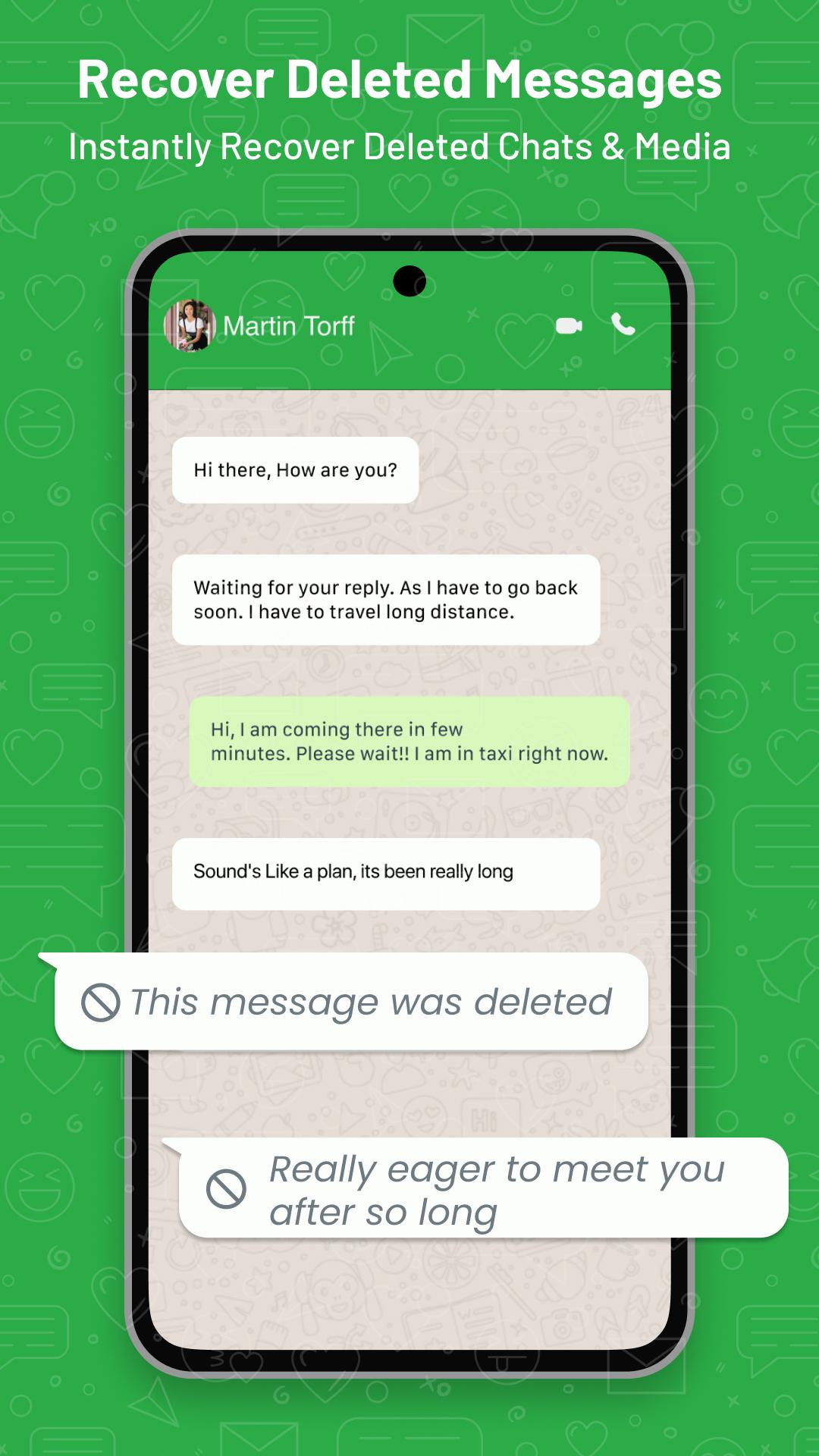
Dive into the world of WhatsDeleted: Anti Delete & Recovery Deleted WA Messages - the must-have companion for every deleted WA messages.
Beyond just recover deleted wa chats and multimedia, effortlessly use WA Status Saver
WhatsDeleted | Recover Deleted WA Messages | Anti Delete Chat | Recover Deleted Chats
🌟 Features of WhatsDeleted: Anti Delete & Recover Deleted WA Messages 🌟
1. Whatsdeleted: Recover deleted WA messages and photos promptly, even if they slipped by you.
2. Status Saver: Fancy a status? Directly save WA status to your gallery with just a click.
3. Deleted Photo Recovery: Recover Deleted Photos, clips, voice memos, and documents with precision.
4. Alerts in Real-Time: Immediate notifications whenever a chat is deleted & the chat recovery is available.
5. Intuitive Design: Navigate with ease and swift chat recovery.
6. Privacy Paramount: Rest easy knowing your data remains untouched and confidential. Everything stays on your device with supreme privacy.
7. Organized Chat Recovery: View your recovered messages & media neatly sorted by type like Recover WA Messages, Recover Deleted Photos & Videos.
8. Aftercall & Caller Info: Understand who rang you up while using Anti Delete Chat & Chat Recovery.
📌 Why opt for WhatsDeleted: Anti Delete & Recover Deleted WA Messages? 📌
- Comprehensive: Recover deleted wa messages, save status & find sorted deleted chat & recovery support.
- Trustworthy: WhatsDeleted: Anti Delete & Recover Deleted WA Messages prompt and precise outstanding recovery of deleted chats.
- Light on Resources: Silent background operation ensures battery conservation while recover deleted messages & chat recovery.
- Zero Cost: Delve into an array of indispensable features which are absolutely free to use with WhatsDeleted: Anti Delete & Recover Deleted WA Messages
Elevate every facet of your Deleted chats & deleted WA messages with WhatsDeleted: Anti Delete & Recover Deleted WA Messages.
Stay connected, stay informed, and above all, stay you.
Your insights invigorate our journey & help us to keep improving the WhatsDeleted: Anti Delete & Recover Deleted WA Messages. For any inquiries, feedback, or support, feel free to reach out to us at support@microapp.in
Keywords - Whatsdeleted, Anti Delete, Deleted WA Messages, Anti Delete Chat, Deleted WA, Messages Recover Deleted, Recover Deleted WA, Recover Deleted Messages, Chat Recovery, Deleted Chats, Support, Privacy.
Privacy Policy - https://www.microapp.in/privacy-policy.php
Terms of Use - https://www.microapp.in/terms.php
EULA - https://www.microapp.in/eula.php
Preview
Tags
ProductivityToolsInformation
Developer
MicroApp Developers
Latest Version
12.0
Last Updated
2024-02-27
Category
Productivity
Available on
Google Play
Show More
How to play WhatsDeleted: Recover Messages with GameLoop on PC
1. Download GameLoop from the official website, then run the exe file to install GameLoop
2. Open GameLoop and search for “WhatsDeleted: Recover Messages” , find WhatsDeleted: Recover Messages in the search results and click “Install”
3. Enjoy playing WhatsDeleted: Recover Messages on GameLoop
Minimum requirements
OS
Windows 8.1 64-bit or Windows 10 64-bit
GPU
GTX 1050
CPU
i3-8300
Memory
8GB RAM
Storage
1GB available space
Recommended requirements
OS
Windows 8.1 64-bit or Windows 10 64-bit
GPU
GTX 1050
CPU
i3-9320
Memory
16GB RAM
Storage
1GB available space