
Video Downloader & Save Video PC
Markhoor Studio
Download Video Downloader & Save Video on PC With GameLoop Emulator
Video Downloader & Save Video sa PC
Ang Video Downloader & Save Video, na nagmumula sa developer na Markhoor Studio, ay tumatakbo sa Android systerm sa nakaraan.
Ngayon, maaari mong laruin ang Video Downloader & Save Video sa PC gamit ang GameLoop nang maayos.
I-download ito sa GameLoop library o mga resulta ng paghahanap. Hindi na tumitingin sa baterya o nakakadismaya na mga tawag sa maling oras.
I-enjoy lang ang Video Downloader & Save Video PC sa malaking screen nang libre!
Video Downloader & Save Video Panimula
Tired of finding a reliable and efficient Video Downloader? Don't go anywhere, Video Downloader & Save Video is your solution to download videos.
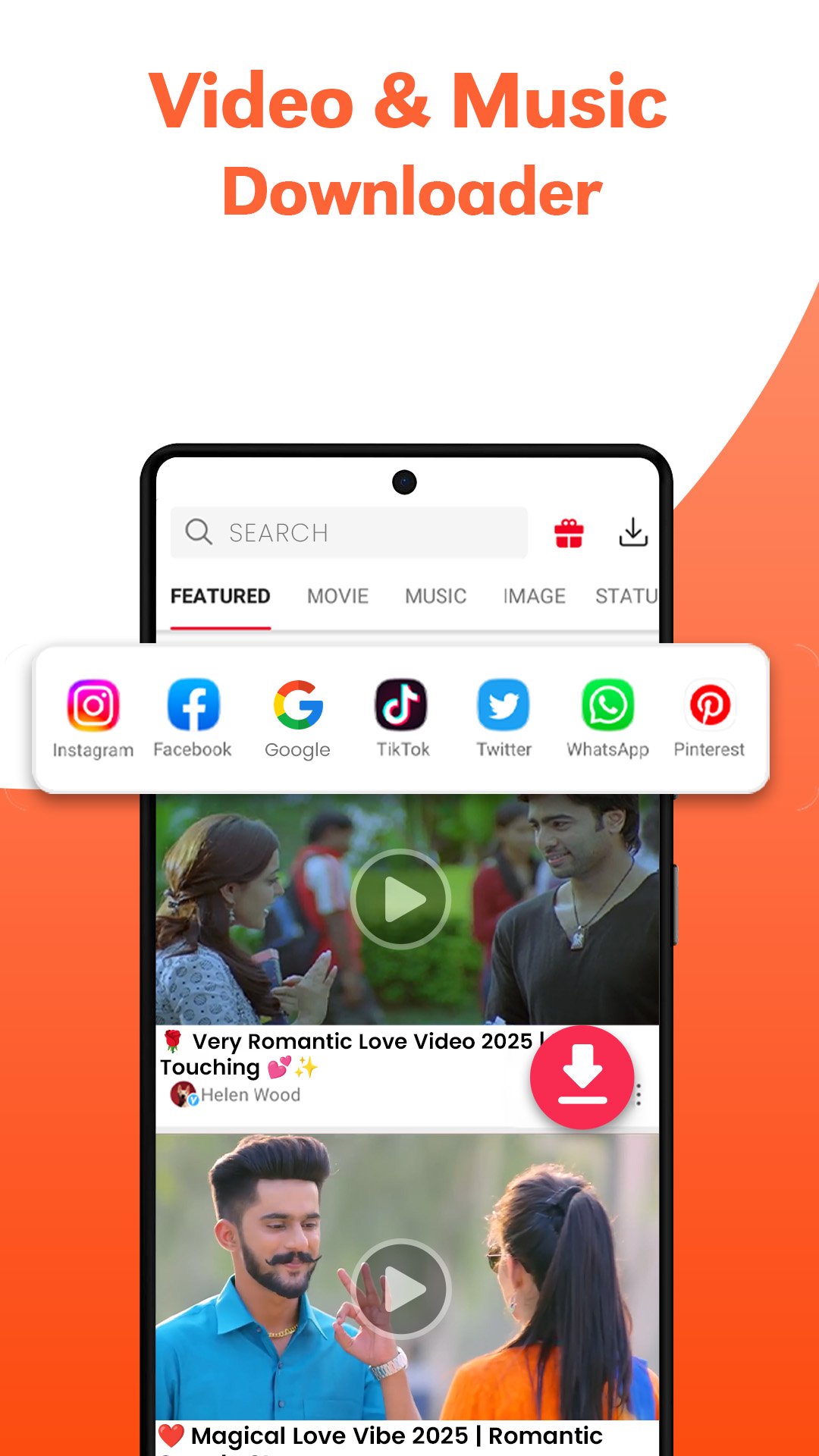
Download Videos in all formats on your any device through this Video Saver app. After detecting the link of the video, you can save Video with one click on the download button. You can pause & resume, download in the background, and play videos in this All Video Downloader app.
Simple HD video saver for your favorite reels and stories on your phone. Easily download videos from this fast private videos downloader, which is a perfect tool to save videos & trending clips for you.
Video Saver can download multiple videos in the background at the same time, with auto-detection of any video link. Enjoy the video download manager for your saved videos from this online video downloader, which protects your private videos. This videodownloader downloads hot & online videos in the background from any site, and also resumes the failed downloads due to internet disconnection.
🎬 Download Movies and Video Clips
A movie downloader that downloads your favourite movie clips and videos without any interruption during downloading. Enjoy this video downloader and player on your different devices for audio & video formats
📺Different Resolution of Videos
HD Downloader supports fast and stable playback of 4K/UHD videos. All download formats are supported, like MP3, M4a, MP4, m4v, 3GP, FLV, F4V, WEBM,etc. Preview all the videos first, fast download, and play them offline after downloading them from the free video downloader.
📥All Video Downloader Browser
Downloads the video clips very proficiently with auto-detect link to video in an easy way through the video downloader & save video. For HD video download from the internet, use this video saver app to save videos and images.
💥 Main Features of Downloader Video
✶ Auto-detect all local videos
✶ Download Multiple files in the background
✶ Large and HD video download are supported
✶ Browse & Play videos offline with the built-in player
✶ Save your downloaded files in a password-protected folder of the URL downloader
✶ Download videos from your favorite bookmark websites
✶ Unlimited downloads of files
✶ Story saver and download reels
Let’s try this perfect HD downloader to save all types of videos. Enjoy the video download manager to pause, resume, and remove downloads from your protected folder of the video save app.
Download Video Downloader & Save Video now, to enjoy the non-stop video downloading experience with just one click.
🚨Attention:
This video download app is not a YouTube downloader due to the policies of YouTube, so enjoy all other sites for downloading. Use this downloader ethically and legally to avoid any inconvenience or violations of intellectual property rights.
Your advice & feedback are important for us, so feel free to give your precious feedback on ksk960793@gmail.com
Preview

Tags
ProductivityInformation
Developer
Markhoor Studio
Latest Version
1.1.15
Last Updated
2025-11-20
Category
Productivity
Available on
Google Play
Show More
How to play Video Downloader & Save Video with GameLoop on PC
1. Download GameLoop from the official website, then run the exe file to install GameLoop
2. Open GameLoop and search for “Video Downloader & Save Video” , find Video Downloader & Save Video in the search results and click “Install”
3. Enjoy playing Video Downloader & Save Video on GameLoop
Minimum requirements
OS
Windows 8.1 64-bit or Windows 10 64-bit
GPU
GTX 1050
CPU
i3-8300
Memory
8GB RAM
Storage
1GB available space
Recommended requirements
OS
Windows 8.1 64-bit or Windows 10 64-bit
GPU
GTX 1050
CPU
i3-9320
Memory
16GB RAM
Storage
1GB available space