To-do Lite 2019 PC
Digital Valley
Download To-do Lite 2019 on PC With GameLoop Emulator
To-do Lite 2019 sa PC
Ang To-do Lite 2019, na nagmumula sa developer na Digital Valley, ay tumatakbo sa Android systerm sa nakaraan.
Ngayon, maaari mong laruin ang To-do Lite 2019 sa PC gamit ang GameLoop nang maayos.
I-download ito sa GameLoop library o mga resulta ng paghahanap. Hindi na tumitingin sa baterya o nakakadismaya na mga tawag sa maling oras.
I-enjoy lang ang To-do Lite 2019 PC sa malaking screen nang libre!
To-do Lite 2019 Panimula
📅 " To-do list,Calendar,Reminders & Planner All in One .Do Your Any do To-do List. "
📅 To-do list,Calendar,Reminders & Planner All in Oneis a Smart task List for Every Day use.Simplest App,Set Reminders,Create To Do Lists . Best in USA users ♥ ♥
To-do list,Calendar,Reminders & Planner All in One is a complete tasks organizer and task reminder notes application for managing your any do with to do utility.Keeps all your to do list, reminders, calendar & agenda always in sync so you’ll never forget a thing.
To-do list,Calendar,Reminders & Planner All in One Works completely offline. Improve your time management and productivity of your organizations quickly,accuratly and easily.
To make your time-management even more efficient, we created some great tools. To-do list,Calendar,Reminders & Planner All in One is one of them. To boost work load it is ideal for you.
To-do list,Calendar,Reminders & Planner All in One is a well designed application. Improved in functionality. Efficient, beautiful and easy to use app. Its having a lot of features and supports you’ll love. Designed for a better overview. Having higher efficiency and more accuracy in adding and editing events and activities.
To-do List: Task Reminder is a robust calendar and task management tool having capabilities to manage your personal and professional schedules.
To-do list,Calendar,Reminders & Planner All in One is simple yet powerful task management software. It is best, one screen, light weight task management app.
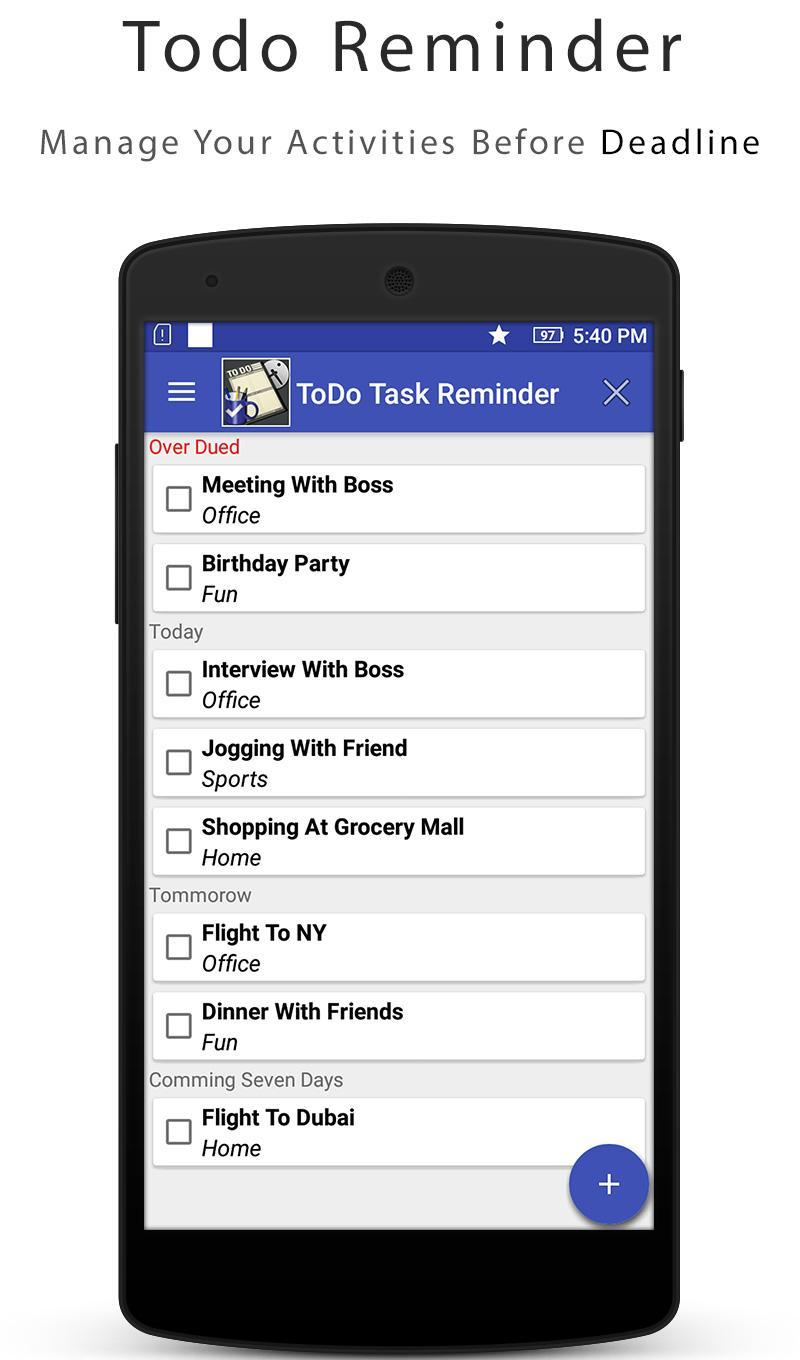
Plan your day in style and ease. Arrange your schedule and get reminded by notification or alarm of your choice.
Make your to-do list and set reminders for your events. Never forget your upcoming important event. Create a check list of all events of the day and keep track of it.
It encourages you to plan one day in advance. To-do list help you to get things done on time and make you life organized.
Get your to-dos done easy and efficiently. Keep everything in order and increase your productivity.
To achieve your goals do right things at right time. You can start doing that with this free to-do list .
Feature Overview:
✯ Clean, Simple and easy to use material design
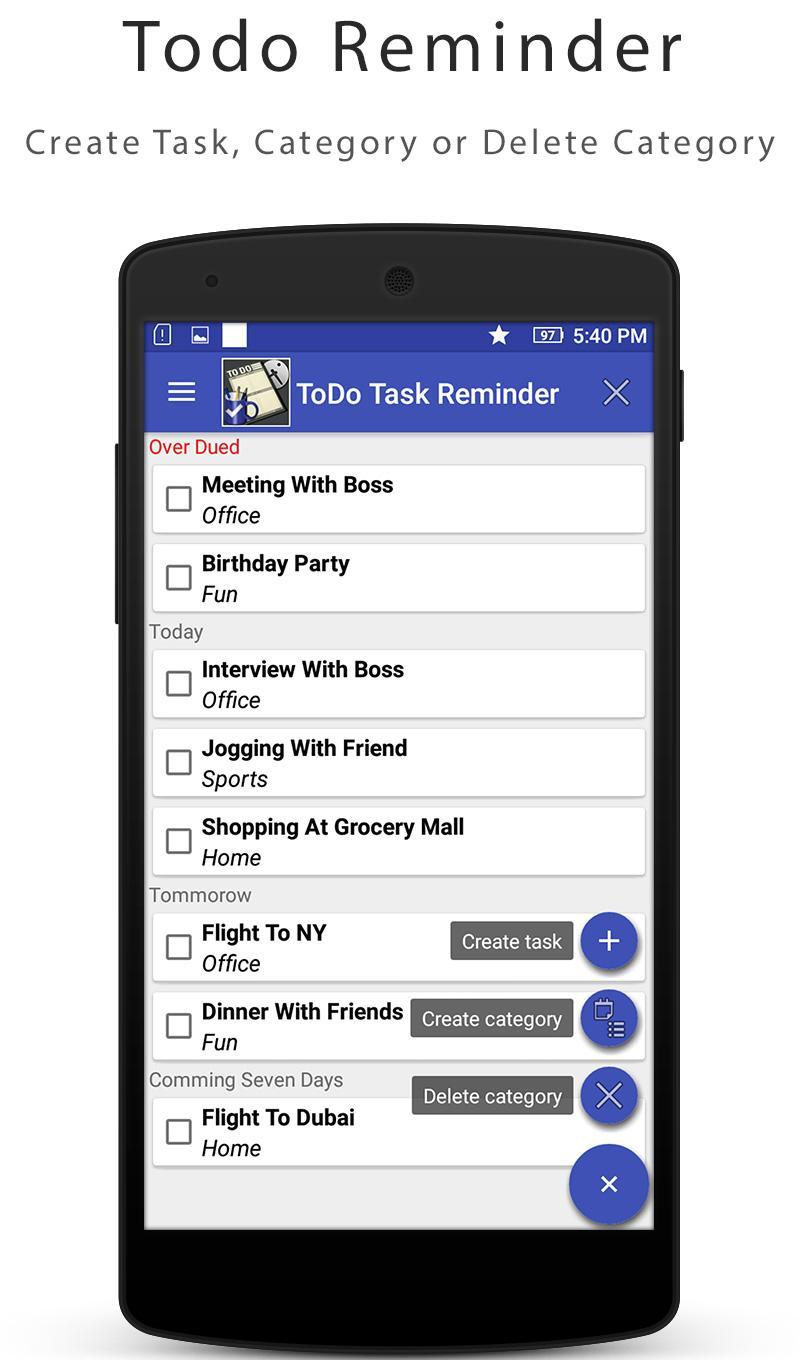
✯ Add, remove and edit task in very simple way
✯ You can set up reminders for your tasks to receive a notification or informational pops up alert when your tasks are almost due.
✯ Add your own categories like shopping, office, home, business etc.
✯ Add your project and then set your task.
✯ Set priority with different colors.
✯ Add an unlimited number of task & deadline reminders
✯ Reminders can be set to show every 5 minutes, 2 minutes and 10 minutes.
✯ No account required
✯ To-do List: Task Reminder is free to download and use
✯To-do List: Task Reminder Apps support and more!
♥ What do you think of our app? Let us know about your favorite features and rate us so we continue to improve ♥
1. Please contact us by email: digitalvalley13@gmail.com
2. find us on Facebook at:
https://www.facebook.com/SharpSol/
Preview
Information
Developer
Digital Valley
Latest Version
6.3
Last Updated
2019-04-08
Category
Productivity
Available on
Google Play
Show More
How to play To-do Lite 2019 with GameLoop on PC
1. Download GameLoop from the official website, then run the exe file to install GameLoop
2. Open GameLoop and search for “To-do Lite 2019” , find To-do Lite 2019 in the search results and click “Install”
3. Enjoy playing To-do Lite 2019 on GameLoop
Minimum requirements
OS
Windows 8.1 64-bit or Windows 10 64-bit
GPU
GTX 1050
CPU
i3-8300
Memory
8GB RAM
Storage
1GB available space
Recommended requirements
OS
Windows 8.1 64-bit or Windows 10 64-bit
GPU
GTX 1050
CPU
i3-9320
Memory
16GB RAM
Storage
1GB available space