TimeDock - QR Code Time Clock PC
TimeDock.com
Download TimeDock - QR Code Time Clock on PC With GameLoop Emulator
TimeDock - QR Code Time Clock sa PC
Ang TimeDock - QR Code Time Clock, na nagmumula sa developer na TimeDock.com, ay tumatakbo sa Android systerm sa nakaraan.
Ngayon, maaari mong laruin ang TimeDock - QR Code Time Clock sa PC gamit ang GameLoop nang maayos.
I-download ito sa GameLoop library o mga resulta ng paghahanap. Hindi na tumitingin sa baterya o nakakadismaya na mga tawag sa maling oras.
I-enjoy lang ang TimeDock - QR Code Time Clock PC sa malaking screen nang libre!
TimeDock - QR Code Time Clock Panimula
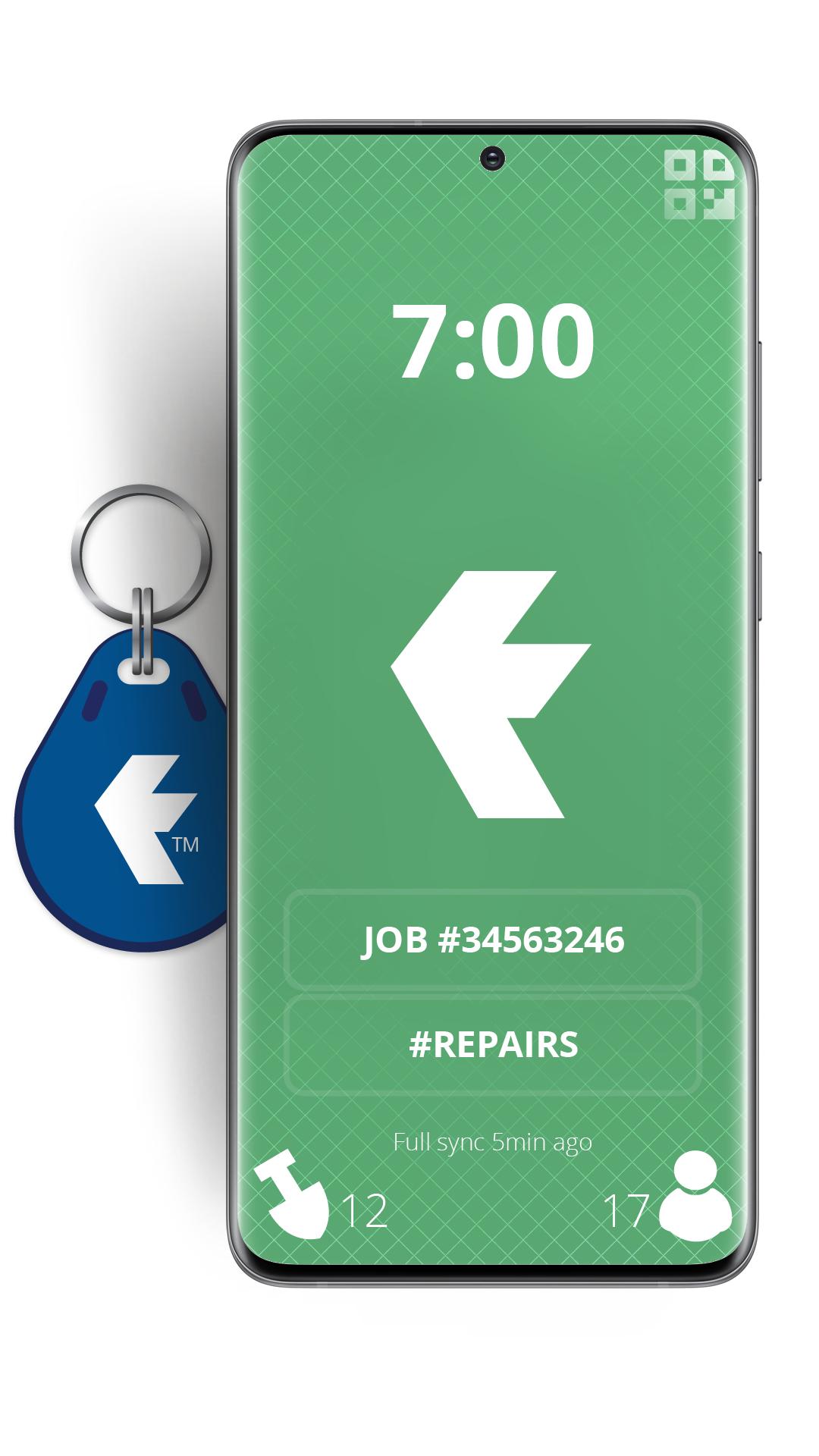
Turn your devices into badge-based employee time clock machines, using QR Codes or NFC badges for staff to swipe in on site, or out in the field.
TimeDock is a web-based, scalable and robust timesheet system, with online job timesheets.
We also supply wall-mounted time clock machines that work in tandem with this mobile time clock app, sold as optional extras.
You will need a TimeDock.com registered account to use this app. However, for the price of a cup of coffee per employee per month, companies save on average 2% gross wages annually, when compared with a manual time entry system prone to error and timesheet fraud.
Top 5 reasons you'll be the new hero of your business, by using TimeDock to record your employee hours:
• Scale from 1 to 1000+ staff, without diminishing workflow.
• Report online timesheets and job hours, in real time.
• Save 2% of your gross annual payroll ($1000 per employee).
• No more late timesheets or rounding issues!
• Reduces your employment liability, by storing accurate work logs.
Register for your free trial at http://timedock.com
Preview

Tags
ProductivityInformation
Developer
TimeDock.com
Latest Version
2.5.1
Last Updated
2025-10-20
Category
Productivity
Available on
Google Play
Show More
How to play TimeDock - QR Code Time Clock with GameLoop on PC
1. Download GameLoop from the official website, then run the exe file to install GameLoop
2. Open GameLoop and search for “TimeDock - QR Code Time Clock” , find TimeDock - QR Code Time Clock in the search results and click “Install”
3. Enjoy playing TimeDock - QR Code Time Clock on GameLoop
Minimum requirements
OS
Windows 8.1 64-bit or Windows 10 64-bit
GPU
GTX 1050
CPU
i3-8300
Memory
8GB RAM
Storage
1GB available space
Recommended requirements
OS
Windows 8.1 64-bit or Windows 10 64-bit
GPU
GTX 1050
CPU
i3-9320
Memory
16GB RAM
Storage
1GB available space