
Time Tracker - Timesheet PC
gleeo.com
Download Time Tracker - Timesheet on PC With GameLoop Emulator
Time Tracker - Timesheet sa PC
Ang Time Tracker - Timesheet, na nagmumula sa developer na gleeo.com, ay tumatakbo sa Android systerm sa nakaraan.
Ngayon, maaari mong laruin ang Time Tracker - Timesheet sa PC gamit ang GameLoop nang maayos.
I-download ito sa GameLoop library o mga resulta ng paghahanap. Hindi na tumitingin sa baterya o nakakadismaya na mga tawag sa maling oras.
I-enjoy lang ang Time Tracker - Timesheet PC sa malaking screen nang libre!
Time Tracker - Timesheet Panimula
Gleeo Time Tracker is a simple and easy to use time tracking tool, optimized for your touch-screen device.
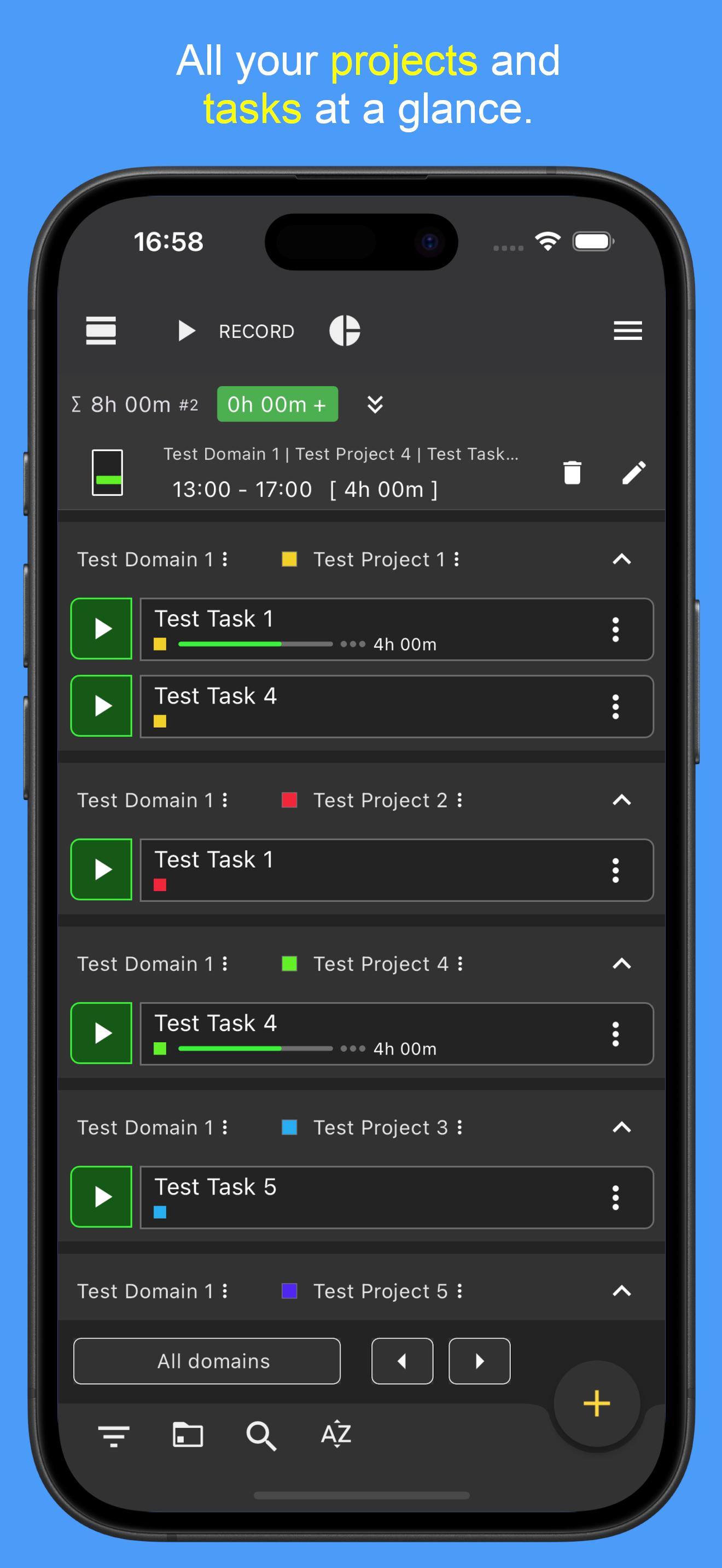
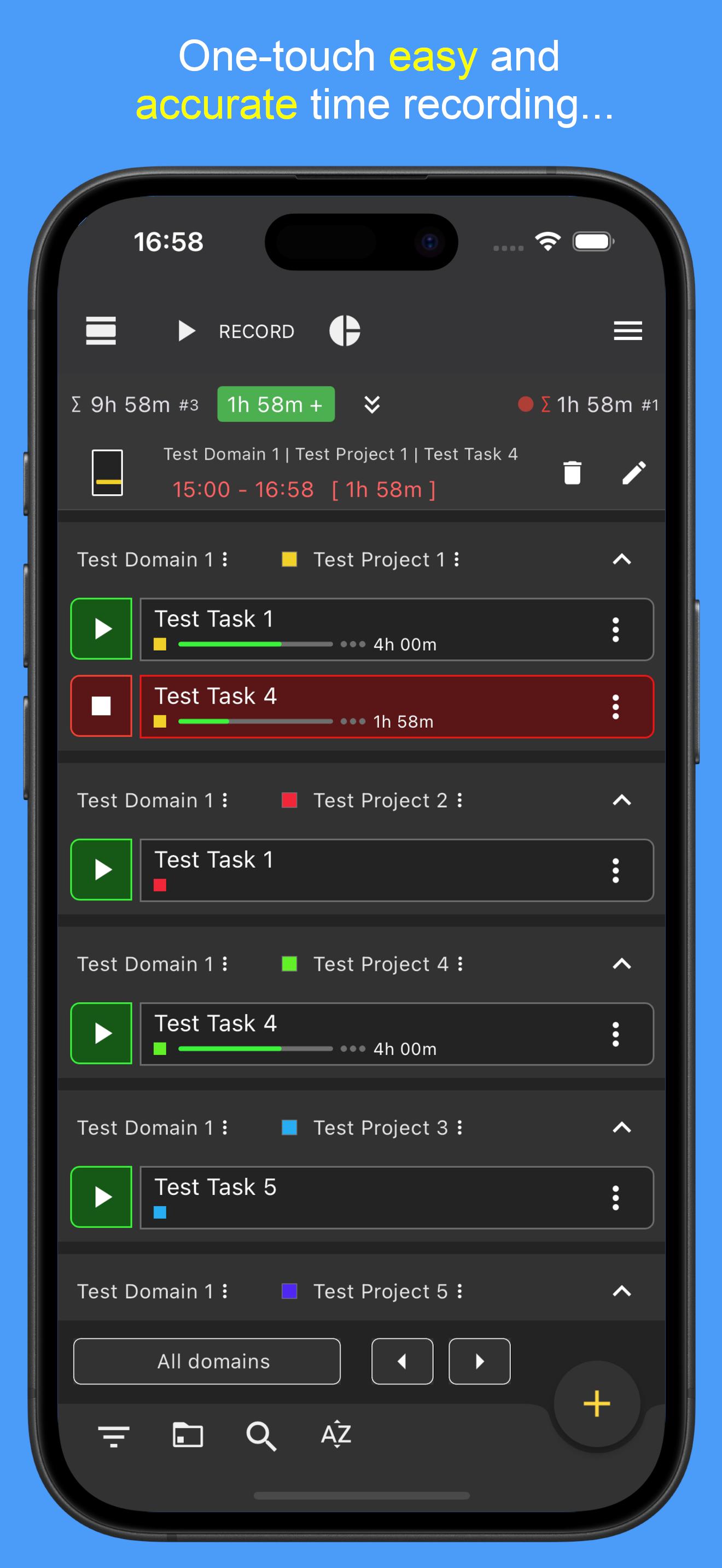
Record time with minimal effort, easily switch between projects and tasks, or access on-the-fly statistics to see your recorded times at a glance.
Features
🔸 Create Projects and assign Tasks to them.
🔸 Enter unique details for each time entry.
🔸 Record multiple tasks at the same time.
🔸 Alternatively enter time ranges manually.
🔸 Edit existing data in the timeline.
🔸 Organize your entries by high-level domains, projects, and individual tasks.
🔸 Turn each domain on or off to easily organize and view different kinds of activities.
🔸 on-the-fly reports for a fast overview.
🔸 Optional backup to local memory and to Google drive.
🔸 Export and import data in CSV format, and analyze your data using your favorite spreadsheet program (such as Excel, Google Sheets, or LibreOffice).
🔸Time estimation and ongoing calculation of the time spent as a percentage value
🔸 Completely Ad Free!
Extended Services
⭐ Pro Version
The Pro version allows to have an unlimited number of tasks and to record an unlimited number of time entries. The Pro version also offers other useful features.
🔸 Geofencing - automatically record time depending on current location
🔸 Working time model - keep track of working hours at all times. The current overtime and minus hours can be permanently calculated and displayed.
⭐ Sync&Team™
The Sync&Team with monthly subscription includes all features of the Pro Version and extends the Gleeo Time Tracker app to a time management system with professional end-to-end encrypted synchronization between all user devices. It allows to manage time in team, offers a web-based data management and much more.
More infos: https://gleeo.com/index.php/en/guide-web-app-en
Preview
Tags
ProductivityBusinessInformation
Developer
gleeo.com
Latest Version
4.1.54
Last Updated
2025-07-25
Category
Productivity
Available on
Google Play
Show More
How to play Time Tracker - Timesheet with GameLoop on PC
1. Download GameLoop from the official website, then run the exe file to install GameLoop
2. Open GameLoop and search for “Time Tracker - Timesheet” , find Time Tracker - Timesheet in the search results and click “Install”
3. Enjoy playing Time Tracker - Timesheet on GameLoop
Minimum requirements
OS
Windows 8.1 64-bit or Windows 10 64-bit
GPU
GTX 1050
CPU
i3-8300
Memory
8GB RAM
Storage
1GB available space
Recommended requirements
OS
Windows 8.1 64-bit or Windows 10 64-bit
GPU
GTX 1050
CPU
i3-9320
Memory
16GB RAM
Storage
1GB available space