
Teem - Collaborate & Connect PC
Teem Technologies, Inc.
Download Teem - Collaborate & Connect on PC With GameLoop Emulator
Teem - Collaborate & Connect sa PC
Ang Teem - Collaborate & Connect, na nagmumula sa developer na Teem Technologies, Inc., ay tumatakbo sa Android systerm sa nakaraan.
Ngayon, maaari mong laruin ang Teem - Collaborate & Connect sa PC gamit ang GameLoop nang maayos.
I-download ito sa GameLoop library o mga resulta ng paghahanap. Hindi na tumitingin sa baterya o nakakadismaya na mga tawag sa maling oras.
I-enjoy lang ang Teem - Collaborate & Connect PC sa malaking screen nang libre!
Teem - Collaborate & Connect Panimula
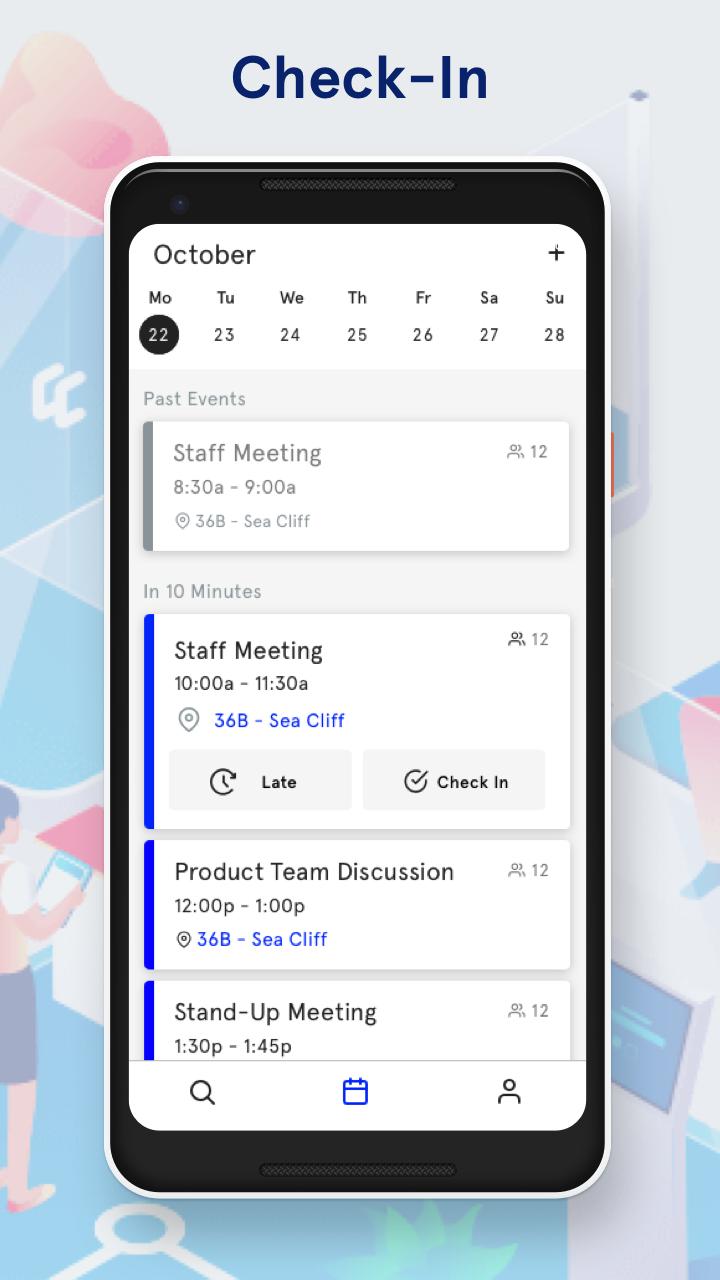
The Teem App makes Check-in easier, offers smarter ways to find spaces to book, and provides you with turn-by-turn directions to your upcoming meetings. Take these tools with you, wherever you go.
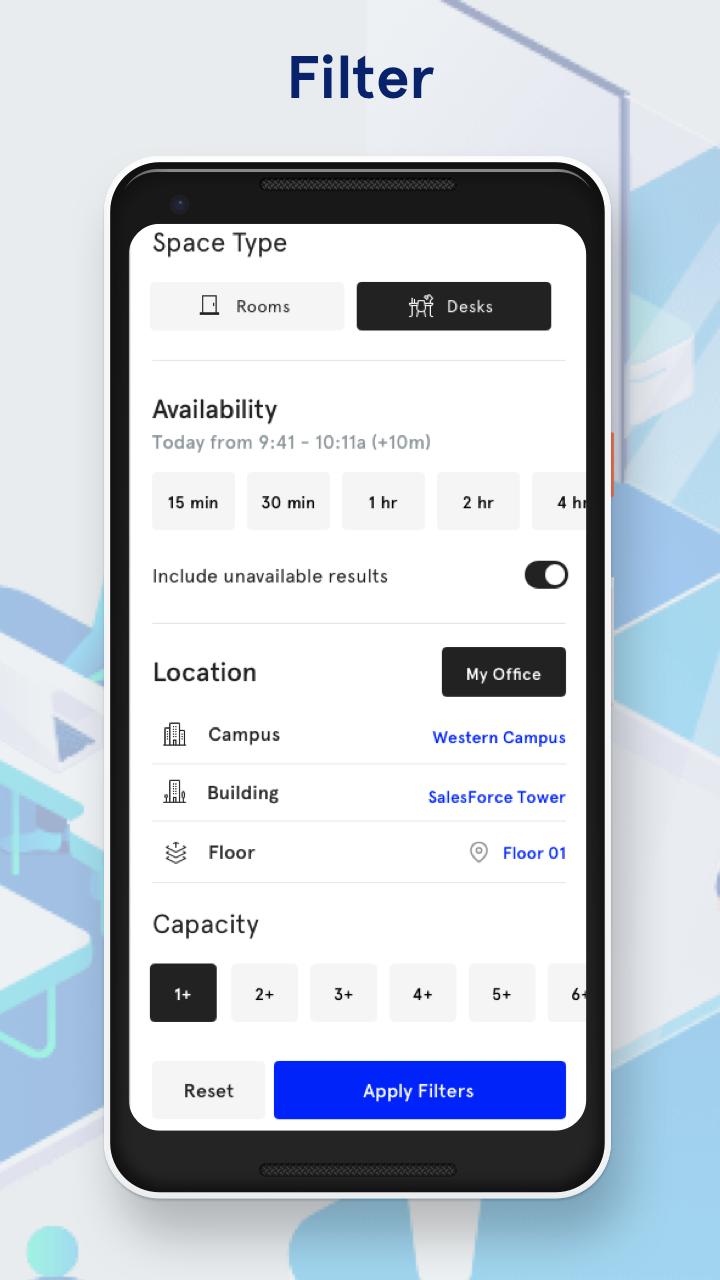
Quickly find exactly what you’re looking for. Whether it’s something nearby, a frequently used space, or a room with a whiteboard, quickly find the spaces that are most relevant to your needs.
• Automatic Check-in that’s better, faster, easier!
• Customize results with relevant categories like Nearby Spaces, Frequently Booked, and My Office.
• Filter results by availability, amenities, capacity, and location.
• Quickly book on-the-fly or make a last minute addition.
• Easily manage meetings from anywhere.
• Get turn-by-turn directions via Aruba Meridian.
Preview
Tags
ProductivityInformation
Developer
Teem Technologies, Inc.
Latest Version
1.15.3-release-b4afe4563
Last Updated
2023-10-23
Category
Productivity
Available on
Google Play
Show More
How to play Teem - Collaborate & Connect with GameLoop on PC
1. Download GameLoop from the official website, then run the exe file to install GameLoop
2. Open GameLoop and search for “Teem - Collaborate & Connect” , find Teem - Collaborate & Connect in the search results and click “Install”
3. Enjoy playing Teem - Collaborate & Connect on GameLoop
Minimum requirements
OS
Windows 8.1 64-bit or Windows 10 64-bit
GPU
GTX 1050
CPU
i3-8300
Memory
8GB RAM
Storage
1GB available space
Recommended requirements
OS
Windows 8.1 64-bit or Windows 10 64-bit
GPU
GTX 1050
CPU
i3-9320
Memory
16GB RAM
Storage
1GB available space