
Sync2 Outlook Google Companion PC
4Team Corporation
Download Sync2 Outlook Google Companion on PC With GameLoop Emulator
Sync2 Outlook Google Companion sa PC
Ang Sync2 Outlook Google Companion, na nagmumula sa developer na 4Team Corporation, ay tumatakbo sa Android systerm sa nakaraan.
Ngayon, maaari mong laruin ang Sync2 Outlook Google Companion sa PC gamit ang GameLoop nang maayos.
I-download ito sa GameLoop library o mga resulta ng paghahanap. Hindi na tumitingin sa baterya o nakakadismaya na mga tawag sa maling oras.
I-enjoy lang ang Sync2 Outlook Google Companion PC sa malaking screen nang libre!
Sync2 Outlook Google Companion Panimula
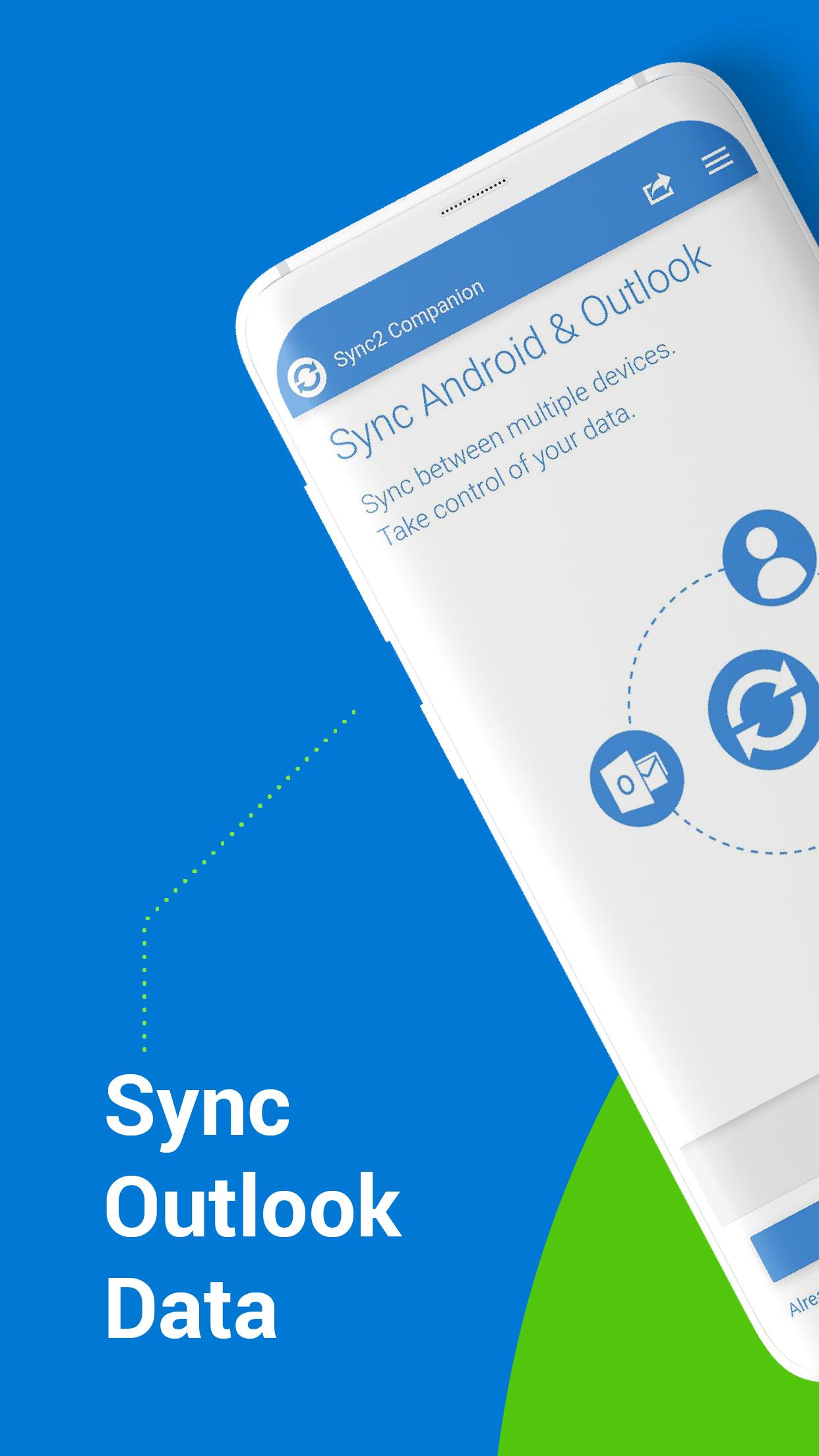
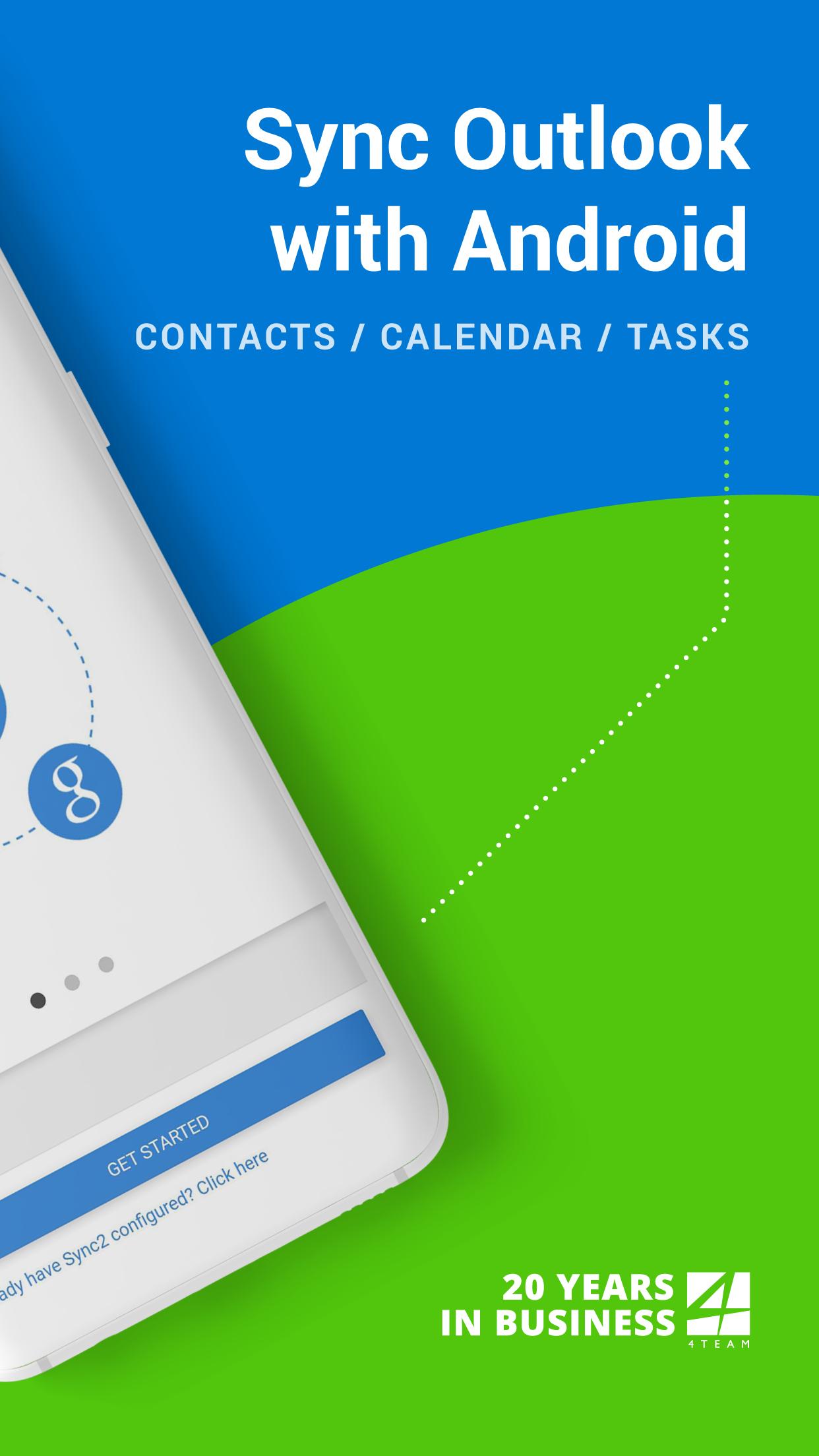
This is a Complimentary Companion that helps you set up synchronization for Outlook with Google, Office 365, Exchange, iCloud and Android, iPhone, iPad sync with iCloud and other cloud services. Sync2 Companion will go through all the necessary settings to set up synchronization.
Public Folder Sync to smartphones
Public Folders sync solution. Microsoft Exchange Public Folders are not displayed natively on smartphones. Choose sync type “Public Folders on Mobile Device" and you will be guided to set up Sync2 Cloud. The new Sync2 Cloud helps to sync Public Folders. Sync & Share Public Folders on multiple platforms or smartphones (Android, iPhone, iPad). Sync any type of Public folders (calendars, contacts, tasks, emails, notes).
About Sync2 desktop app:
The Microsoft Outlook synchronization add-in software keeps your Emails, Calendar, Contacts and Tasks in sync between your Outlook, Google, iPhone, iPad, Android or any other smartphone, tablet or PC. You can schedule automatic Outlook synchronization or perform a manual sync on demand, or use an instant sync feature for changes made on Outlook to be moved immediately.
Sync2 is the right tool for you if you are looking for a way to:
• sync Outlook with your smartphone or tablet;
• sync your Outlook Contacts, Calendars and/or Tasks with Google services in one-way or two-way direction;
• easily sync your Outlook data, such as emails, calendars, contacts, tasks, notes, Outlook journals between multiple PCs without the Microsoft Exchange server;
• synchronize specific Outlook folders with different workgroups.
Main Sync2 features:
* Sync Microsoft Outlook between PC’s without a server.
* Sync Outlook Calendar with Google Calendars.
* Instant synchronization of changes made on Microsoft Outlook.
* Synchronize Microsoft Outlook Contacts with Google Contacts.
* Sync Outlook Tasks with Google Tasks Lists.
* Automatic backup of Contacts and Calendar folders before each synchronization.
* Synchronize data even when Microsoft Outlook is closed.
* Manual or scheduled synchronization.
* Sync Exchange folders.
Preview
Tags
ProductivityInformation
Developer
4Team Corporation
Latest Version
1.7.4
Last Updated
2024-07-15
Category
Productivity
Available on
Google Play
Show More
How to play Sync2 Outlook Google Companion with GameLoop on PC
1. Download GameLoop from the official website, then run the exe file to install GameLoop
2. Open GameLoop and search for “Sync2 Outlook Google Companion” , find Sync2 Outlook Google Companion in the search results and click “Install”
3. Enjoy playing Sync2 Outlook Google Companion on GameLoop
Minimum requirements
OS
Windows 8.1 64-bit or Windows 10 64-bit
GPU
GTX 1050
CPU
i3-8300
Memory
8GB RAM
Storage
1GB available space
Recommended requirements
OS
Windows 8.1 64-bit or Windows 10 64-bit
GPU
GTX 1050
CPU
i3-9320
Memory
16GB RAM
Storage
1GB available space