
StatusPro - Status Saver for WhatsApp PC
Stickify
Download StatusPro - Status Saver for WhatsApp on PC With GameLoop Emulator
StatusPro - Status Saver for WhatsApp sa PC
Ang StatusPro - Status Saver for WhatsApp, na nagmumula sa developer na Stickify, ay tumatakbo sa Android systerm sa nakaraan.
Ngayon, maaari mong laruin ang StatusPro - Status Saver for WhatsApp sa PC gamit ang GameLoop nang maayos.
I-download ito sa GameLoop library o mga resulta ng paghahanap. Hindi na tumitingin sa baterya o nakakadismaya na mga tawag sa maling oras.
I-enjoy lang ang StatusPro - Status Saver for WhatsApp PC sa malaking screen nang libre!
StatusPro - Status Saver for WhatsApp Panimula
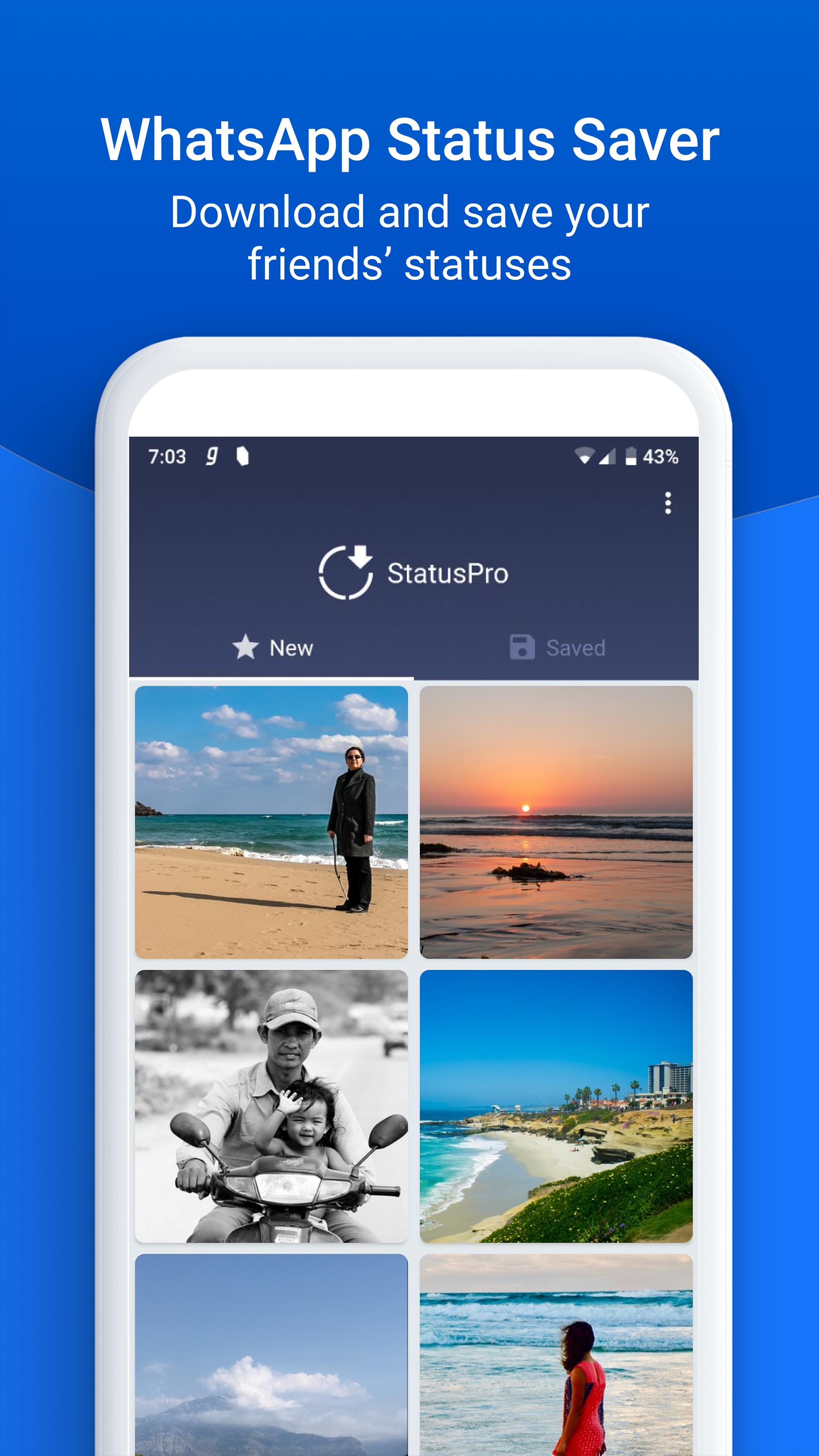
Did you see an interesting status video or photo posted by a friend on WhatsApp that you wanted to share? Download WhatsApp status videos using this status saver and share it as your own status.
With this status downloader for WhatsApp status, you can now browse, download and save statuses forever. Once saved, these statuses are not lost after 24 hours and you can view these WhatsApp statuses anytime you like.
Sharing WhatsApp statuses that your friends post is now easier. Open Status Pro, click download on any status, and save it. You you can share it with friends by simply pressing the Share WhatsApp status button.
How to use StatusPro WhatsApp Status Downloader
1. Open WhatsApp, go to Status and view as many of them as you like
2. Now open StatusPro which will show you all the statuses that you viewed
3. Click the Download button on the items that you wish to save. This will add it to the status saver app for WhatsApp for free.
4. To repost or share a status, click on the status image and click Repost 🔁 or Share icon
5. To view saved status videos and photos, open the Saved page in Whats Status Downloader.
6. The saved photos and videos will be available in your Photos/Gallery app in StatusProSaved folder
Download WhatsApp Status Saver for free!
See status without seen mark
1. In WhatsApp, go to Settings and click on Account
2. Open Privacy and scroll down to Read receipts
3. Uncheck the Read receipts checkbox
4. Your friends won't see that you've seen their status - now you can see hidden status
5. Change it back when needed. You can't see your status viewers when read receipts is off
Powerful features
- A neat and professional download WhatsApp status video app
- Download your friends' WhatsApp statuses after you view them
- Save as many status photos and videos as you like with Status WhatsApp downloader
- Easily share interesting statuses and status WhatsApp videos
- Save WhatsApp status download only for those that you like - don't fill your storage space
- Delete saved content when you don't need them
- In-built video player to view and save WhatsApp Status Video
- Share or repost status videos shared by your friends
- Simple to save WhatsApp status in gallery and works very fast
- The easiest save Whats app status
Disclaimer: This application is not associated with WhatsApp Inc. or any of its products and is developed by a third-party for personal use. This application does not host any content and displays only the files stored on your phone.
Privacy: All status images and videos are stored on your phone and not uploaded anywhere.
Share your comments and feedback at apps@clusterdev.com
Did you enjoy the app? Don't forget to leave us a great review 🌟
Preview

Information
Developer
Stickify
Latest Version
1.0.5
Last Updated
2019-01-03
Category
Productivity
Available on
Google Play
Show More
How to play StatusPro - Status Saver for WhatsApp with GameLoop on PC
1. Download GameLoop from the official website, then run the exe file to install GameLoop
2. Open GameLoop and search for “StatusPro - Status Saver for WhatsApp” , find StatusPro - Status Saver for WhatsApp in the search results and click “Install”
3. Enjoy playing StatusPro - Status Saver for WhatsApp on GameLoop
Minimum requirements
OS
Windows 8.1 64-bit or Windows 10 64-bit
GPU
GTX 1050
CPU
i3-8300
Memory
8GB RAM
Storage
1GB available space
Recommended requirements
OS
Windows 8.1 64-bit or Windows 10 64-bit
GPU
GTX 1050
CPU
i3-9320
Memory
16GB RAM
Storage
1GB available space