SMART CONSTRUCTION Pilot PC
Komatsu Ltd.
Download SMART CONSTRUCTION Pilot on PC With GameLoop Emulator
SMART CONSTRUCTION Pilot sa PC
Ang SMART CONSTRUCTION Pilot, na nagmumula sa developer na Komatsu Ltd., ay tumatakbo sa Android systerm sa nakaraan.
Ngayon, maaari mong laruin ang SMART CONSTRUCTION Pilot sa PC gamit ang GameLoop nang maayos.
I-download ito sa GameLoop library o mga resulta ng paghahanap. Hindi na tumitingin sa baterya o nakakadismaya na mga tawag sa maling oras.
I-enjoy lang ang SMART CONSTRUCTION Pilot PC sa malaking screen nang libre!
SMART CONSTRUCTION Pilot Panimula
※In order to use this application, it is necessary to install 「SMART CONSTRUCTION Retrofit Kit」to the machine. 「SMART CONSTRUCTION Retrofit Kit」 is applicable to all hydraulic excavators regardless of model.
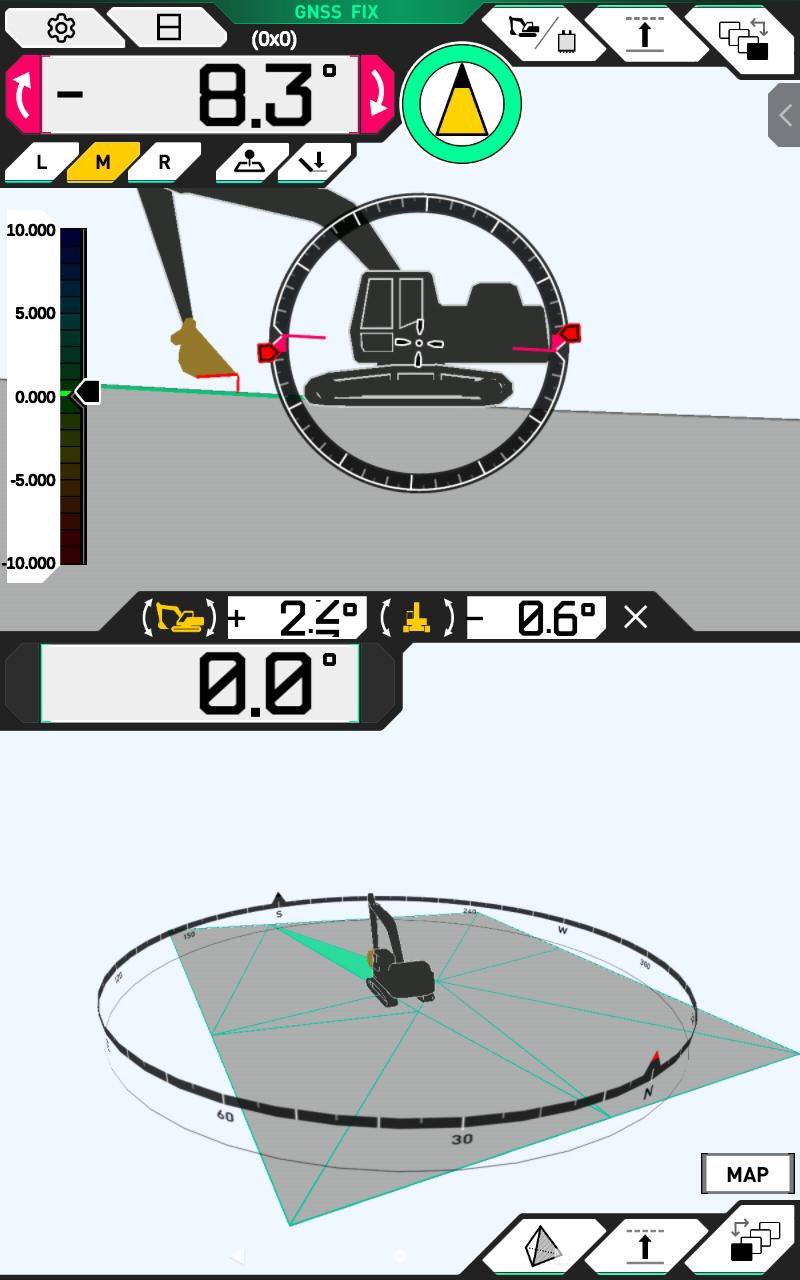
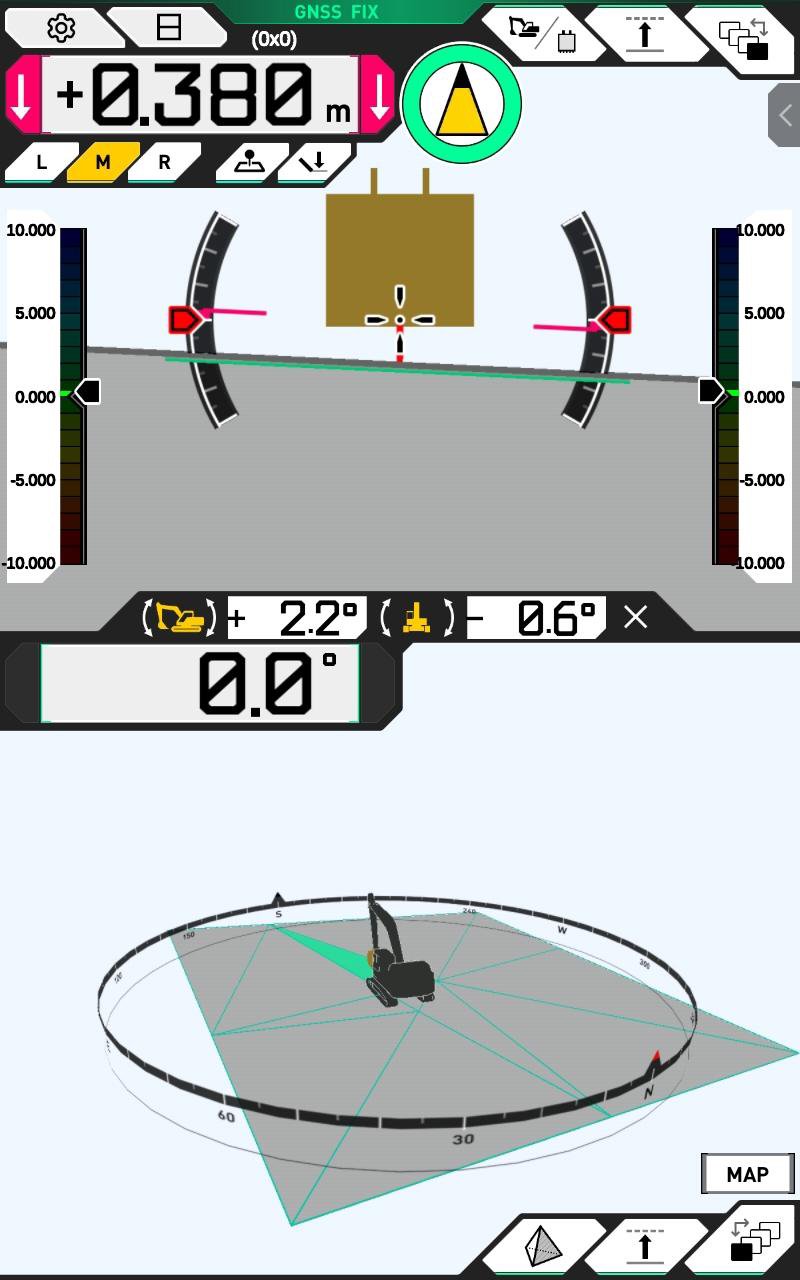
This 「SMART CONSTRUCTION Pilot」 is dedicated application for use of 「SMART CONSTRUCTION Retrofit Kit」. It will digitalize a conventional hydraulic excavator and provides 3D Machine Guidance and Payload capabilities.
【 Features 】
①Construction using 3D Machine Guidance with 3D design data
②Payload(Option)
③「SMART CONSTRUCTION Retrofit Kit」 can be installed to any hydraulic excavator regardless of model (target model to be expanded sequentially)
【 How to use 】
① Connect 「SMART CONSTRUCTION Retrofit Kit」 and the tablet device with 「SMART CONSTRUCTION Pilot」 installed to the WiFi router
② Start the application
※ For details, please read the operation manual of this application
【 Warnings 】
● In order to use this application, please prepare a fixture to install the tablet device in the operator cabin
● In order to use this application, the tablet device must be connected to a Wifi router.
● While using the application, it consumes considerable amount of power during operation, therefore please prepare a power supply device for the tablet
● Please install tablet, fixture and power supply device so that it does not fall off and to the location which do not interfere the operation of the machine and field of view. Interference or falling of the tablet device, fixture, or power supply device during operation may cause damage, injury, or serious personal injury.
● When attaching/detaching and adjusting the position of the tablet device or fixing device, make sure to set the position of lock lever to lock position and stop the engine beforehand
● When operating the application, make sure to stop the machine and check the safety of the surrounding area to ensure that there is no contact with other machines or site workers, and to prevent yourself from turning over and crashing
● This application uses the location, angle, sensor information from 「SMART CONSTRUCTION Retrofit Kit」
● The cutting edge accuracy varies depending on operating method or operating conditions
● Make sure to conduct startup inspections and daily maintenance to the machine that to be connected with the application
● For more details, please read the operation manual, SMART CONSTRUCTION Application User Guide and manual of tablet fixture, power supply device
Preview
Tags
ProductivityInformation
Developer
Komatsu Ltd.
Latest Version
1.0.12
Last Updated
2025-10-19
Category
Productivity
Available on
Google Play
Show More
How to play SMART CONSTRUCTION Pilot with GameLoop on PC
1. Download GameLoop from the official website, then run the exe file to install GameLoop
2. Open GameLoop and search for “SMART CONSTRUCTION Pilot” , find SMART CONSTRUCTION Pilot in the search results and click “Install”
3. Enjoy playing SMART CONSTRUCTION Pilot on GameLoop
Minimum requirements
OS
Windows 8.1 64-bit or Windows 10 64-bit
GPU
GTX 1050
CPU
i3-8300
Memory
8GB RAM
Storage
1GB available space
Recommended requirements
OS
Windows 8.1 64-bit or Windows 10 64-bit
GPU
GTX 1050
CPU
i3-9320
Memory
16GB RAM
Storage
1GB available space